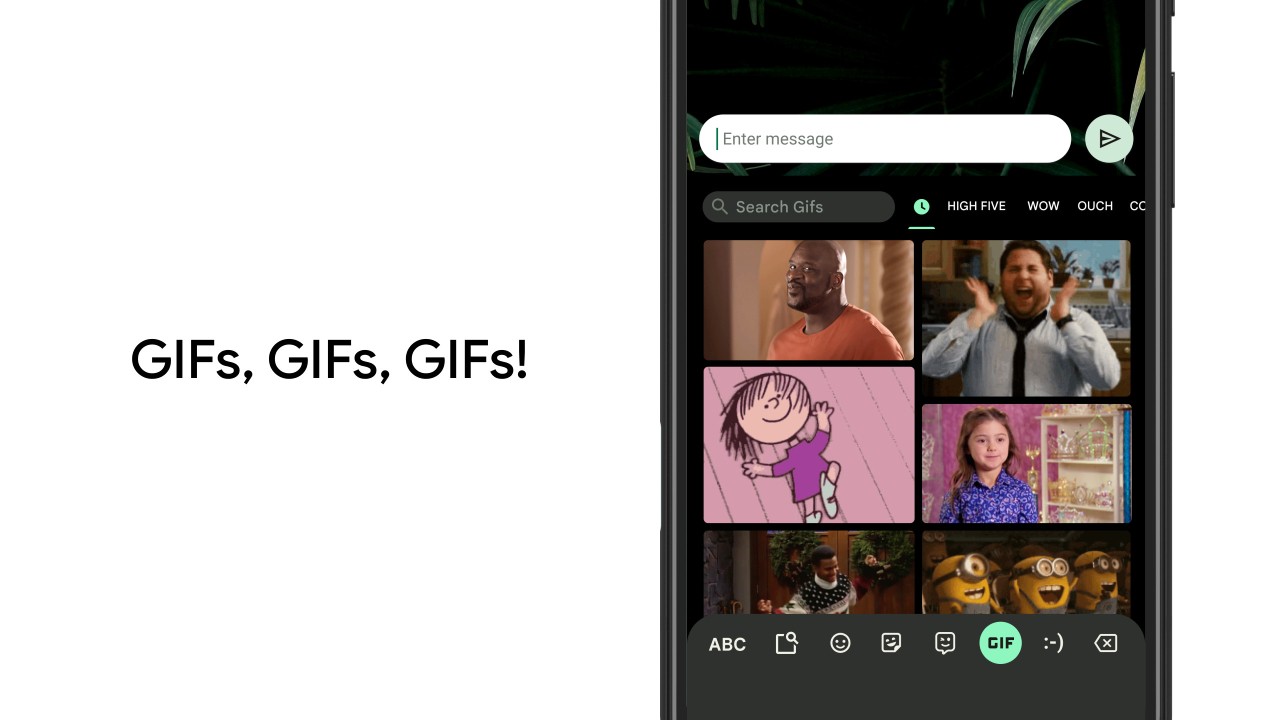
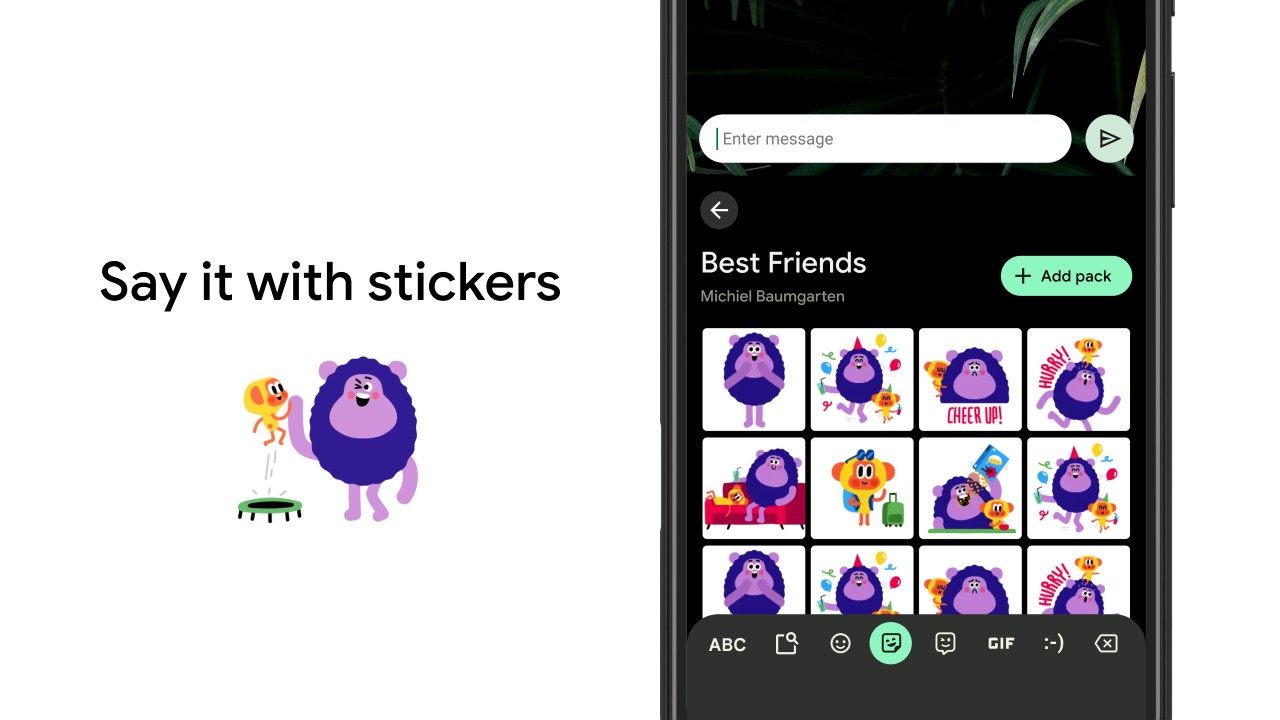
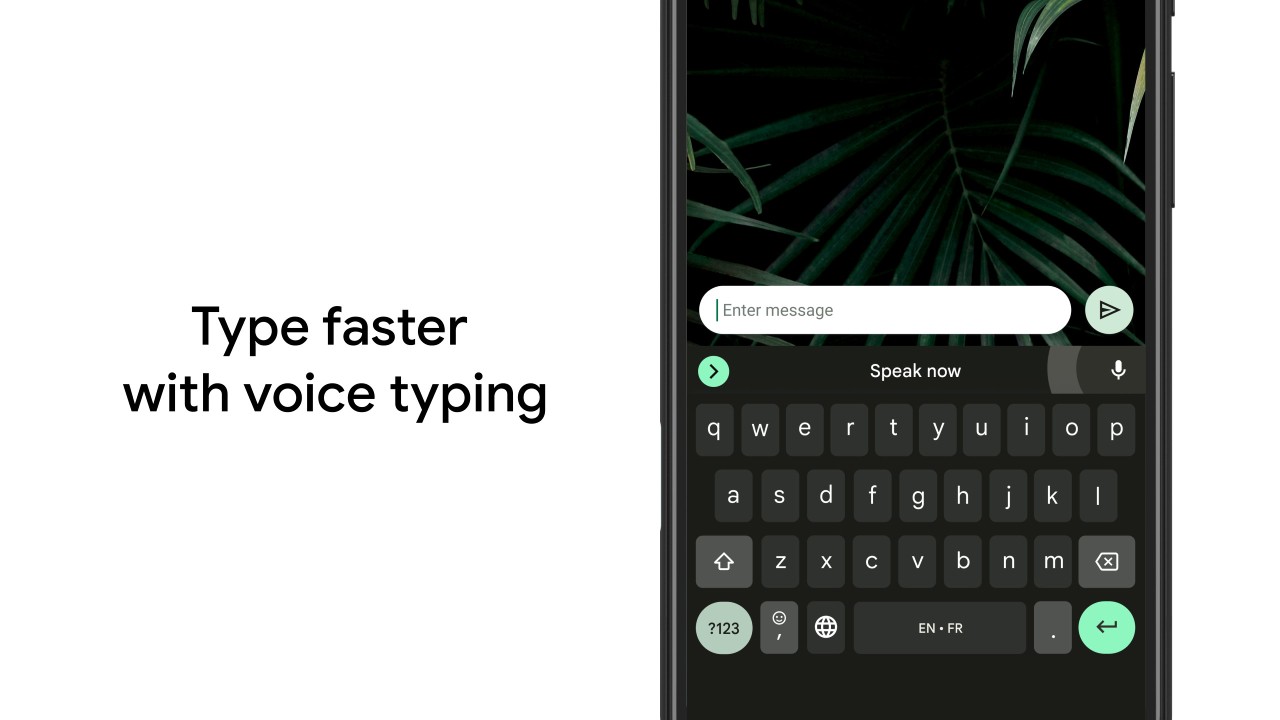
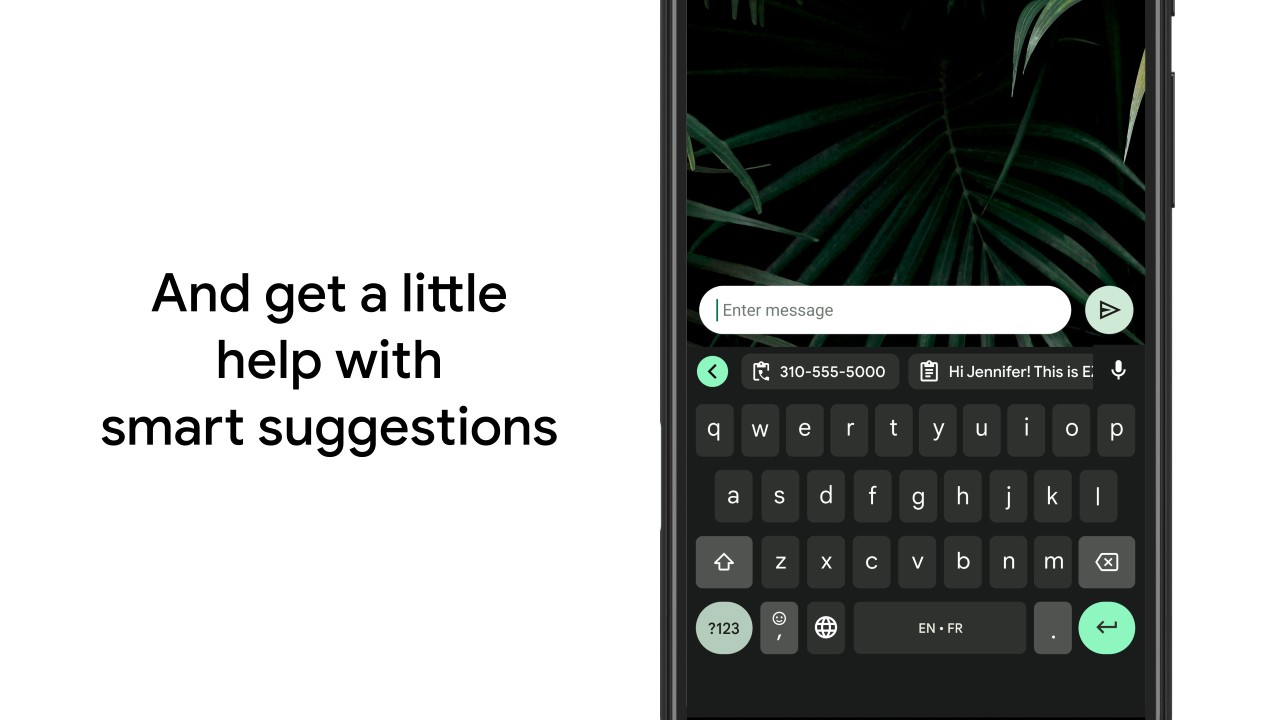
Gboard is Google's official digital keyboard. It includes lots of tiny, useful features and personalization options. It offers a faster way of typing thanks to options such as dictation, sliding letters to make words, etc. And if you like to communicate with pictures, you will be able to use emojis, GIFs, and more.
The app also offers smart suggestions in your language, with words appearing while you type your letters. For people who write in different languages, Gboard offers multilingual typing options (with suggestions) and can also do translations.
Gboard can support hundreds of languages, including dialects and languages of the region, and automatically suggest words in more than one language simultaneously. That is why it is useful for mixed language users who naturally use a combination of languages.
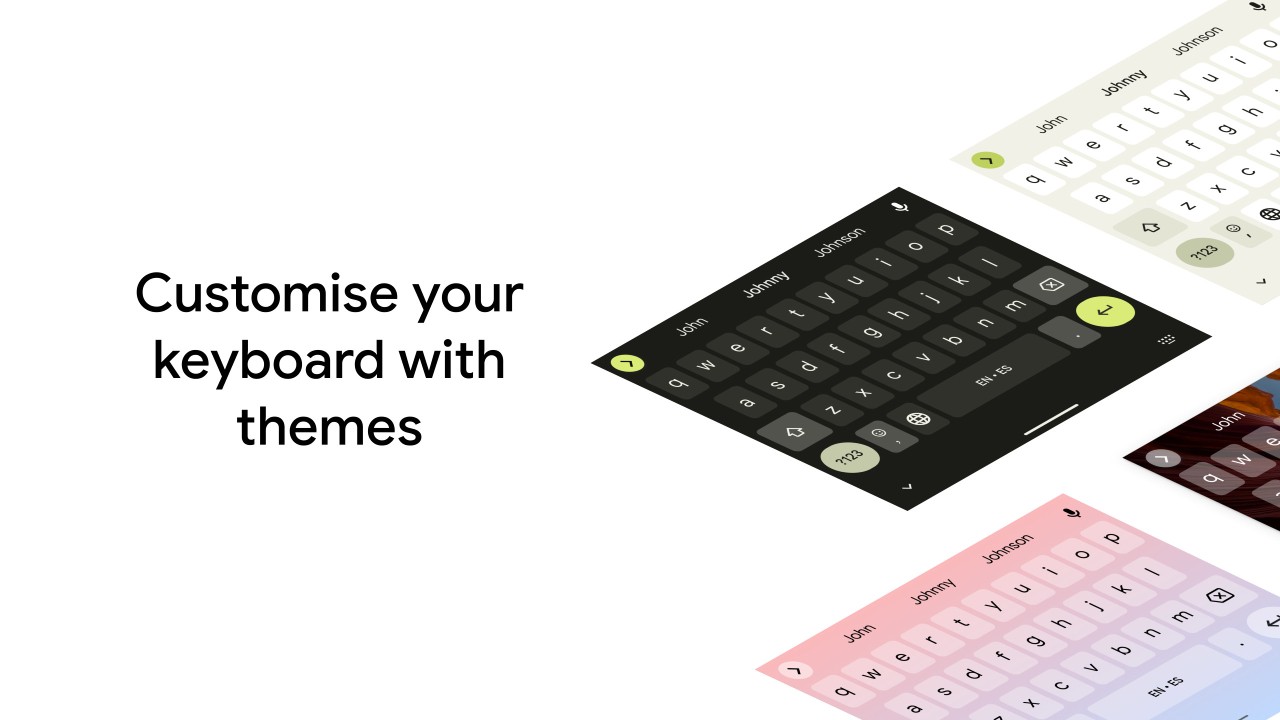
The app does not emphasize flashy design but focuses on dependability and minor conveniences that help in typing in day-to-day life. However, you can still personalize your keyboard experience by changing the colors and even using pictures as a keyboard wallpaper.
Why Should I Download Gboard?
You can download Gboard when you are searching for a free digital keyboard without ads, and that still offers many functionalities for typing, as well as adding pictures, and personalizing the interface.
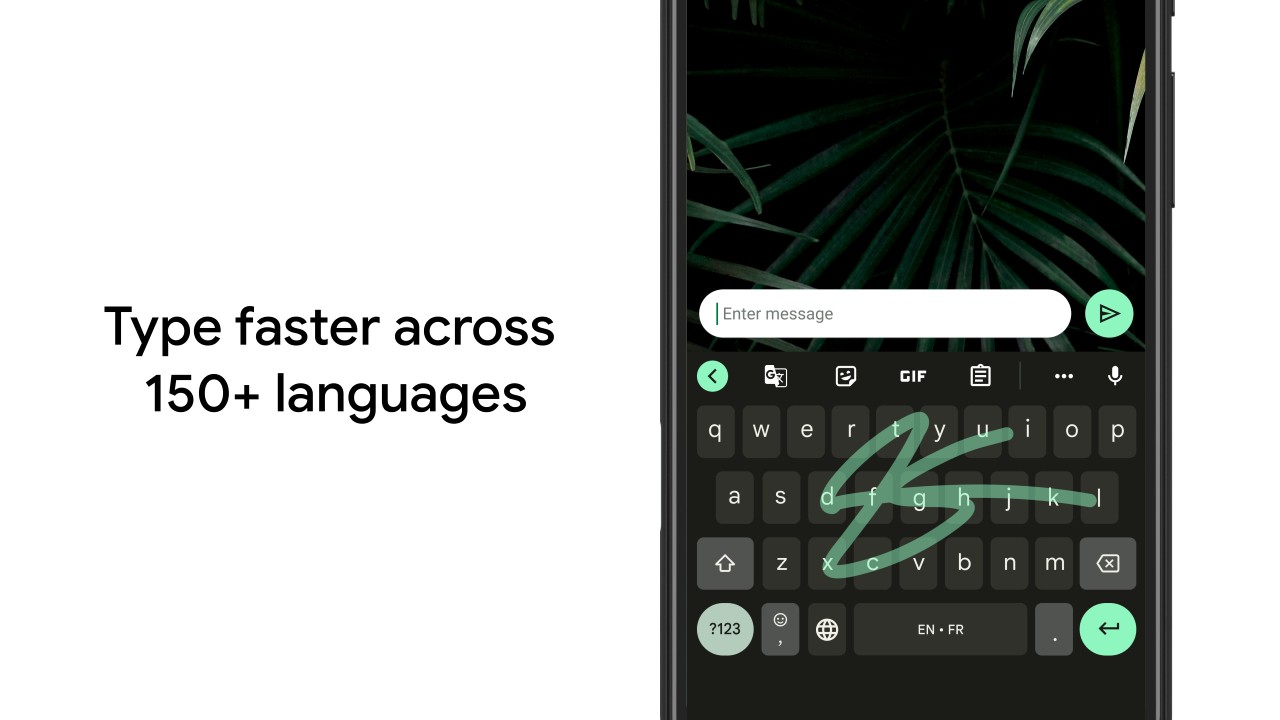
With Glide typing, you simply move your finger around the letters, and the app understands which word you want to write. Difficult at first, after a while you get used to it. In case you do not feel like typing at all, voice input comes to the rescue, and it surprisingly can be used to make a quick reply or a longer message with great accuracy. Other users will even want to use a handwriting input, particularly in cases when they can more easily sketch the letters than press them.
The other large reason to download Gboard is multilingual typing. You can use it to predict in both English and your native language, without having to switch keyboards. Gboard allows you to use multiple languages at the same time. It is language-aware and offers suggestions automatically in the right language.
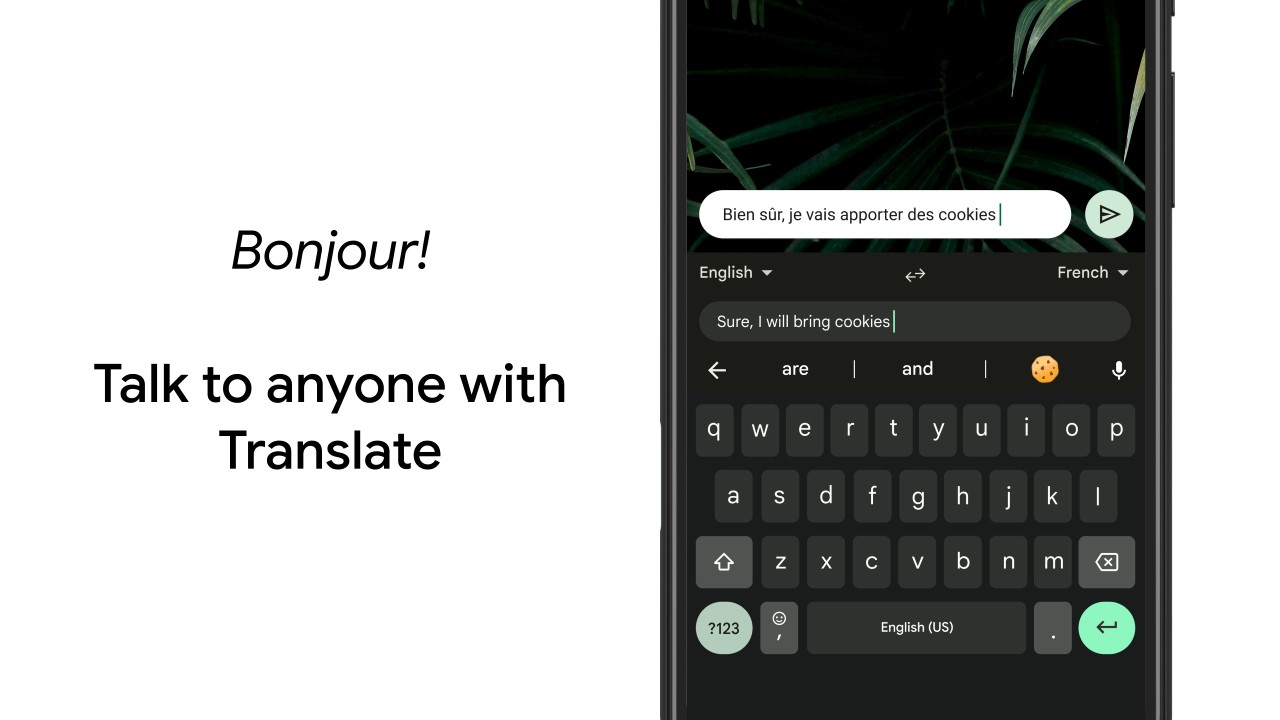
Another silent feature is the built-in Google translation. You can translate your words as you type, which is very useful when using online to have a conversation or to learn a new language. Or when talking to someone in a different country where you don’t know the language.
Gboard offers other tools too: the space bar has gesture control to move the cursor, swipe to delete a few words, the option to display hints on symbols, an actual number row, a quick emoji search, and even customizing the keyboard theme. All these minor details help make the everyday typing process easier. It is not a fancy app, but it gets dozens of minute nuisances that you never paid much attention to, but then no more. This is why it is downloaded by many people: it continues to type quickly, consistently, and predictably.
Is Gboard Free?
Yes, Gboard is absolutely free to install and use on iOS and Android, and there are no ads. No upgrades, subscriptions, premium themes, or add-ons are hidden. The features, such as multilingual typing, voice input, glide typing, emoji search, GIF search, and Google Translate, are all free. The app is also free since it belongs to the Google ecosystem and is not a paid product.
What Operating Systems Are Compatible with Gboard?
You can download Gboard on Android and iOS devices. It is installed on numerous Android devices, mainly the ones that use Google. Android users can use all the key functionality, such as glide typing, voice input, handwriting, emoji searches, GIFs, multilingual typing, themes, and all the available supported languages. It is possible that not all the features are supported on Android Go devices because of the limitations of the system, yet the primary typing functions remain operable.
Gboard is available in the App Store on iOS. It also supports features such as glide typing, voice input, searching emails, typing in multiple languages, and searching GIFs; however, system-level restrictions on deeper integrations are sometimes a hindrance that exists in Android. Nevertheless, the essence of experience is largely the same. Wear OS is also compatible with Gboard, which provides a smaller variant of glide typing and voice typing, as well as a search of quick emojis directly on the wrist. Therefore, Android, iPhone, and other compatible smartwatches, Gboard on all significant platforms.
What Are the Alternatives to Gboard?
Microsoft SwiftKey Keyboard is among the most used alternatives as it pays so much attention to predictive learning. It will not just predict the words in the dictionary; it will learn with your writing style and it will be more personalized over time. SwiftKey has powerful auto-correction and multilingual typing, which many people who donate to SwiftKey find to their liking. It also contains themes, emoji guessing, typing on gestures, clipboard applications, and inter-gadget cloud-based congruency. SwiftKey is compatible with iOS and Android and has a broader range of customization features than Gboard, but lacks built-in Google services. SwiftKey is downloaded by those who desire personalized predictions as opposed to Google-like features. Many users download SwiftKey when they want predictions that adapt uniquely to their writing style.
People who like to customize their typing, not only the typing itself, are the primary users of Fonts Keyboard Themes & Emoji. It is concentrated on the stylish fonts, ornamental letters, symbols, decorative patterns, and thematic colors. Rather than being a productivity-intensive keyboard, it is oriented toward expression and visual diversity. This renders it attractive to younger users who desire their messages in social apps to appear different or more expressive. Although it has emojis, themes, and certain prediction capabilities, the most valuable feature of it is switching between various font styles in a short period of time. When they desire functionality to be less important than personalization or a deep level of multilingual typing, users download it. People often download this keyboard when they want their messages to stand out visually.
Facemoji AI Emoji Keyboard is an emoji-intensive and customizable keyboard that offers a combination of typing and creative expression. It has an enormous collection of emojis, stickers, kaomoji, GIFs, and customizable emoji selections. The keyboard also enables users to customize the themes, backgrounds, sounds, and key shapes. Facemoji encourages glide typing and multilingual typing, but its main strength would be the fun, expressive aspect, rather than productivity. It gets downloaded by many users on social sites because it improves messaging with pictures and other entertaining extensions. Although it is not as utility-based as Gboard, it is a suitable alternative to people who prefer to be entertained and creative with their keyboards. Many users download Facemoji when they want a fun, expressive way to add personality to their messages.