Facemoji AI Emoji Keyboard is an application sold as a third-party product, which allows typing in a more expressive way or personalizing your keyboard with an alternative to the default one. It is a combination of normal typing and emojis, stickers, font types, and AI tools that assist you in writing or creating text.
It is preferred by many of its users because it’s like having a little creative studio in their keyboard. You are allowed to change the themes, create your own keyboard, add sounds, change fonts, and even use an AI helper to propose phrasing or write short messages to use in a chat or even as a social post.
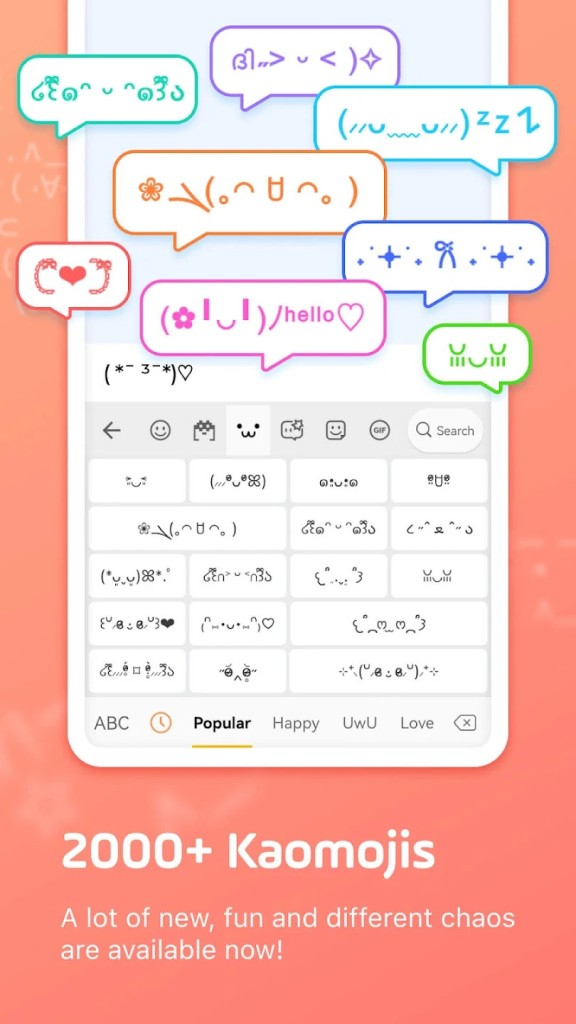
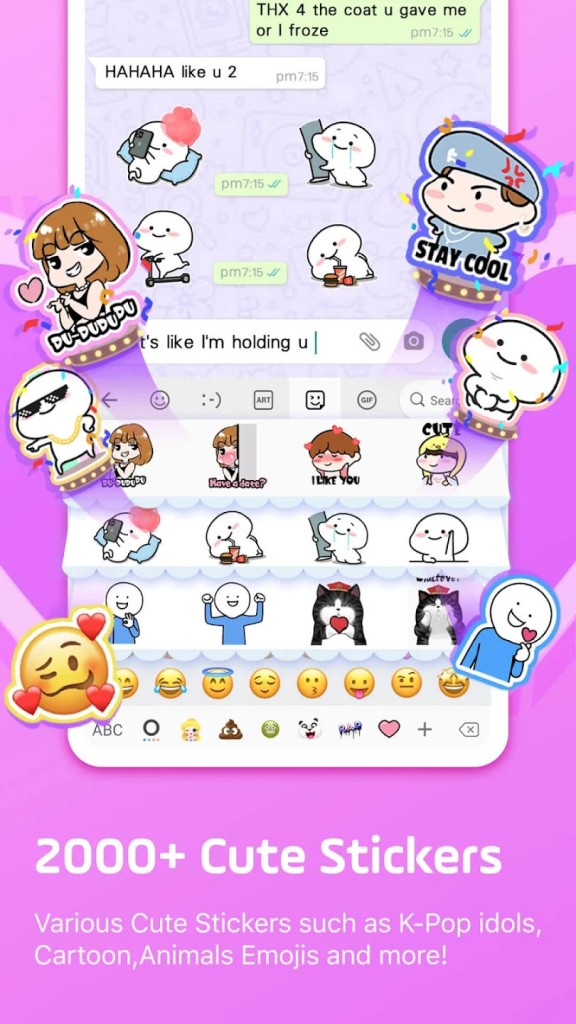
It has a massive library with emojis, decorative symbols, kaomoji, avatar stickers, and emoji-combination packs. It also provides aesthetic themes, wallpapers behind keys, and special gaming layouts. Although it is similar to any typing application, it focuses on customization and entertainment. It is a multi-app keyboard that values creativity and aestheticism rather than productivity, unlike productivity-based designs.
Why Should I Download Facemoji AI Emoji Keyboard?
Users tend to install the Facemoji AI Emoji Keyboard because their default keyboard is boring or does not provide the means of expression. Provided that you like to use emojis or stylized fonts on messages or captions, this keyboard has a lot to work with. Neither typing fast nor writing professionally matters; it is about making chats, posts, and comments shine. The in-built AI helper can create brief sentences, translate, paraphrase, or create social media captions, which is useful to those who frequently post.
Other creative features are available with the custom theme makers, emoji-mixing tool, sound options, and a complete set of stickers. Customers who like modifying the looks of their device like the keyboard since it allows them to customize their typing style to their wallpaper or mood. It is also popular with gamers because it has game-specific overlays that reduce visual noise or that reinforce specific layouts.
The application is not perfect; some users have reported automatic correcting issues or privacy concerns. However, it remains popular due to its high levels of customizability. It is more expressive to type, and you can create the overall appearance of the keyboard as well. This may be an enticing factor to install it in case you are not concerned with unbending productivity, but more with creativity, visuals, and fun add-ons.
Is Facemoji AI Emoji Keyboard Free?
Installation is free, and much of the basic functionality, such as themes, emojis, stickers, fonts, etc., is free. Nevertheless, high-end functionality, including state-of-the-art artificial intelligence solutions, custom themes, and advanced customization, is offered on a subscription. The free version is good enough for most users, with power users having the option to go with paid plans.
What Operating Systems Are Compatible with Facemoji AI Emoji Keyboard?
Facemoji AI Emoji Keyboard is compatible with Android phones and iPhones of the modern era. It replaces the operating system keyboard on Android and virtually functions in all applications, messaging, social, browsing, and gaming. The Android version has a lot of customization, such as moving backgrounds and video wallpapers. The iOS version has a keyboard that is an add-on but is restricted by Apple regulations.
Some features require full-access permissions, and some features are not available in some deep Android customizations. The main features of the app's emojis, fonts, stickers, AI writing features, theme swapping, and autocorrect are available on both applications. The keyboard is expected to install and work well as long as the device welcomes third-party keyboards, and the operating system is relatively new.
What Are the Alternatives to Facemoji AI Emoji Keyboard?
Font Keyboard Themes Emoji is a product that does not emphasize AI but rather lays its emphasis on stylish fonts, designs, and themes. It is installed by users to include fancy typing, such as decorative letters, used by the user in bios or social posts. It has numerous keyboard skins and fontpacks, which are easy to switch. It is lighter than customized heavy keyboards, and it is attractive to a person who desires graphics modifications, but not a lot of add-ins. It does not have Facemoji AI writing and emoji mixing features, but it offers the much-needed customization to Android devices. Its primary customer base is concerned with the beauty of writing, rather than additional functionality. Users can download Fonts Keyboard Themes Emoji from the Play Store to quickly try out new fonts and layouts.
Microsoft SwiftKey Keyboard is the most widely used, which focuses more on typing accuracy and prediction rather than cosmetics. Its powerful word prediction and autocorrects are based on your style of writing. SwiftKey is a theme-less input that focuses on rapid and effective input. It promotes swipe typing, multilingual typing, clipboard synchronization through Microsoft accounts, and online learning. The customization is less extensive, even though it provides themes. SwiftKey fits well with those who would rather have a smart typing keyboard that is adaptive to their habits than a visually intuitive one. You can download SwiftKey to see how its AI-driven predictions adapt to your typing over time.
Google offers Gboard, a default keyboard available on most Android devices, and is available for iOS as well. It is intertwined with Google services, which provide the opportunity to search, translate, and type voice directly on the keyboard. Gboard is not about showmanship, but rather a combination of reliability, proper design, and good autocorrect. It has emojis, GIFs, stickers, glide typing, handwriting input, and support for multilingualism. Although it does not have the elaborate themes that Facemoji has or the custom keyboards, Gboard is usually preferred by those who value simplicity or a fast and stable experience. The main advantage is that it is more reliable, runs smoothly, and does not normally have performance problems compared to highly customized keyboards. Many people choose to download Gboard because it integrates seamlessly with Google services and updates automatically.