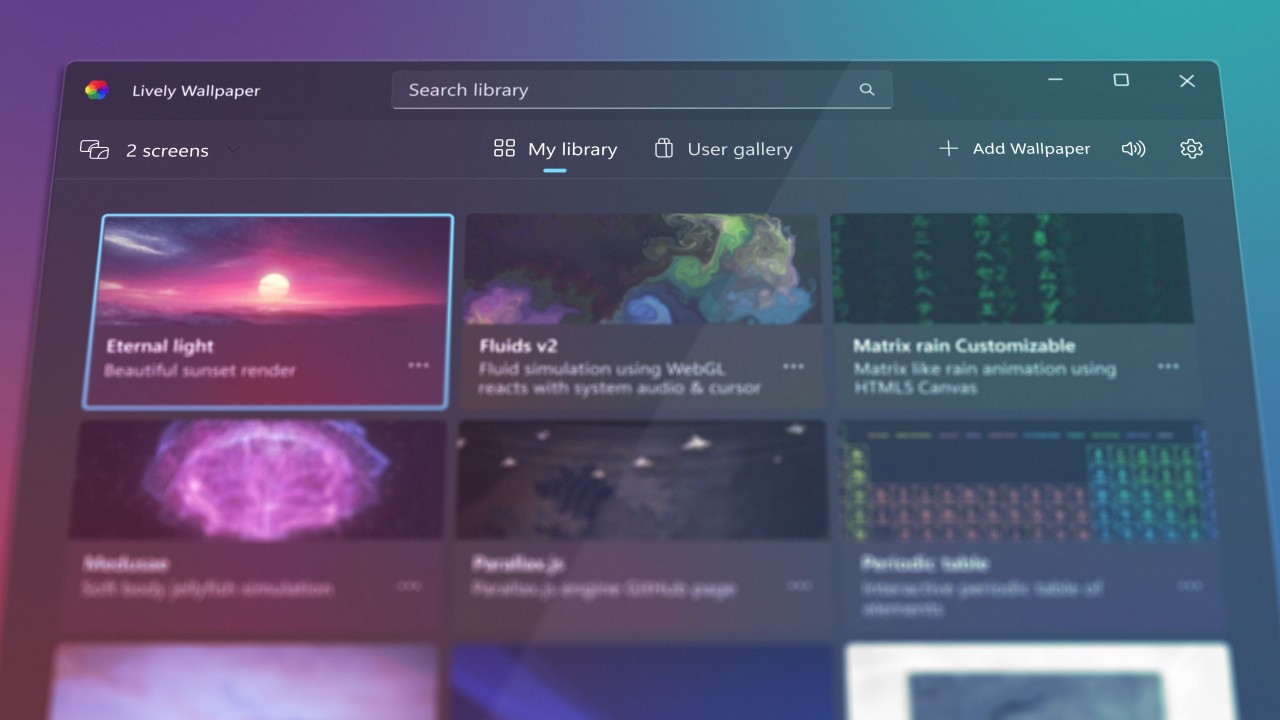
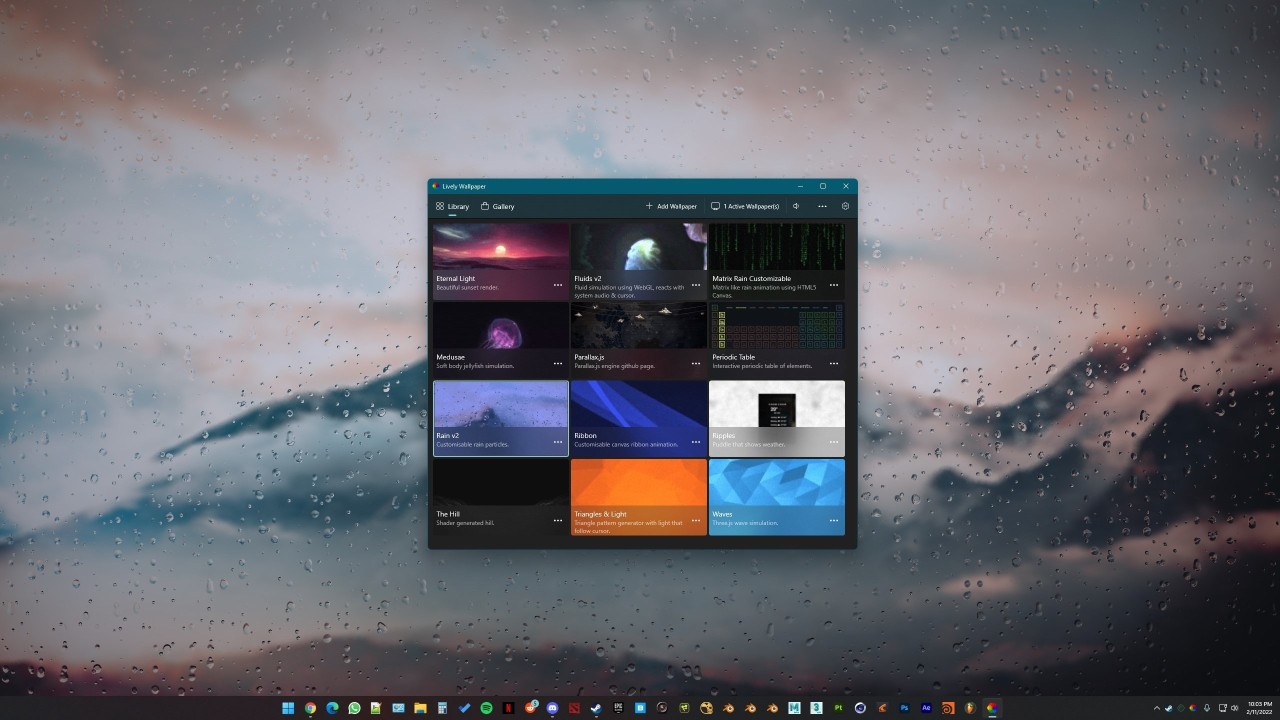
Windows desktop users who are bored with their static backgrounds can update to an animated wallpaper with Lively Wallpaper. This Windows-exclusive app allows users to get inspired by videos, GIFs, or websites, and create animated backgrounds that will be a pleasure to look at. The app offers a creative outlet for artistic people who like to show their individuality in everything they do. Get inspired by beautiful videos, interactive websites, and even GIFs to create the wallpaper of your dreams.
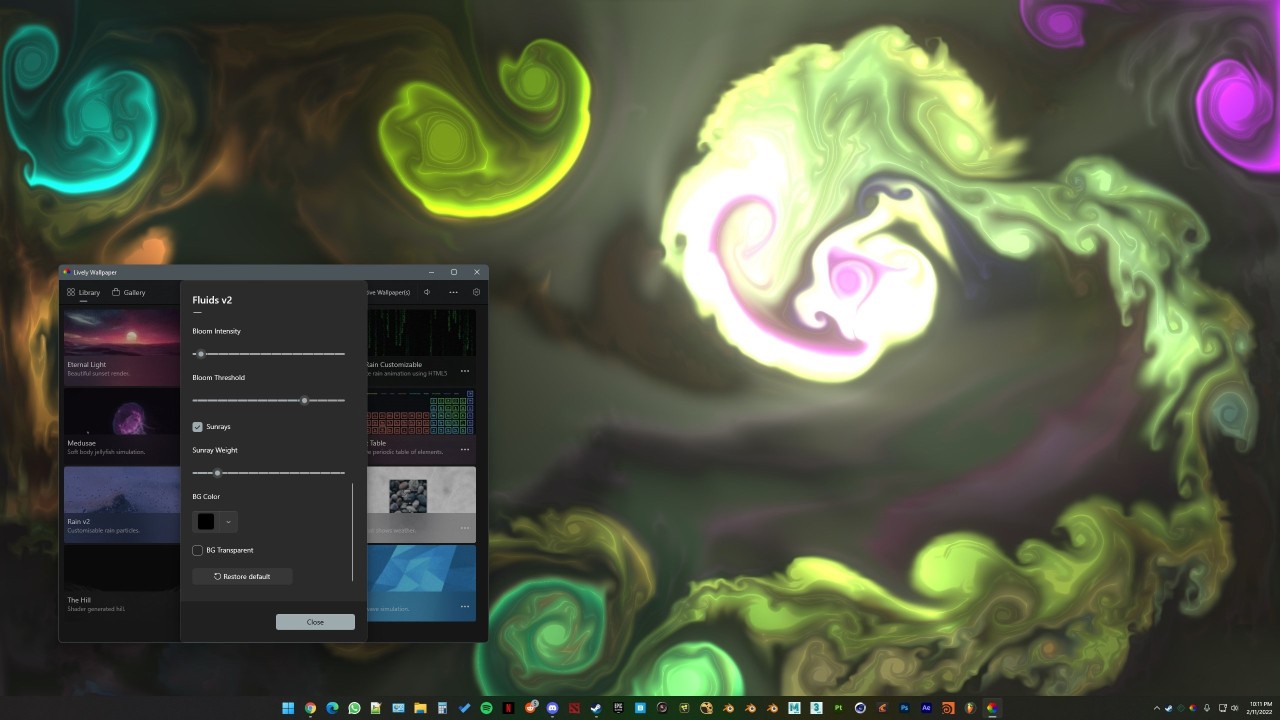
Despite expectations, Lively Wallpaper doesn’t need to take up all of your system resources. If you’re playing a game that takes up the whole screen and covers the wallpaper, or running a heavy-duty application that drains your system resources, the animated wallpaper will pause. Advanced features allow users to create wallpapers that react to mouse movement or audio tracks. You can customize the wallpaper to your liking, including aspect ratios and resolutions. The tool’s simple drag-and-drop interface makes it easy to navigate even for inexperienced individuals.
Why Should I Download Lively Wallpaper?
If you are a creative person who wants to express your individuality and character through your computer wallpaper, then you will enjoy the freedom Lively Wallpaper provides. The app is absolutely necessary for people who believe that looking at an animated display on their computer would brighten up their day, as well as computer users who spend a lot of time in shared spaces. They would like to show off their design skills.
Lively Wallpaper possesses the power to make your computer background look interesting and agree with your personality. Because it is a free and open-source project, all you need to do to start is download the tool on your Windows computer through the Microsoft Store. It is worth mentioning that the app has no ads that would interrupt your flow. Once you’re ready to submerge yourself in the creative process, you can access Lively Wallpaper’s library of animated wallpapers and pick one for your computer.
Alternatively, you can create your own by importing or pasting the URL address of a video, GIF, or website that inspired you. Intuitive drag-and-drop controls let you customize the video and create the wallpaper of your dreams. Additional features allow users to create backgrounds that respond to mouse movement or audio input. Wallpapers can be customized to fit any aspect ratio and resolution and even fit multi-monitor setups.
Your new wallpaper may use quite a lot of battery (on laptops) and power. This issue is combated through your computer’s settings, whereby the wallpaper will stop moving when you’re running a full-screen app or an app that drains your computer resources. That way, it won’t use up too much power.
Is Lively Wallpaper Free?
Yes, the app is entirely free and open-source. There is no premium tier, so you will not need to pay for any features of the platform.
What Operating Systems Are Compatible with Lively Wallpaper?
Lively Wallpaper is only available on Windows computers. You can access the app through the Microsoft Store. Your computer needs to run Windows 10 (version 1903 or higher) or Windows 11. The system requirements are a minimum of 2 GB of RAM, DirectX 10 or higher, and a 64-bit system.
What Are the Alternatives to Lively Wallpaper?
Users who desire slightly different features can choose from various other similar tools.
Wallpaper Engine is an excellent alternative. Unlike Lively Wallpaper, this app is not only available on Windows but also on Android, so you can implement an animated wallpaper on your smartphone. In all other respects, the tool is very similar to Lively Wallpaper, though it does offer some premium features. At a price, you can gain more control over your animated background with the help of the platform’s advanced editor. Keep in mind that the resulting wallpaper will drain your computer resources slightly more than its competitor, Lively Wallpaper.
Another alternative, ScreenPlay, focuses on desktop widgets in addition to backgrounds. Much like Wallpaper Engine, this tool is accessible through Steam. Because the platform is still in early access, it is not nearly as user-friendly as Lively Wallpaper. For that reason, it is suitable for advanced and experienced users rather than newbies. If you know your way around software, you can make the most of it and create a great animated wallpaper with useful widgets, which is a feature Lively Wallpaper does not offer.
Razer Axon is a similar platform that allows users to make their own unique wallpapers with the help of AI. One of its main selling points is its integration with RGB lighting. Razer Axon can aid in creating higher-quality wallpapers, but it’s considerably heavier than Lively Wallpaper.