Wox is built around using a launcher instead of clicking through menus, folders, and browser tabs. You simply press a keyboard shortcut and type what you need. Whether you are opening an application, searching for a file, running a calculation, or looking something up online, the goal is to keep everything within a single command window.
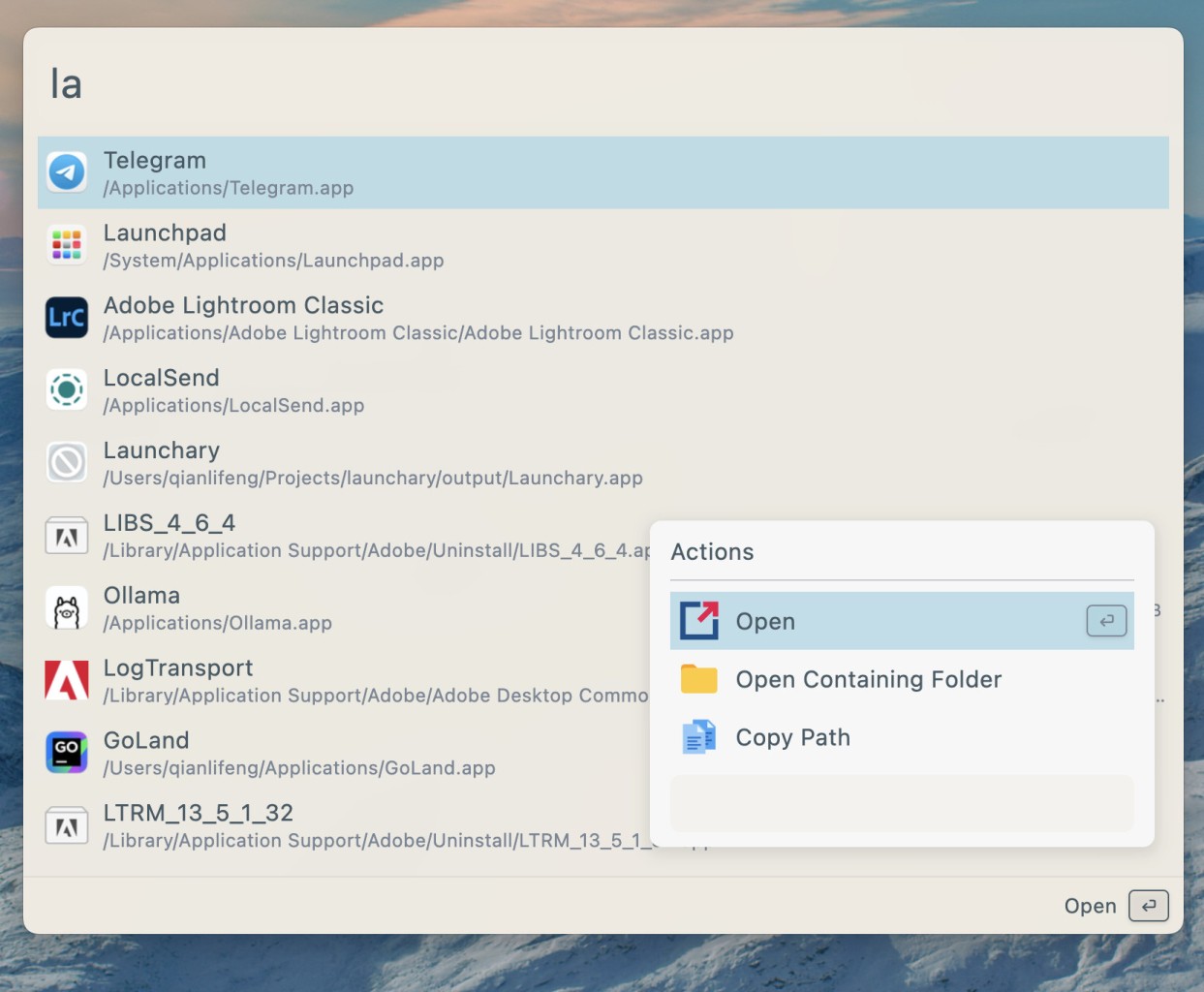
It is not just there to help you find things. It is designed to help you do things. Search results can include actions such as opening, copying, revealing files, launching shortcuts, or sending information to other tools without forcing you to leave the launcher itself.
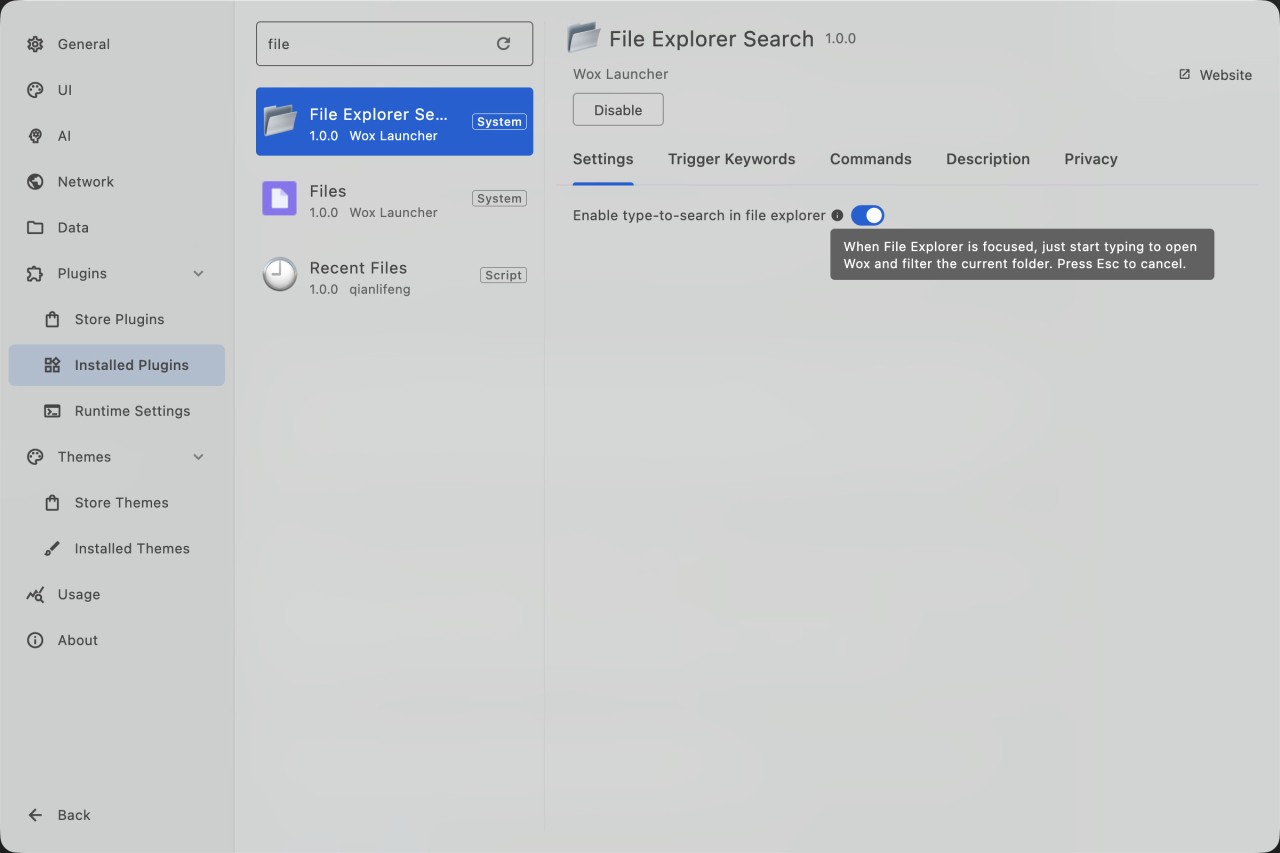
Part of the appeal comes from how flexible the platform is. Out of the box, Wox includes tools for app launching, file search, clipboard history, web search, calculations, unit conversions, emoji lookup, bookmarks, and even AI chat. Beyond that, users can install community plugins or build their own using Python, Node.js, scripts, and the Wox API.
It is not trying to replace your operating system. It is trying to reduce the number of steps between thinking about a task and actually doing it.
If all you need is a basic search bar, Wox may offer more than you need. If you spend most of your day switching between apps, files, browser tabs, and utilities, the appeal becomes much easier to see.
Why Should I Download Wox?
The main reason to download Wox is that it brings a lot of everyday desktop actions into one place. You can use it to launch applications, search files and folders, open browser bookmarks, check clipboard history, perform calculations, convert units, search the web, and more. Instead of remembering where everything lives, you simply type what you are looking for and let the launcher find it.
Wox also goes beyond simple search. Results can include additional actions, allowing you to do more than just open an item. Depending on the result, you may be able to copy information, reveal a file in its folder, run commands, or trigger other workflows directly from the launcher.
Another big part of the experience is customization. Wox includes a plugin system that allows users to add new functionality based on their own needs. Some people may use plugins for development tools, while others might add AI assistants, project shortcuts, media controls, or custom workflows.
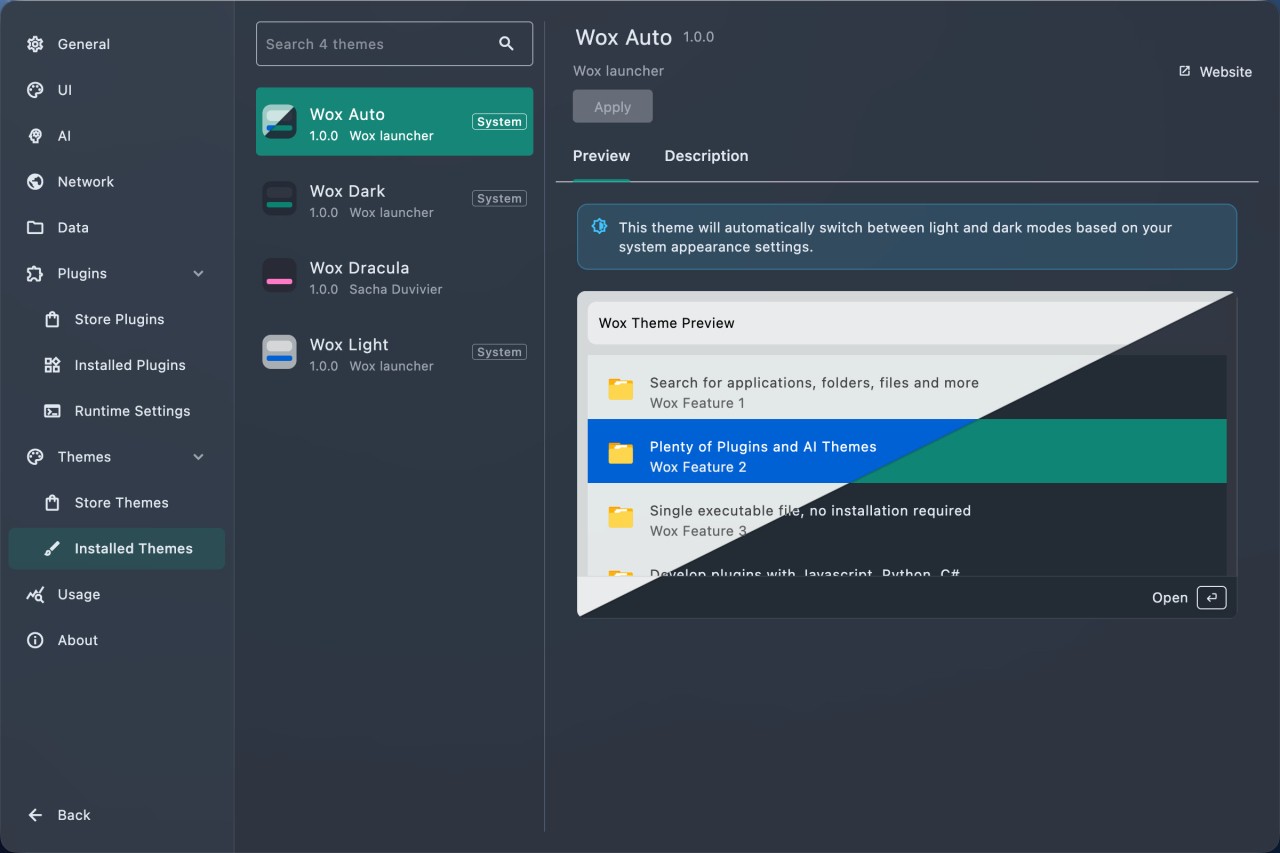
The platform also includes theme support, allowing users to change the launcher's appearance to better match their desktop setup. Overall, Wox feels less like a search utility and more like a command centre for everyday desktop tasks.
Is Wox Free?
Yes, Wox is free to use. The project is open source, meaning users can download, use, and customize it without paying for a license. The core application is available free, and users can also access community-created plugins and themes.
For many users, that open-source approach is part of the appeal. It allows the platform to evolve through community contributions while giving users more control over how the launcher works.
What Operating Systems Are Compatible with Wox?
Wox is available on Windows, macOS, and Linux. The launcher is designed to provide a similar keyboard-first experience across all three platforms. Default shortcuts vary depending on the operating system, but the overall workflow remains largely the same.
Because it supports multiple desktop platforms, Wox can fit into a variety of work environments. Whether you use Windows at work, Linux for development, or macOS as your primary desktop, the core experience remains consistent.
What Are the Alternatives to Wox?
Albert Launcher is probably the closest alternative if you want another keyboard-driven productivity tool. Like Wox, it focuses on launching applications, searching files, running calculations, and extending functionality through plugins. Compared with Wox, Albert feels particularly popular among Linux users, while Wox places a stronger emphasis on cross-platform support.
Raycast takes a more polished and feature-rich approach. It combines application launching with AI tools, window management, automation, snippets, clipboard history, and developer workflows. Compared with Wox, Raycast feels more like an all-in-one productivity platform, while Wox keeps a lighter and more open-source-focused approach.
Flow Launcher sits somewhere in the middle. It shares many of the same goals as Wox, including fast application launching, plugin support, calculations, web search, and workflow automation. The two tools often appeal to similar users. Flow Launcher tends to focus heavily on speed and Windows integration, while Wox positions itself as a cross-platform launcher that can be shaped around different workflows through its plugin ecosystem.