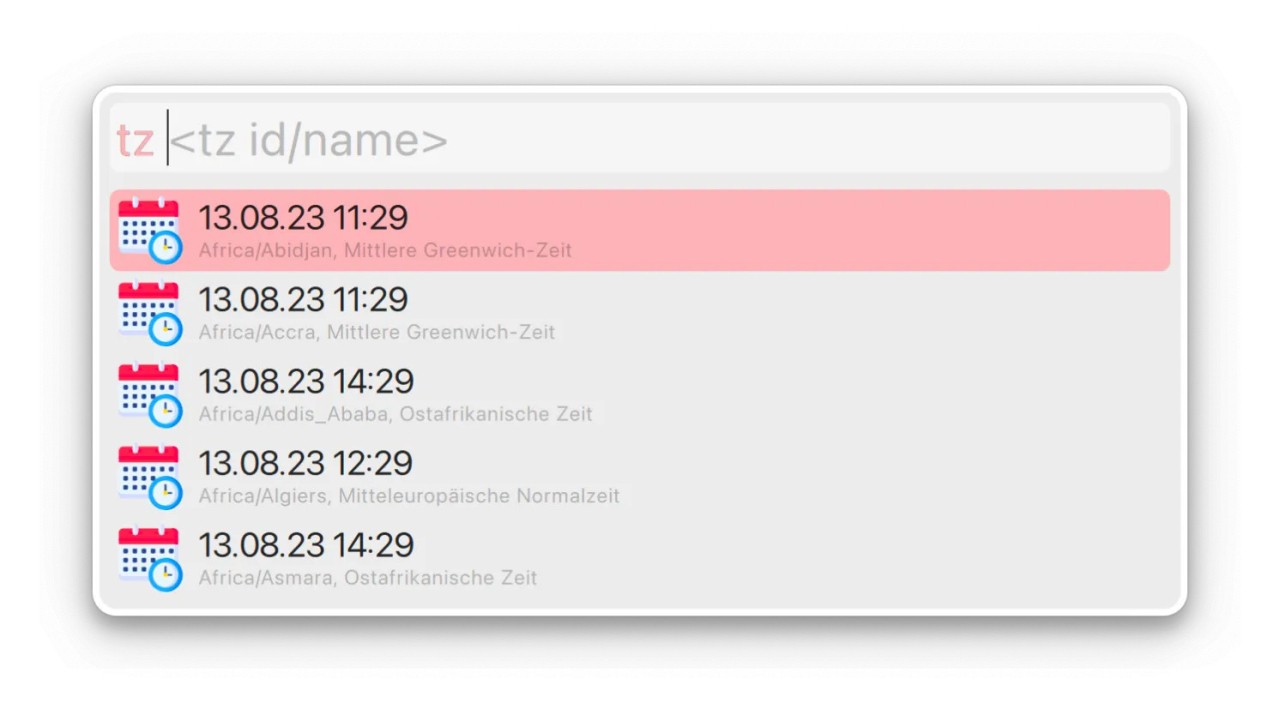
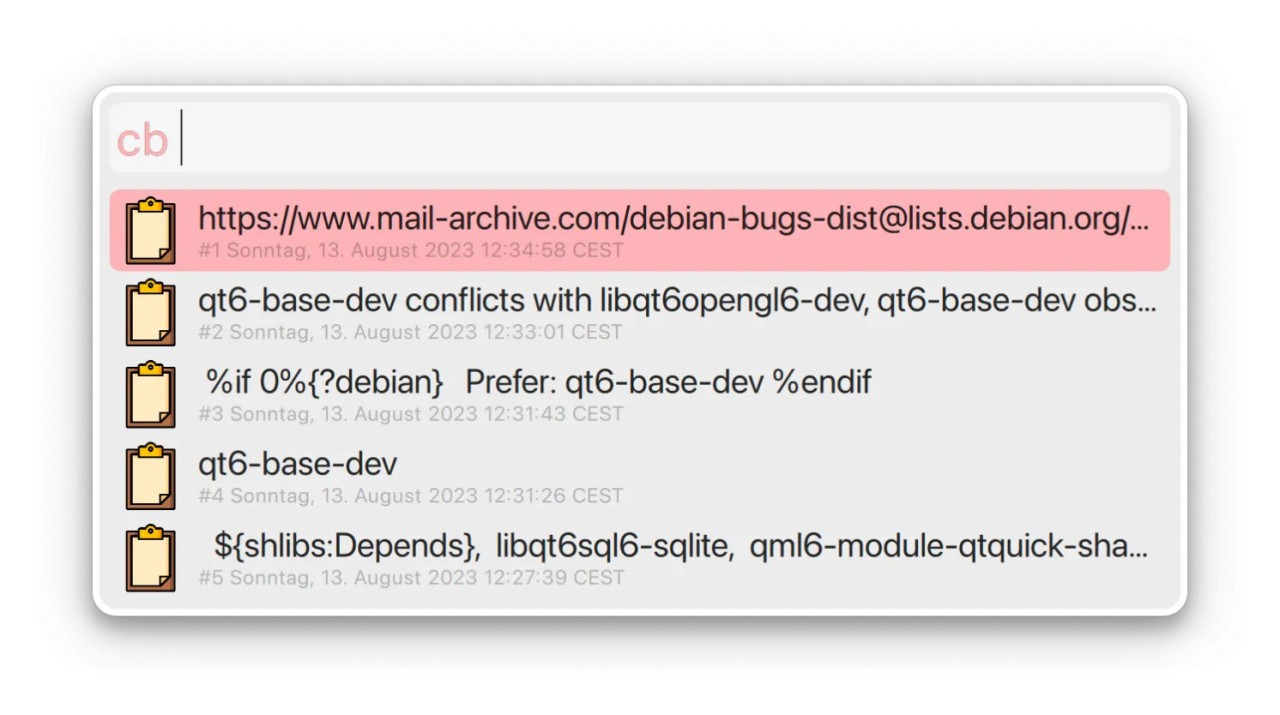
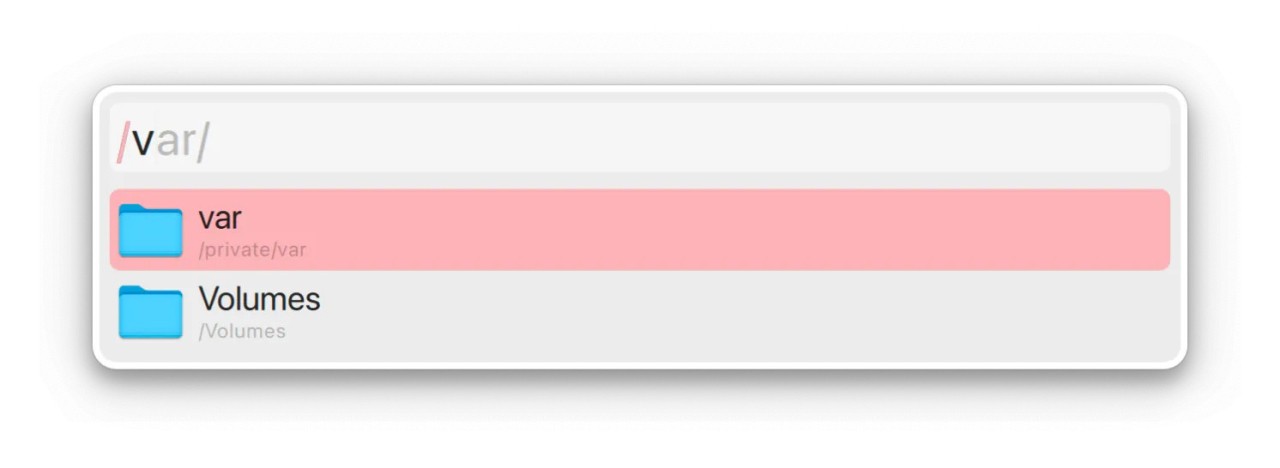
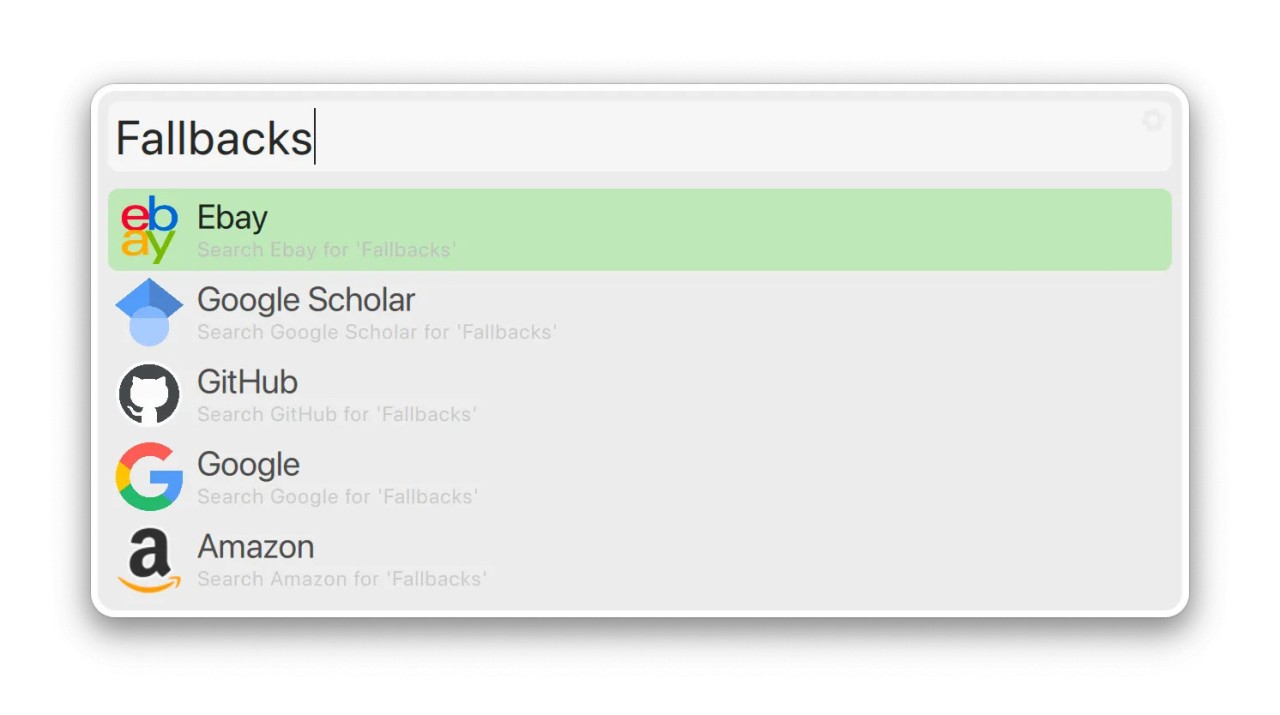
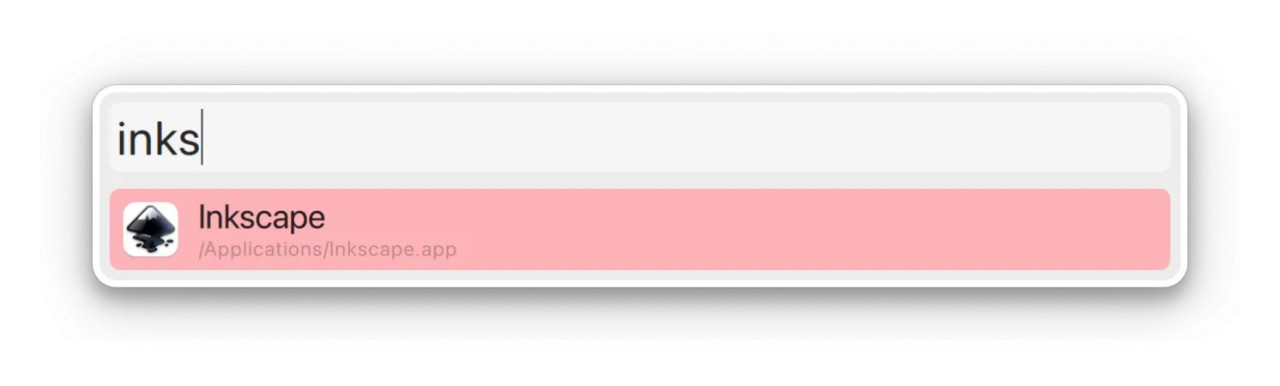
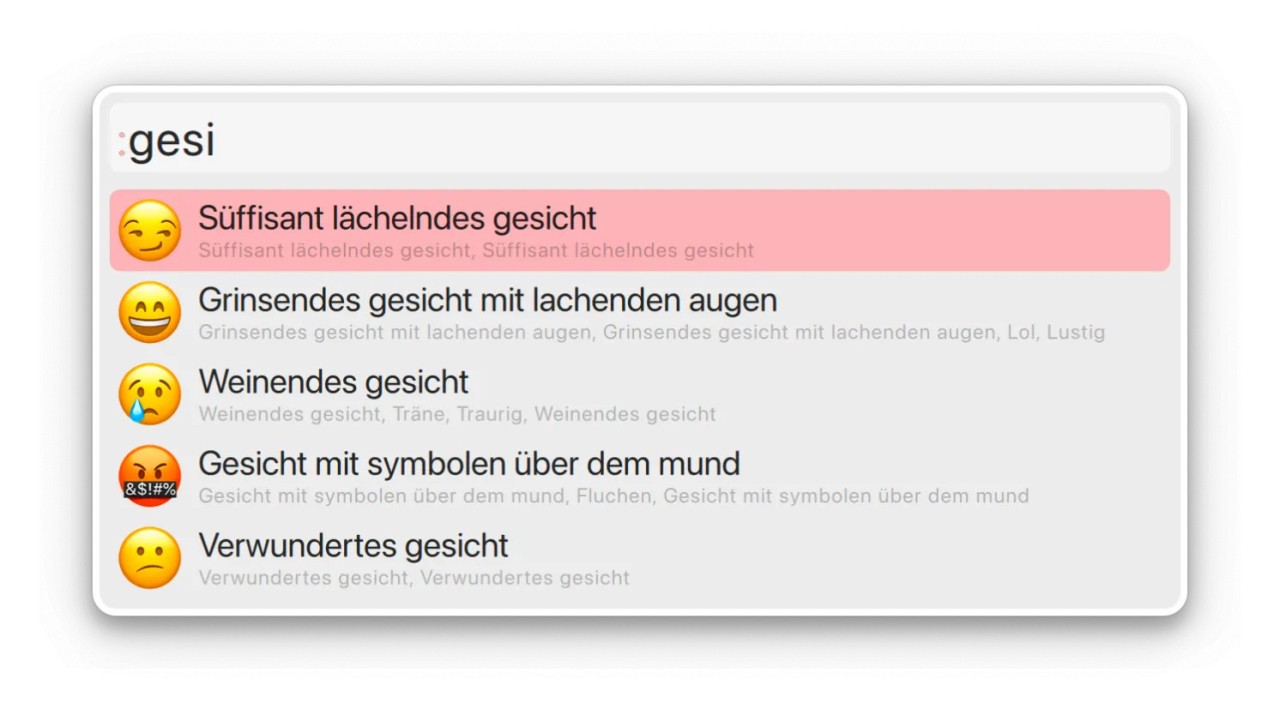
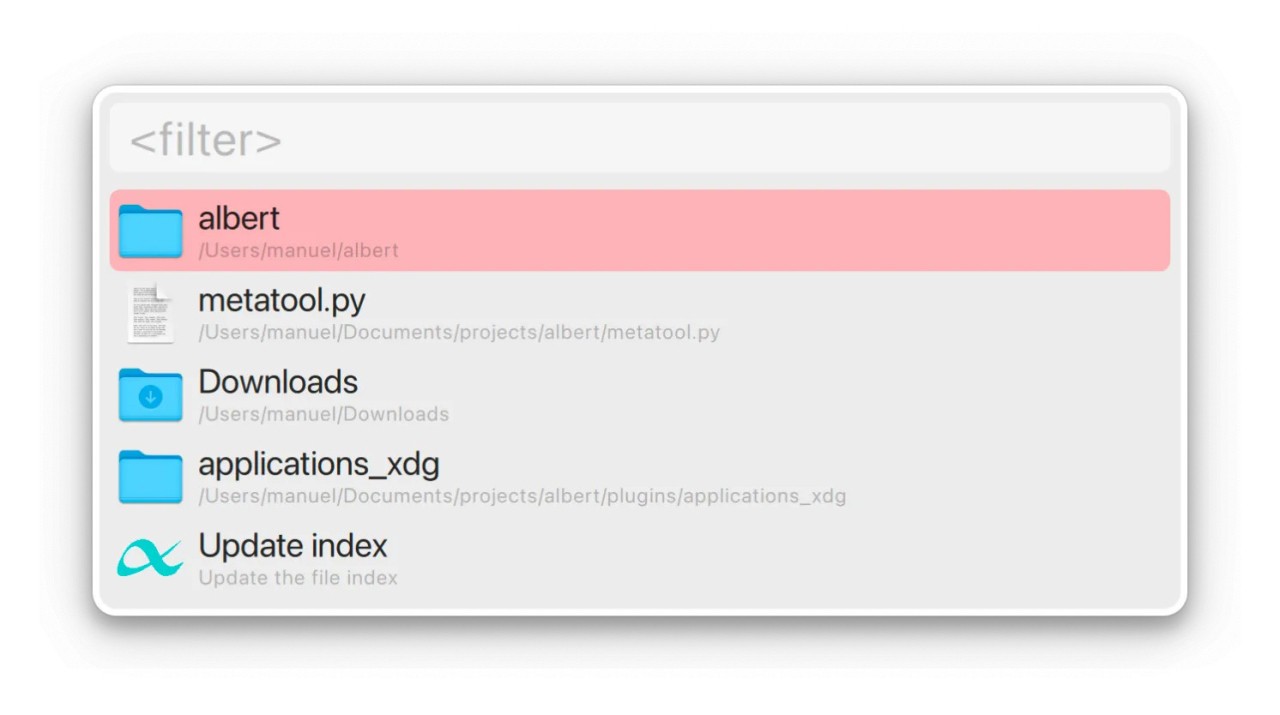
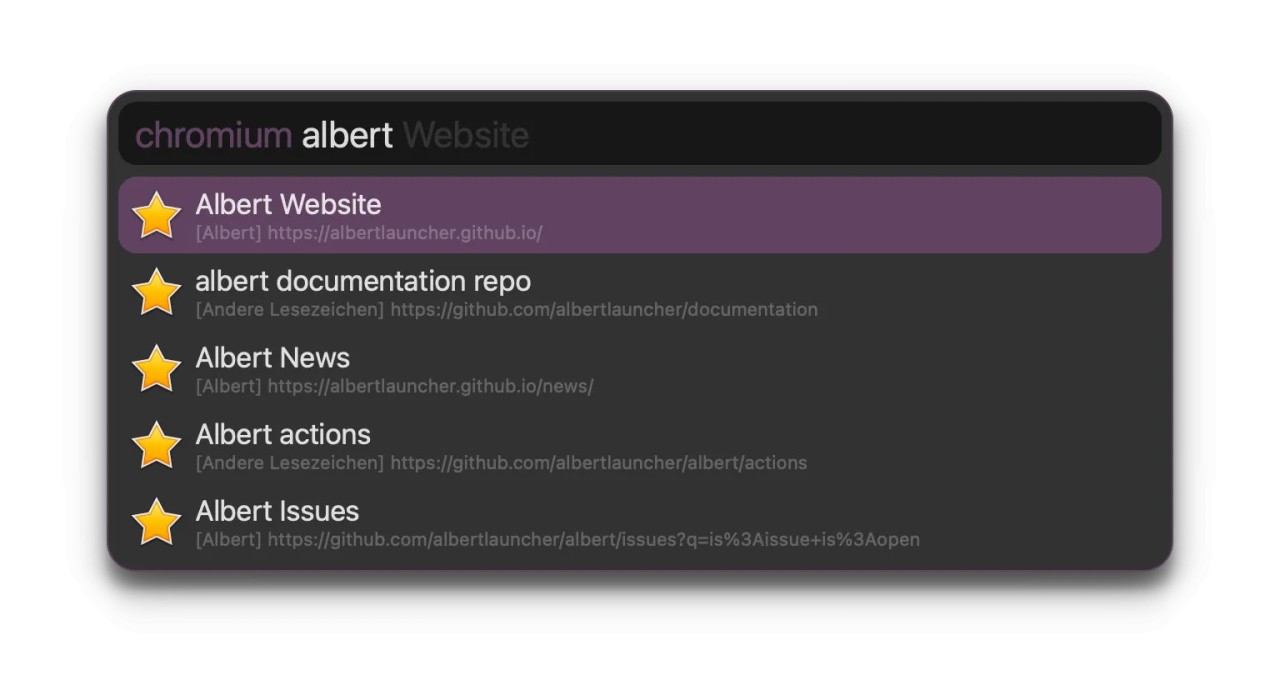
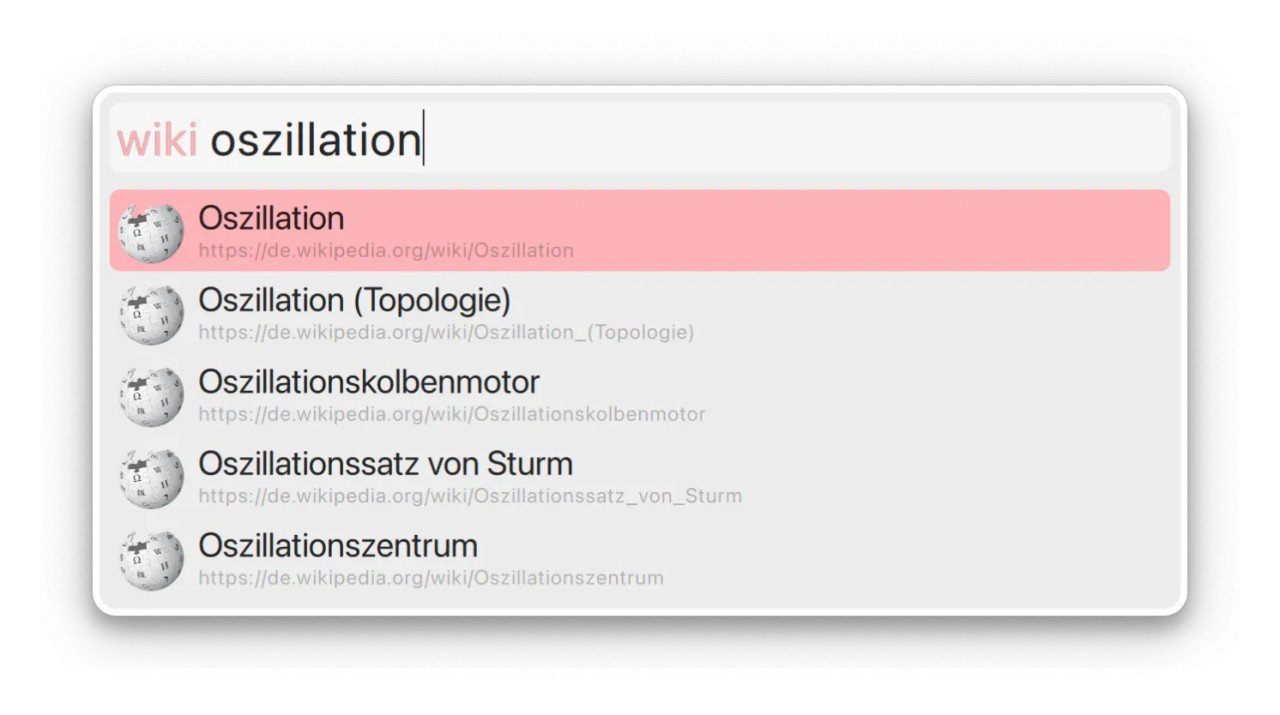
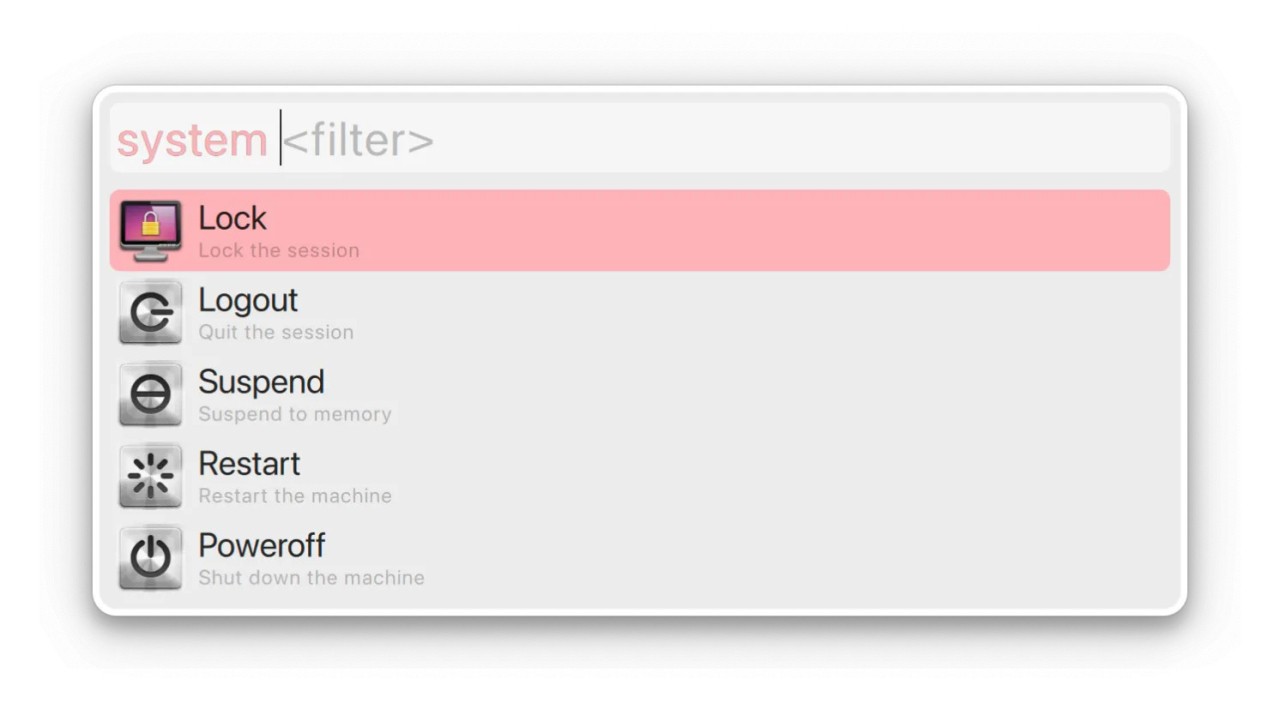
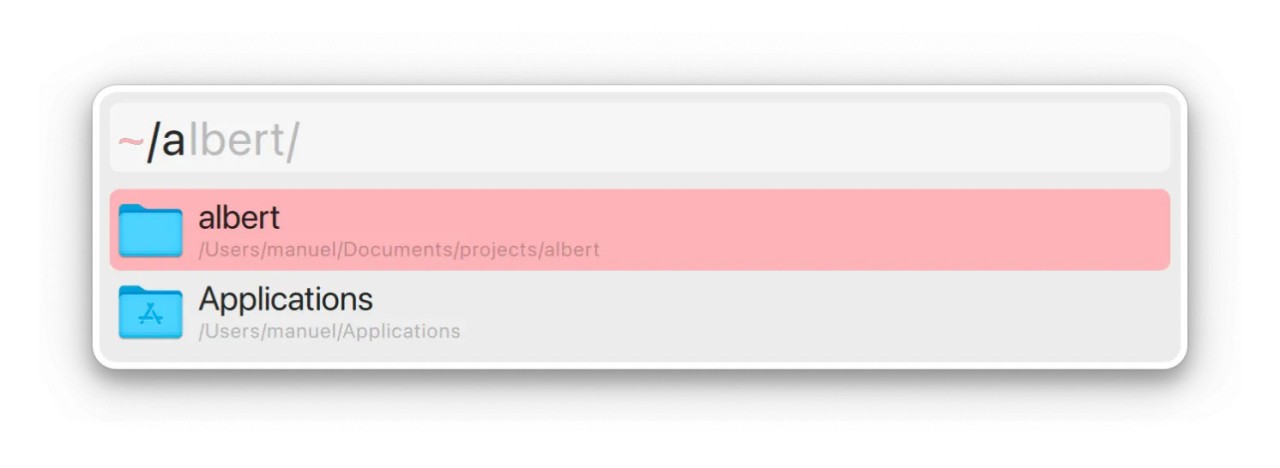
Albert Launcher is a lightweight, open-source tool designed to help you find and launch things on your computer faster. Instead of digging through menus, clicking through folders, or wasting time scrolling around your desktop, Albert gives you a single place to start everything. You summon it with a hotkey, type what you’re looking for, and in seconds it shows you the result—whether that’s an application, a file, or even a command you want to run.
At first glance, it might look like just another search bar. But it’s much more than that. Albert is modular, which means you can extend its capabilities with plugins. You can make quick calculations, search the web, look up dictionary entries, control your system, or run custom scripts right from its simple interface. That’s why many users compare it to other productivity tools like Alfred on macOS, but Albert is firmly rooted in the open-source world and focuses on minimalism and speed.
It doesn’t overwhelm you with fancy visuals or bloated features. The interface is clean, uncluttered, and designed to stay out of your way. It only shows up when you need it and disappears when you’re done. That balance of simplicity with deep customization is what makes Albert stand out among launchers.
Why should I download Albert Launcher?
The main reason is efficiency. Every second you spend clicking around your computer is time you don’t get back. Over the course of a day, those small delays add up. With Albert, you cut that down. After using it for a week, calling it up becomes second nature. You hit the shortcut, type two or three letters, and the program or file opens instantly.
Another big reason is flexibility. Many system search tools are rigid. They let you find apps or files, but that’s about it. Albert, on the other hand, adapts to how you work. Want it to run terminal commands? You can. Need it to search bookmarks from your browser? There’s an extension for that. Prefer to keep it simple and just use it as a launcher? That works too. You decide what role it plays in your workflow.
Customization is another point in Albert’s favor. You can change the hotkeys, pick different themes, and decide which extensions you want. Some people like their tools to look polished; others want raw speed and functionality. Albert lets you set it up however you like.
It’s also light on resources. Unlike bulky software that slows your machine, Albert is fast and barely touches your system performance. It runs quietly in the background until you need it. That makes it ideal for users who value minimalism and speed.
And let’s not forget—it’s open source. You don’t have to deal with ads, premium versions, or hidden tracking. It’s built by developers who believe in creating useful tools that anyone can use freely. That gives it a different feel compared to commercial launchers. You know it’s there to help you, not to sell you something.
Is Albert Launcher free?
Yes, Albert Launcher is completely free. You don’t pay anything to download it, and you get access to all its features right away. There’s no “pro” tier, no subscription, no nagging ads asking you to upgrade. You just install it and use it.
Because it’s open source, it’s maintained by a community of developers and contributors who fix bugs, release updates, and keep improving it. That’s part of the appeal—you’re using software that evolves through community effort, rather than being locked behind a company’s paywall.
Free here doesn’t mean stripped-down or low quality. Albert is stable, polished, and powerful enough to compete with paid alternatives. In fact, some users prefer it precisely because it delivers professional-grade functionality without trying to monetize you.
What operating systems are compatible with Albert Launcher?
Albert Launcher was built with Linux and macOS in mind, and that’s where it really shines. If you’re running a Linux distribution like Ubuntu, Fedora, Arch, or Debian, you can install Albert and start using it right away. It works well with different desktop environments like GNOME, KDE Plasma, and XFCE, so no matter what your Linux setup looks like, Albert integrates smoothly.
While Linux is its main platform, it can also be compiled for other Unix-like systems. Albert is also available for macOS. The DMG package is released for Intel and Apple Silicon systems.
Installing Albert on Linux is usually simple. Many distributions include it in their repositories, so you can get it through your package manager. If not, you can build it from source. Once installed, it stays out of the way until you summon it, giving you a consistent, reliable workflow booster.
What are the alternatives to Albert Launcher?
Albert is very good, but there are other launchers that can be better based on your operating system.
Flow Launcher is a good alternative for Windows users. It is open-source, and the use of plug-ins, as in the case of Albert. It provides you with quick searching, application start-up, and more additions by community-created extensions. Flow is the closest to Albert, should you want something that feels like it on Windows.
Fluent Search is a Windows-oriented tool as well. It offers an added feature of digging deeper into your system and being able to search through applications, files, tabs in the browser, and even within a document. It is heavier than Albert in features, though, should you require detailed integration on Windows, Fluent Search is worth considering.
Ueli is cross-platform and is compatible with both Windows and macOS. It has a slick design, is extendable, and is highly customizable. It is similar in much of the philosophy of Albert: simple, quick, and flexible. Ueli can provide a unified experience to you when you choose to use both Windows and Mac.