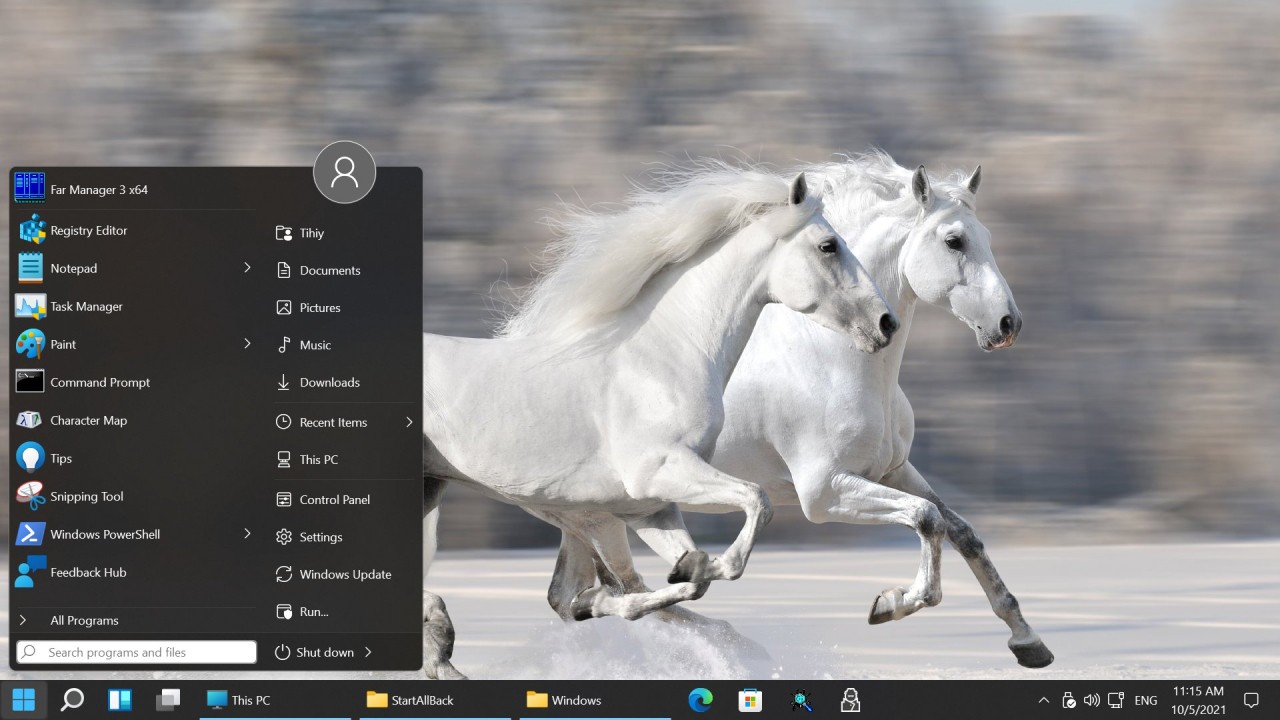
StartAllBack is a Windows customization utility created to restore classic elements that many users miss after upgrading to Windows 11. When Microsoft rolled out Windows 11, it introduced a sleeker interface with a centered taskbar, a redesigned Start menu, and simplified system controls. While some people welcomed these changes, many long-time users felt that functionality and familiarity had been sacrificed in the process. That’s where StartAllBack comes in.
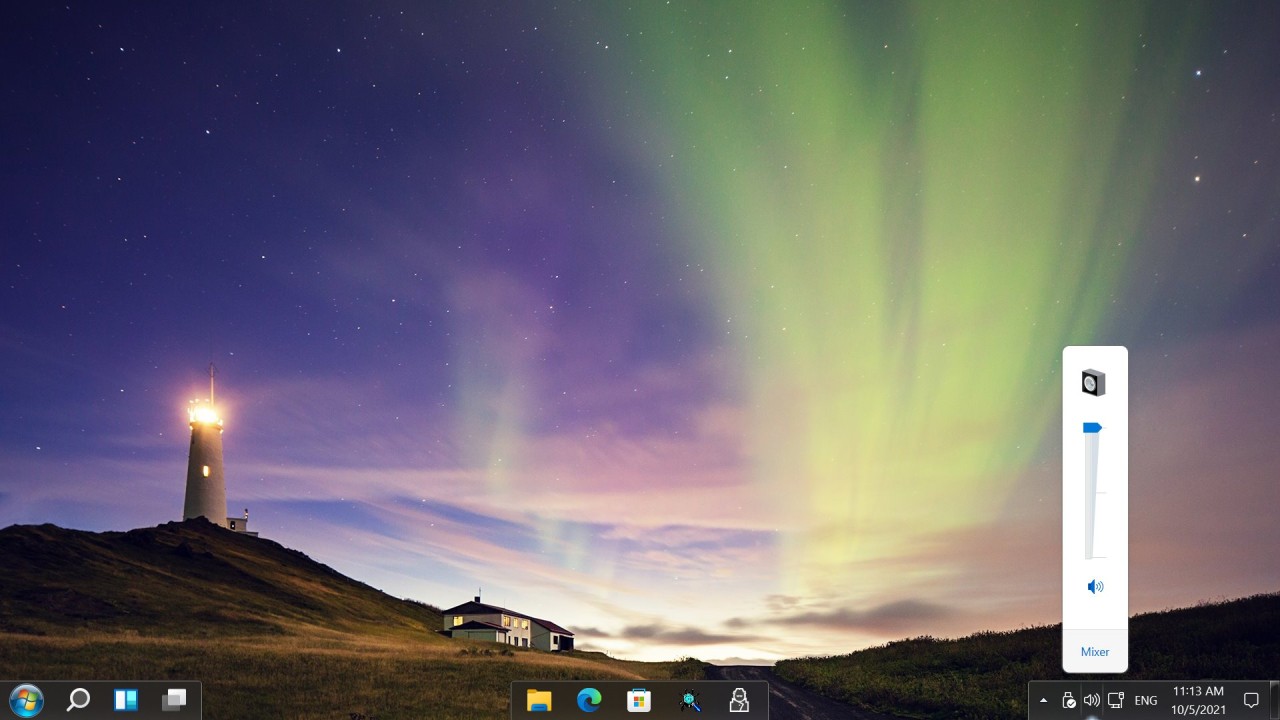
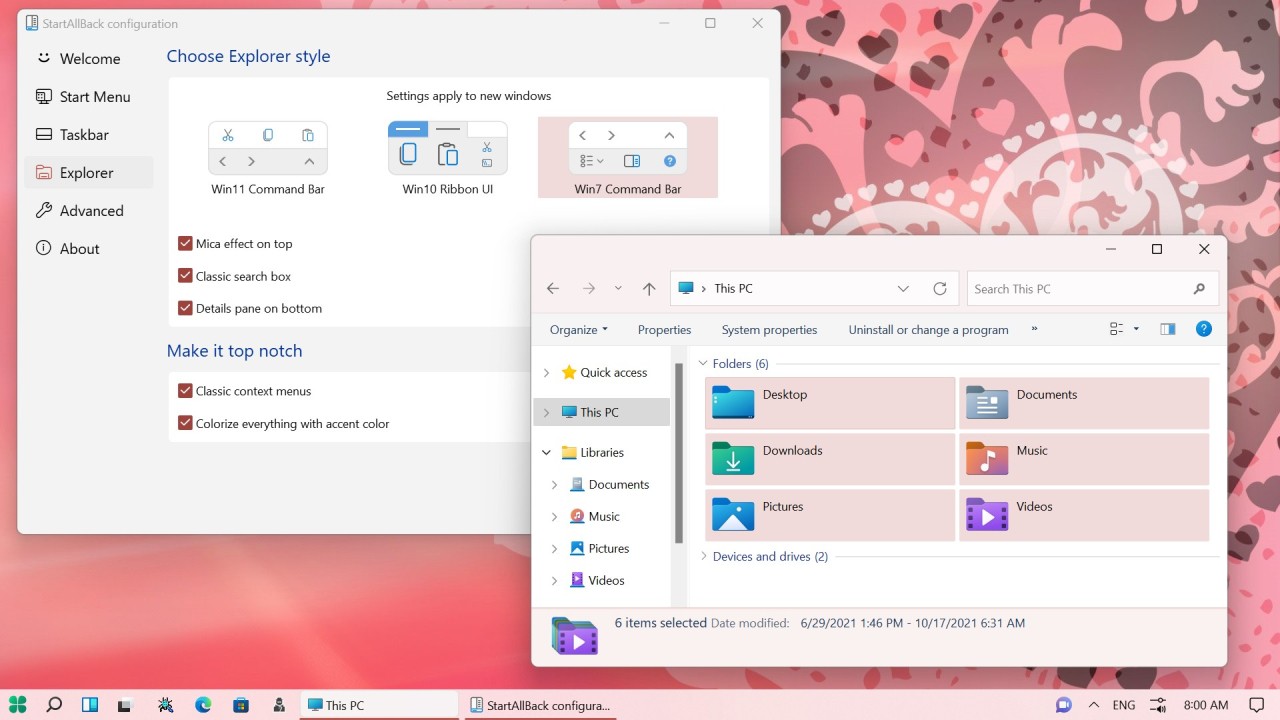
This program gives you the ability to bring back features from previous versions of Windows, such as the classic Start menu and the more practical taskbar layout from Windows 10 or even Windows 7. Beyond simple nostalgia, StartAllBack provides useful options to improve workflow. It lets you tweak the system tray, refine context menus, and adjust icon placement, all of which help restore efficiency. It’s not about rejecting progress—it’s about giving people choices so they can decide how their desktop should look and function.
What makes StartAllBack different from other tools is how naturally it integrates. It doesn’t feel like an add-on or patchwork solution. Once installed, the Start menu, taskbar, and system tray look and behave as if Microsoft itself included them. It blends seamlessly with Windows 11, creating the illusion that these classic features never left.
Why Should I Download StartAllBack?
The most compelling reason is comfort. If you’ve been using Windows for years, you’ve probably built habits around how the Start menu opens, where taskbar icons sit, or how you access system tools. Windows 11 disrupts some of those habits, which can be frustrating when you’re trying to get work done. StartAllBack removes that frustration by restoring the familiar layout you already know.
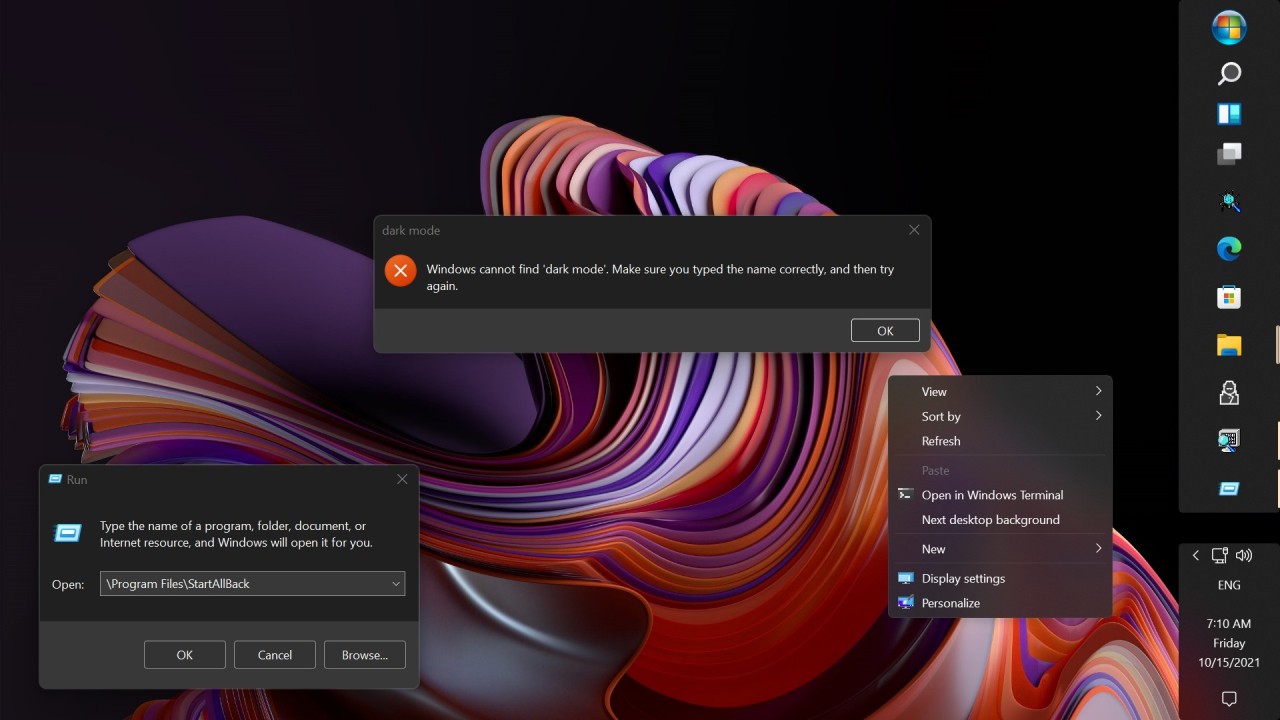
Productivity is another reason. Small interface changes can waste time. For instance, removing certain right-click options in Windows 11 forces you to go through extra steps to reach the same tools. Over days and weeks, those seconds add up. StartAllBack brings those features back, trimming wasted time from your routine. The program also helps with multitasking, as the more traditional taskbar makes it easier to juggle multiple windows.
Personalization also plays a big role. Microsoft’s design philosophy with Windows 11 was to simplify, but simplicity often meant fewer options. StartAllBack hands control back to the user. Want the taskbar on top instead of at the bottom? Prefer a compact Start menu that lists programs clearly instead of oversized icons? StartAllBack lets you decide. You can even tweak colors, transparency, and animations to match your style.
Another overlooked benefit is peace of mind. Many users attempt to edit the registry or use unofficial hacks to get similar results, but those methods are risky and may break after updates. StartAllBack provides a stable, well-maintained solution that achieves the same effect without the hazards. It’s a safer way to customize Windows without digging under the hood.
Is StartAllBack Free?
StartAllBack isn’t free, though it does offer a trial version so you can test it before committing. The trial allows you to experience all the customization features and decide if the program genuinely improves your workflow. Once the trial period ends, you’ll need to purchase a license to continue using it.
The good news is that the license is inexpensive and requires only a one-time payment rather than a recurring subscription. Compared to many modern software products that lock essential features behind monthly fees, StartAllBack feels refreshingly straightforward. You pay once and keep the software forever, including future updates that maintain compatibility with Windows 11 patches.
For many people, the price quickly pays for itself. The ability to save time, improve comfort, and make Windows work the way you want it to can be worth far more than the small upfront cost.
What Operating Systems are Compatible with StartAllBack?
StartAllBack is designed specifically for Windows 11. That’s where it shines because Windows 11 is the version that stripped away or redesigned so many classic features. If you’re running Windows 10, you don’t really need it since those features are still present. On Windows 11, however, it restores the missing functionality and bridges the gap between the old and the new.
The software works across all major editions of Windows 11, including Home, Pro, and Enterprise. This means it’s useful not just for home users, but also for businesses that want to standardize employee desktops and minimize disruption after upgrading systems.
Because StartAllBack is lightweight, it runs smoothly without impacting performance. It doesn’t hog resources, and it integrates directly into the operating system, so you don’t feel like you’re juggling two competing interfaces. For anyone who’s struggled to adjust to Windows 11, it’s one of the simplest and most reliable fixes available.
What Are the Alternatives to StartAllBack?
ExplorerPatcher is a similar option. It is also open-source and free, which is appealing to users who are not willing to pay money. It restores some functionality of the system tray, recreates some behavior of the traditional taskbar, and allows a traditional Start menu. It is quite efficient, but it requires additional refinements and cannot be mastered by an amateur. Being community-based, it will not be updated and polished as frequently as in the case of StartAllBack, but between tech-savvy users, it can be used instead.
Winaero Tweaker is a broader solution. It concerns not just the Start menu and the taskbar, where it can be tweaked to a great extent, including the hidden system settings and customization of the OS. It can be termed as the most suitable for users who would prefer customizing nearly all aspects of their operating system. However, the expansiveness may be off-putting, and to those users who have to do no more than use the taskbar or start menu, StartAllBack would appear more user-focused and focused.
Phoenix Customizer is a relatively new entry that was created in order to help the user customize the Windows 11 interface. It is in search of simplicity and stability, as StartAllBack. It is yet to reach the long track record and the reputation that it has, but it is worth following as it progresses. StartAllBack is the surest option to date, but Phoenix Customizer is the site of the future potential in the customization sphere.