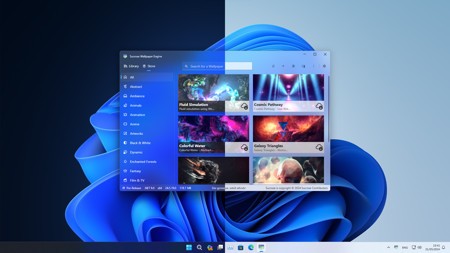
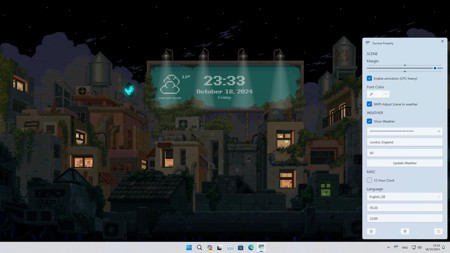
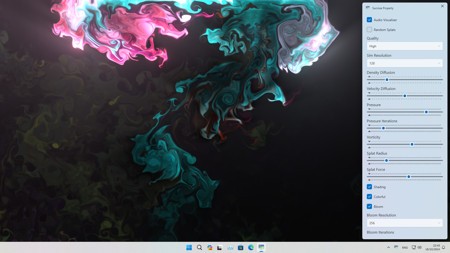
Sucrose is a Windows app that will help you create a special wallpaper for your PC or laptop. With its help, you can set yourself apart from your friends and family and craft an original wallpaper that moves. You can say goodbye to boring static wallpaper designs with Sucrose.
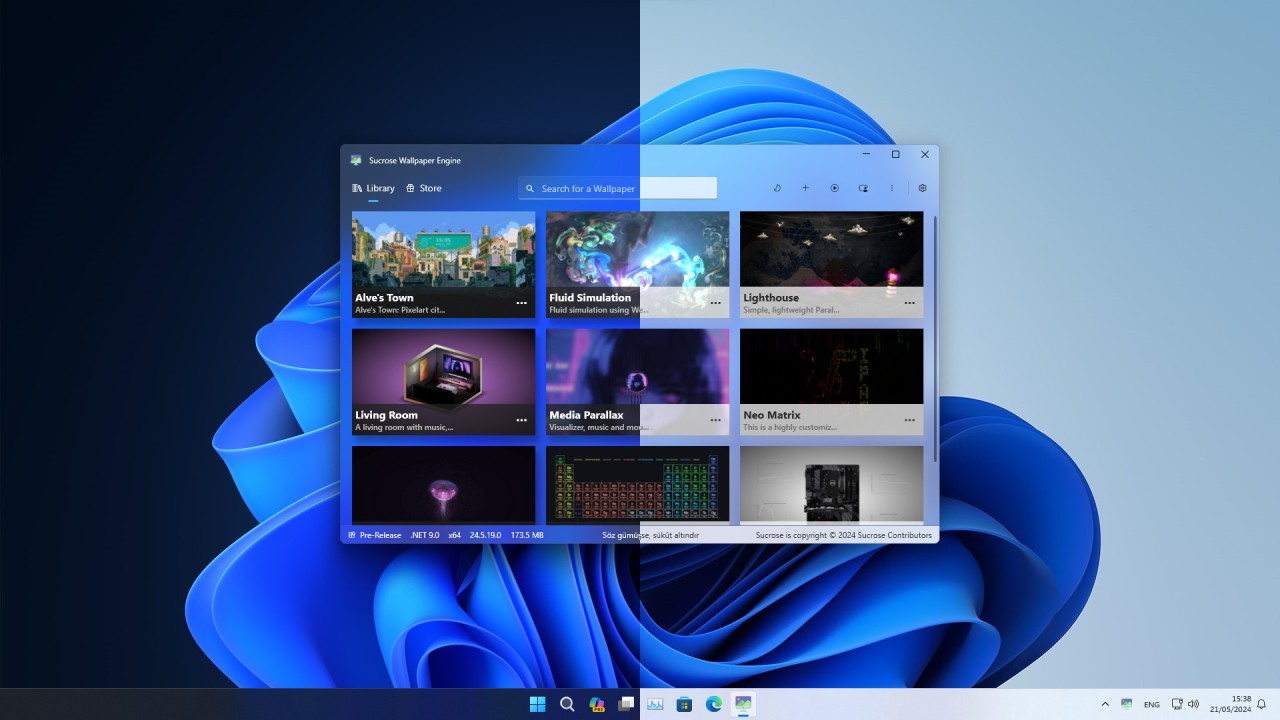
The app allows you to customize your wallpaper to your liking. You can create your own design with the help of visual materials, or opt for a ready-made background from the Sucrose library. If you choose to create your own wallpaper, you can use a GIF, video, or website as its base.
Though an animated wallpaper can be quite resource-intensive, Sucrose knows to pause the wallpaper when you’re running a full-screen app or game to save resources. There is also a special power-saving mode for laptop computers that stops you from running out of battery too quickly.
Sucrose is a free and open-source tool for Windows computers.
Why Should I Download Sucrose?
If you’re tired of your regular static picture backgrounds, then perhaps it’s time to give Sucrose a go. Sucrose is an application that allows you to create an animated background for your computer or choose an existing one from its selection. It is a free and open-source app that runs with the support of its community. There are no paid features, so you can enjoy the app’s entire functionality for free.
When it comes to designs, the sky is the limit with Sucrose. There is nothing easier than choosing an attractive wallpaper from its vast library of ready-made designs. Sucrose users share their designs, so you don’t have to work hard at coming up with one yourself. However, if you’re feeling creative, you can try making your own. To do so, you can use a video, GIF, or website as a point of reference. The platform will turn your visual into an animated wallpaper for your computer.
Those who have experience with animated wallpapers know that they can drain your battery and computer resources. While low battery is not an issue for desktop computers, resource intensity can be. Sucrose puts your wallpaper on pause when you’re running a full-screen app and can’t see the wallpaper anyway, thereby saving your computer resources. There is a special power-saving mode for laptops, too, so you don’t have to worry about running out of battery when you’re out and about.
Is Sucrose Free?
Yes, Sucrose is a free app. It is open-source, meaning it is supported by the community and does not rely on revenue from sales or subscriptions to run. There are no features hidden behind a paywall, as there is no paid tier.
What Operating Systems Are Compatible with Sucrose?
Sucrose is only available on Windows operating systems. The app is compatible with Windows 10 and 11. You can download the platform via the Microsoft Store.
What Are the Alternatives to Sucrose?
You may be looking for a different solution because you don’t have a Windows operating system. Or, maybe you’d just like to try something new. There are a couple of options to choose from.
The first option is Lively Wallpaper. Lively Wallpaper is another open-source, free solution for Windows computers. It is optimized for fast performance, draining as few of your computer resources as possible. The app puts your wallpaper on hold when you’re gaming, ensuring no resources go to waste. Lively is one of the leading options on the market for animated wallpapers, making it a reliable pick.
Those looking for a more customizable solution should try Wallpaper Engine. Available as a one-time purchase on Steam, this platform is a workshop for all of your animated wallpaper needs. Wallpaper Engine’s toolset allows you to create the perfect wallpaper for you. It also has a large library of ready-made backgrounds to choose from.
Another option is ScreenPlay—a Windows and OSX wallpaper maker available through Steam. It allows you to create computer wallpapers to your liking, supporting multiple popular video formats. In addition to that, ScreenPlay works with widgets. With its help, you can customize the widgets on your desktop, ensuring you have everything you need on your background, always just a click away. Much like Sucrose, ScreenPlay is a free and open-source platform.