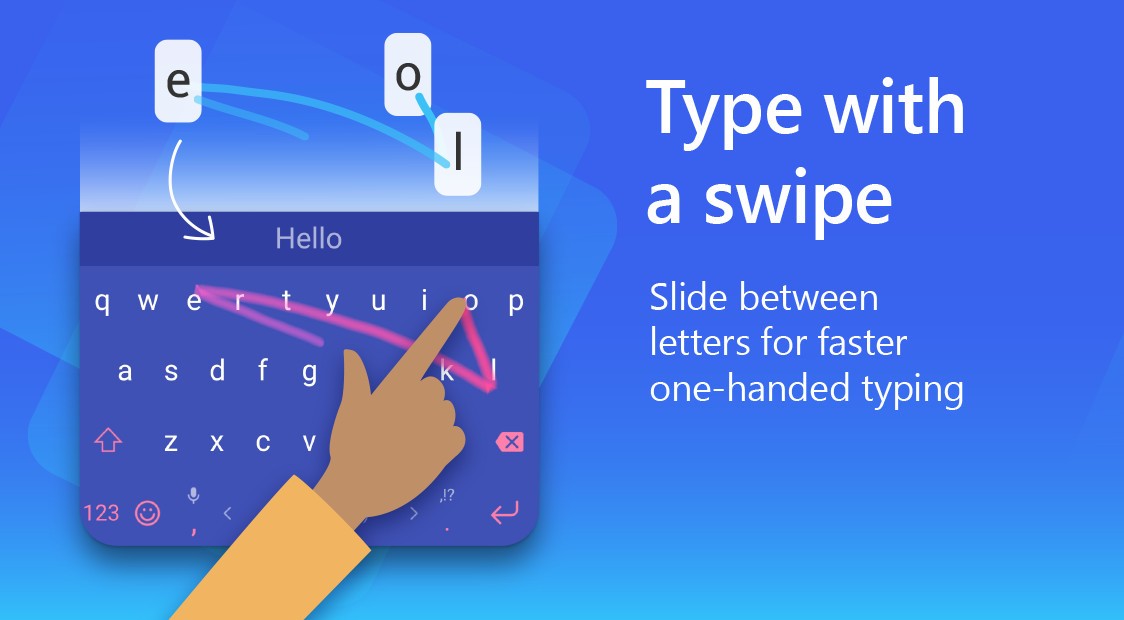
Microsoft SwiftKey Keyboard is a typing application that enables faster and smarter typing on mobile devices. It studies your writing style—it follows the words, phrases, and emojis that you use the most to provide you with predictions that seem personalized. It allows you to type using swipe or tap and choose the preferred mode.
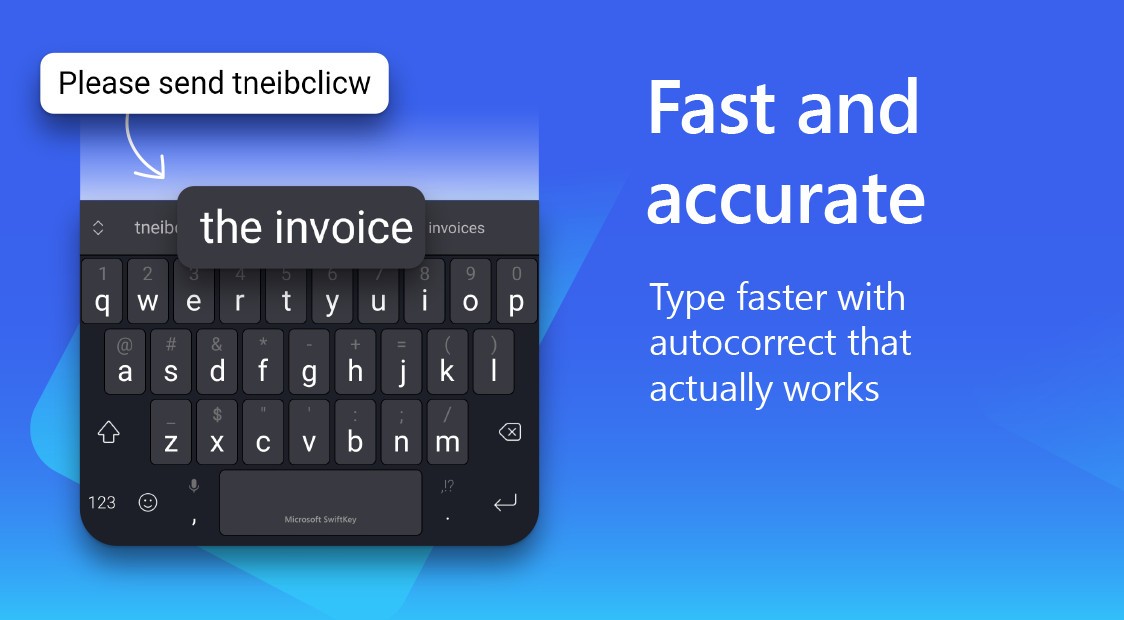
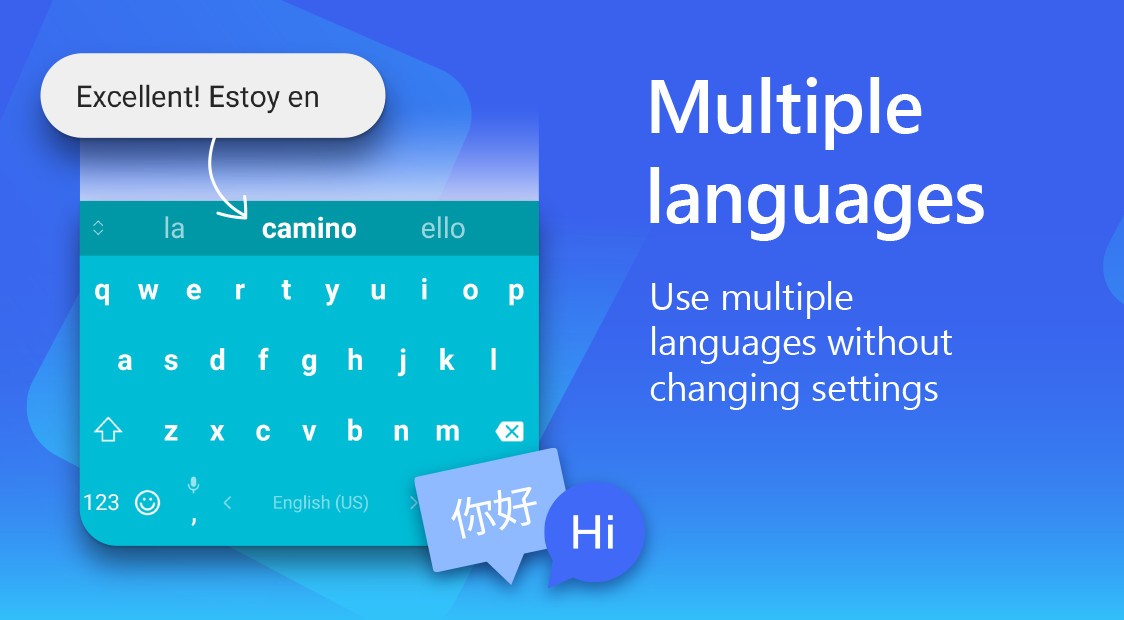
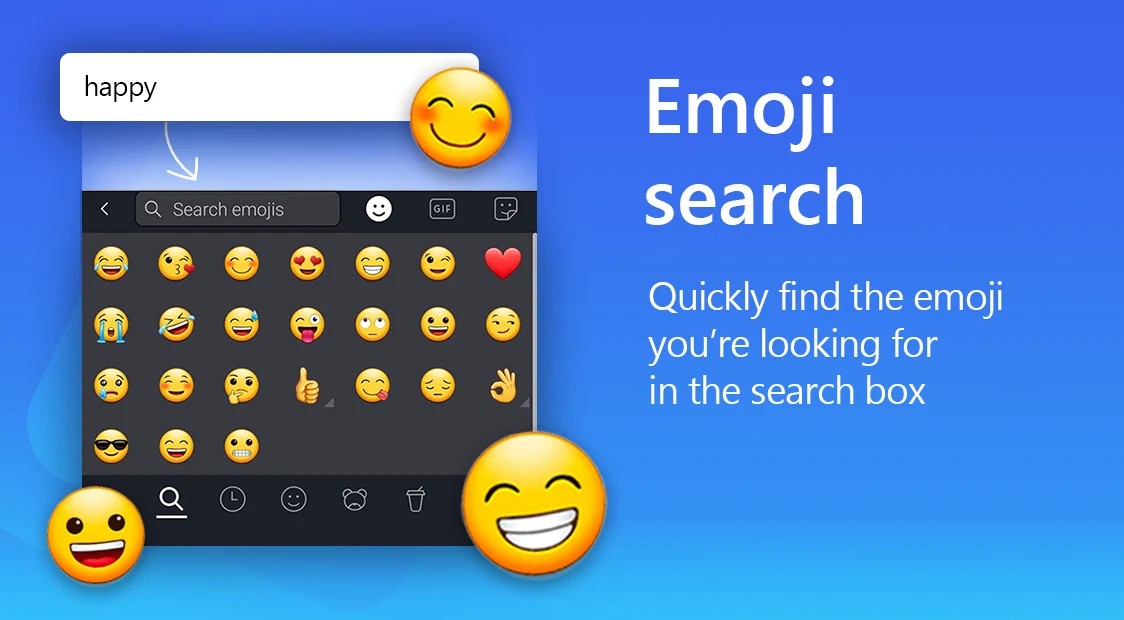
The keyboard accommodates over 700 languages, which allows one to switch comfortably when chatting or composing emails. Such features as autocorrect, emoji recommendations, and support of GIFs will also allow you to type faster and express yourself in a more vivid way.
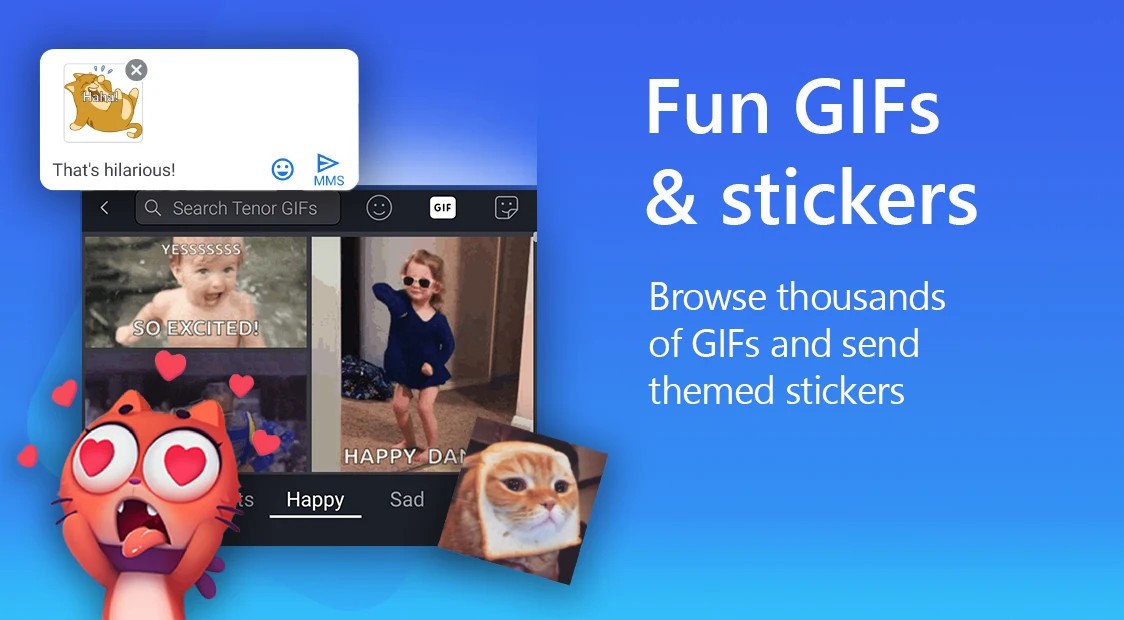
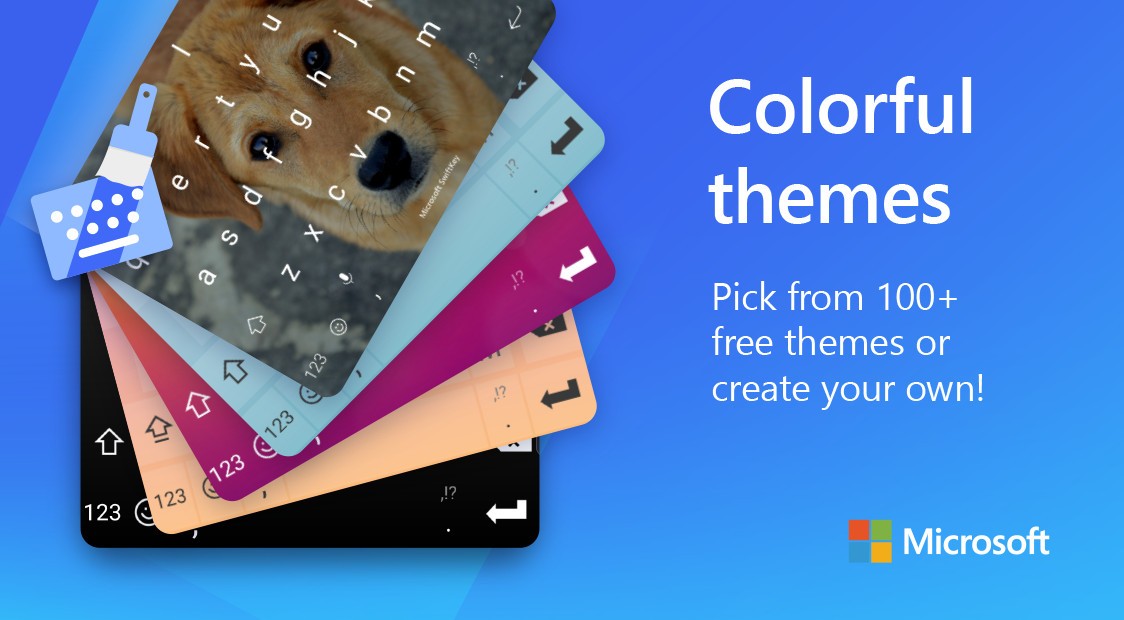
The appearance of the keyboard can be customized by users using themes, colors, or even just personal photos as a background. There is a toolbar that provides easy access to GIFs, stickers, translation, and other shortcuts. Some perform their tasks with it because it provides efficient typing, whereas others like its smart suggestions and options for expression.
You can use SwiftKey to write anything from messages, social media, notes, and emails to creative writing and more. The keyboard learns on the go, and the more you use it, the smarter it becomes.
Why Should I Download Microsoft SwiftKey Keyboard?
SwiftKey is a typing app usually selected by anyone who desires a smarter typing experience. When you tend to type the wrong words or change languages in the middle of the conversation, SwiftKey suggests the next word and makes correct autocorrections. It will also save your emoji patterns, nicknames, and most-used phrases, saving you time and making messages more personal. It is convenient for multilingual users since they can type in as many as five languages simultaneously without switching keyboards.
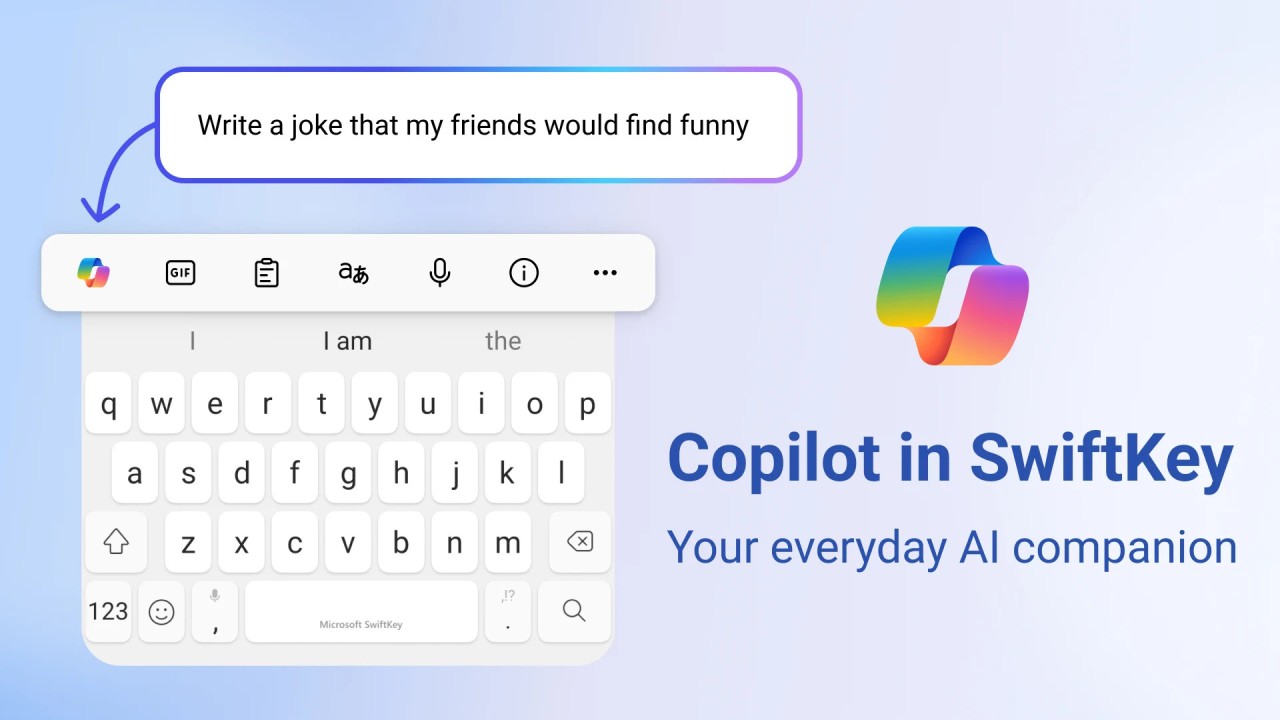
SwiftKey offers dozens of free themes and allows users to create their own, should they desire to personalize their keyboard. You can customize the keyboard to look unique with the use of colorful designs, backgrounds of photos, and much more. The built-in toolbar provides direct access to GIFs, stickers, the clipboard, and translation functionality, hence making multitasking simple and fast.
The other motivation that drives people to download SwiftKey is that it has AI capabilities that are incorporated in its Copilot assistant. It will assist in writing the text, rewriting the sentence, or proposing more appropriate words. Some use it only to do predictive typing, whereas others appreciate the combination of speed, precision, and customization. The person who spends much time typing, whether at their job, in school, or on social media, will usually save time and equally minimize repeat corrections.
Is Microsoft SwiftKey Keyboard Free?
Yes. SwiftKey is free to use on both Android and iOS. Such essential functions as swipe typing, autocorrect, predictive typing, and emoji suggestions are free of charge. There are also several themes and languages that are free. In-app purchases are not compulsory, and offering optional premium themes or cosmetic add-ons, the primary helpful features are free.
What Operating Systems Are Compatible with Microsoft SwiftKey Keyboard?
You can download SwiftKey on your mobile devices. On Android, it can be installed on phones and tablets. The application is accessible on the Google Play Store and supports devices running Android 6.0 or above. It fits various screen sizes and resolutions; therefore, it can be used in small phones and bigger tablets.
In the case of iOS users, SwiftKey is compatible with iPhones and iPads with iOS 14.0 or above. It can be downloaded from the Apple App Store and can be used with system-wide typing to use it in Messages, WhatsApp, Instagram, etc. SwiftKey also has several layouts, such as QWERTY and AZERTY, which are also handy with global users.
The keyboard is regularly updated to enhance stability, resolve bugs, and add features to make it compatible with the latest Android and iOS versions. Its portability and compatibility with various devices render it a consistent option for any person interested in improving their typing speed and doing it their way on keyboards.
What Are the Alternatives to Microsoft SwiftKey Keyboard?
Gboard is the official Android and iOS keyboard from Google. You can also make visual customizations, and the app is fast, reliable, and integrated with Google services. It offers glide typing, voice typing, GIFs, emojis, and multilinguality. Although it contains fewer themes and fonts, it operates easily and would hardly crash. It is usually selected due to its reliable and quick typing and intelligent suggestions. Make it smarter by downloading it for free in the Google Play Store or Apple App Store and begin typing.
Facemoji AI Emoji Keyboard is a visual customization and AI-based product. It allows you to make stickers, mix emojis, and apply cool themes. It works in Android and iOS and supports Instagram, TikTok, and WhatsApp. The keyboard has an auto-paster as well as an intelligent assistant to facilitate typing. Its AI functionality and the addition of Facemoji are what attract users seeking expressive and personalized keyboards. Many users download Facemoji to enjoy both the AI tools and creative visual themes in one app.
Fonts Keyboard Themes and Emoji give aesthetic customization more emphasis than AI. It features more than 100 Android kaomoji, symbols, and fashionable fonts. It is possible to alternate themes, exploit fancy fonts, and shine in messages and posts on social media. It has no typing AI or predictive functions and is a slim version of the keyboard that allows those who prefer a favorable look to have it. It was created for users who are fond of creative fonts. Add Fonts Keyboard is an application that can be downloaded free of charge and lets you begin personalizing your typing experience immediately.