Lookout—Assisted Vision is an Android application designed by Google to help individuals who are blind or people with low vision. It relies on the phone camera, computer vision, and artificial intelligence to explain, read, and identify objects in the physical world. Lookout does not substitute built-in screen readers or accessibility services but complements them, where the focus is on real-life activities rather than on-screen navigation.
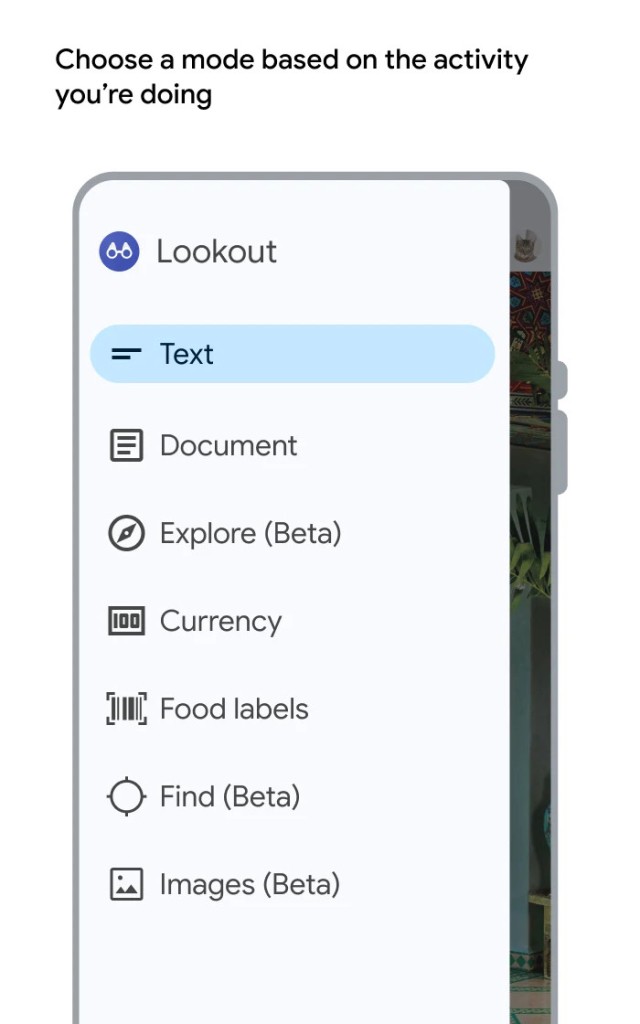
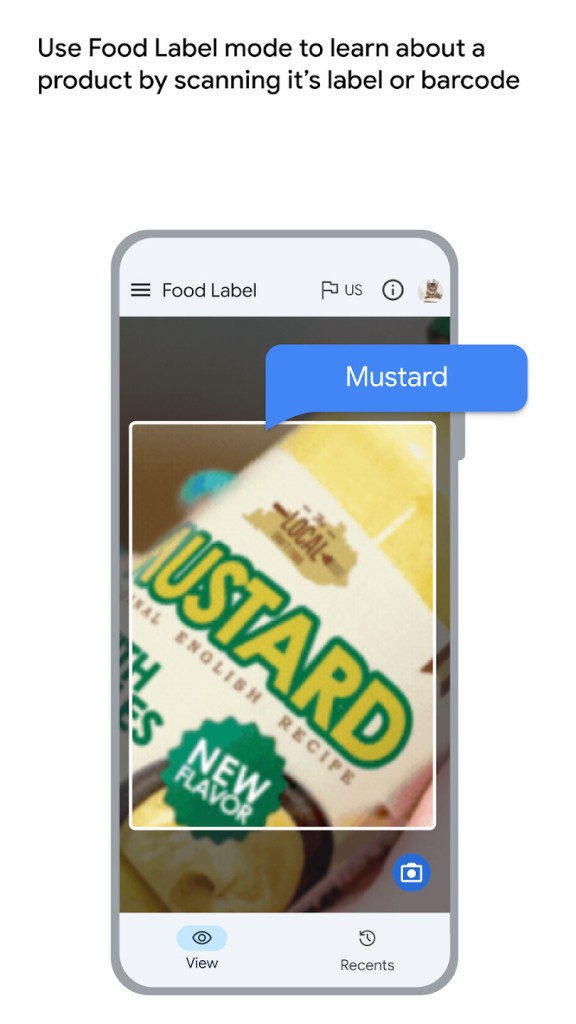
The application does not have one camera view, but multiple special modes. These modes allow you to read brief texts, search whole documents, recognize objects and people around you, recognize currency, locate items such as doors or cups, and describe pictures. All the modes deal with a single task, and therefore, users do not need to customize too many settings.
The Lookout was created with the feedback of the blind and low-vision users. Its outcome is a quick-paced, real-time application that eases the interface. It is not meant as a leisure perusal but is useful in daily chores: sorting mail and detecting labels, signs, or objects around the house.
Lookout is completely Android-powered and relies on the camera, audio output, and AI. Certain functions require quality hardware; hence, new phones can be faster and more precise. Nevertheless, the app can be used on relatively small devices, which contributes to its successful uptake on an international level.
Why Should I Download Lookout – Assisted Vision?
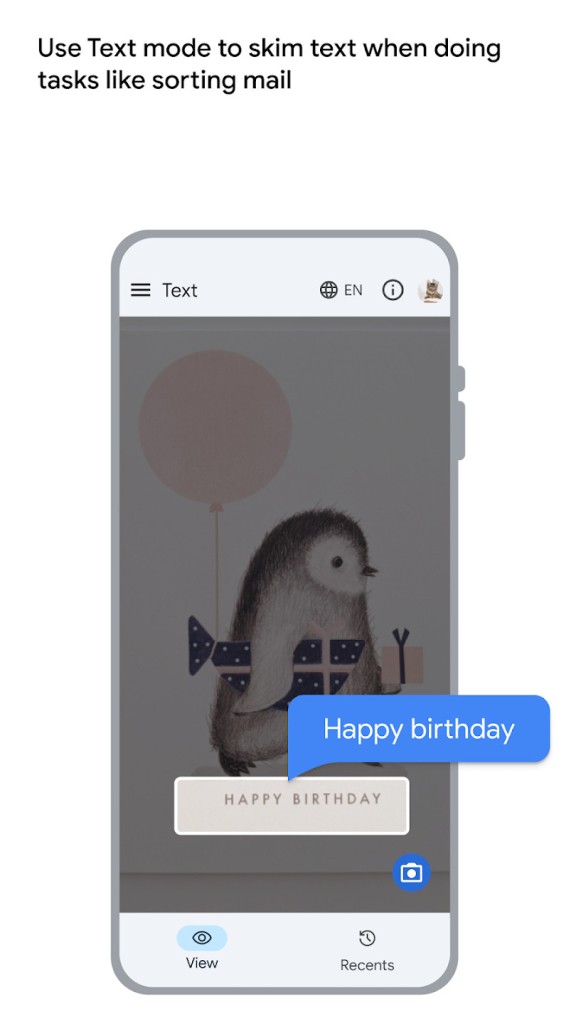
Lookout is downloaded to provide people with answers to real-life situations. It reduces the interval between the act of aiming the camera and listening to what is ahead of you. To a person with low vision, even slight delays would be more important than fine detail. The speed of reading text is one of the strengths of Lookout. There is no need to have a perfect photo or additional button clicks. In text mode, the app begins to read out immediately it finds readable text. It is good with mail, packages, signs, or brief notes.
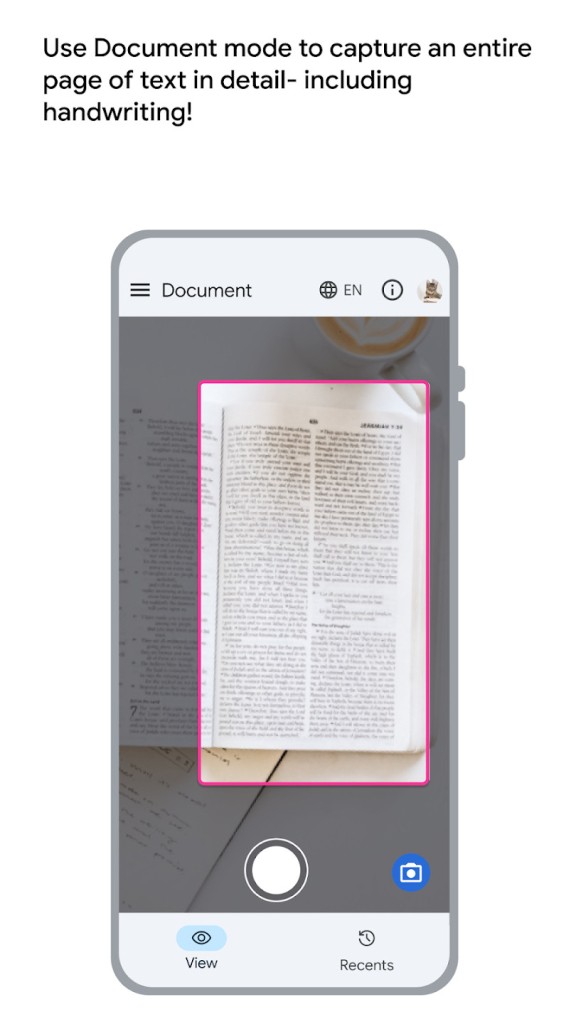
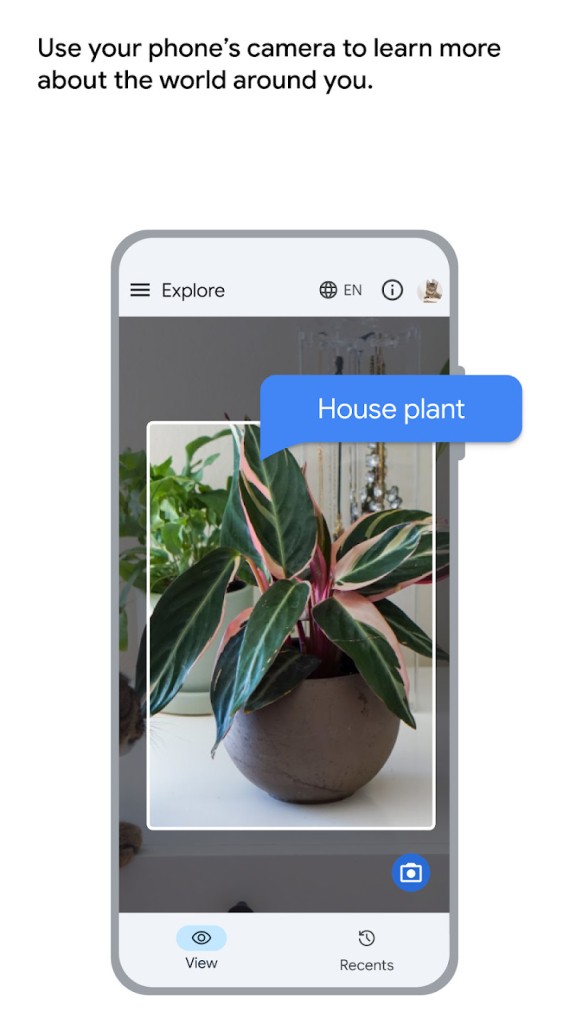
In the case of longer text, Documents mode is well structured and has a wide variety of languages; as such, it assists in letters, manuals, and print pages. Explore and find out otherwise. They did not read; they made you comprehend what was going on in your world. These are the identification of objects, simple layouts, and familiar landmarks. Some devices can approximate distance and direction, which have been used in indoor navigation. It is not a mobility alternative, but it provides situational awareness.
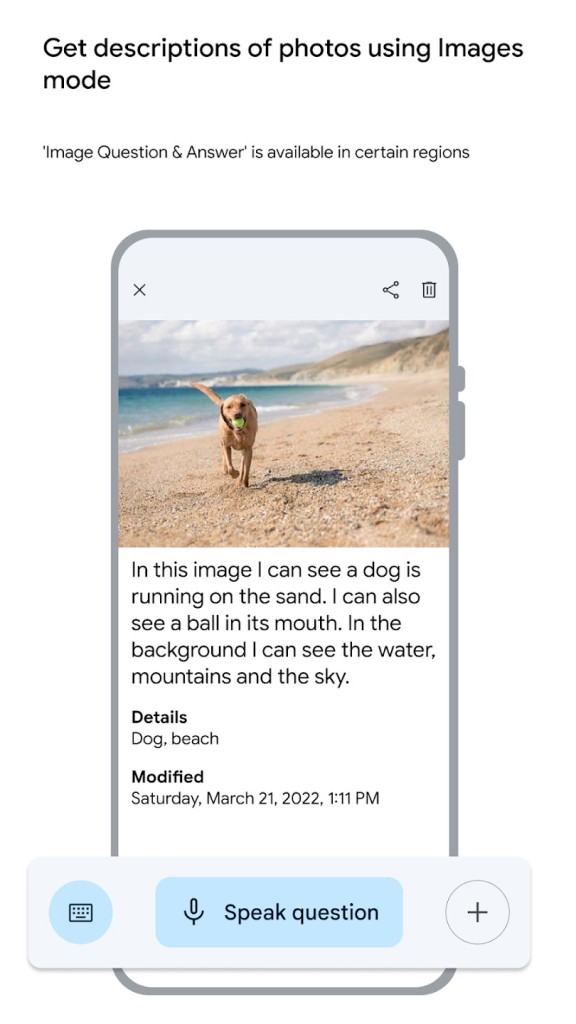
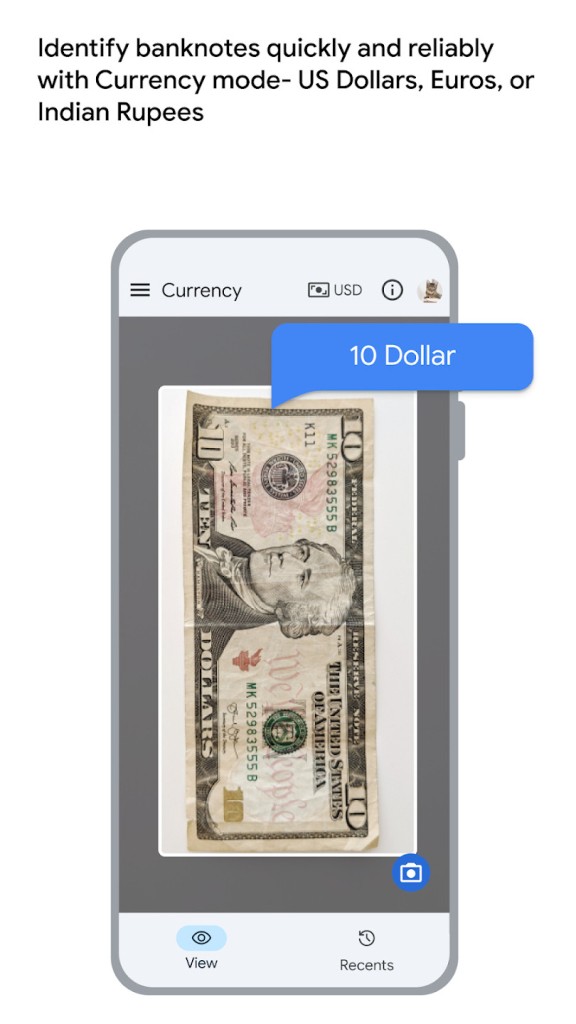
Currency mode is useful too. It allows users to find banknotes fast without assistance. The currency support is restricted to several regions, though where it is supported, it is fast and reliable. Image mode displays the progress of Lookout. It is capable of describing photos and responding to simple questions, but just in English at the moment. It is more exploratory than other, more task-oriented modes.
Individuals are recommended to download Lookout when they desire an assistant application that appreciates the speed, readability, and practicality of the world. It is not intended to be experimental or creative; it is intended to assist the users in accomplishing the day-to-day tasks more easily.
Is Lookout – Assisted Vision Free?
Yes. Lookout is free and can be fully utilized. No lockouts, subscriptions, or paid levels. Every mode is without in-app purchases. Google created it to be an accessibility tool; therefore, it does not need ads or upgrades. Availability of features is at the expense of the hardware of the device rather than the payment.
What Operating Systems Are Compatible with Lookout – Assisted Vision?
Lookout is only compatible with Android. It uses Android 6.0 and above, but phones with 2 or more GB of RAM are advisable to ensure a better performance. Certain more sophisticated functions, like distance measurements or more sophisticated image descriptions, might require more recent hardware with a superior camera and processor.
The application is directly run on the device, and no additional structures or applications are needed. It integrates with the Android accessibility services, such as TalkBack, albeit it does not substitute them. Rather, it adds help through cameras.
iOS, desktop OS, or web browsers are incompatible with Lookout, and users of the iPhone or iPad require other Apple-specific apps. Lookout can display more than 30 languages, yet such options as descriptions of the images are in English only.
Since Lookout functions on the camera, it can be affected by lights, the quality of the camera, and device sensors. Google attempted to ensure that the app could be used on most Android devices, not only the flagship products.
What Are the Alternatives to Lookout – Assisted Vision?
Be My Eyes does it differently. It connects low- or blind users with human volunteers through live video. The camera is given to the user, and a volunteer narrates what he/she sees in real time. This works well in difficult or ambiguous scenarios where AI is weak, like the recognition of colors, matching clothes, and the interpretation of strange things. The application (particularly its human interaction) is the value, and it also has some AI. That may even be a strength and a weakness. Human assistance is adaptable and situational, yet requires the internet and volunteers. Be My Eyes is compatible with iOS and Android, which is why it is available to many people. A simple way to get started is to download Be My Eyes on your phone, as the download is lightweight and quick on both platforms.
Seeing AI is an iOS and mostly a Microsoft application. It recognizes the text, objects, faces, and scenes through camera recognition. It has certain modes of tasks, such as reading documents, finding products, and finding people. AI provides detailed descriptions, and it may require one to be careful. It is possible that users will have to change modes or frame things in a considered way to achieve optimal results. It is more appropriate when a user wishes to have more detail and can use numerous features. Unlike Lookout, Seeing AI is not on Android, which means that it is suitable among iPhone users, but not among Android users. It is more descriptive than speedy; hence, it may seem slower in normal application. iPhone users can download Seeing AI from the App Store, and the download size is reasonable for regular use.