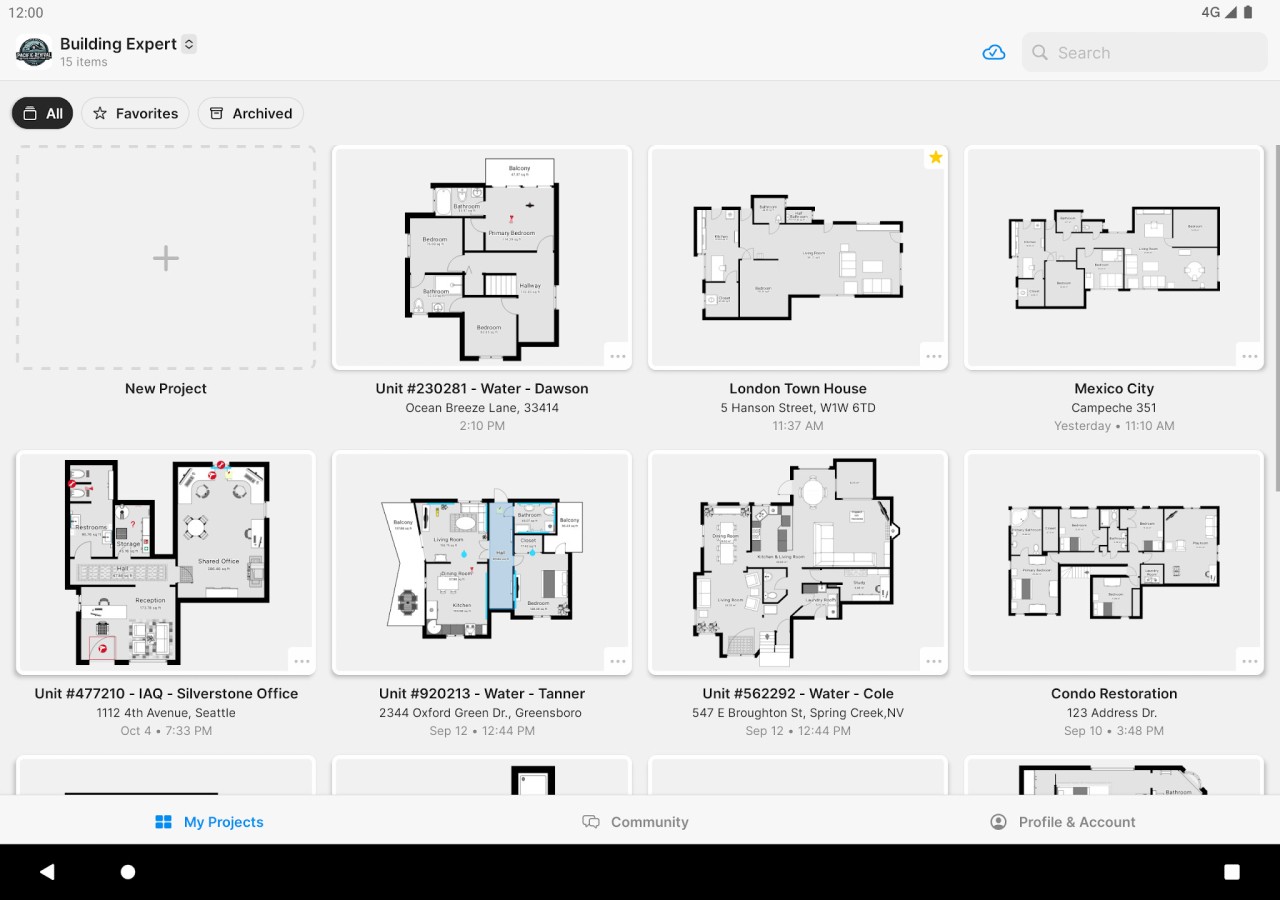
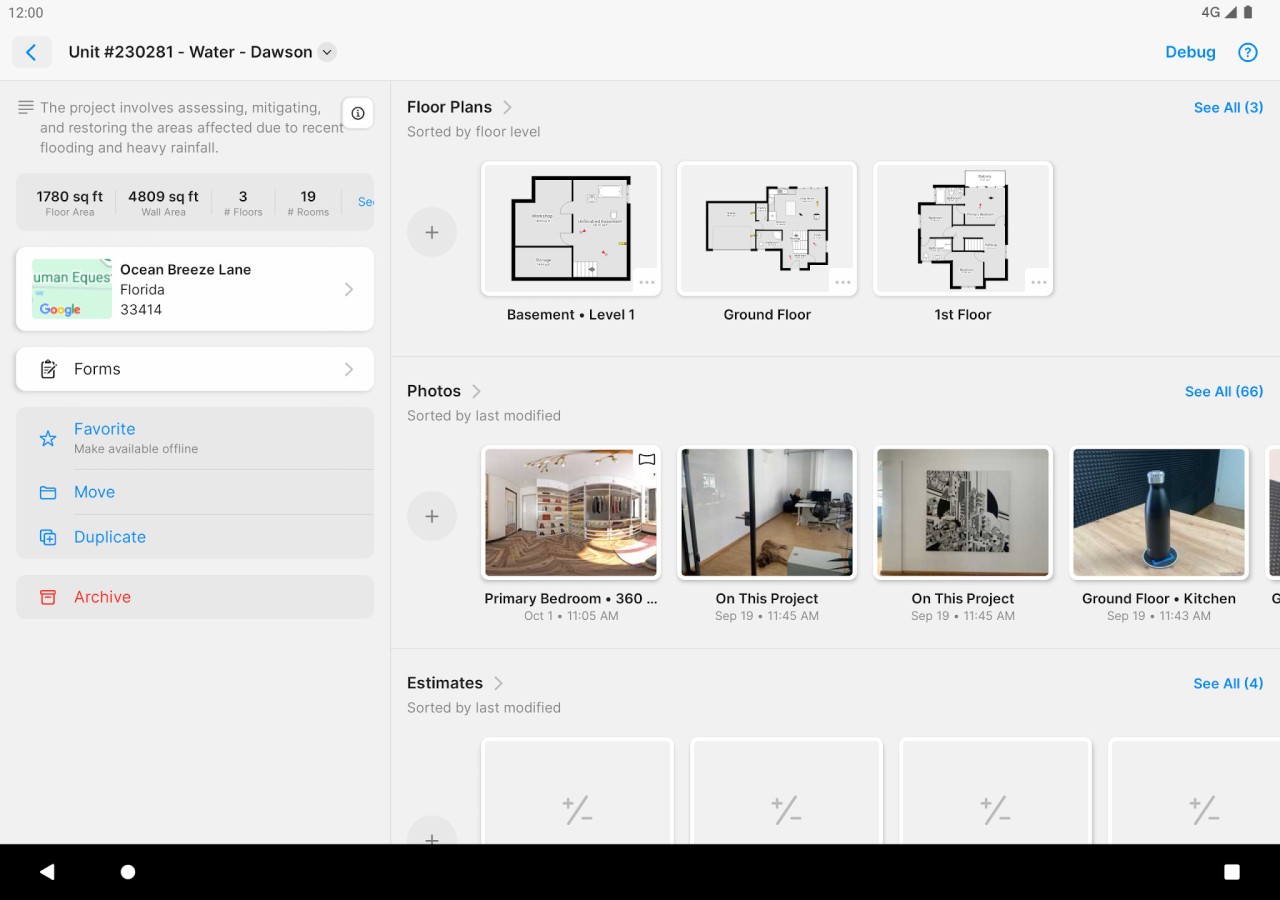
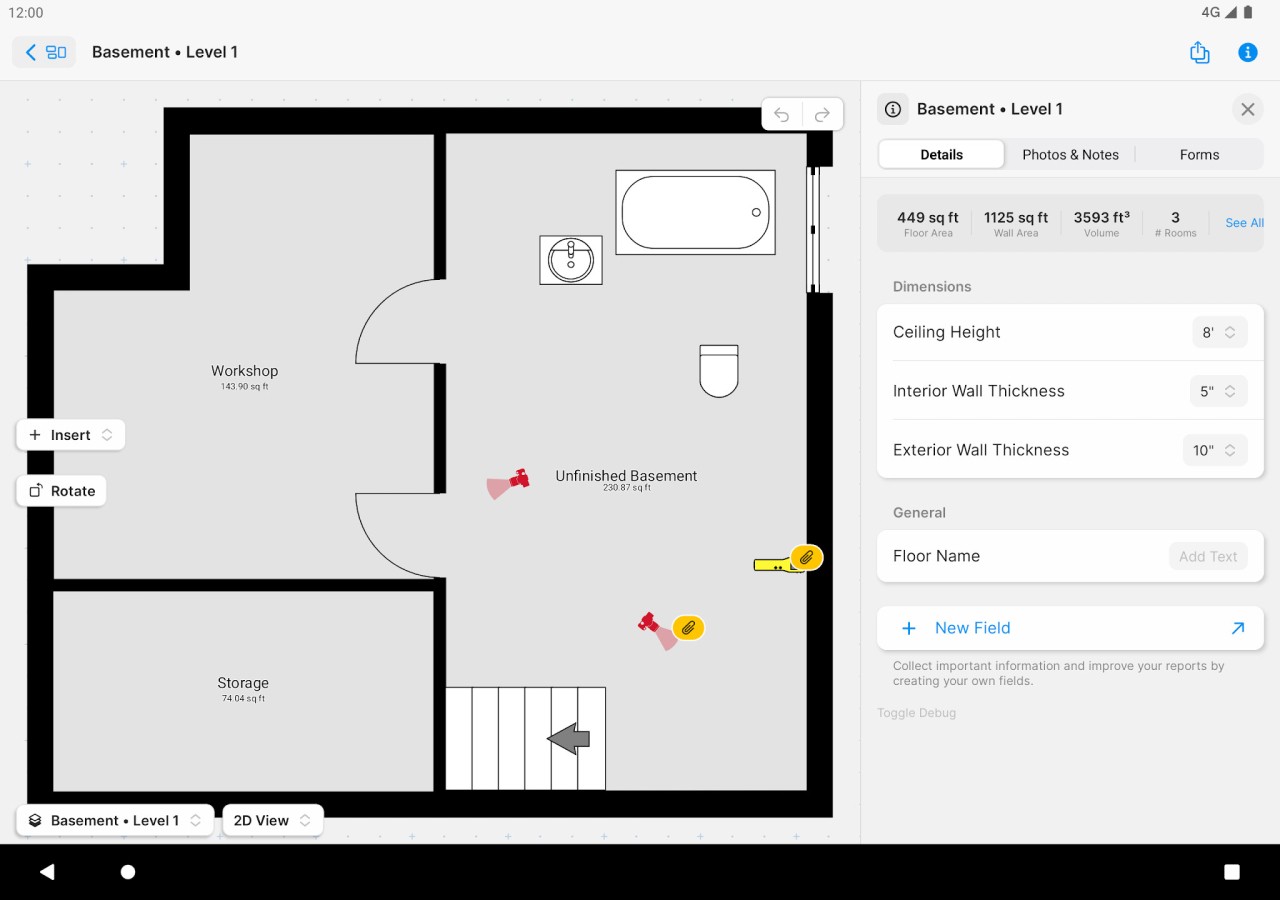
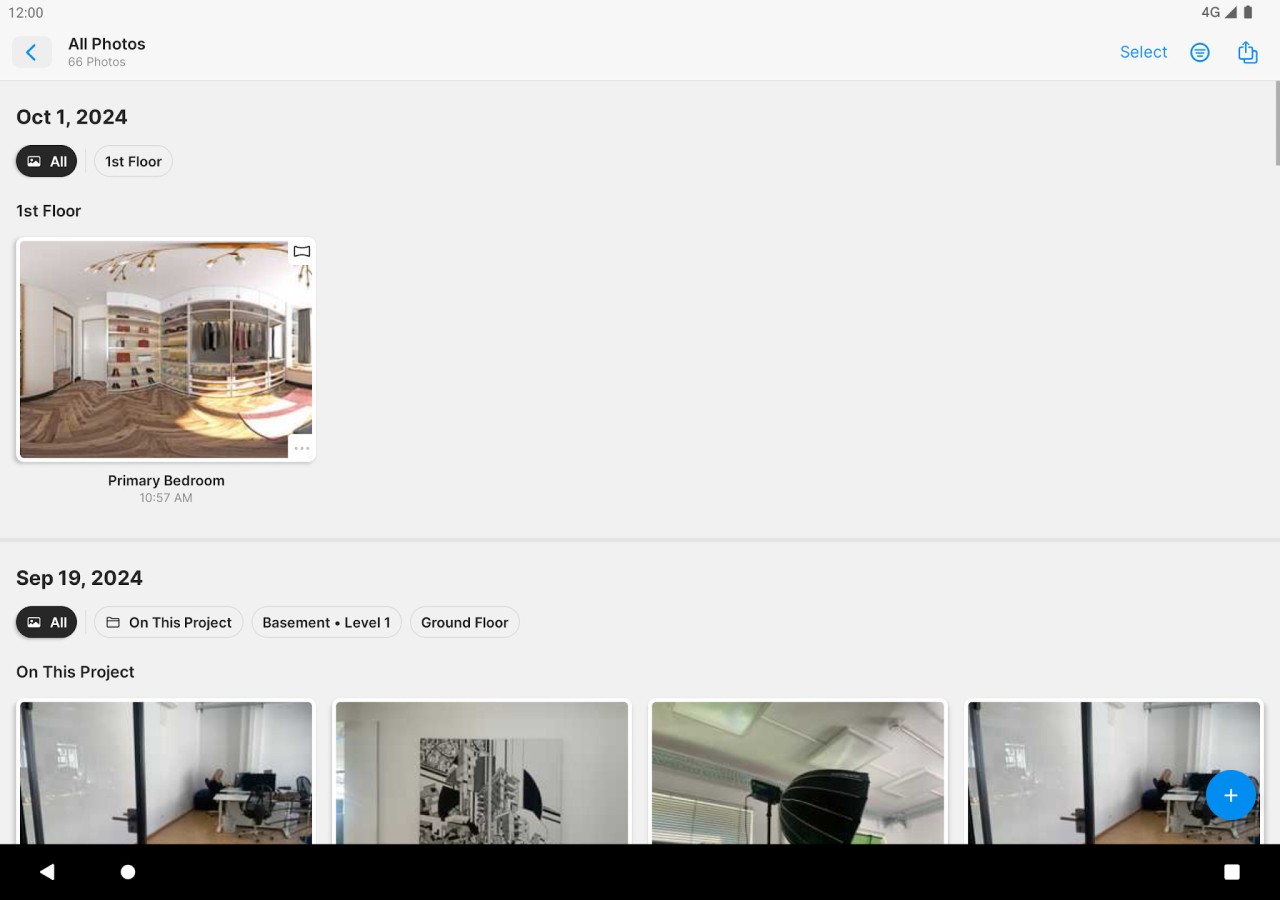
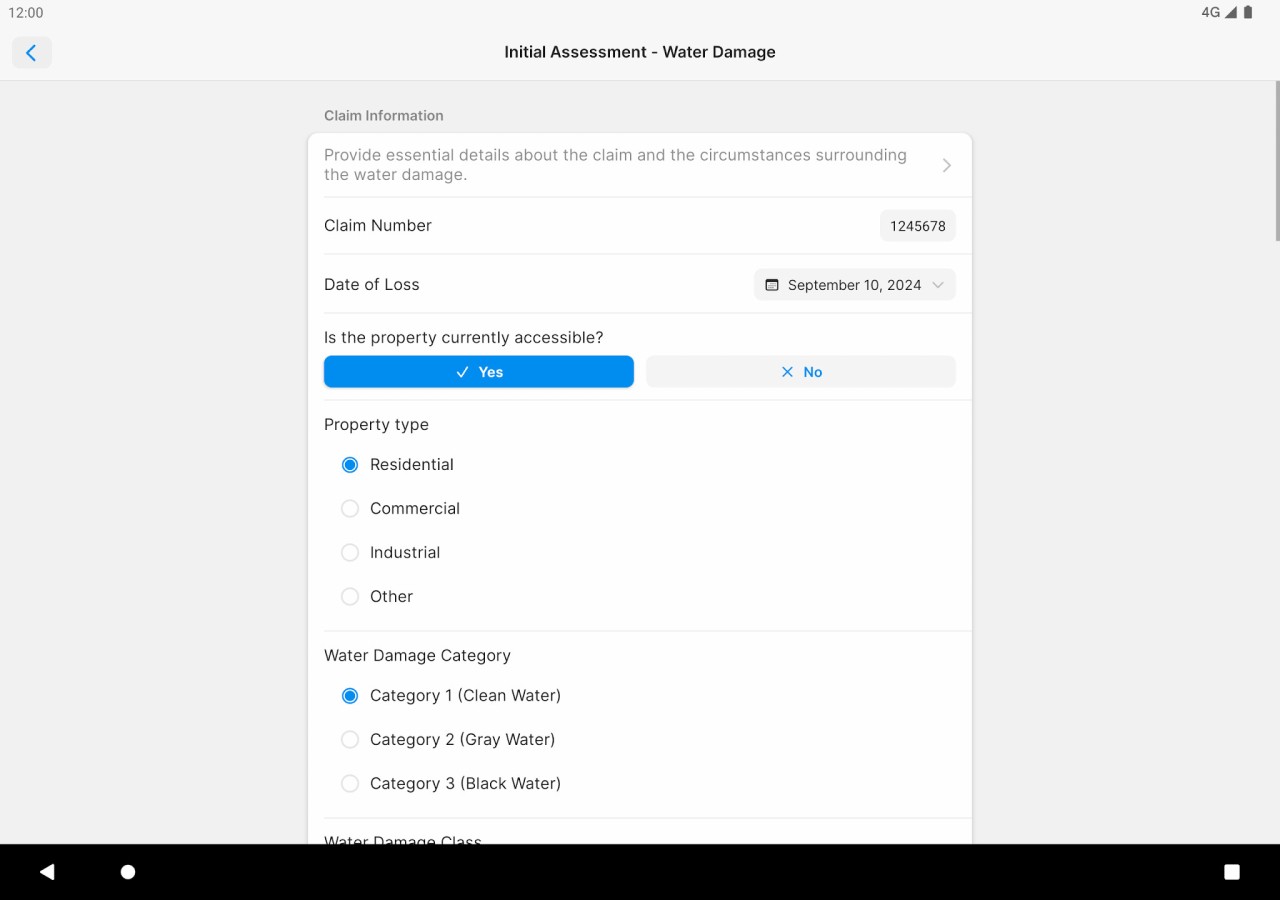
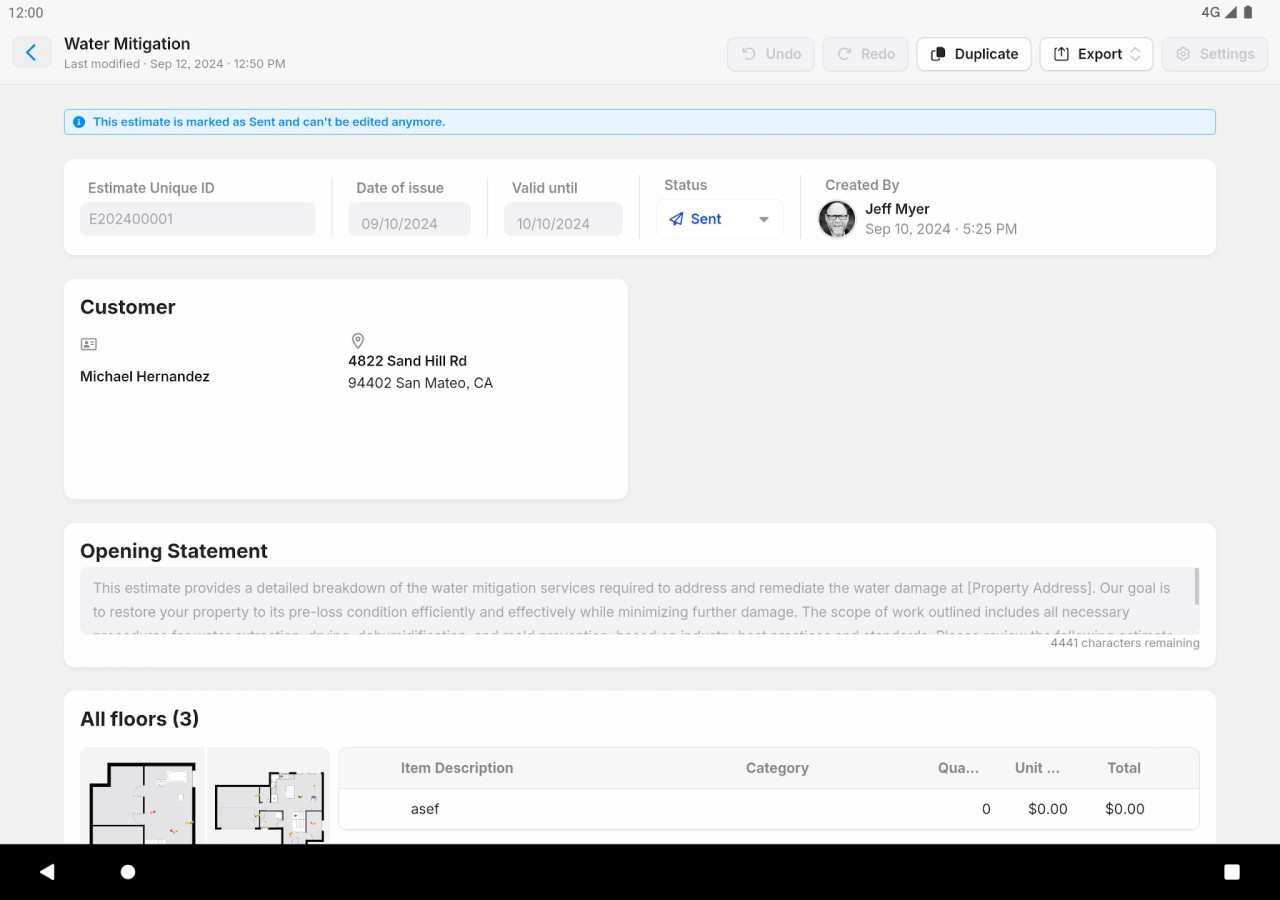
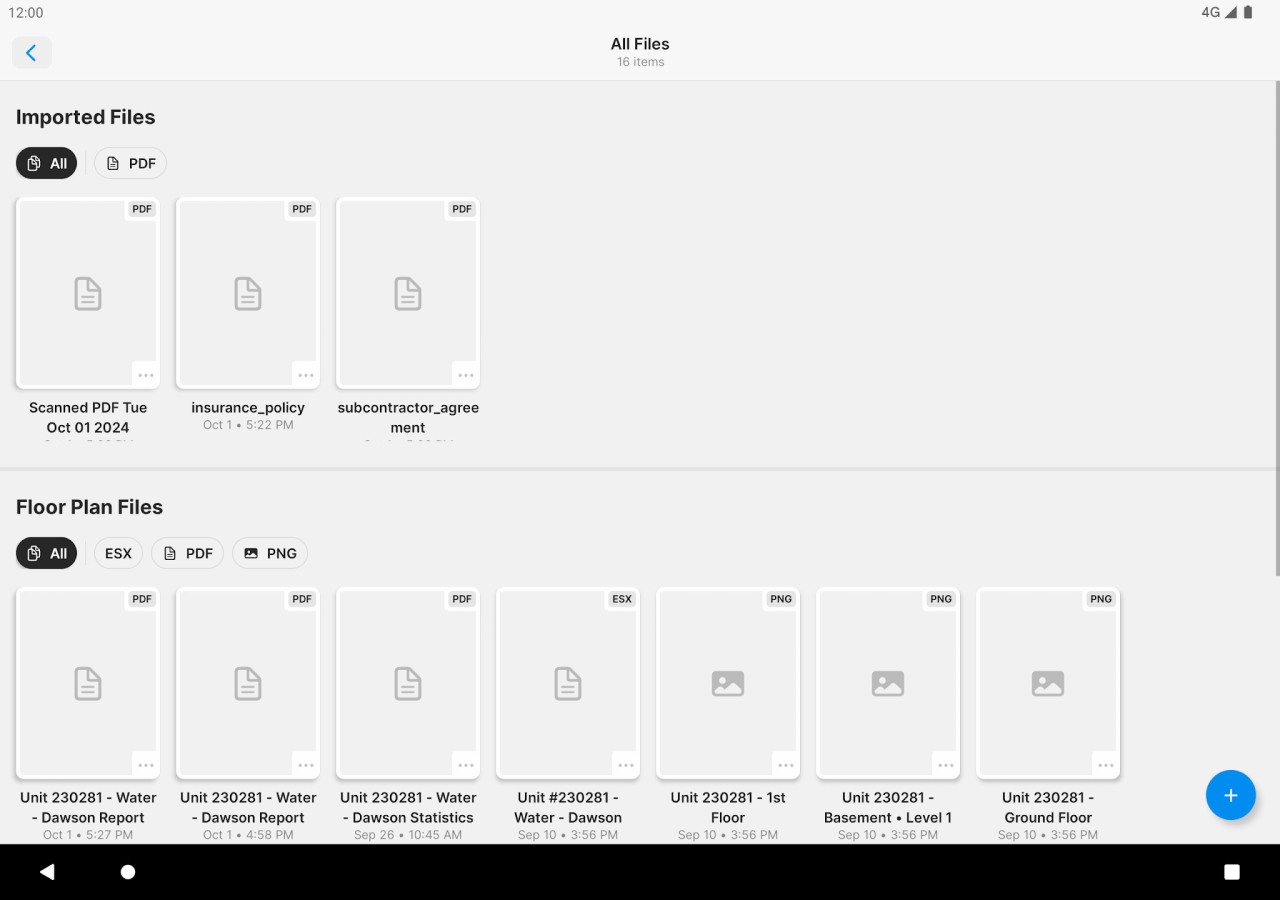
MagicPlan is an app used to create floor plans with the help of a scanner, measuring device, and hand-drawing. It is selected by users when they need to map a room quickly, without spending hours measuring each corner. Swivel your device over the area, take pictures of walls and angles, and the application begins to construct the design. In addition to drawing, you can also attach pictures, leave notes, place objects, and create reports.
The use of MagicPlan in such a situation would be useful in renovation projects, insurance claims, real estate records, and any situation that requires evidence of structure and measurements. Rather than flipping through paper drawings, it manages all information in a digital format to be viewed, edited, or shared. The app removes the additional efforts of measuring and writing the numbers manually. It also has a lot of external laser devices, which are more accurate than when using camera guesswork.
It will be useful to those who desire a practical mapping tool that would allow one to store all the contents in one project file, rather than having scattered notes or hand drawings. Users who have to use fast images, sketchy plans, or measurements frequently use MagicPlan as a strong basis for space activities.
Why Should I Download MagicPlan?
Some users are after flashy applications that produce fancy designs. MagicPlan, in its turn, is more about recording real spaces than decoration. It makes the process of collecting information about renovations, repairs, and restorations, or insurance checks, easier.
The app scans the walls as you walk into a room, adds the doors and windows to the plan, and constructs the plan in real time. The waiting time is reduced since the images of drawings and measurements are updated instantly. Other capabilities, such as notes, photographs, and 360° views, are estimated to enable you to record sufficient content during one trip that can be analyzed at a later time.
Accuracy is of utmost importance because professionals seldom desire to return to a site. When the app is used with a compatible laser device, it gets accurate measurements, and minimally expensive errors are generated. Even people with no knowledge about the subject can study household layouts to lay out furniture or even gain greater insight into space before relocating objects.
It is neutral; it does not tell your design. Rather, it provides the means to insert objects, design rooms, and export floor plans to refer to. Others do it on the job, and some do it out of curiosity. The idea is convenience: take an immediate place, not through redrawing over and over again. You can also create plans in all formats of choice, which simplifies the process of sharing them with construction teams or insurers. The software is a mobile documentation tool, and it minimizes guesswork and allows you to manage building details step by step.
Is MagicPlan Free?
MagicPlan has a free plan that is limited. The free edition allows taking a preview of scanning, learning the work process, and coming up with some projects. Paid plans unlock full features of exporting, professional reports, and some integrations. Most users use it free of charge to verify before they can subscribe. Therefore, the app will be free of charge at first, but professional and continuous projects will likely require an upgrade.
What Operating Systems Are Compatible with MagicPlan?
MagicPlan is not a desktop solution but a mobile app. It can be used on iPhones, iPads, Android phones, or tablets; it can be installed in the Apple App Store or Google Play Store. Scanning relies on the sensors and cameras on the devices, and hence newer models tend to be less inaccurate and quicker at detecting rooms.
It also supports external laser measuring devices—e.g., Bosch, Leica, and Hilti. They are connected with Bluetooth and get measurement data transferred directly, which eliminates manual errors.
The best performance with devices is achieved by devices with good cameras, AR support, and large memory. When the account has been synchronized, you will be able to see and introduce changes to plans regardless of where you are: begin on a phone and complete on a tablet. The essence is mobile, with a possible export or review web dashboard. Anticipate designing and capturing Android or iOS space, not desktop tools, and make the process portable and field-friendly.
What Are the Alternatives to MagicPlan?
Sweet Home 3D is favored by users who like to place rooms on the screen rather than scan. It allows you to sketch walls, add furniture and light, and test layouts in a three-dimensional setting. In contrast to MagicPlan, Sweet Home 3D does not focus on the real-time capture of measurements, but on design. It is appropriate to the imagination of people who are interested in creating a space but not recording an existing one. It is a malleable home setup and furniture-planning tool, a sandbox in which users who enjoy manual creativity and interior customizations can be found. Some users download it simply to visualize space ideas before working on real rooms.
DreamPlan Home Design is an amalgamation of interior planning, landscape modeling, and house layout drawing. It allows users to start with a blank room, create multi-storey buildings, and add gardens, roofs, and the outdoors. It is more of conceptual modelling and less about real-time scanning or in the field accuracy. DreamPlan is selected by the users as a wide space-creating tool rather than an on-site measurement application. It is applicable in personal remodeling concepts, personal building, or imaginary house design. Instead of searching the real world and trying to perceive it, it lets you create spaces precisely as you envision them. DreamPlan is often downloaded by users who want freedom in building creative environments.
Home Design 3D is more of a style-oriented game. Users personalize rooms, move walls, alter colors, and virtualize renovation concepts. The interface is inviting the unrestricted trial of the design choices rather than the field measurements. It is attractive to homeowners, students, and hobbyists who like to experiment with the arrangement of the decor and the themes of the materials. Although it provides floor-planning tools, it is artistically oriented. It does not have the MagicPlans direct measurement workflow, but offers a playful environment of remodeling imagination and visual exploration. Many people download Home Design 3D to explore layouts casually and try different looks.