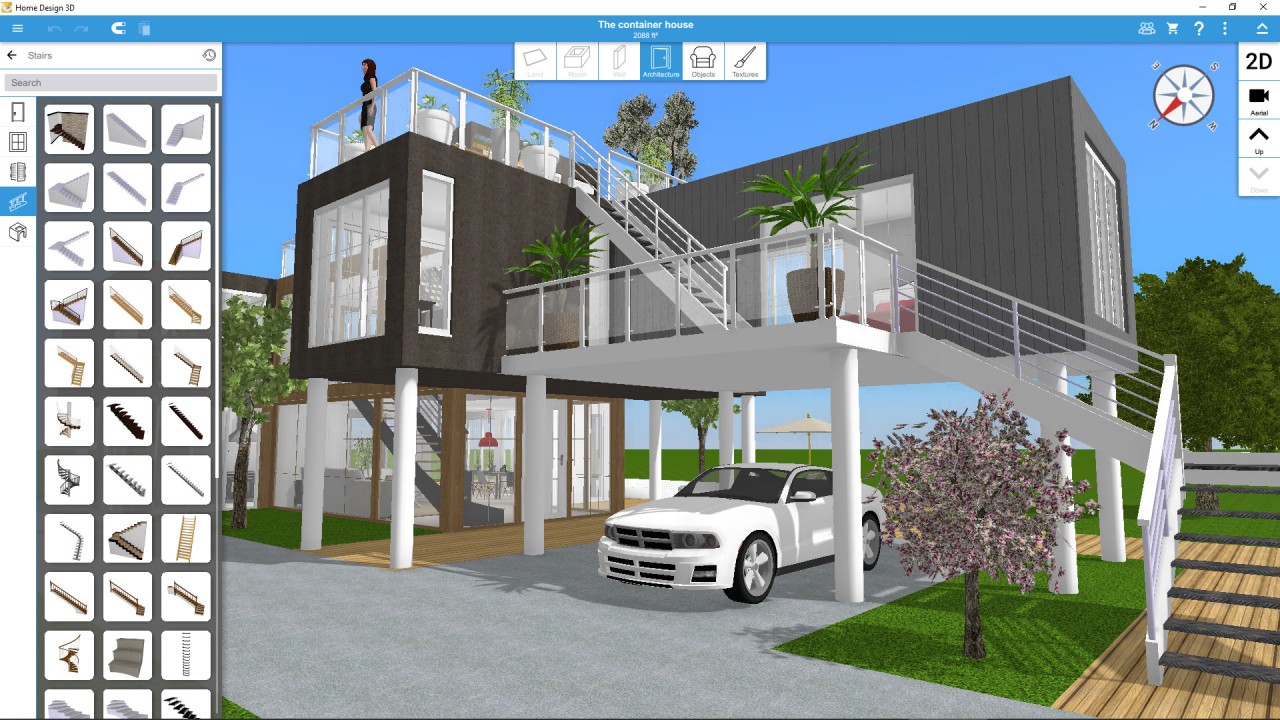
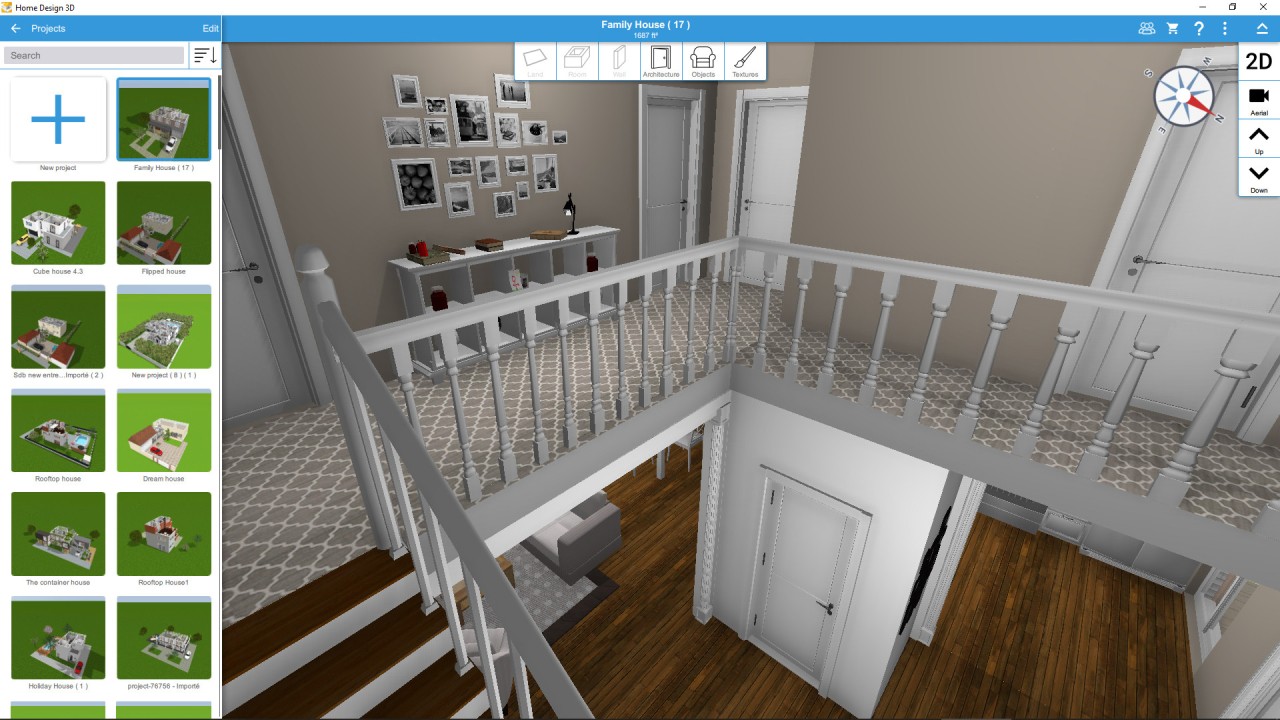
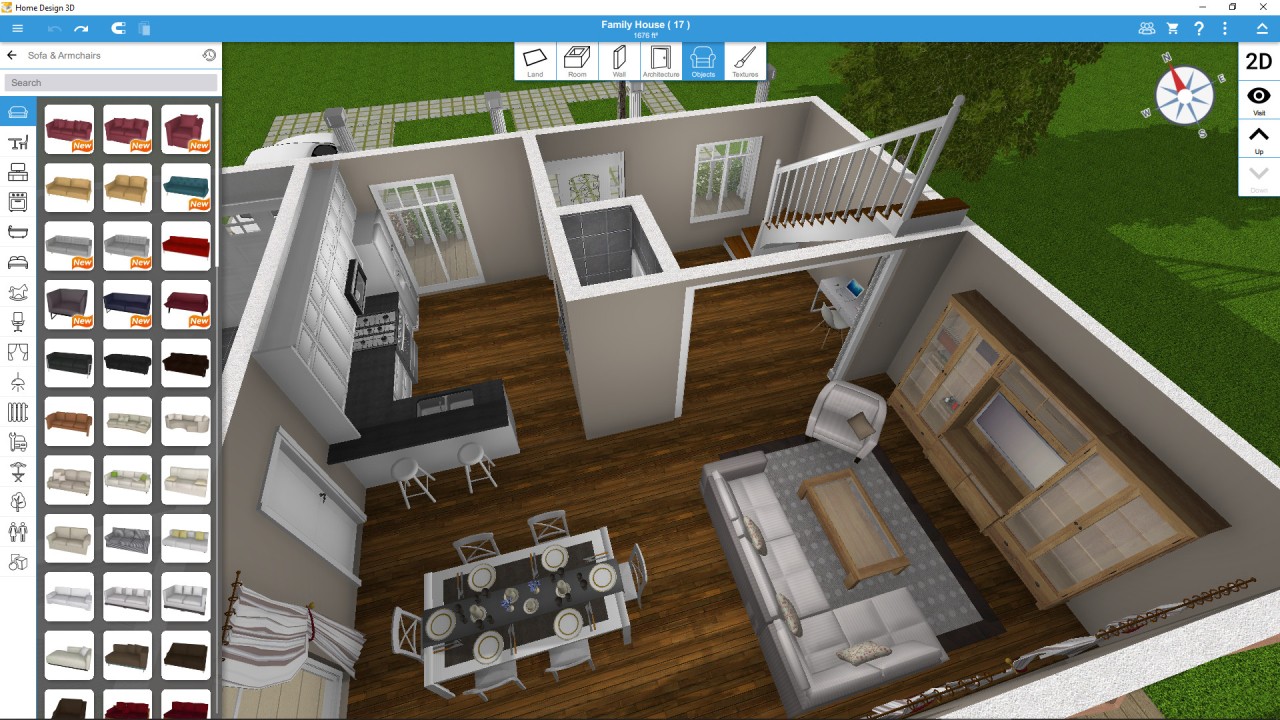
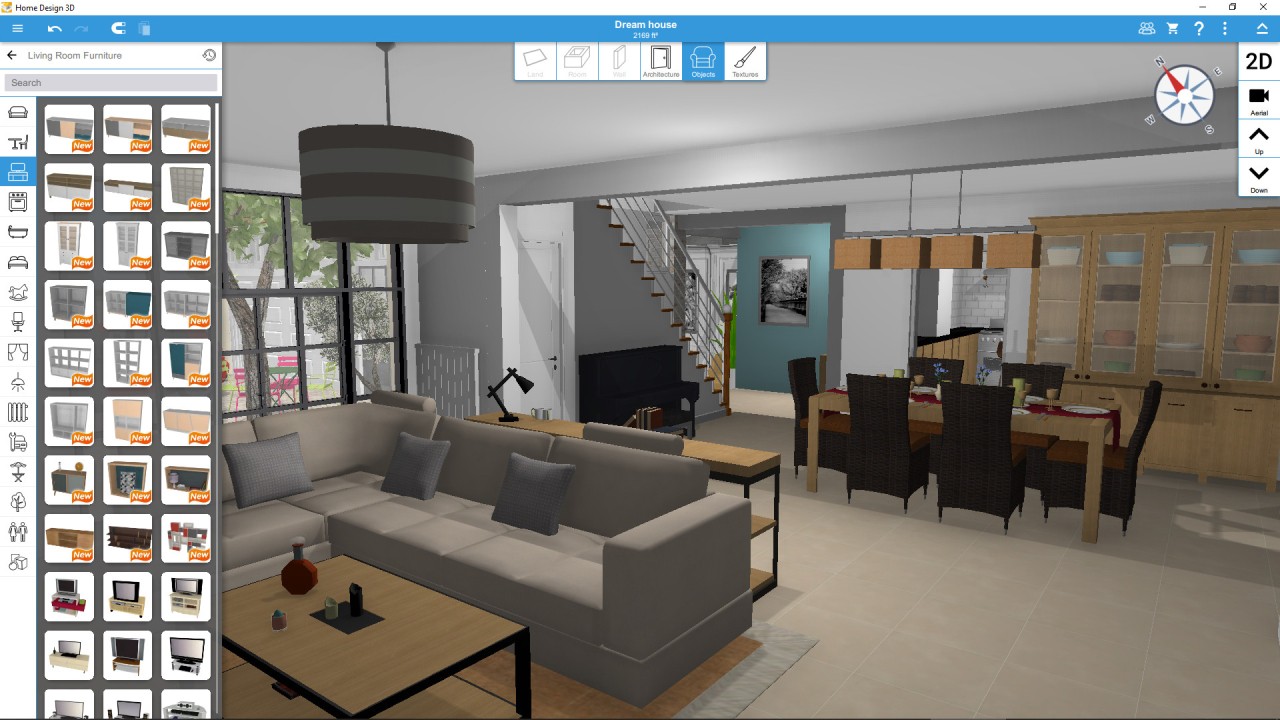
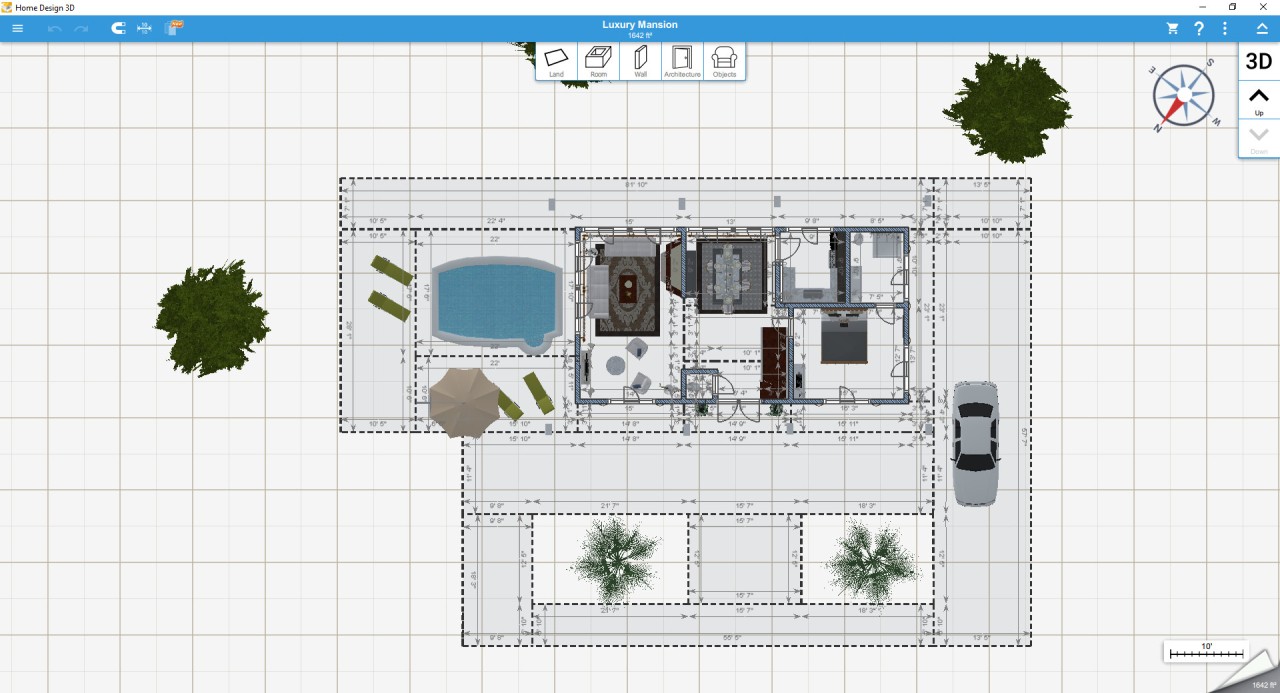
Home Design 3D allows you to design houses in a graphical manner. No expertise is required in architecture or drafting. The application offers you a blank canvas. You can create walls there, design rooms, change the height of the walls, and relocate doors, windows. Once the 2D structure is complete, go to 3D mode and stroll through the layout, as in a real house. The application looks more like an activity of playing around and experimenting rather than drafting.
The app’s idea is simple. It does not make you have to imagine a living room or a kitchen, but it immediately presents you with one. Home Design 3D has a great amount of furniture, decoration materials, color themes, and textures. It may be a remodeling of the entire house or a single room. It is also possible to add your own pictures as wall or furniture textures.
It is not architectural software, but it is useful in the organization of remodelling plans, reorganizing furniture, or trying out any idea before making a purchase. Home design 3D is often viewed by many users as a virtual sandbox where people can indulge in dreams of renovating houses or building new houses without any pressure.
Why Should I Download Home Design 3D?
The primary purpose of downloading the application is that it transforms the unclear internal thoughts into visual ones. Redesigns of rooms are not easily explained to people. This application allows you to demonstrate, not to narrate. You could sketch the room, alternate colors, put furniture, and present the idea. This gets rid of the confusion and displays what works and what does not.
The app feels relaxed. It does not contain bulky construction terms. Anything can be moved, resized, rotated, duplicated, or deleted at any time, making experimentation fast. Changes are reversible at any point. In case you like a color or a fabric of some design, then use the eyedropper and copy it, and apply it in another place.
The most pleasant experience is the one where you change from a top-view to a walking mode. It is as if you were entering a house that you were just dreaming about. One can enter rooms, examine details of the decor, and switch day and night to observe how lighting can alter the atmosphere of the space.
In case you are a visual thinker or intend to remodel and do not want to make expensive mistakes, Home Design 3D will allow you to check everything online, and then take action in reality.
Is Home Design 3D Free?
You can download Home Design 3D for free, but it has its limitations in the free version. You can design and explore; however, to save, export, and use advanced functionality, a paid upgrade is required.
To have access to more furniture or complete freedom of editing, or use in the case of multi-story houses, you’ll have to buy the paid version. It is not a subscription, but a single purchase, and the features are not locked.
What Operating Systems Are Compatible with Home Design 3D?
Home Design 3D is compatible with many platforms, which means that you are not restricted to a single device. It is compatible with both Windows and Mac. It is available on iPhones in the App Store and Android in Google Play. It is also available on Steam among PC users who would like to use a gaming platform.
One of the strengths is cross-platform support. To start designing on mobile and finish on a computer. This adaptability is applicable in different places. You can use an example of taking measurements, drawing a room on a phone, and completing details on a bigger screen computer.
Projects are stored locally, and therefore, no Internet is required after downloading. Exporting and sharing involve an Internet connection. VR export is functional, provided the machine works with the right format.
The experience is smoother on newer gadgets. The processing power is required in large projects that have a lot of floors or heavy furniture. The upgraded version only has multi-floor designs, and the old devices might not keep pace with real-time 3D walking in case the project is too heavy.
What Are the Alternatives to Home Design 3D?
In case Home Design 3D does not suit your workflow and expectations, other applications adopt alternative methods. Dreamplan Home Design is more organized and technological. It is concerned with the planning of construction rather than decoration. It allows you to change roofs, landscapes, and several floors. DreamPlan is ideal for those users who are serious planners and do not like touchscreens.
MagicPlan develops floor plans by scanning the rooms using the camera. It does the layouts and measurements with AR, which does not require the user to draw up the walls manually. It is perfect when there is a contractor, real estate agent, or any other person who requires fast measurements and floor-plan documents. It also exports to PDF or construction files, and most features are subscription-based, which may prove expensive to heavy users.
The other alternative is Sweet Home 3D. It is free and open-source, and it will attract people who do not want to pay. Its interface is more functional than sexy and older, but it can print designs on computers or mobile devices. It is slower in its rendering, but can be used with freedom to experiment with manual layout. The community develops its own objects and models of furniture to be downloaded, and this extends the library.