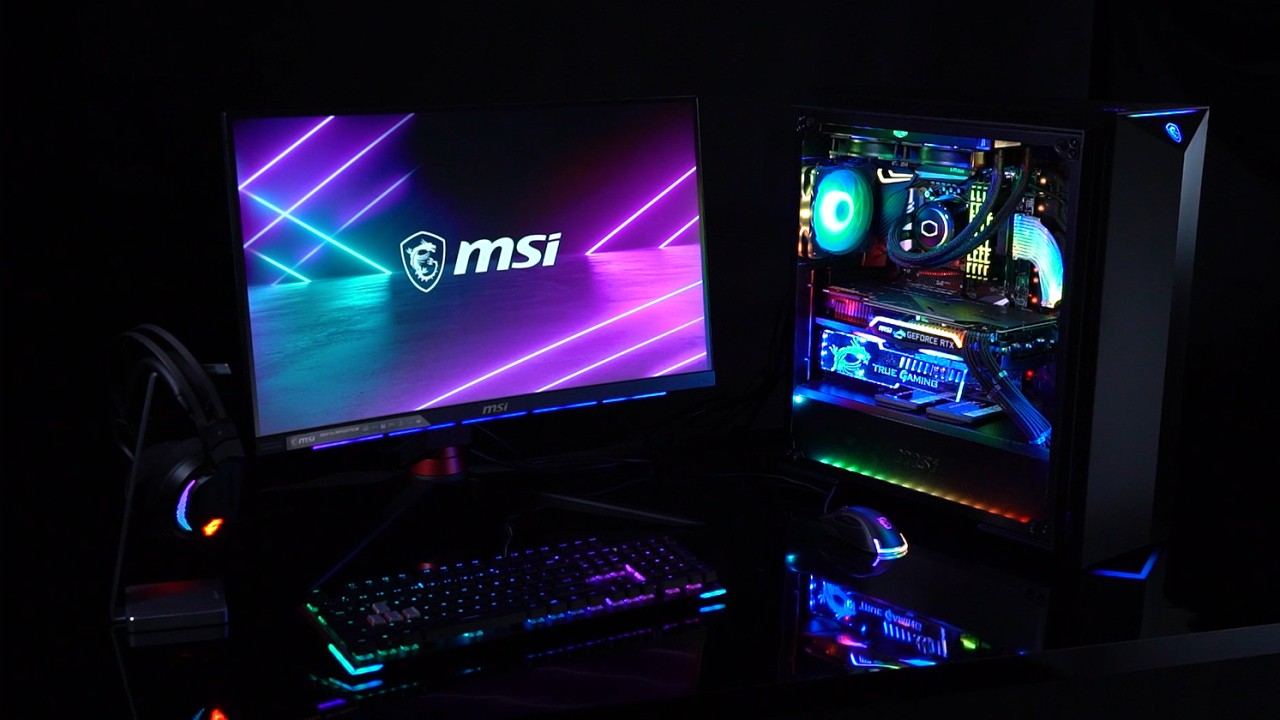
MSI Afterburner is a free Windows application for monitoring the performance of your graphics card. It is compatible with graphics cards from different manufacturers, including AMD and Intel, among others. The app allows you to track the performance of your GPU, with important performance indicators like temperature and fan speed. You can also improve the performance of your graphics card by changing the memory clock, core clock, or voltage. In addition to that, the app allows you to customize your fan performance, achieving optimal cooling during casual use or gaming.
Monitoring the performance of your graphics card can give you a valuable insight into which apps and programs drain the most resources. You can also learn to use your GPU to its full capacity and get the most out of it. Insights can be seen directly on your computer screen when you’re gaming.
Why Should I Download MSI Afterburner?
If you use programs that may drain your computer resources, like powerful video editing tools and complex game titles, then you can benefit from MSI Afterburner. The app allows you to make the most out of your GPU and make sure that your computer is using its resources wisely.
One of its main tools is performance monitoring. MSI’s intuitive display shows you information about your graphics card’s temperature and usage, as well as CPU usage. This data can be viewed in real time when you’re gaming, for example.
Monitoring data is just one part of the solution to the problem of your system slowing down. Once you know what’s wrong, you can boost performance by overclocking your GPU via MSI Afterburner. Use the OC Scanner tool to boost your GPU and make it work more efficiently.
An issue commonly encountered by users of resource-heavy programs concerns the fan. It may be working too loudly or overheating in critical moments, thus slowing you down. If that’s your case, you can manually set up fan curves to optimize performance.
MSI Afterburner is a highly reliable software for graphics cards. It is among the most popular and safe solutions out there. The application is suitable for Windows desktop and laptop computers. It is entirely free to use.
Is MSI Afterburner Free?
MSI Afterburner is a free software. There are no features hidden behind a paywall or hidden fees.
What Operating Systems Are Compatible with MSI Afterburner?
MSI Afterburner was developed with Windows computers in mind. The program is compatible with Windows 11, Windows 10, and older Windows operating systems. You can use it on your laptop or desktop computer. At the moment, there is no native application for Linux and macOS systems.
The software works with most graphics cards, including but not limited to NVIDIA and AMD.
What Are the Alternatives to MSI Afterburner?
Users looking for a similar solution with a slightly different set of features can find one in OCAT. OCAT stands for Open-source Capture and Analysis Tool. Rather than help you make changes to the performance of your GPU, it offers detailed information and analyses. The platform is used specifically for gathering data, so it was not intended for running in the background at all times. The data retrieved is precise and specific, and you can use it to make adjustments to your system later on using different tools. It is undoubtedly the better tool for data collection and analysis, but it does not offer overclocking or fan control capabilities.
Those looking for a more technical and detailed tool will appreciate Nvidia Profile Inspector. This program can be used for changing hidden settings that may not be accessible otherwise. For that reason it is more suitable for experienced gamers and IT professionals, as beginners with no experience may get lost in the interface and fail to make the most of it. Some things you can do with Nvidia include changing DLSS presets and antiliasing, as well as adjusting frame rates.
If you’re looking for a tool that will provide a detailed analysis of your computer resource usage during gaming, then CapFrameX might be helpful. The program boosts an intuitive interface with data that can be turned into graphs and charts for easier understanding. It is used by game testers to optimize performance. The analyses provided are very deep and insightful, allowing you to make tweaks to your system that will improve its performance dramatically.