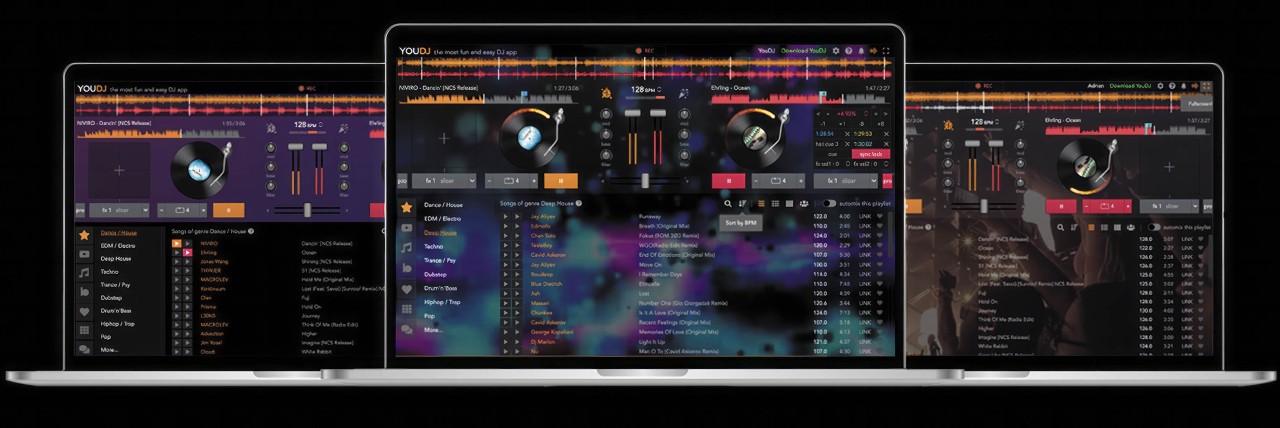
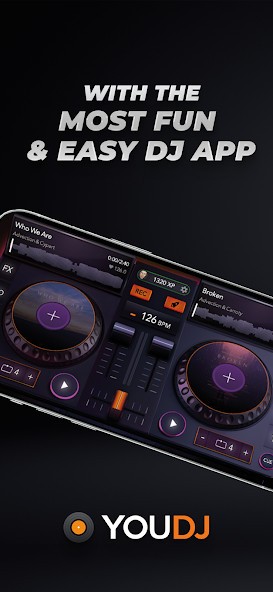
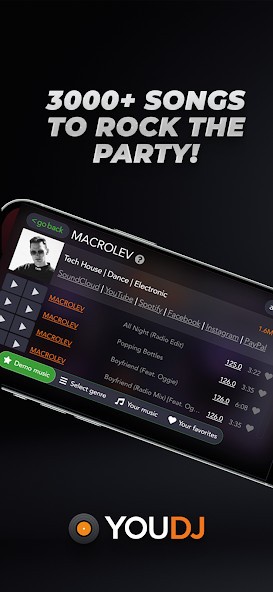
YouDJ is a free DJ software that works on the desktop, mobile, and the web. It’s made for anyone who wants to remix music, not just pros. The application provides two virtual turntables, sound effects, looping options, and auto-sync for mixing without any technical skills. Even novices can pick up DJ basics and start having fun playing music in a few minutes.
And unlike complicated software that requires additional hardware or large music libraries, YouDJ is simple and light. It comes with more than 3,000 songs, mostly by up-and-coming artists, so you can start mixing right after you install it. You can even stream YouTube, Dropbox, Google Drive, Beatport, or your local MP3 files.
YouDJ started as a one-person project and took over 15 years to shape and refine. The tool evolved from a simple browser app to a full desktop and mobile tool used by millions of people every day. YouDJ is an entertainment and creative software that doesn’t chase technical perfection; it’s a digital music mixing playground.
Why Should I Download YouDJ?
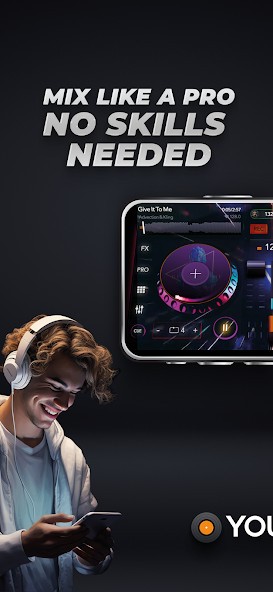
If you’ve ever wanted to DJ and didn’t know where to start, then YouDJ is a great place to start. It eliminates the stress of learning advanced tricks or investing in expensive equipment. The app makes things simple: beat matching, syncing, and looping are handled automatically, allowing you to focus on the music. This makes it suitable for beginners or hobbyists who simply want to play around with sound.
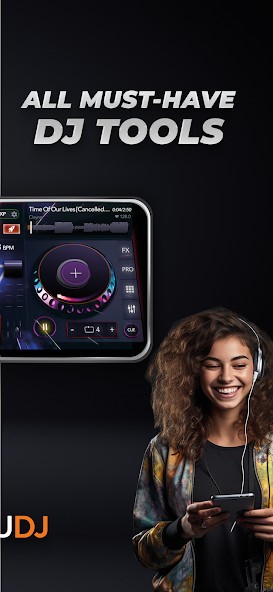
Despite its simplicity, YouDJ retains most of the features that come with DJ software. It comes with a crossfader, pitch control, three-band EQ, hot cues, and looping. If you want to plug in hardware like MIDI controllers, it supports that too. Manual and auto controls are available, allowing you to scale as you get better.
YouDJ introduces extra interactivity to the sound with the use of sound effects such as echo, flanger, crusher, and triggering of live samples. Party mode adds visual effects, making it a hit for casual events or get-togethers. It isn’t intended to compete with such pro tools as Serato or rekordbox, but provides a simplified experience that’s easy to understand and fun.
The best part? It already comes with a built-in track library. There will be no hours spent searching for music or importing playlists. Try out different styles from the built-in library, or stream music from YouTube and other sources. On this basis, YouDJ is ideal for quick and fun mixing sessions.
In addition to this, the platform is community-driven. With millions of users worldwide, YouDJ brings together people who simply love music and want to learn it.
Is YouDJ Free?
Yes, YouDJ is completely free. Download and use it on a desktop, mobile device, or use it in a web browser. The free version includes all the basic features – turntables, effects, playlists, and automation. You can unlock extras with upgrades or in-app purchases, but you can still mix everything for free.
What Operating Systems Are Compatible with YouDJ?
YouDJ works across platforms, Windows, macOS, Android, iOS, and even straight from your web browser. As such, it is among the very few DJ apps that are compatible with all major operating systems. Whether on desktop, tablet, or phone, YouDJ maintains the same familiar look and functionality.
The desktop version provides more control and comes with MIDI support, additional sound effects, and better response to external controllers. On mobile, it is simpler (designed for touchscreen and casual use) but still has all the basics for basic mixing.
Just grab the setup file from the official YouDJ site and install it on your PC. It is lightweight and performs well on both new and old machines. It is available for download free of charge on the App Store and Google Play.
Your YouDJ account is synchronized across devices. Mix on your phone, move on to a laptop, and continue where you left off. Since it already includes free tracks, there’s no need to import music to start. Basically, if your device plays music, it can run YouDJ.
What Are the Alternatives to YouDJ?
DJ Mix is another new DJ program that is simple and easy to use for beginners. It has basic functions: pitch manipulation, looping, beat sync, and cross-fading. It has a clean and simple interface, thus it doesn’t need any prior experience. DJ Mix supports a wide range of file formats and is available on desktop and mobile devices. While it does not come with as many preloaded tracks as YouDJ, it works well with your local music library and has good sound quality. It is perfect for casual users or beginners who want to practice basic DJ skills without investing in complicated equipment.
Edjing Mix is a popular mobile DJ application that integrates numerous mixing effects in a professional environment. It is great for beginners, but still powerful enough for semi-pro DJs. Features: Automatic sync, sound effects, record and integrate with Deezer and SoundCloud. Use your own playlists to live, record sets, and practice transitions. Available on Android, iOS, and tablets, it is more focused on mobile performance than YouDJ, but both are trying to make DJing accessible.
Rekordbox is a professional-grade software developed by Pioneer DJ, which is used by numerous DJs around the world. It offers powerful, in-depth tools: waveform analysis, advanced looping, performance pads, and advanced track organization. It integrates perfectly with Pioneer equipment such as CDJs and DJ controllers, making it a popular choice for live performances. However, it can be intimidating because of its technical depth for beginners. Compared to YouDJ, rekordbox is harder to learn, but it’s packed with pro-level features for serious DJs. It is available on Windows and macOS.