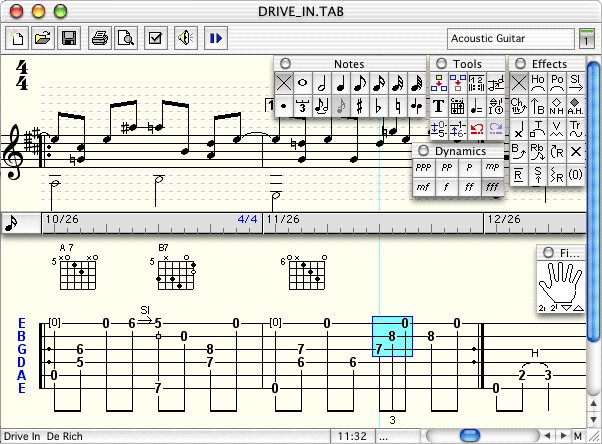
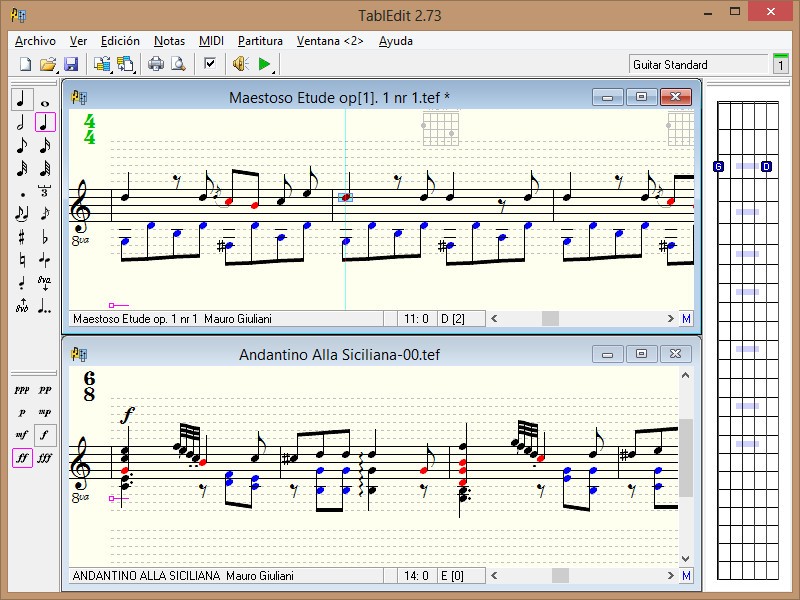
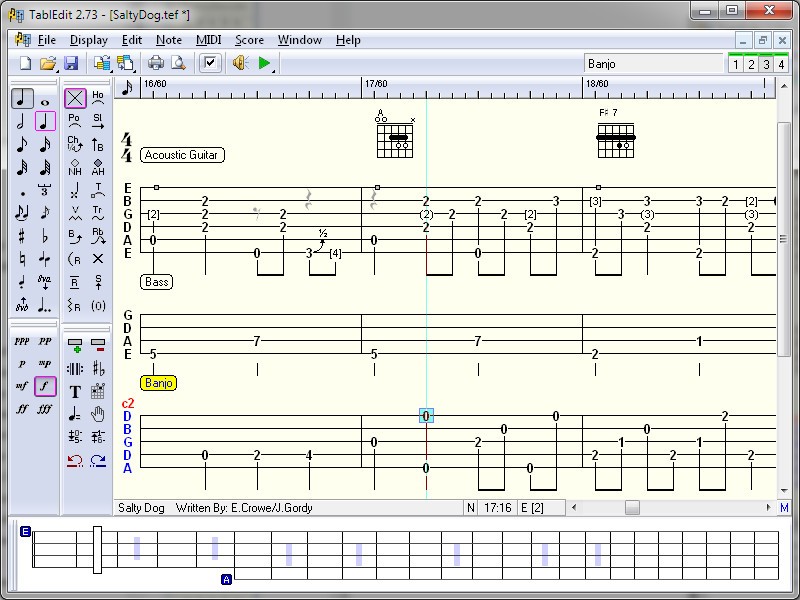
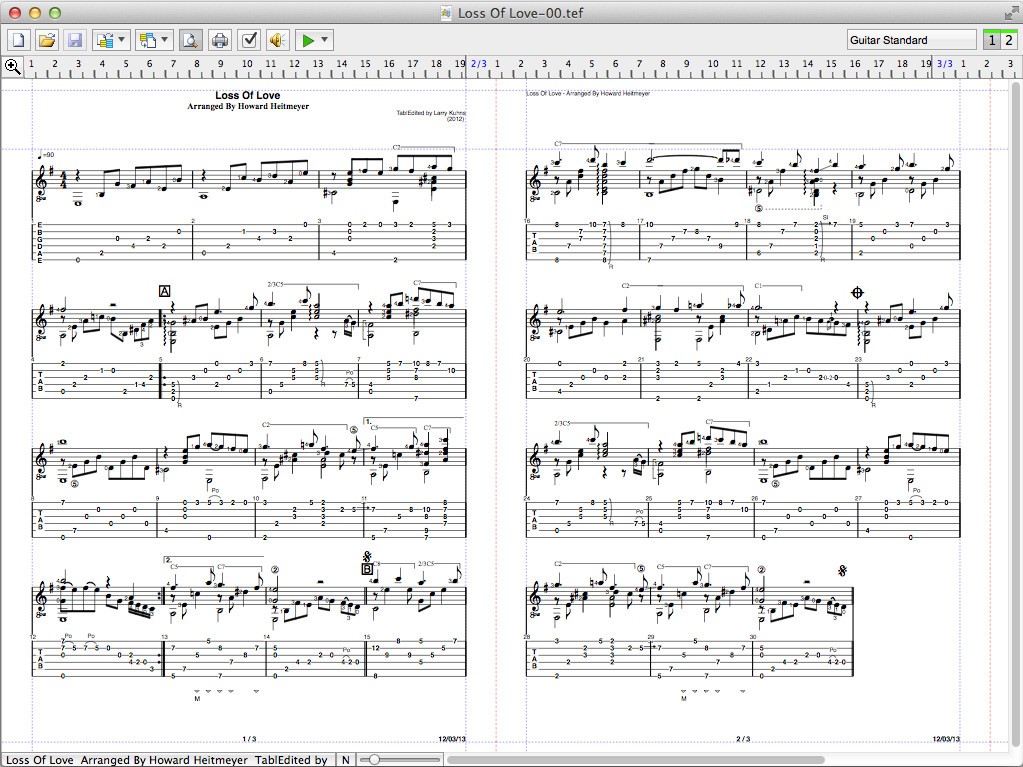
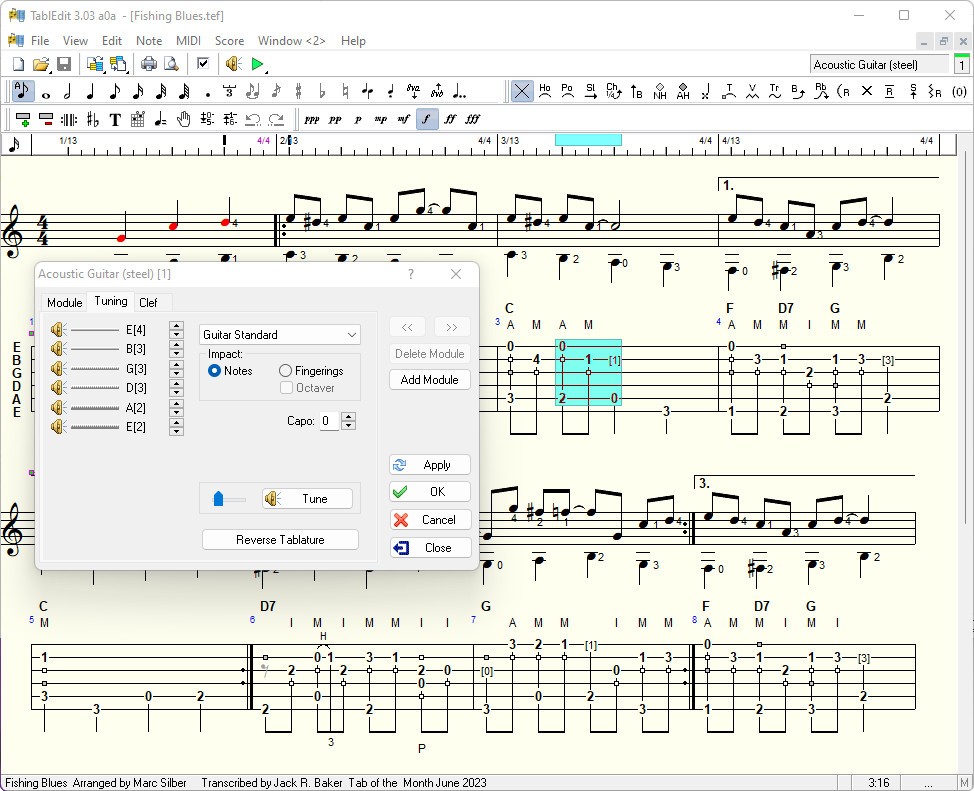
TablEdit is an application that serves musicians who read not only conventional music notation but also tablature. It appeals to people who play with string instruments, specifically guitar, banjo, mandolin, or bass. However, that is not all. Other instruments, such as the violin, harmonica, flute, and even drums, are also supported by TablEdit.
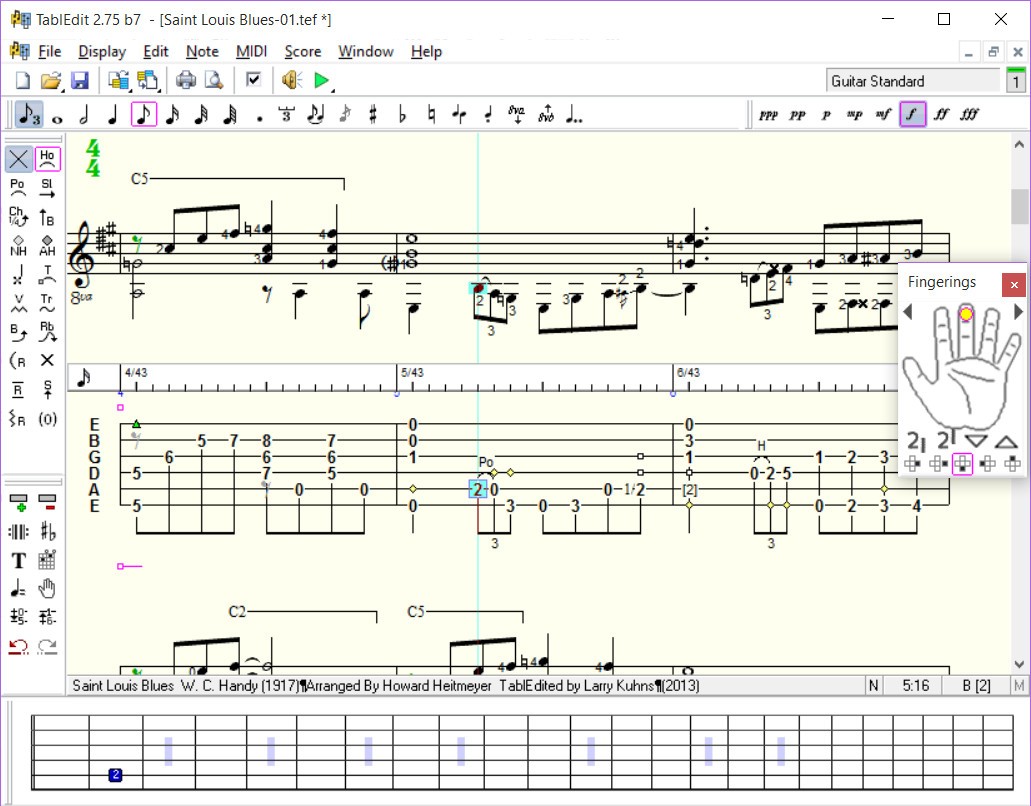
In essence, the software permits you to write, edit, and play a song with tablature as well as standard notation. The interface isn’t flashy or modern, but it’s functional and focused. All features are here to assist musicians in composing and listening to their music. TablEdit becomes a reliable tool for anyone who has written music by hand or attempted to fix a melody in a way they have heard it.
Thanks to TablEdit, you’ll spot errors quickly and refine your musical phrasing. You can also practice more efficiently. The software is also very helpful to teachers and students. Teachers can make side-by-side lessons with notation and tab, and the playback can be used by students to practice alone. It also assists with note length, timing, and interpretation.
Why Should I Download TablEdit?
TablEdit is built for musicians working directly with notes, rhythms, and strings. Whether you play acoustic guitar, bluegrass banjo, Irish fiddle, or anything in between, you will get the software meshed to your own requirements.
The use of the software is easy; it takes a few minutes of orientation that will help you start using it. The menus are simple. You choose your instrument and a time signature and start writing notes. The more you use it, the more features you’ll uncover. You can insert lyrics, bend notes, use slurs and slides, even fingerings in classical set-ups.
You may type notes in with your keyboard, mouse, or MIDI instruments, and make changes to things such as tempo, timbre, and beat. The playback is not as smooth as an audio recording, but it is so clean that you can confirm phrasing, timing, and feel. Tablature will be easy to follow for many self-taught players as compared to sheet music.
Playback is another major benefit. Having the ability to hear what you just typed so you can discover what you had in mind: rhythm and tuning. You’ll spot errors quickly and refine your musical phrasing.
Is TablEdit Free?
TablEdit is not free, but there is a fully functional demo version of the product. Using the demo, you can open and play back any file and even edit most of the content. The only downside is that printing and saving are limited unless you purchase a license. After registration, all the features will be available to you permanently. No subscription is needed, and it is a one-time payment.
If you only require a viewer for TablEdit files, note that they offer a free app named TEFview, and you can also use the TEFpad mobile app.
What Operating Systems Are Compatible with TablEdit?
TablEdit is compatible with Windows, Linux, and macOS. It can be installed easily, and it performs well on old computers as well. It is not a power-eating application, and thus, you do not require top-quality specs to operate it without hitches.
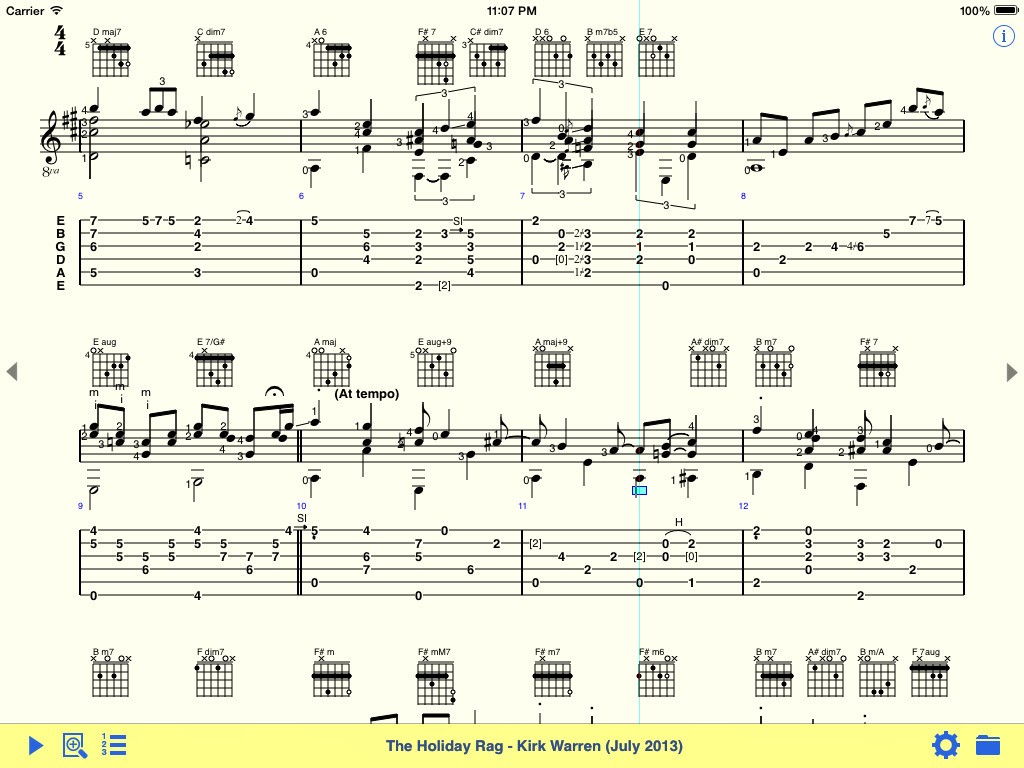
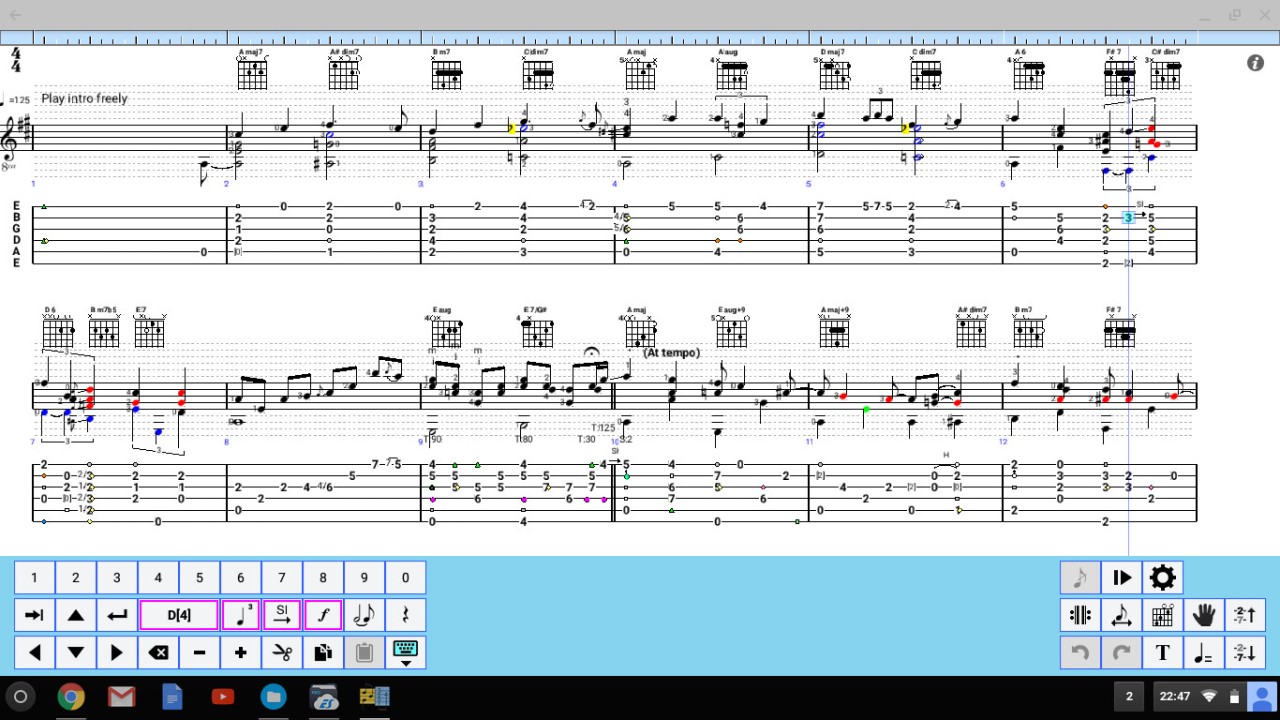
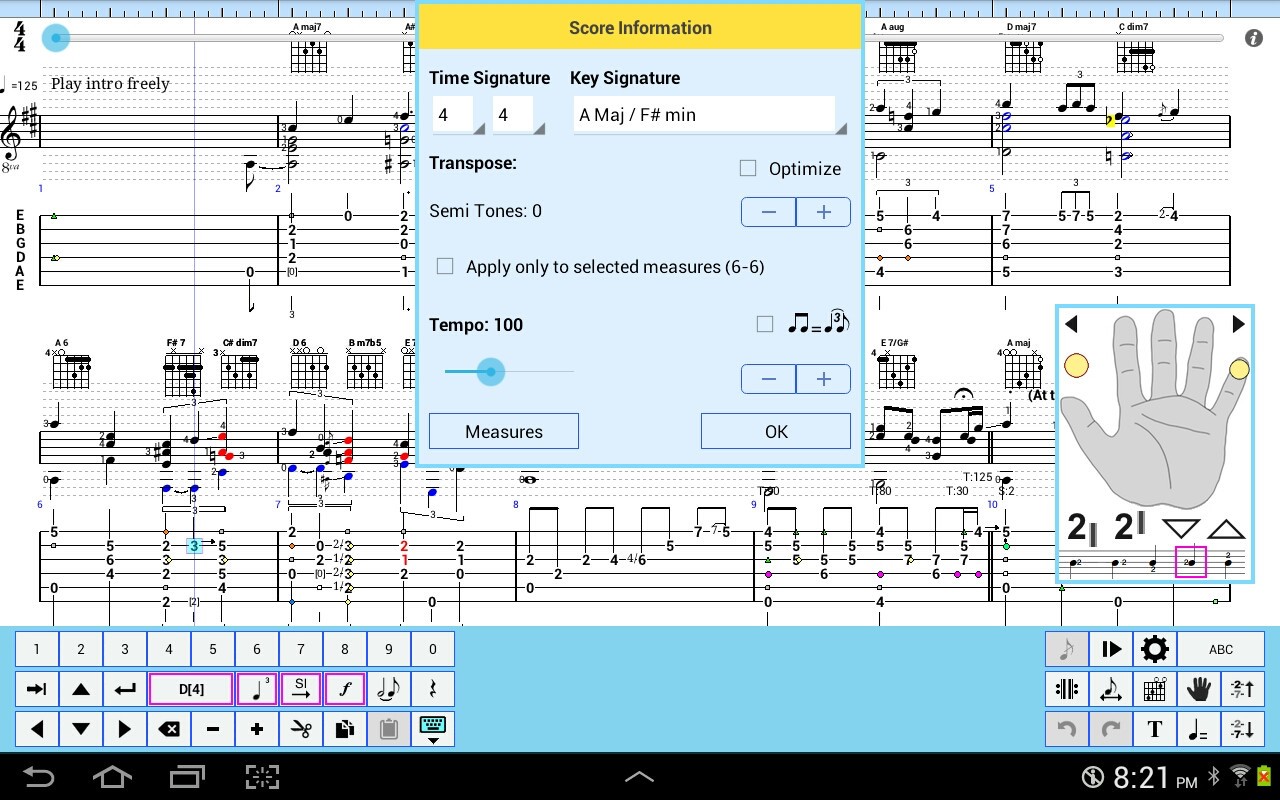
For mobile devices on Android or iOS, you can download TEFpad. It is the mobile version of TablEdit and allows you to create your music directly from your smartphone or tablet. This version offers the tablature editor and the score music sheets, and can be used as a viewer of files created with TablEdit.
What Are the Alternatives to TablEdit?
Sibelius is among the large music notation software companies. Composers, arrangers, and educators across the world use it. It’s more sheet-music oriented as opposed to tablature, but it also plays tab. The interface is well-polished, and it has a broad variety of playback sounds and engraving options. However, it is also heavier, more costly, and designed for large-scale composition. To a person who specializes in string instruments and tablature, it may be overwhelming.
Another option for professional tools is Dorico. It provides the best-looking music engraving and streamlined input tools, along with a contemporary design. It targets composers who require sophisticated control of orchestration, notation, and layout. It has tablature just like Sibelius does, but it is not the priority. The user who is more likely to enjoy using Dorico may be someone with a classical or academic orientation rather than those focused on folk or traditional music.
MuseScore is the free, open-source alternative. It allows notation and tablature and is an excellent all-purpose solution for many kinds of musicians. It also has a user-friendly interface, and there is a good community surrounding it. MuseScore is particularly attractive to those who would like to have a free application with extensive functionality. But to musicians who play certain instruments, such as banjo or mandolin, the tab handling capabilities are not as sophisticated or natural as those available in TablEdit.