Welcoming a newborn profoundly disrupts daily routines and raises a multitude of questions. To support families through this transition, Philips Consumer Lifestyle has developed a digital tool dedicated to infant care, called Baby+.
This app serves as a digital health record, allowing you to track your infant’s vital signs in one place. By choosing to download Baby+, you’ll join a global community of parents who trust this tool. The app’s mission is to simplify the logistics of managing your baby’s growth and sleep, while providing informative content carefully tailored to your child’s stage of development.
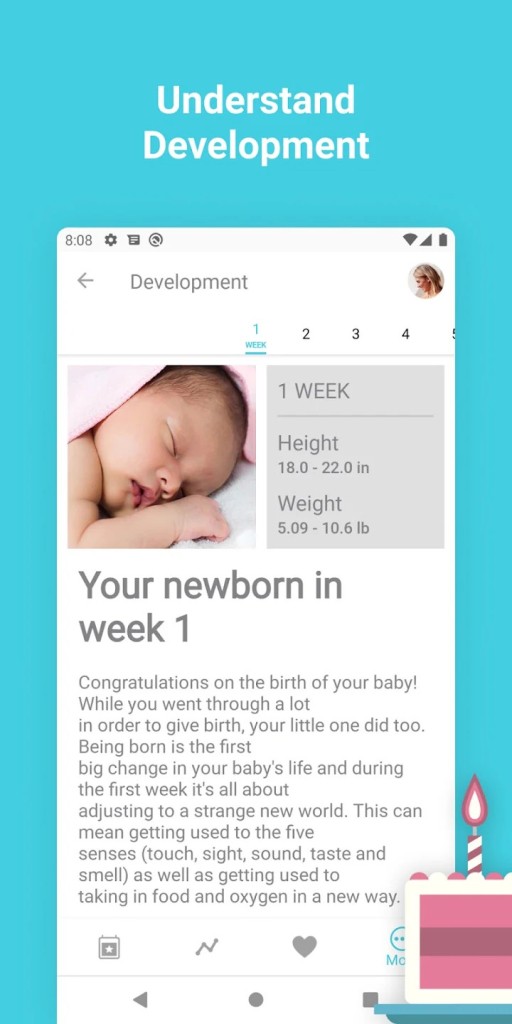
The app is more than just a simple record of measurements. The program tracks your infant’s progress week by week, focusing on key milestones in their motor and cognitive development. Whether you need to log feeding frequency or note the appearance of their first teeth, downloading Baby+ gives you the opportunity to maintain an unalterable record of this formative period.
Thanks to an interface designed for busy parents, you can navigate seamlessly between educational articles and practical tools, ensuring a stress-free experience at home.
Why Should I Download Baby+?
To monitor your child and track their development, Baby+ lets you take notes in a simple way. But unlike a simple notebook and pencil, Baby+ goes a step further and really makes your job easier.
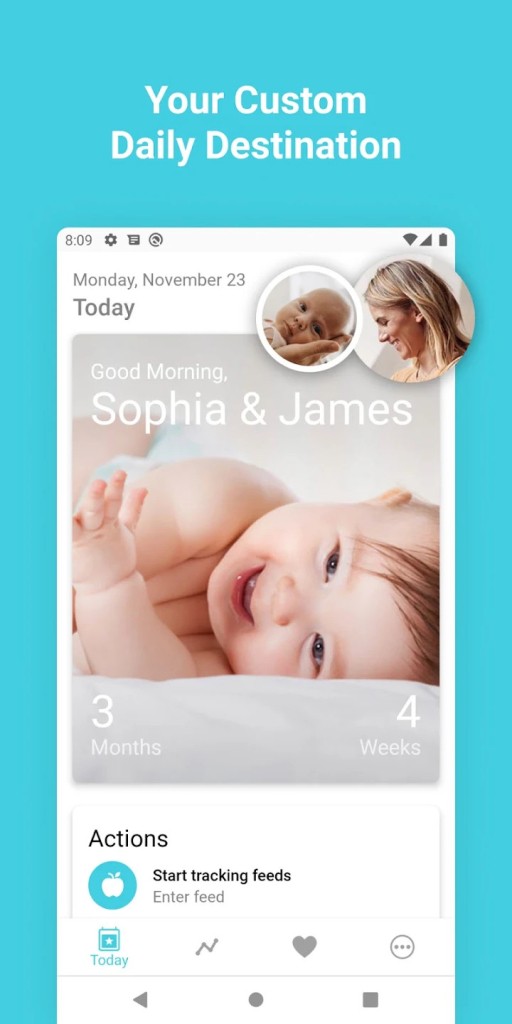
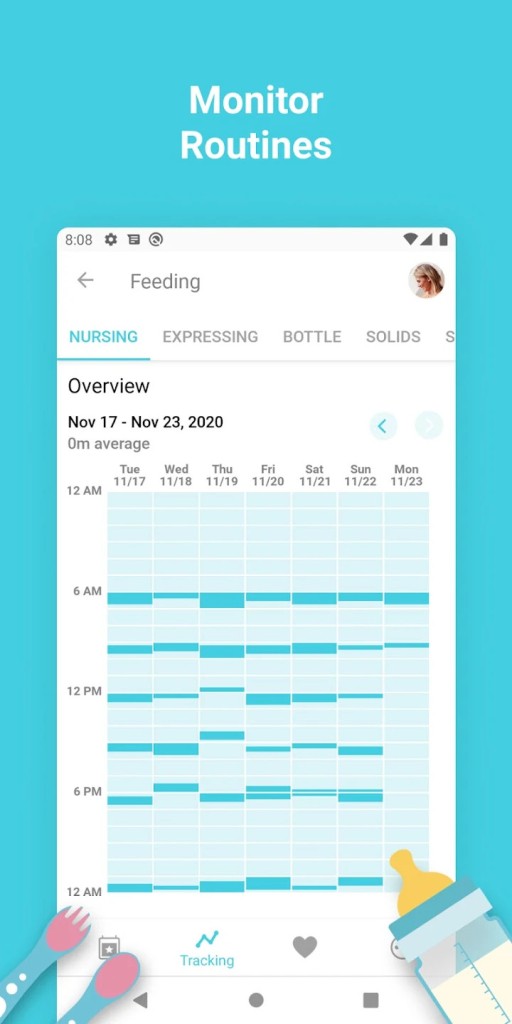
Start by entering your child’s name, date of birth, and current weight. This step allows the app to personalize the weekly developmental guides you’ll receive regularly. The main screen features an intuitive dashboard where every feature is accessible with just one hand. This lets you log a feeding, a diaper change, or a nap with just a few taps.
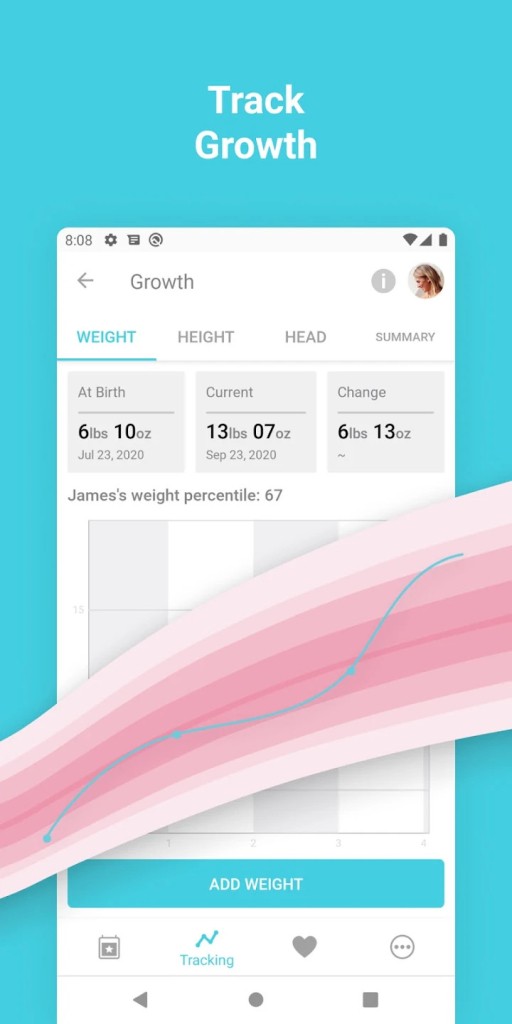
To get the most out of the app, use the built-in growth charts. By regularly entering your child’s height and head circumference, you can track their development against recommended health standards.
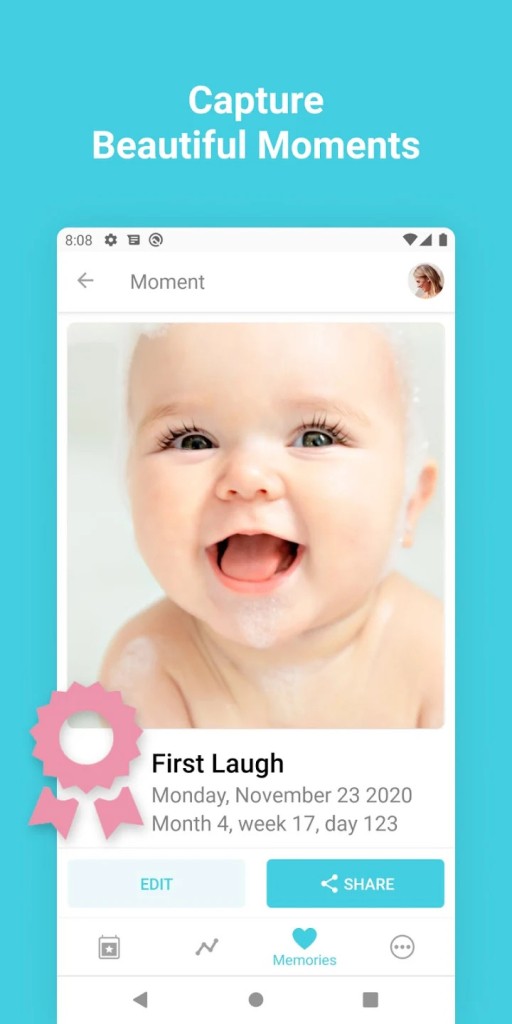
The app also features a memory journal. You can add photos and videos to it to create a private digital album. If you’d like to share this information with a partner or a healthcare professional, simply export the collected data. You also have access to soothing sounds to help your newborn fall asleep on difficult nights.
Finally, the informative articles section is a valuable resource. Written by specialized editors, these articles cover a variety of topics, such as introducing solid foods and home safety. Users benefit from a comprehensive database that answers their immediate questions without having to search unverified websites. By downloading Baby+, you’re getting a reliable companion that brings all the essentials of pediatric care right to your smartphone.
Is Baby+ Free?
The offering from Philips Digital is based on generous access. In fact, you’re free to download Baby+ without spending a single cent to access the basic features. The app lets you track your baby’s growth, log meals, and browse an extensive library of articles. The main benefit lies in the consolidation of your infant’s health metrics—a feature that remains a major asset in supporting new parents.
What Operating Systems Are Compatible with Baby+?
Philips Consumer Lifestyle aims to make this tool accessible to as many people as possible. For this reason, the app is available on both leading mobile operating systems. You can download Baby+ from the Google Play Store if you use an Android smartphone or tablet. The app is optimized for recent versions of the operating system, ensuring seamless synchronization of your data across your various devices.
Apple device owners can also take advantage of this solution. Simply visit the App Store through our link to download the version designed for iOS. Whether you use an iPhone or an iPad, the app’s layout adapts to the size of your screen to provide optimal readability. To ensure the privacy of your communications and take advantage of the latest technical innovations, be sure to update your device’s operating system regularly. Regardless of your smartphone’s brand, downloading this app is quick and reliable, allowing you to start monitoring your newborn as soon as installation is complete.
What Are the Alternatives to Baby+?
If you want to experiment with different monitoring methods, the smart baby care field has several high-quality solutions to offer.
Baby Daybook stands out for its rigorous schedule management. This app offers options for shared synchronization among multiple caregivers. If you need to coordinate meals and naps with someone else, downloading this app provides real help. Its more technical interface emphasizes detailed statistics for demanding users.
Baby Tracker - Breastfeeding focuses on nutrition and basic care. This app is a practical solution for breastfeeding mothers who want to precisely time feedings. Although less comprehensive than other apps, this software is exceptionally easy to use. Downloading this tool allows parents looking solely for basic feeding features to get straight to the essentials.
Pregnancy + is designed for expectant parents, guiding them through each stage leading up to childbirth. This app provides a detailed overview of fetal development while helping you organize your preparations before the baby arrives. If the baby hasn’t been born yet, downloading this app helps you understand each stage of pregnancy. Once the baby is born, the transition to postnatal care happens naturally.