MiniTool Partition Wizard is a capable and widely used storage management tool that handles a broad range of drive and partition tasks through a single application. It is one of the more popular partition managers available, relied on by users around the world for its combination of reliability and extensive functionality. Rather than covering just the basics, MiniTool Partition Wizard gives users a complete solution for organizing, optimizing, and maintaining their storage devices.
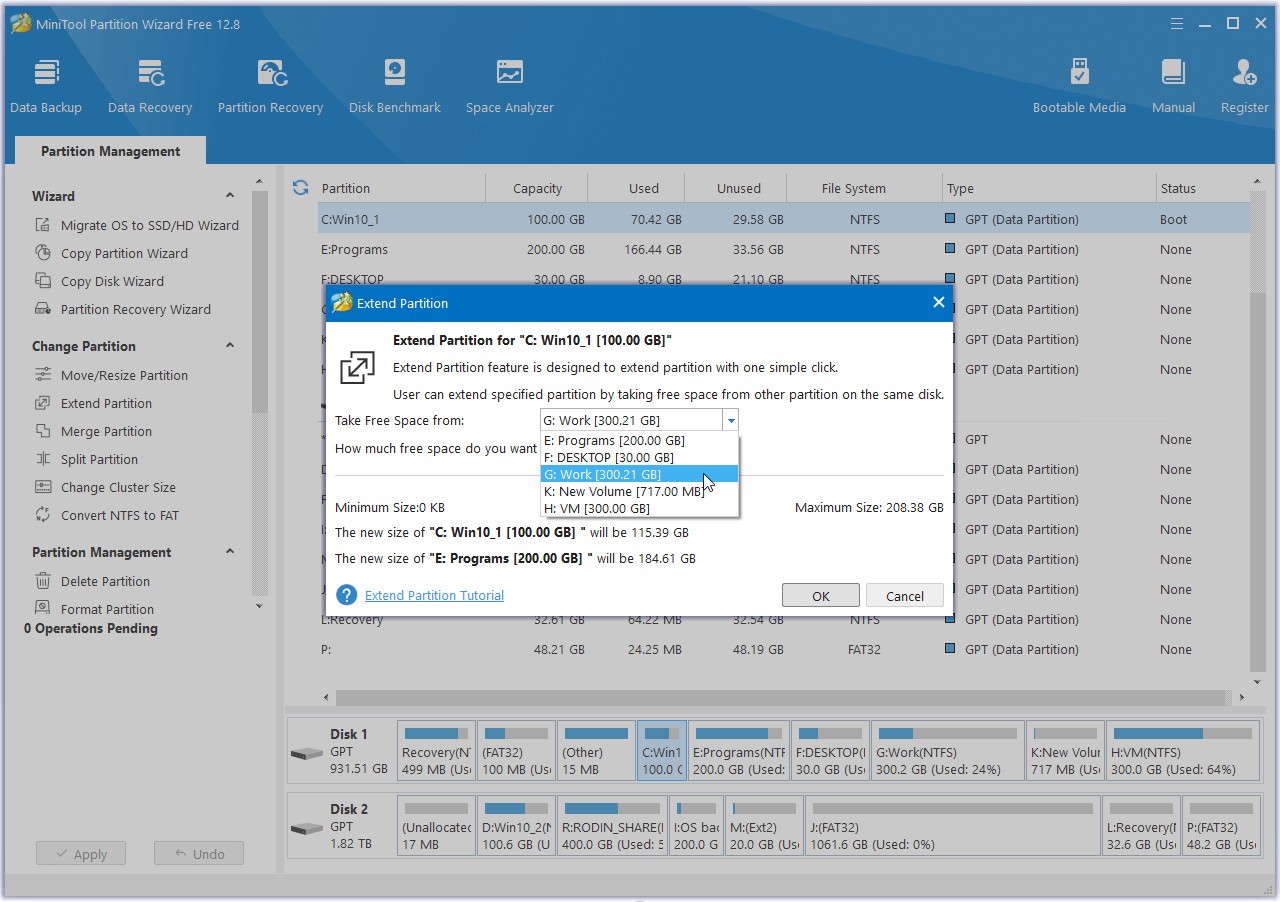
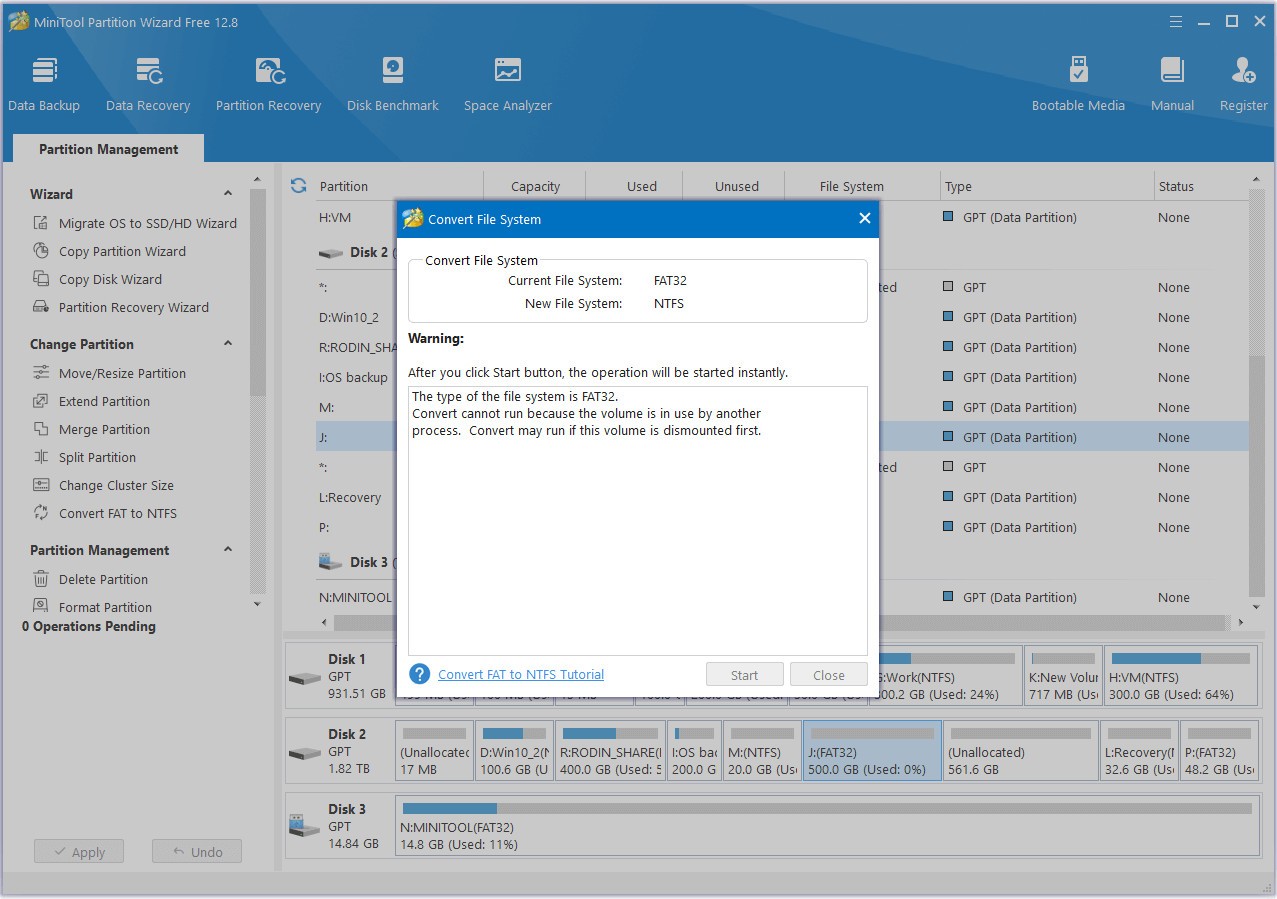
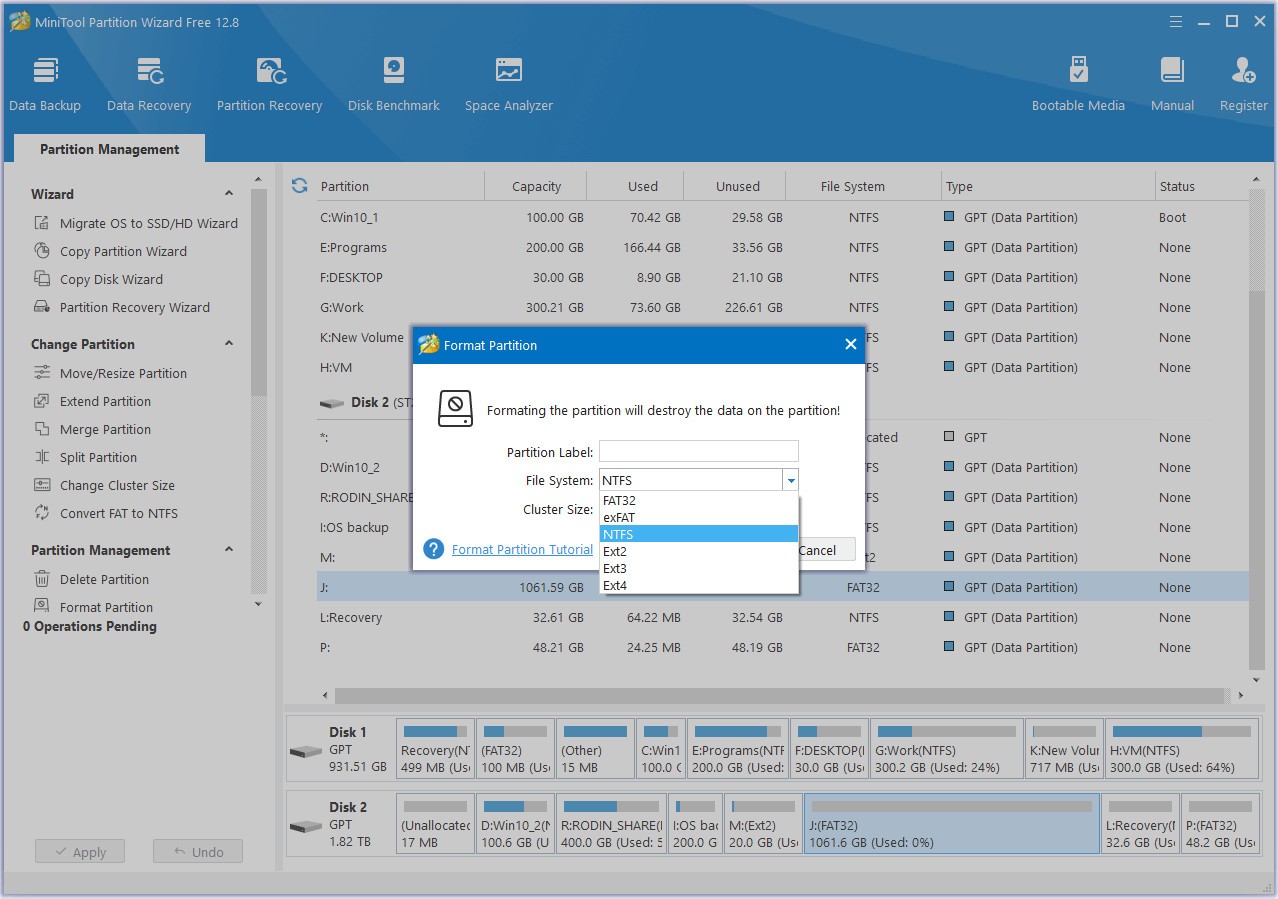
The core operations include creating, resizing, moving, deleting, formatting, and merging partitions. The software guides you through each process, keeping the experience accessible and reducing the chance of errors along the way. It supports a wide range of file systems, including NTFS, FAT32, exFAT, Ext2, and Ext3, so it handles different drive types across various setups without compatibility concerns.
Beyond the core partition tools, MiniTool Partition Wizard includes data recovery features that let you restore deleted partitions and retrieve lost files from damaged or corrupted storage devices. Advanced functionality like disk cloning and system migration is also built in, making it useful when you are upgrading a drive or setting up a new system entirely. Having all of these capabilities in one tool means you do not need to install separate applications to handle different storage jobs.
Why Should I Download MiniTool Partition Wizard?
Downloading MiniTool Partition Wizard gives users of all technical levels a straightforward way to manage storage tasks without needing multiple programs. The tool goes well beyond basic partitioning to provide a full system that handles partition maintenance, file system conversions, data recovery, and disk cloning support, all from the same interface.
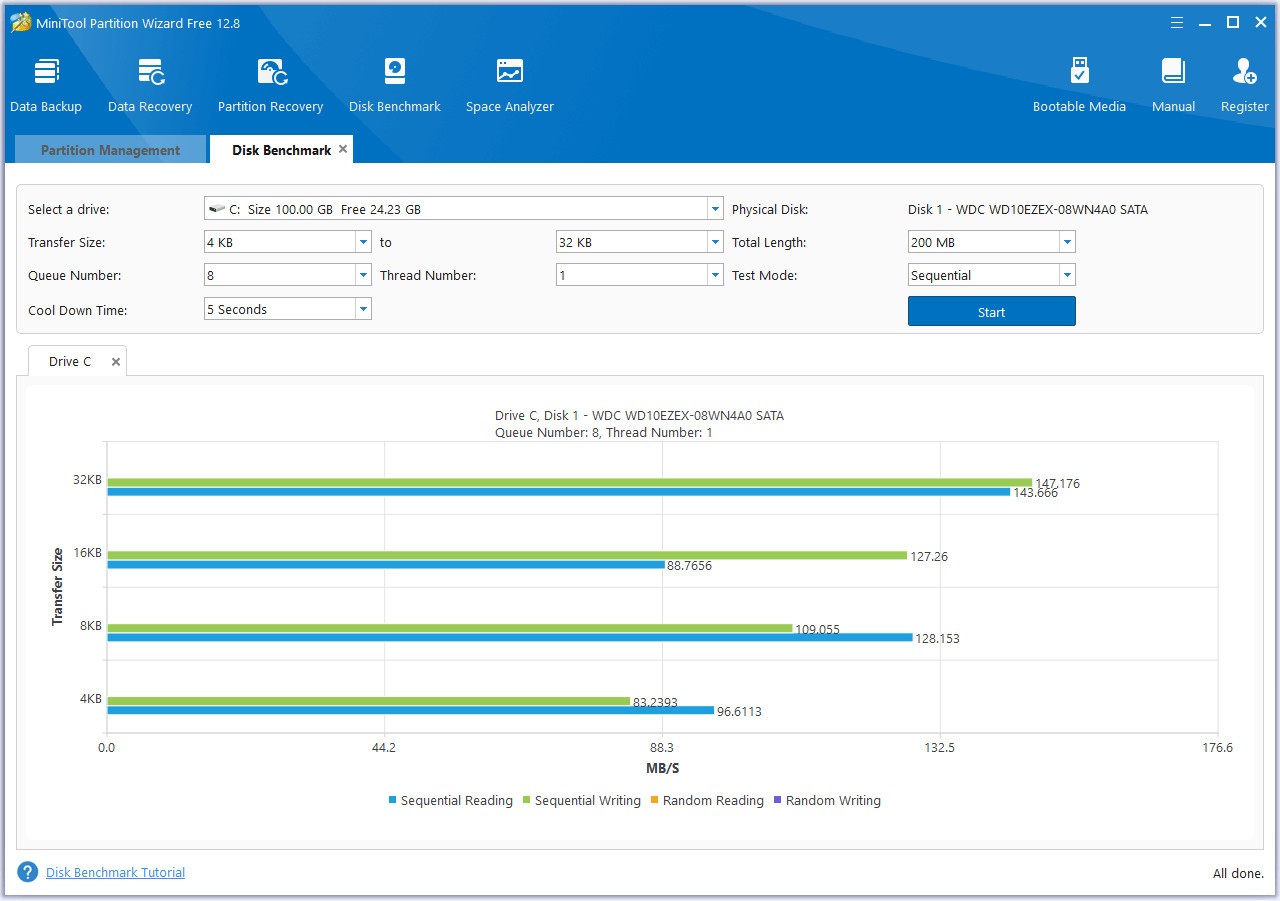
The breadth of features is one of the clearest reasons to choose it. You will not need to look for additional applications to handle specific tasks because MiniTool Partition Wizard covers everything from disk partitioning and file recovery through to disk benchmarking and disk cloning. Working with HDDs and SSDs is fully supported, so you do not have to worry about compatibility problems regardless of what drives your system uses.
The interface is designed to be approachable without hiding the depth underneath. It presents a clear, step-by-step layout that walks you through each operation rather than dropping you into technical settings with no guidance. Whether you are converting an MBR disk or resizing a partition, the process is presented in a way that makes sense to follow, so you spend less time figuring out how to start and more time actually getting things done.
Data recovery is another important capability the software delivers. Accidental deletions and corrupted drives can be addressed directly through the built-in recovery system, which scans your storage devices to find and retrieve lost files and partition data. This avoids the need for expensive professional data recovery services in many situations and gives you a practical way to handle data loss emergencies before they become permanent.
Performance improvement tools round out the package. MiniTool Partition Wizard can align SSDs to get better read and write performance from them, defragment partitions, and analyze disk space usage to identify files and folders that are taking up more space than they should. Keeping your drives organized and properly maintained through these tools contributes to better system performance and longer hardware life over time.
Is MiniTool Partition Wizard Free?
The essential partition management features are available for free, covering partition creation, resizing, deletion, and formatting without any payment required. More advanced capabilities, such as data recovery, disk benchmarking, and certain cloning functions, are reserved for the paid Pro version. Users who only need standard partition management will find the free edition covers everything they require. Those who require the full feature set will find good reason to upgrade, though the core tools remain accessible to everyone without a license.
What Operating Systems Are Compatible with MiniTool Partition Wizard?
MiniTool Partition Wizard supports Windows 7 through Windows 11, covering both 32-bit and 64-bit versions. You do not need the latest system for it to work. The software runs on desktops and laptops without issues and installs quickly without consuming excessive resources, so it does not slow down your machine during use. It is a lightweight application that still delivers a comprehensive set of disk management features.
What Are the Alternatives to MiniTool Partition Wizard?
DiskGenius offers a combination of partition management, data recovery, and disk maintenance in a single tool. You can create and resize partitions, back up storage, and recover lost files all from the same interface. DiskGenius is particularly strong at repairing storage errors and restoring damaged partitions, which makes it a useful choice when dealing with a problem drive. Its sector-by-sector copy functionality and built-in hex editor give it extra appeal for technically advanced users who require that level of control and precision.
Disk Drill is primarily a data recovery tool, but it also includes standard partition management features, giving you both functions through one clean interface. It supports multiple file systems and handles recovery from external drives and USB flash drives alongside internal storage. Disk Drill also runs on macOS in addition to Windows, which gives it broader platform flexibility than MiniTool Partition Wizard. For users whose priority is file recovery alongside basic drive management, Disk Drill offers a strong combination of both capabilities.
EaseUS Partition Master is a direct competitor to MiniTool Partition Wizard, offering professional partition management and disk optimization in a similarly broad package. Beyond resizing and adjusting partitions, it supports SSD OS migration, drive cloning, and partition repair. Its data migration features are particularly smooth, making it well-suited to users who regularly move systems or upgrade storage hardware. It supports both MBR and GPT disk types without compatibility issues and covers the needs of casual users and IT professionals alike through its range of basic and advanced tools.