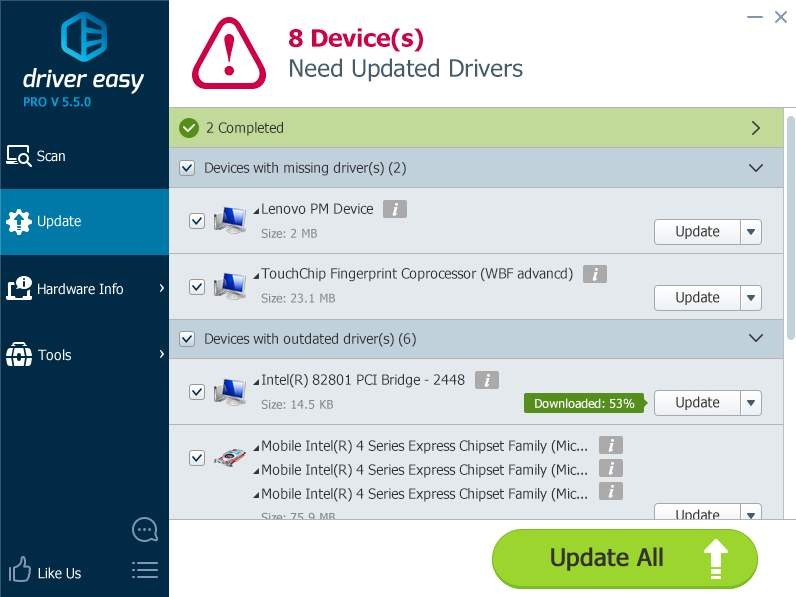
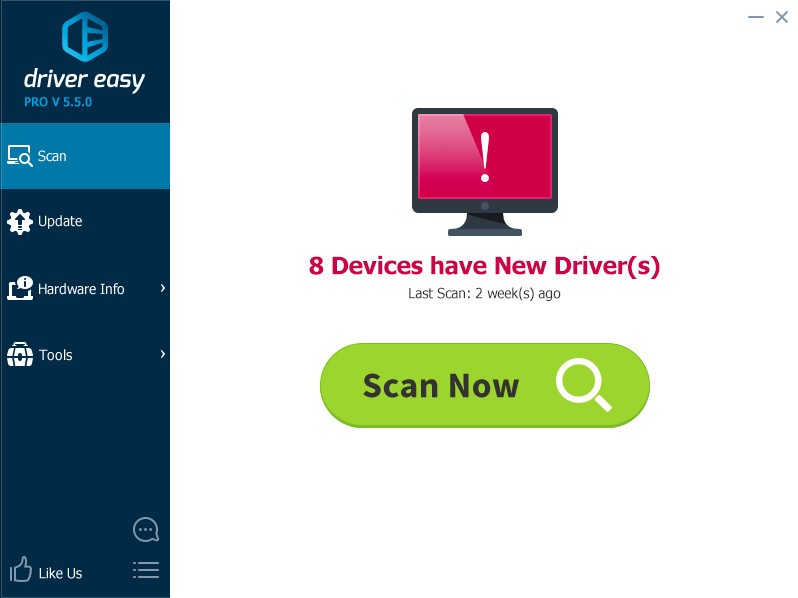
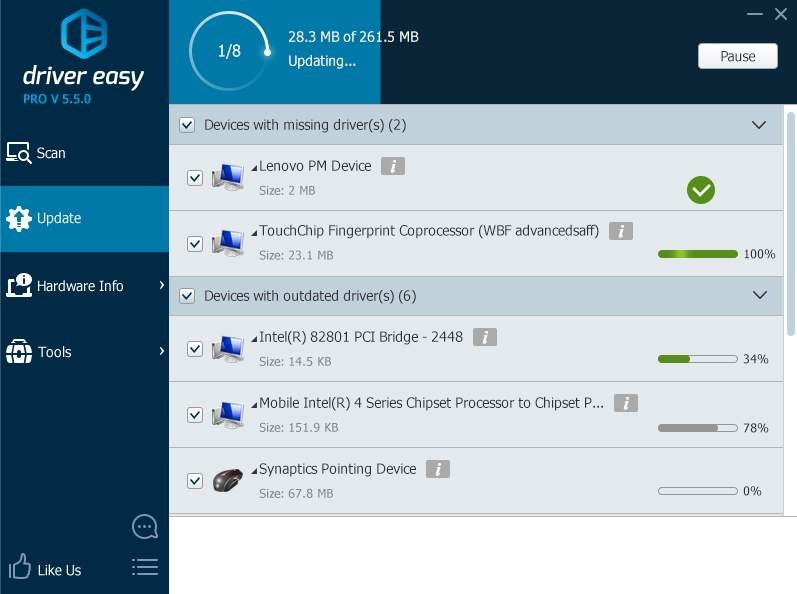
Driver Easy operates as a tool to ease driver update processes on Windows computers. The program detects outdated as well as missing or faulty drivers throughout the system before offering its users an effortless method for driver updates. The driver searching process at Driver Easy functions automatically by retrieving manufacturer-endorsed drivers that meet all compatibility requirements with the user's system.
Driver Easy operates with an extensive driver database that accommodates a full spectrum of hardware components, such as graphics cards, motherboards, network adapters, and printers. The software updates drivers through its database to enhance system stability and boost hardware performance, while it prevents compatibility problems that occur with old drivers. The software serves as an effective tool to protect users who are non-proficient with driver matters from time-consuming driver troubleshooting.
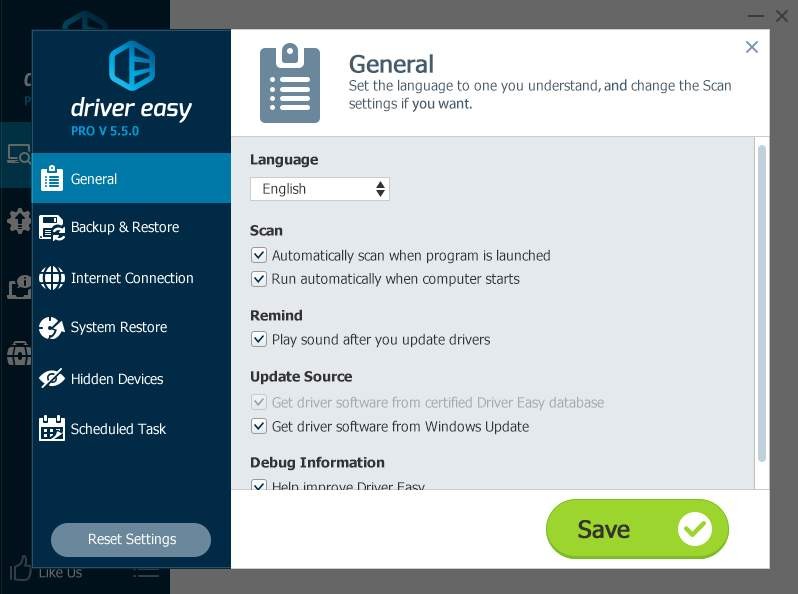
The backup and restore options from Driver Easy enable users to save restore points prior to modifying their system. Using this feature enables users to retrieve the prior driver version when an update develops issues. Driver Easy functions effectively to keep computer drivers optimized at all times while requiring no complex efforts.
Note that the software is available for Windows computers only. Mac users should consider using a virtual machine or Boot Camp or look for alternative software compatible with macOS.
Why Should I Download Driver Easy?
By downloading Driver Easy from the internet, users can efficiently use their Windows computer. The tool's primary selling point is its superior commodity. By using automated driver procurement, Driver Easy eliminates the laborious process of manually searching for drivers across several manufacturer websites. The tool only requires a few clicks for users to assess their system and look for relevant drivers that can be downloaded automatically.
The automatic driver management system of Driver Easy contributes to a product worth trying due to its ability to stabilize the system. Outdated drivers generate three specific damaging results, including system crashes, while also causing interface slowdowns and hardware failures. Users who keep their drivers up to date will prevent system breakdowns while maintaining their computers at peak operational levels. This feature greatly benefits professional users who work with performance-demanding applications as well as the application suite of gamers and video editors. Maintaining a system with current drivers leads to better graphics performance together with faster network speeds and reduced input delay.
The Driver Easy application enables users to resolve hardware issues arising from driver malfunctioning or absence. A device malfunction that causes a printer or audio system to stop working may stem from outdated drivers. Through its analysis the software spots problematic drivers and then provides straightforward solutions that enable users to handle hardware problems without professional skills.
The Driver Easy program provides users with both backup and restore capabilities among its features. Users can build a restore point through the software before adding new drivers because it functions as safety protection during unexpected driver-related issues. Because the software makes it easy to go back to earlier driver versions without causing any problems, users are able to maintain protected access to their prior driver version. They benefit from complete protection because the software system keeps their computer free from permanent driver update-related issues.
Driver Easy presents a user-friendly interface to its users. The program design presents simple instructions through an uncomplicated interface that allows all users, including those unfamiliar with technology, to manage easily. The checking process executes rapidly to show users a proper list of drivers that need updates, so users can respond appropriately.
Driver Easy provides considerable time benefits to users who maintain control of various computer systems. System administrators and IT professionals leverage this tool for fast driver updates across several devices, which reduces system downtime and enhances complete system speed. This program eliminates the need for manual updates among machine drivers by implementing a single framework that keeps all systems on active versions.
Driver Easy delivers enhanced power savings for users who manage their system drivers through its features. Unupdated driver versions result in unnecessary power consumption, which reduces the laptop battery's lifespan. The process of keeping drivers up to date through this system results in enhanced power efficiency along with increased battery life duration, so users who require mobile work functionality benefit deeply.
For users wanting to avoid driver search problems, Driver Easy serves as an excellent solution for system updates. The program provides effortless driver management while boosting system stability through its backup features that ensure users maintain a worry-free experience. This tool functions as a productivity booster applicable to users from various backgrounds, which leads to enhanced system performance alongside reliability.
Is Driver Easy Free?
The Driver Easy service provides users with complimentary services in addition to professional paid account options. The free version enables users to detect outdated system drivers through scans, but users must complete updates manually since automatic features are restricted along with backup capabilities.
With its Pro version, users get superior convenience thanks to automatic updates through one-click formats and system optimization enhancements together with automatic driver downloads. Basic users can match their requirements using the free version, though those who want complete hands-off updates will likely prefer the paid edition.
What Operating Systems Are Compatible with Driver Easy?
Driver Easy operates exclusively for Windows operating systems. Driver Easy works with all versions of Windows 11 through Windows Vista, including Windows XP. The program supports 32-bit and 64-bit system versions, thereby providing comprehensive operating system compatibility for different hardware configurations.
Driver Easy's Windows operating system foundation makes it incompatible with Linux and macOS. Users who use platforms other than Windows must look for driver management software specifically designed for those systems. Driver Easy is a great tool for managing drivers and improving system performance for users of Microsoft Windows.
What Are the Alternatives to Driver Easy?
The driver management software called Driver Easy faces several equivalent options for users seeking its core features. The most preferred alternatives to Driver Easy include IObit Driver Booster, as well as Snappy Driver Installer (SDI) and Driver Genius.
As a prominent program within the driver updating tool category, IObit Driver Booster provides automatic and efficient driver update services. The program performs automatic driver update detection while navigating to server-hosted drivers, then performs self-installing procedures without user action. The tool supports a broad selection of drivers from the database, which guarantees correct operation between different hardware parts. The software gives users the power to update several drivers at once, which shortens the process needed to keep system software up-to-date. The software's basic version provides standard driver update assistance, while the pro version offers backup management and fast update delivery.
These things can be updated through Snappy Driver Installer (SDI), which operates free of charge as an open-source system with a hands-on approach to driver management. SDI provides users with an offline driver download option because it enables the complete retrieval of driver packs to install them on computers without an internet connection. IT professionals and computer users who work offline find this program highly effective to keep their drivers up to date for various systems. With SDI, users maintain complete control since they have uninhibited access to choose their preferred drivers for installation. The program interface does not achieve the same polished appearance as commercial driver updater solutions.
The program Driver Genius stands out as a leading driver update solution by adding system optimization capabilities to its offering. The application uses a database to search for obsolete drivers, then functions the same way as Driver Easy together with IObit Driver Booster and enables automatic downloads. Besides the core functionality it provides, the software package includes system cleanup operations and performance optimization and hardware monitoring capabilities. Such a solution fits well for users who need an integrated package for managing their PC system. The complete functionality, along with the free trial period of the software, is available only through a paid subscription.