The open-source BitTorrent client called qBittorrent enables users to utilize a free platform that delivers efficient peer-to-peer file sharing and downloading operations. The developers made this tool to offer users an intuitive user interface that stripped away extra content included in other torrent clients. The functionality of qBittorrent exists in its basic edition without any premium requirements because this BitTorrent client is totally free to use.
Users can benefit from an integrated search engine alongside RSS feed support, web remote control, and category-based organization in qBittorrent that makes it flexible for downloading management tasks. This community-maintained tool offers users a free service with no ads or hidden fees to provide an uninterrupted torrenting solution.
The program positions itself apart from others due to its ability to provide both basic and complex functions. The software offers basic download convenience for casual users but provides all the configuration tools professional torrenters need. The project maintains its open-source status, which enables the community to deliver regular security updates to users rather than requiring commercial delays for new releases.
This torrent client is available on a variety of major platforms, such as Linux, Mac OS, and Windows, ensuring a consistent and feature-rich user experience on each of them.
Why Should I Download qBittorrent?
Users should opt for qBittorrent because it presents multiple advantageous characteristics suitable for downloading torrents. The main advantage is its completely unnecessary fee structure because it functions without ads to provide users with a clean, straightforward experience. The tool keeps its interface advertisement-free while also offering a premium-free experience, which makes it an easy-to-use, lightweight torrent client.
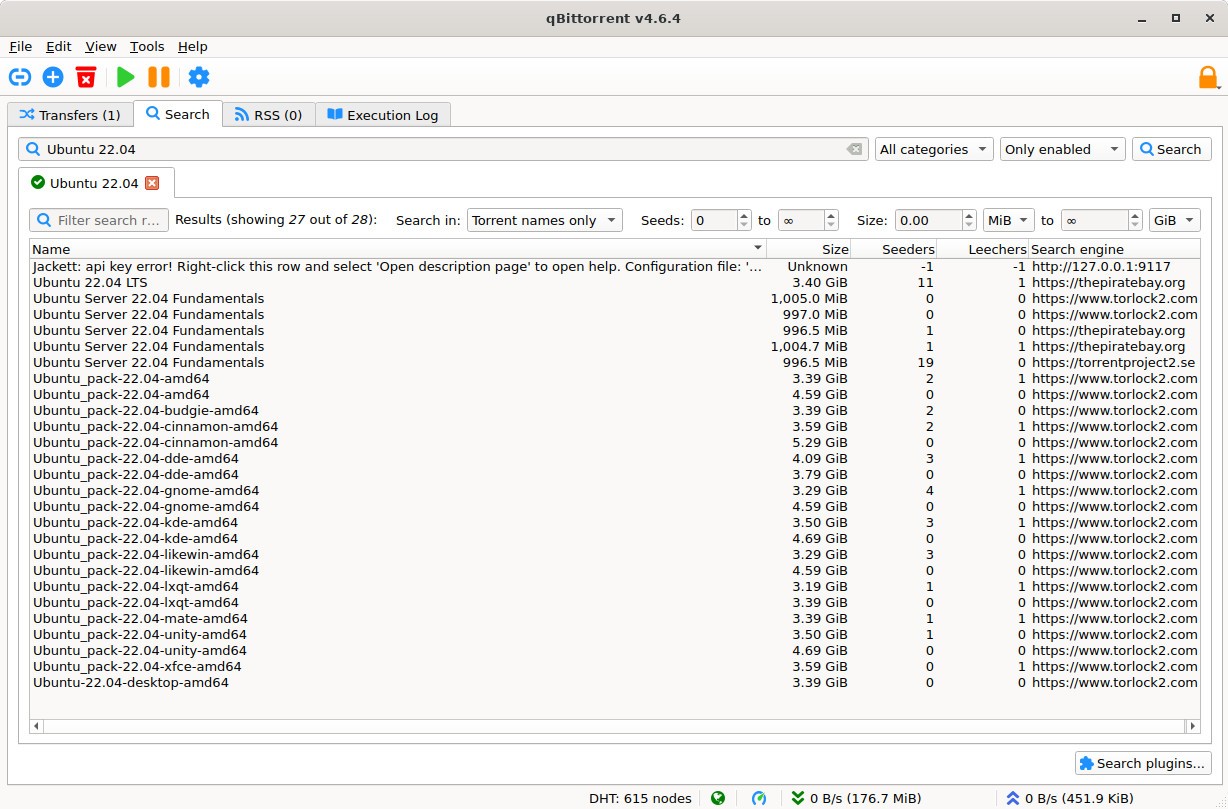
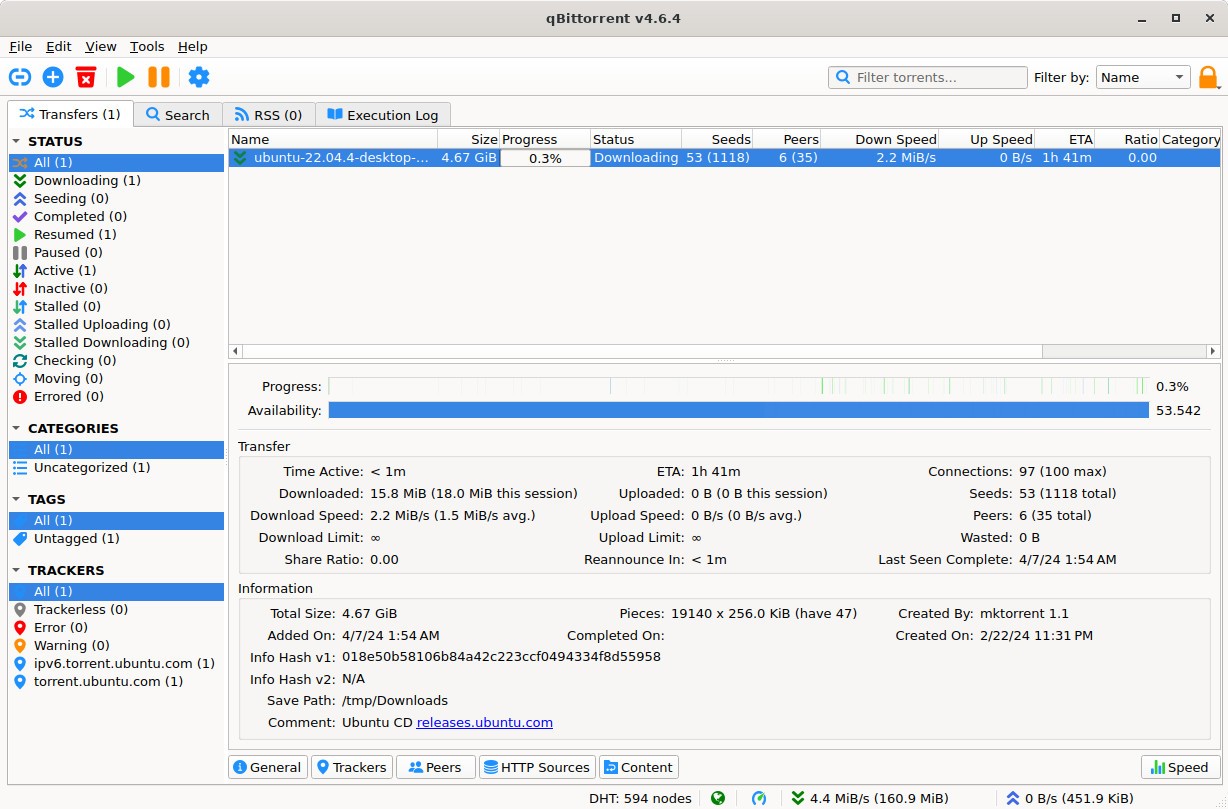
The main advantage provided by qBittorrent is its straightforward approach. The application provides numerous flexible options that experienced users can access while keeping the interface simple enough for novices. Users have full control over several simultaneous torrent downloads on qBittorrent, as they can set speed constraints and maintain download priorities and automate the process through RSS feed management. Search capabilities built into the torrent client enable users to locate downloads without visiting external sites, thus protecting them from dangerous links.
The program operates with high efficiency, as it maintains a lightweight operation compared to many other torrent clients. The software runs without slowing down computer performance and using unreasonable memory, so users benefit from quick and efficient download management. They maintain downloading privacy and security through encryption, together with IP filtering and proxy support that the software provides for file downloads.
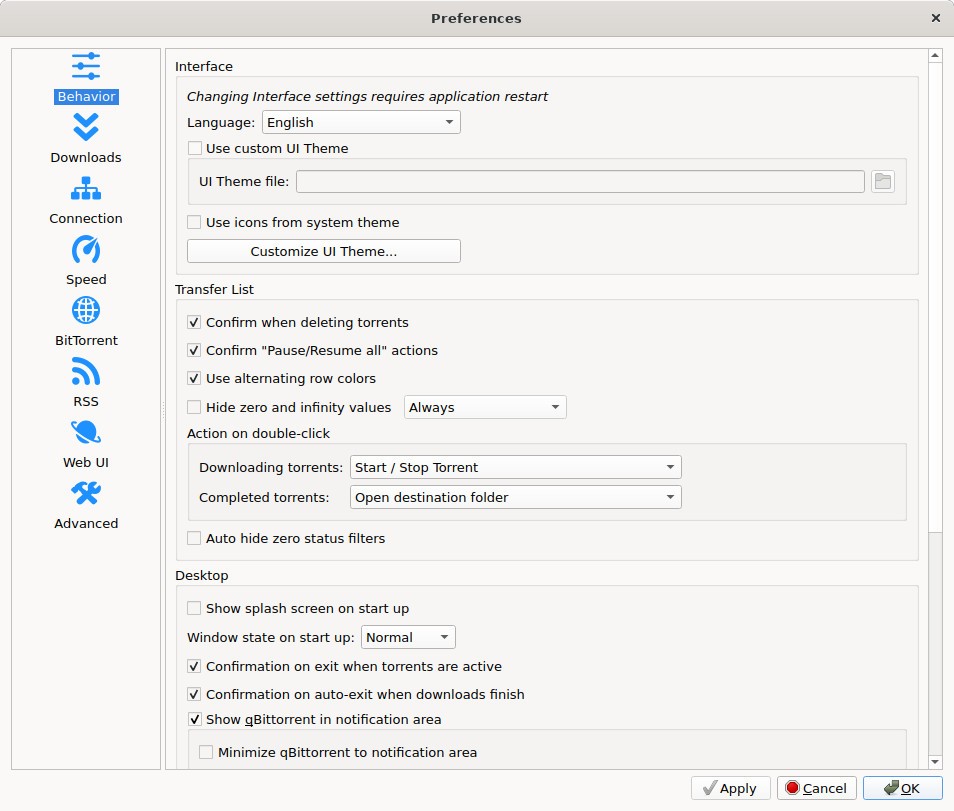
Users choose qBittorrent primarily because it allows them to customize the system. Its interface allows control over bandwidth consumption along with scheduler features and VPN integration options for enhancing security. Users can benefit from sequential downloading with this system because they can preview media files during partial downloads of the entire contents.
qBittorrent includes a UI feature that allows users to monitor and control their downloads remotely from any connected device. Users can monitor their downloads from anywhere using a web browser login, rather than having to access their primary computer system. Users benefit from this feature because they can begin or halt any session and take down downloads from different locations.
The application gets regular updates from an active open-source community that maintains its development. It remains active with updates because it supports new capabilities and security enhancements while providing ongoing performance improvements, unlike discontinued older applications. The latest release guarantees efficient operation with modern peer-to-peer networking standards.
qBittorrent maintains trackerless torrent functionality alongside DHT (Distributed Hash Table) and Peer Exchange to keep users private during their downloads. The torrent client functionality gets improved by these capabilities, which lead to faster and more reliable download execution and better file availability.
Using qBittorrent provides users with a top choice for their needs because it is free of ads and has a clean interface, as well as low system resource usage and powerful functions. The tool is suitable for users of all skill levels due to its simple operation and powerful configuration options.
Is qBittorrent Free?
The entire qBittorrent application operates at no cost for all users. The open-source software is developed by a dedicated community, which ensures that there are no hidden fees, premium versions, or advertisements.
The functionality of the application is available to all users without any subscription requirements, since it provides all functions without any paywalls. It requires no subscriptions or upgrade obligations because it operates free of charge to all users.
What Operating Systems Are Compatible with qBittorrent?
qBittorrent functions as a software application that supports various operating systems. It works with Windows, Mac OS, and Linux. It can be used by users with Microsoft computers; Windows 7 is the oldest version that is compatible. It is compatible with current OS X versions for Mac users.
qBittorrent users from the Linux family can easily obtain this software through standard package repositories of Ubuntu, Fedora, Debian, and Arch Linux. They can obtain it through package managers, which streamlines the installation process. It provides users with operating system flexibility because it supports installation on various systems.
What Are the Alternatives to qBittorrent?
Among the highly regarded torrent clients, qBittorrent exists, but it competes with alternative options that present distinct functionalities. The need for slick interfaces in accordance with various user types competes with the need for additional privacy capabilities.
µTorrent (uTorrent) serves as one exceptional, known alternative among other options. It stands as a decades-old and broadly popular torrent client that gives users a quick interface along with performance speed. They may encounter advertising content during regular usage before upgrading their account to the paid edition. Although uTorrent displays advertising, it maintains trustworthy performance together with an easy-to-use interface, which makes it appealing to users who like familiar environments. Through its web-based app, users can handle their downloads with any connected device.
Deluge stands out as a strong alternative because it is built for experienced users wishing greater customization options. The design approach of Deluge focuses on plugins for users to select only essential characteristics, instead of the middle-ground approach used by qBittorrent. The product delivers full customization benefits to users seeking this option. Its lightweight design makes it appropriate for users who want to preserve system resources.
Private users will find Transmission to be their ideal solution. Transmit serves as a minimalistic choice for torrenting software, which appeals mostly to Mac OS and Linux platform users. Built-in encryption functions together with trackerless torrenting support and a pure interface define its functionality. The user experience of Transmission remains simple without excessive options to burden the interface because it concentrates on delivering essential capabilities to users. Users seeking basic torrenting capabilities alongside maximum privacy should opt for Transmission because it provides this combination effectively.