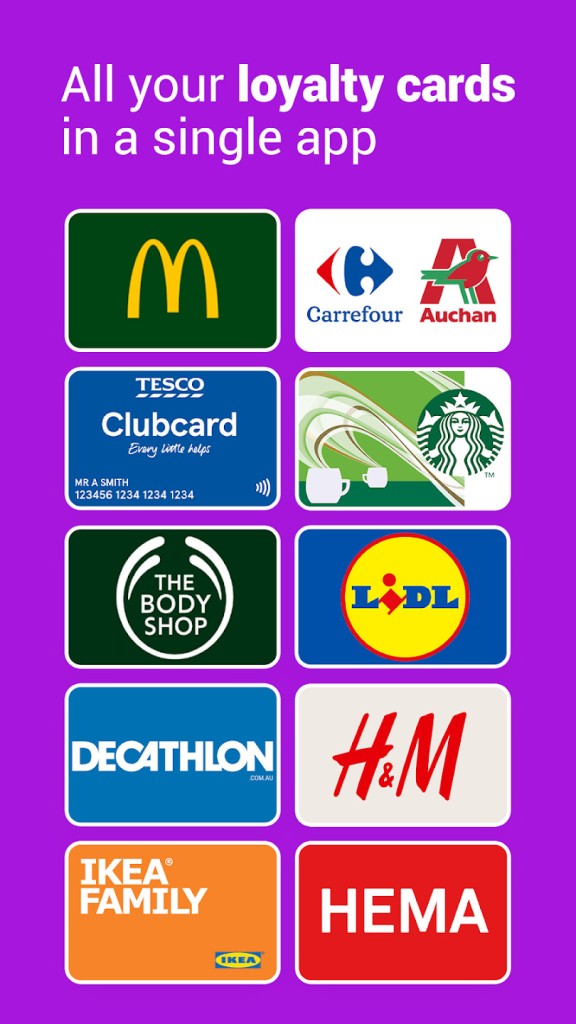
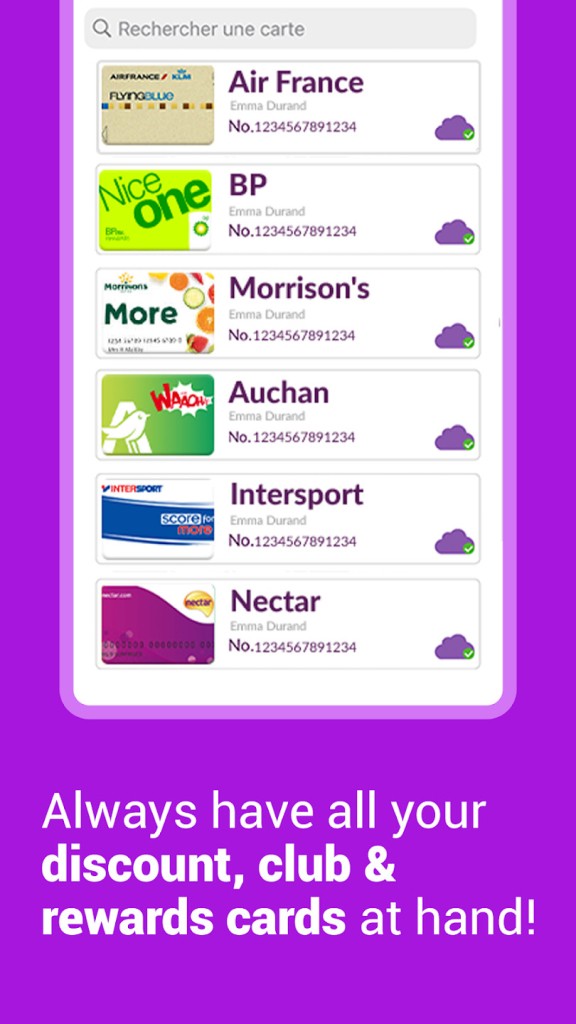
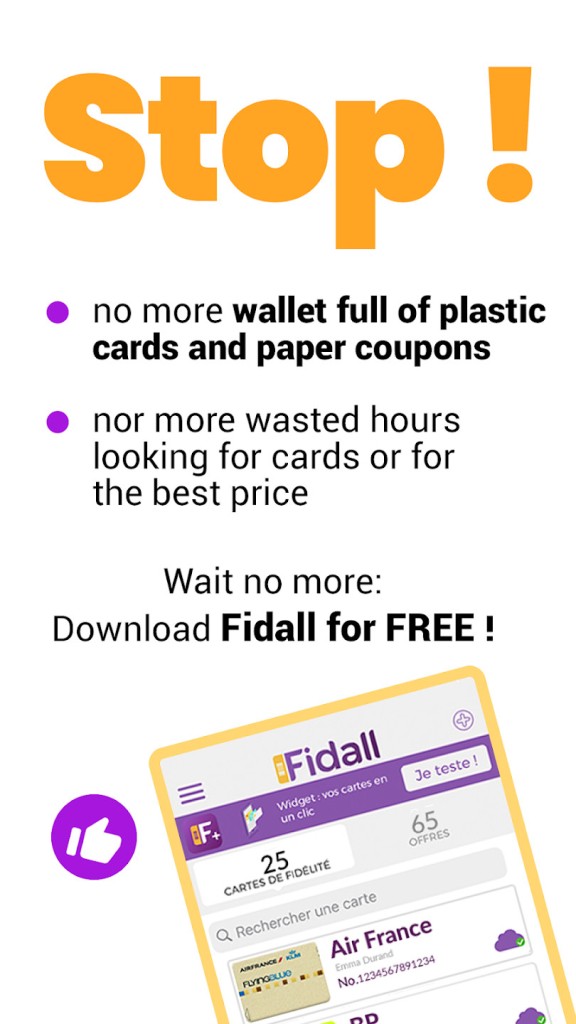
Fidall is a mobile wallet for loyalty and rewards cards that puts every barcode you need on your phone. Scan a card or type its number, save it, and present a clear barcode at checkout so you do not miss points or discounts. You can add supermarket, pharmacy, fashion, beauty, travel, and home store cards in seconds, and you can create a custom card when a retailer is not listed. Keep your pocket light and still carry every program you use.
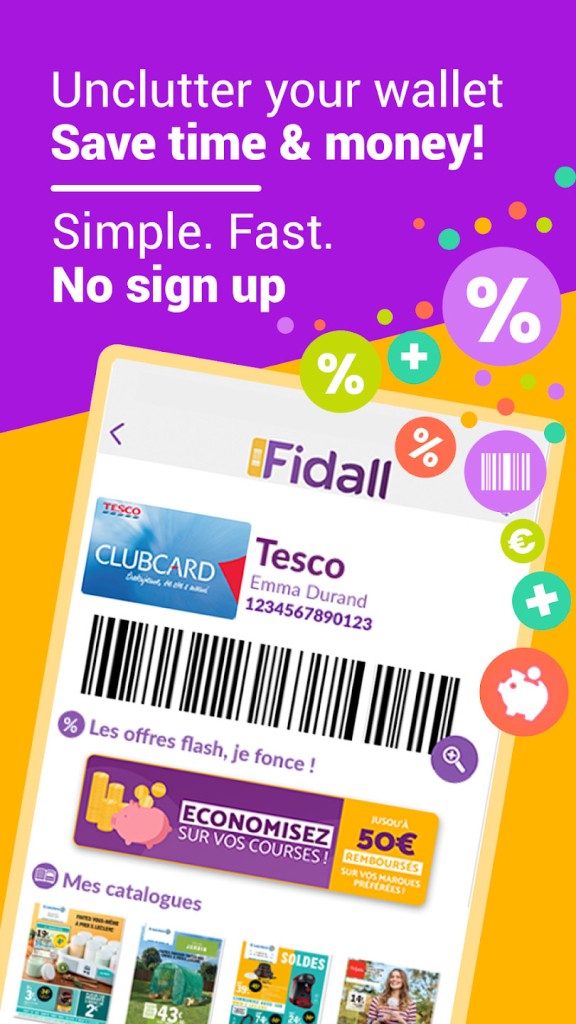
The screen shows a large high-contrast barcode for quick reading, and the card number stays visible, so a cashier can enter it when a scanner is old or out of focus. You can mark favorites, search by name, and reorder cards to match your routine. You can turn on location so Fidall reminds you which cards match nearby stores and shows deals linked to those brands.
Use built-in cashback to photograph a receipt and request repayment when a promotion applies, which turns scattered coupons into simple savings on your phone. You can keep a secure backup with an optional account and share the same wallet with family, so everyone scans the same numbers. The goal is direct: one place, one tap, no missed rewards.
Why Should I Download Fidall?
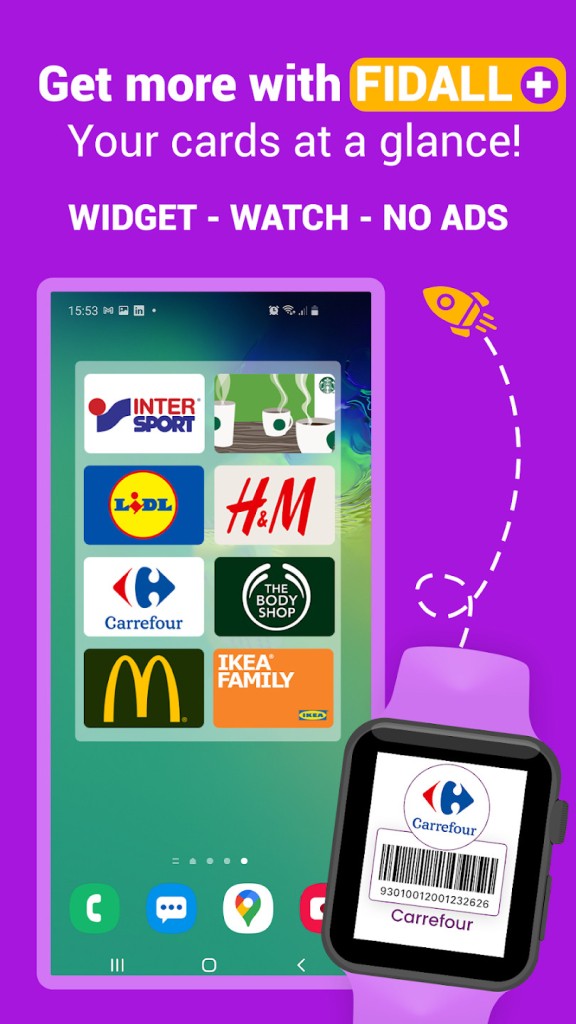
Download Fidall to stop losing benefits and to make checkout steady. Digitize old plastic in minutes and never dig through a purse, glove box, or kitchen drawer again. You can walk into a store, tap a favorite, and scan before the first item lands on the counter. You rely on a barcode sized for real scanners and fall back to manual entry when a lane runs older hardware. The app allows you to pin your main cards for instant access, open them from a widget or a watch, and keep the line moving.
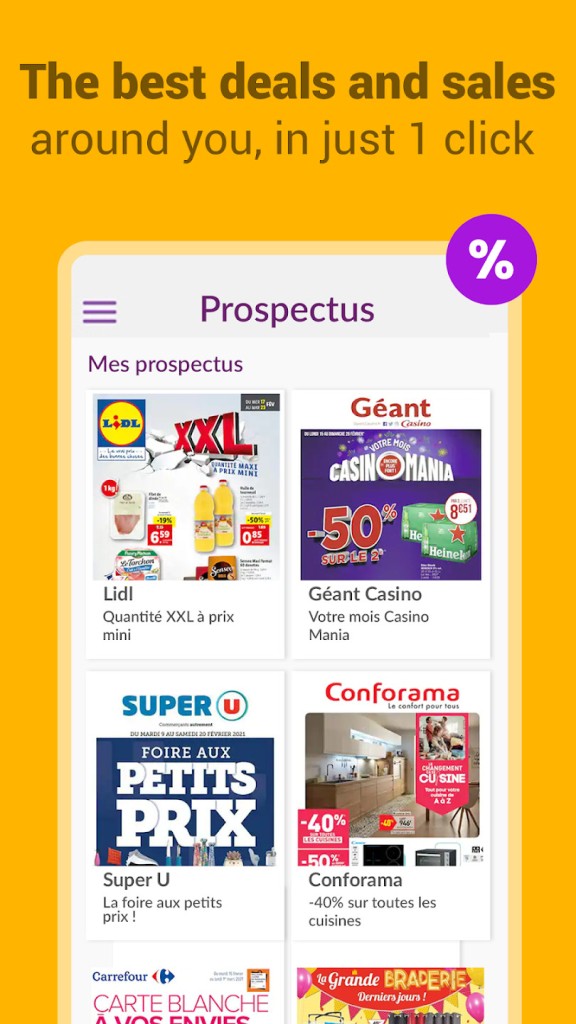
Geolocation can nudge you when you pass a shop tied to a saved card, which helps you scan early and apply offers that matter. You can browse promotions that match your cards rather than random ads, then stack those with in-store prices and point multipliers. You can keep a shared wallet, so a partner builds the same balance when doing the grocery run.
Finally, you can lock the app with a code and keep control when you hand a phone to a cashier. You replace clutter with a small habit that pays back every week. One app, one scan, fewer forgotten discounts, and a clear record of cards you actually use. That is the pitch and, in daily use, that is the result.
Is Fidall Free?
Fidall is free to download and free to use for core features. Add as many cards as you want, present barcodes in store, and keep a tidy digital wallet without paying a fee. You can stay private and skip registration, and the app still works for quick scans and simple sorting. Create an account when you want backup and sync so your cards follow you to a new phone or return after a loss.
With Fidall, you can share one account with your family, so everyone scans the same card number and earns the same pool of rewards. You can lock access to the app with a code for extra privacy on a shared device. You can opt in to notifications for card-specific offers and turn them off again if you prefer a quiet feed. Claim promotional refunds when an offer allows it by photographing your receipt and choosing a repayment method, then watch the status move from sent to paid inside the app.
What Operating Systems Are Compatible with Fidall?
Fidall is compatible with iOS and compatible with Android. You install the app, point the camera at a barcode, and the card appears in your list, ready to use. When a card has no code, you can type the number and still present it as a barcode at the counter. You can sign in on multiple phones, so a household keeps one set of cards in step. You can allow location for nearby store reminders and allow notifications for time-sensitive offers before you shop. Place a widget on your home screen for one-tap access to favorites, and you can open a card from a watch shortcut when your hands are full.
The app allows you to raise screen brightness for older laser scanners, keep the phone awake during long carts, and rotate the phone if a lane reads one orientation better than the other. You can search your device for a card name and jump straight into Fidall without hunting through folders. It keeps the basics smooth so you spend time shopping, not tuning settings. Whether you upgrade phones often or keep the same device for years, the flow stays the same: open, scan, save, and move on. If you share devices across a family, the same sign-in keeps everyone aligned, and backups protect your list during a phone change.
What Are the Alternatives to Fidall?
SuperCards is a speed and plain rack of cards company. You scan the majority of barcodes within a second, filtering by store and displaying a bright code that displays quickly in the long queues. When you do a fast trip running and you like having a simple list rather than the extra options, you can have SuperCards next to Fidall and use them depending on the situation, SuperCards when you need speed and Fidall when you need cashback, store-specific deals, and family sharing.
Catima is an open-source card wallet that remains local with data and is lightweight. Whether you are shifting phones around, you can add cards, label, and export or import them without a heavy layer of account. It is a simple design style, and it should be mentioned that it appeals to individuals who prefer to have the power and utilize the network less. In case you enjoy tools where privacy is prioritized and advertising is not tracked, you can install Catima to have a lean installation, and when you feel like Fidall should remind you of your location or refund promotions.
Google Wallet can store loyalty passes for supported brands and find place-based context cards. You are able to start a pass-by system shortcuts, secure it with phone security, and store payment and passes in a single icon. Coverage is based on the area, and not all programs will provide a pass, so you can have Wallet for those that support it and Fidall for the rest. This combination provides you with native speed with a few of the bigger chains and a full shelf with the rest that do not require plastic. One choice suits a certain habit, the other one suits another, but the objective is the same: keep your cards close, scan, and never leave the card on the counter.