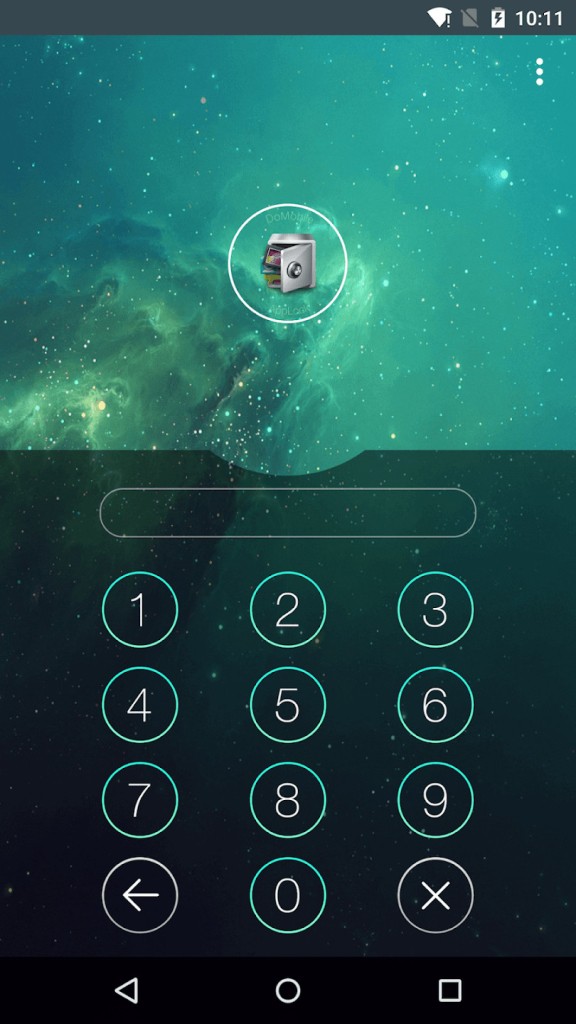
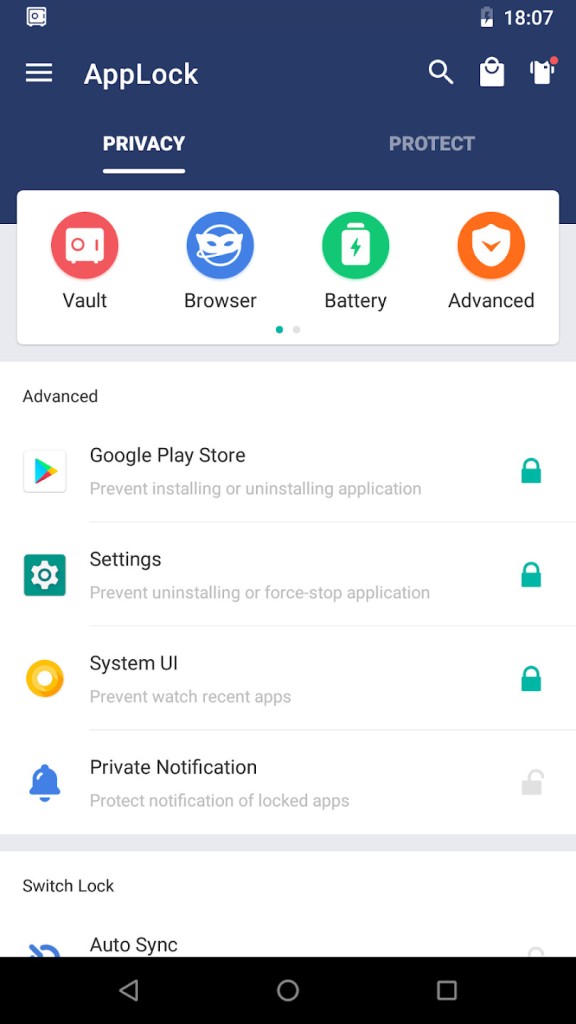
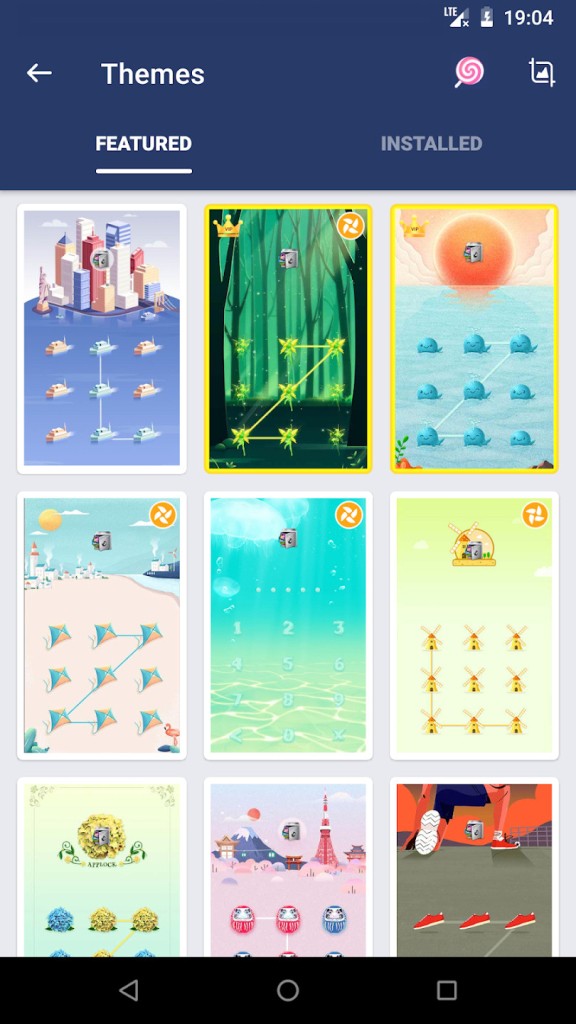
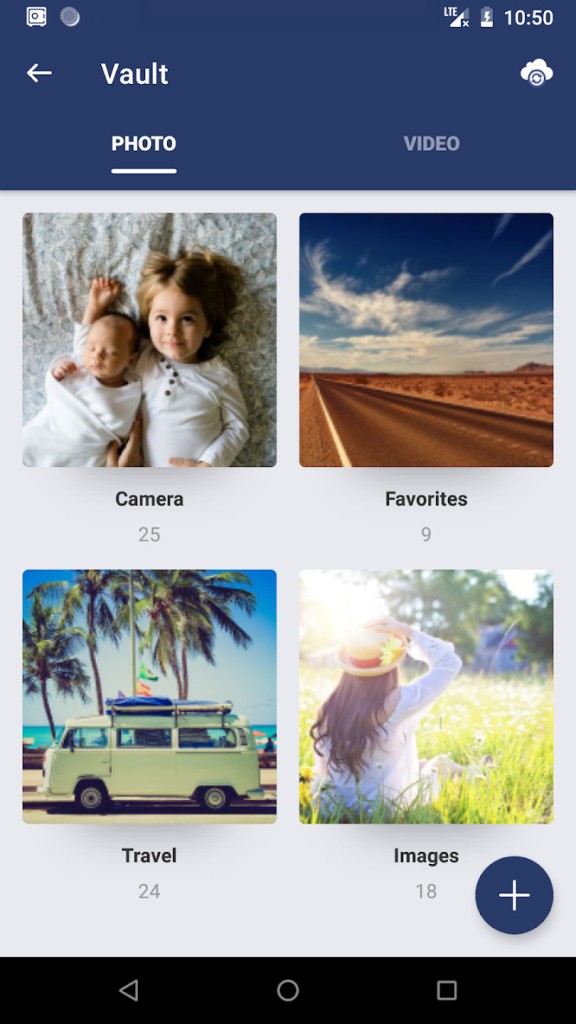
AppLock is a privacy app for Android that locks individual apps, hides photos and videos in a vault, and adds extra tricks like random keyboards and invisible patterns so that it’s harder for anyone nearby to guess your PIN or pattern.
AppLock is built for situations where you’re happy to hand your phone to someone, but not to let them browse everything. You pick which apps to protect, such as social networks, chat apps, Gallery, email, settings, incoming calls, or anything else, and AppLock steps in with a lock screen whenever they’re opened. Hidden photos and videos disappear from the system Gallery and only show up inside AppLock’s vault, so casual browsing won’t expose them.
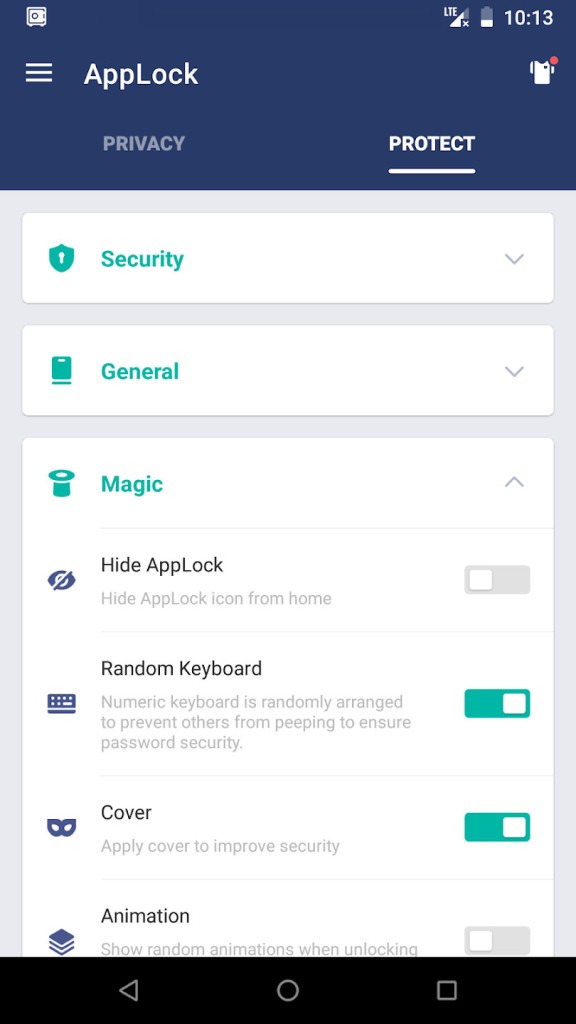
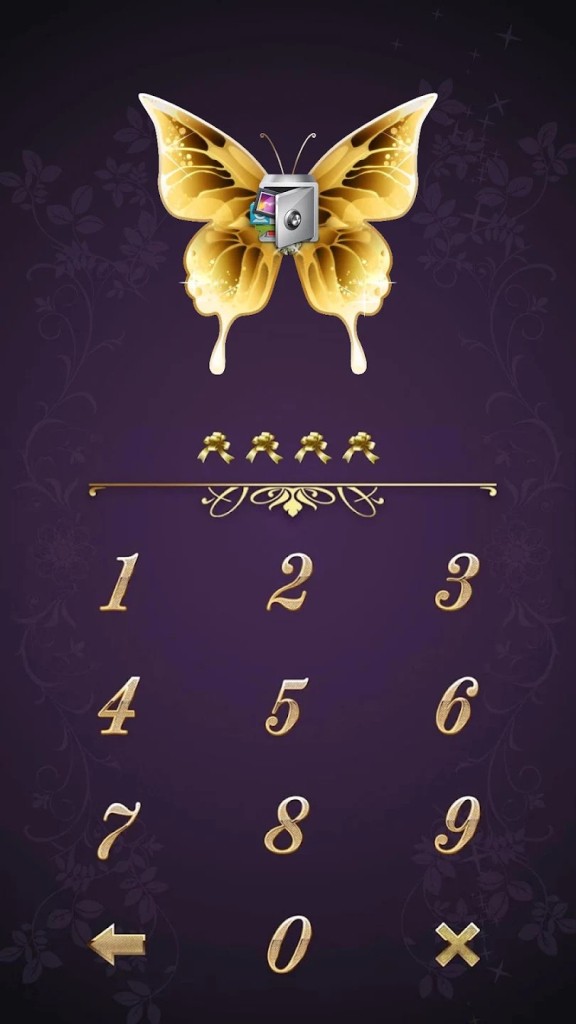
The app’s random keyboard and invisible pattern options are there specifically to make shoulder surfing more difficult, and “Advanced Protection” can stop someone from uninstalling AppLock without your password.
Why Should I Download AppLock?
The main reason to download AppLock is that it makes app‑level privacy simple without changing how Android itself works. You keep using your phone normally, but set a second line of defense for the handful of apps that really matter, such as social media, banking, messaging, or any place you store personal photos. That’s often more practical than locking the entire phone down constantly.
It’s also tuned for everyday use cases: parents checking Snapchat, friends borrowing your phone for games, kids fiddling with settings or in‑app purchases. The features like hiding AppLock itself (via a share shortcut, widget, dial code, or special link) and password recovery through security answers or email are there to keep the lock usable long‑term. If you want focused control over who sees what on your phone, and you’re okay with granting it device admin and accessibility permissions for more reliable locking, AppLock is a good choice.
Is AppLock Free?
AppLock is free to download and use, and the core features, such as locking apps, photo/video vault, pattern and PIN protection, are available without paying. Some advanced options (like time‑based or Wi‑Fi‑based locking profiles) are usually unlocked via a small subscription or one‑time upgrade, but basic “lock apps and hide media” functionality doesn’t require a subscription. If you just want to keep a few apps and albums private, the free tier should be fine.
What Operating Systems Are Compatible with AppLock?
AppLock is designed for Android phones and tablets and runs on mainstream Android versions. It relies on Android’s device admin and accessibility frameworks to detect which app is in the foreground and to prevent easy uninstallation, so you use it on a standard Android device rather than a desktop or iOS.
What Are the Alternatives to AppLock?
Ente Locker takes a different approach. Instead of locking individual apps, it focuses on end‑to‑end encrypted storage for important files and credentials like ID cards, financial documents, and master passwords, in a secure vault you can share or pass on in emergencies. Compared with AppLock, Ente Locker is more about keeping a small set of critical items encrypted and backed securely, while AppLock is about everyday app‑level privacy on the device itself.
Lock my Folder – Folder hider is built for hiding folders rather than apps. You choose folders on internal storage or SD card, lock them behind a PIN or fingerprint, and use a built‑in viewer to access photos, videos, and documents without exposing them in other apps. Compared with AppLock, it’s more of a classic “file and folder vault”: great if your main concern is local files rather than who opens your WhatsApp or Instagram.
App Lock - Lock Apps, Password sits closer to AppLock itself: it locks apps with PIN, pattern, or fingerprint, hides notifications, can take intruder selfies, and adds things like fake error screens when someone opens a locked app. On top of the basic app lock screen, it can hide notifications from those apps so sensitive messages don’t pop up on your status bar, and it can trigger intruder selfies when someone enters the wrong code a few times, giving you a record of who tried to peek.