As a password storage app, Dashlane functions as a tool that extends beyond traditional login management features. The tool operates silently as it enhances security while making online processes smoother for users. All digital information in current times requires password authentication.
Every digital service nowadays demands its own password, starting from bank accounts through emails to social networks, mobile applications, workplace systems, and also some Wi-Fi printers. The process of monitoring everything becomes exhausting very quickly.
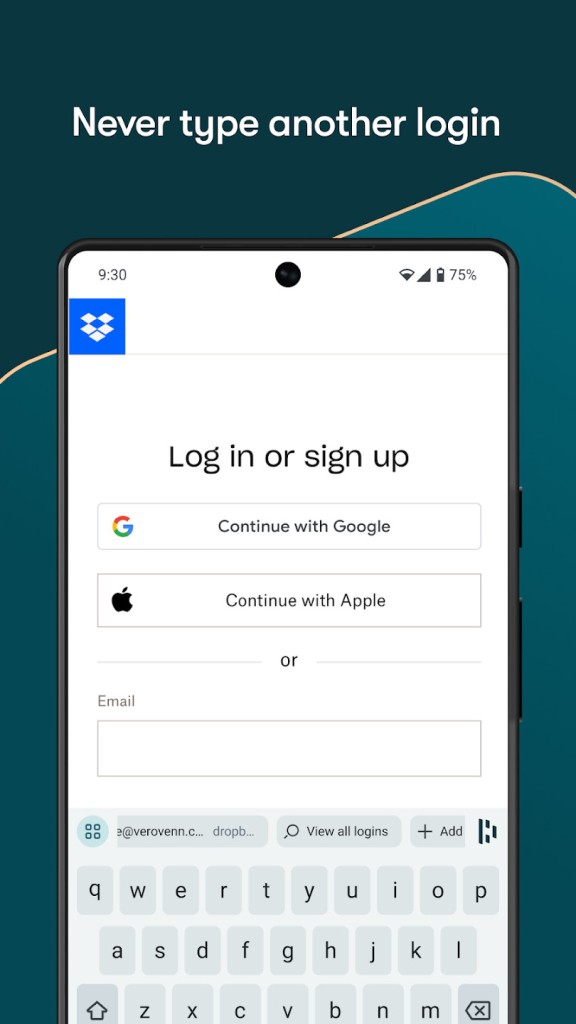
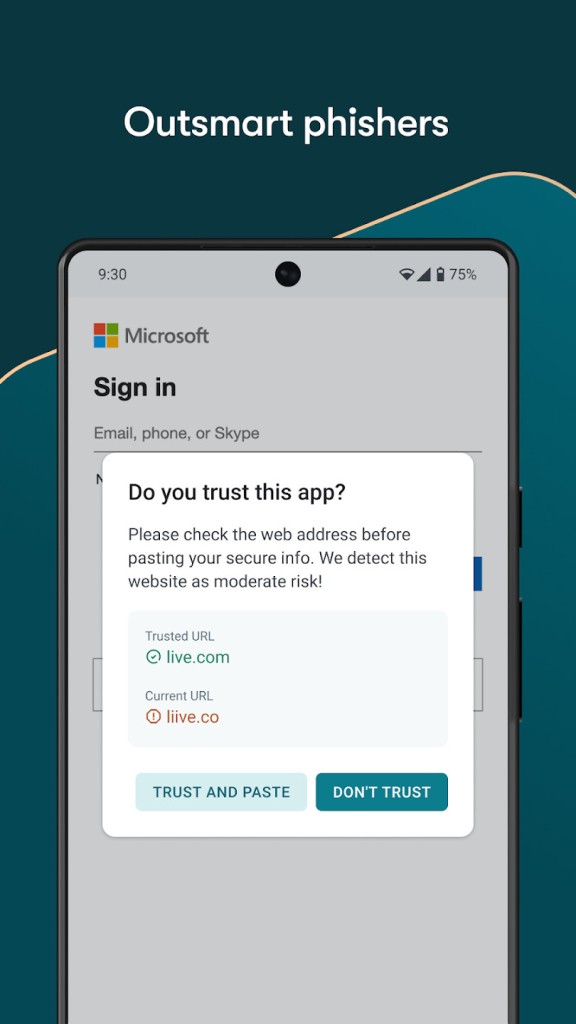
That’s where Dashlane steps in. It remembers everything for you. Dashlane handles that balance well. The system generates powerful passwords while automatically filling them during use (on websites, mobile apps, everywhere it’s needed). It also advises about login exposure, low security passwords, and security breaches.
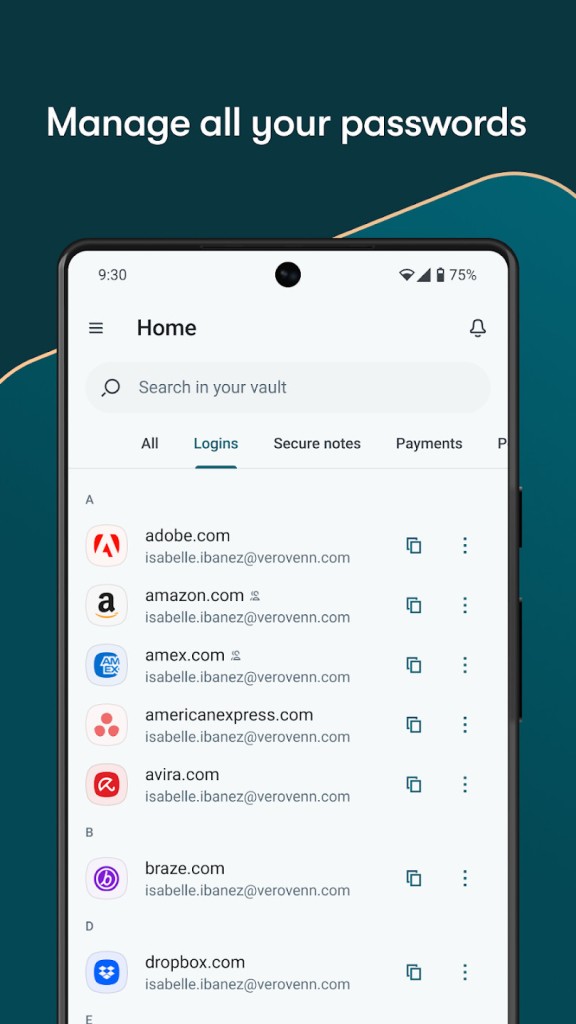
The way it works is simple. The program begins collecting your login credentials automatically after you install Dashlane. It provides you with the option to save the information, which eliminates future manual entry of saved data. After logging into your Dashlane account, you can access all needed services by pressing buttons or clicking.
Why Should I Download Dashlane?
You face minor anxiety whenever you handle passwords in your daily activities. Users typically abandon passwords to memory until they find a secure alternative to record them. Most users resort to using a single password across different accounts because password memory becomes too hard to manage. The entire strategy of hackers relies on this human tendency. Dashlane enters the picture to provide a flawless solution for this password mess, yet it asks only minimal effort from users.
It helps in simple ways. The tool generates strong, distinctive passwords while eliminating the need for remembering them. That alone makes life easier. Entering your single Dashlane master password enables the program to manage and fill in all necessary information for you. After successful login with Dashlane, your future logins will run more efficiently.
The program automatically completes login information on websites, together with mobile applications. In addition to passwords, Dashlane extends its functionality to other authentication factors. The application stores payment information and keeps both personal contact data, such as your address and phone number, along with confidential notes, securely.
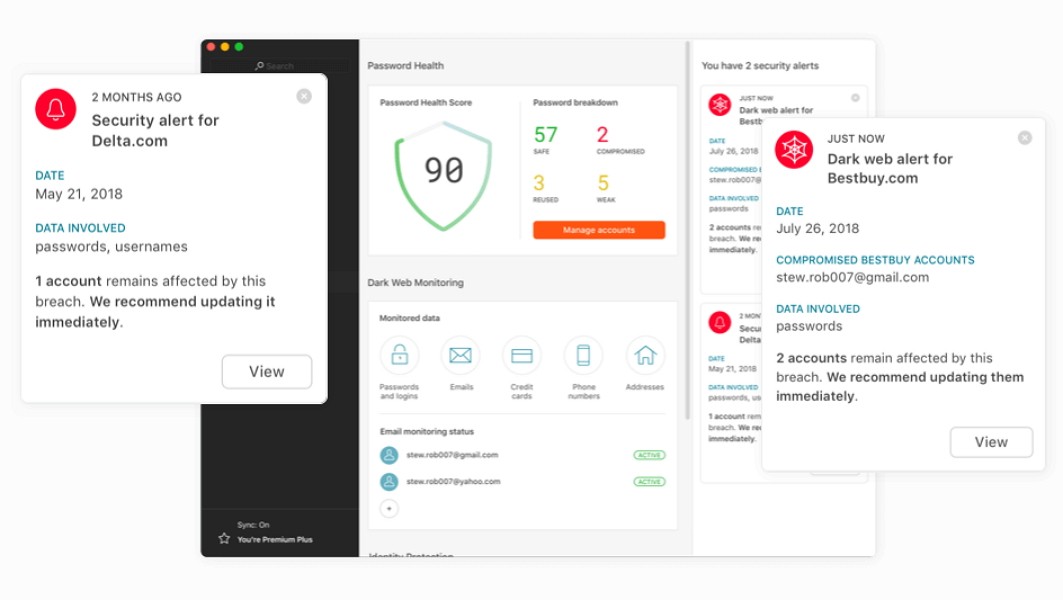
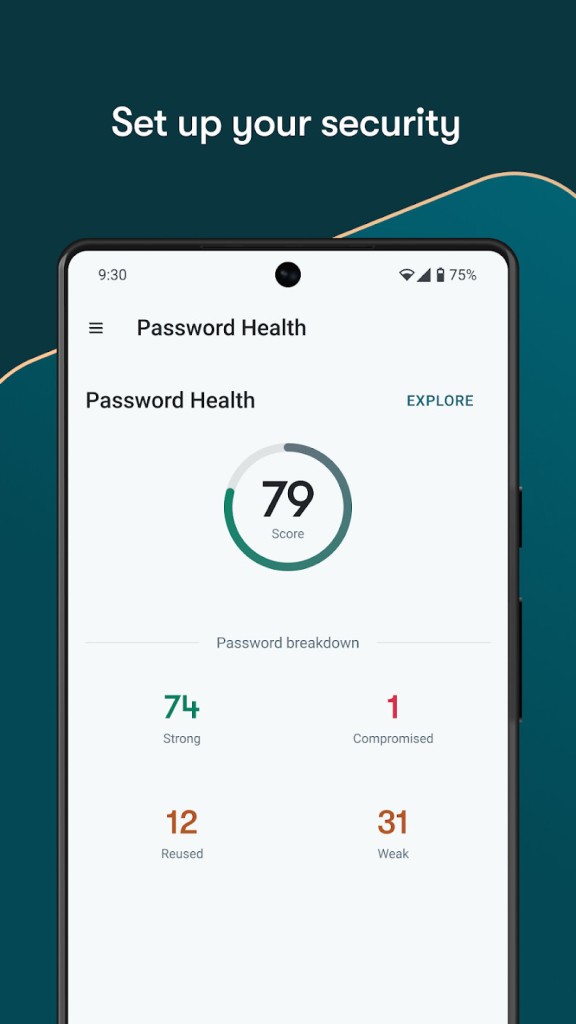
The system offers password health tracking as one of its key beneficial features. Weak passwords or repeated passwords that you use get noticed by Dashlane, while the program suggests better alternatives. The system implements this feature, which helps people develop better security routines. Your credentials will receive critical notifications from Dashlane whenever they are detected on unauthorized sites on the dark web. The background operation provides constant security protection while maintaining user discretion.
Users need not have any computer skills to navigate the system due to its user-friendly interface. After setup the app runs itself automatically while maintaining a clean user interface and a minimalistic options setup. Simple settings structures and necessary technical operations do not overwhelm Dashlane users. The installation process starts, then the software assumes control of security functions while you continue with daily activities.
The Dashlane interface maintains safe account management for users who possess small to large collections of passwords on a single device or operate multiple work accounts. This straightforward application integrates seamlessly into your system to deliver ease of use, which reminds you about your former efficiency before its launch.
Is Dashlane Free?
Dashlane provides users access to free password management services, but only operates on one linked device. It covers the basics well. Users who need dark web monitoring and multi-device synchronization alongside secure file storage can subscribe to Dashlane premium services.
What Operating Systems Are Compatible with Dashlane?
The application Dashlane operates seamlessly on all main operating systems. The program functions on devices running Windows and macOS, together with those operating on Android and iOS systems. The browser extensions available at Dashlane operate with Chrome, Firefox, Edge, and Safari.
You get instant access to your passwords regardless of your location, and devices automatically stay in sync through the premium account. The system maintains an automatic update of all content whenever you remain logged in.
What Are the Alternatives to Dashlane?
Although Dashlane exists among many password management solutions, it stands out as one of the better-recognized tools. Each user possesses unique requirements when it comes to setup differences. Here are a few alternatives; choose your preferred one depending on your needs.
LastPass is a close competitor. It provides the same essential features, which include a password generator and autofill functionality, device syncing, and a security notification system. LastPass has existed for an extended period, with numerous users subscribing to its service. The design of Dashlane and the preferred interface lies between these two programs based on users' tastes. Users tend to select between these two tools based on their personal preference because both solutions provide fundamental secure password capabilities.
The security platform Proton Pass belongs to the team behind ProtonMail and entered the market recently. Privacy and encryption represent the primary functions of this service. Proton Pass already serves as a natural extension for those who use Proton services. Proton Pass targets users who prioritize their information privacy since it prevents data sharing or tracking activities. Its initial development continues positively since the platform rests on a dependable foundation which originated from secure communication experts.
If digital security is your goal, note that security suites also offer password managers. Three prominent security suites are Norton 360 along with Avast One, and Avira Prime. The password manager functions as a built-in option with larger software bundles. The package includes antivirus software combined with VPN protection and identity theft security, and system maintenance features. These security suites would suit users who need a unified solution that encompasses various tools.
Dedicated password managers like Dashlane, along with their alternatives, offer a straightforward solution to people who need just an uncomplicated password management system without additional features.