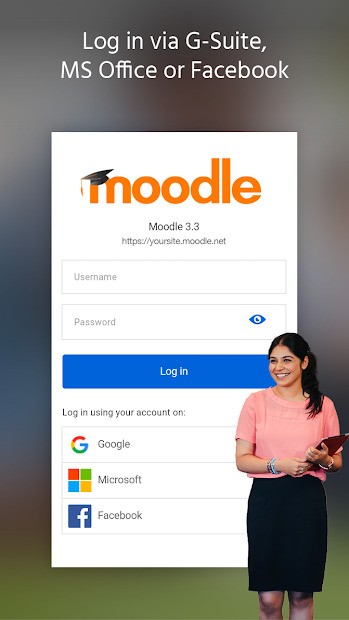
Moodle is a learning management system that is used by schools, universities, training centers, and organizations to administer online courses. It is not a unitary learning platform, but rather, the platform links learners with classes designed by their institution. The details provided by their school or company are typically used to log in.
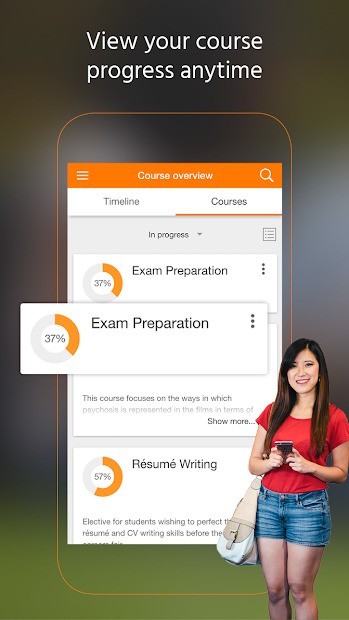
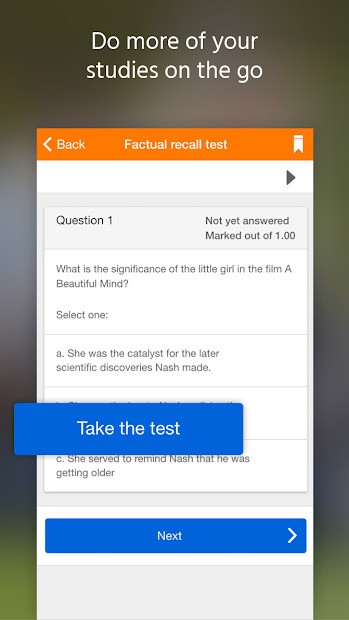
The Moodle mobile application allows accessing courses right from a phone or a tablet. Students can see course content, read lecture notes, post assignments, take quiz tests, and view grades. Certain material can be accessed offline, which is beneficial in cases of students having an unstable connection.
Moodle has achieved worldwide coverage and supports numerous languages, and therefore is appropriate for international education. It can also be fully controlled by institutions, as institutions may decide on how the structures of courses are to be. Customization is possible since it is an open-source system, but it also implies that the experience may be different depending on the people who run the site.
Moodle seems to be more of a portal than a free-roaming learning application for individuals. What you may observe is all based on the courses you may be enrolled in and how your institution has arranged them.
Why Should I Download Moodle?
Get Moodle if Moodle is the major learning platform in your school, college, or workplace. The application keeps you in touch with courses without having to open the browser at all. Students can use it to peruse assignments conducted promptly, or instructor updates, or submit work in real time.
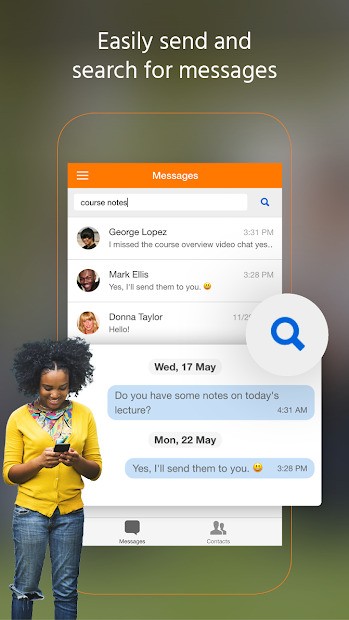
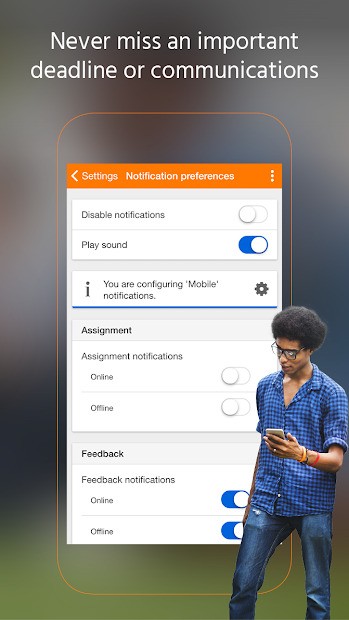
Another purpose of downloading is convenience. You are always updated regarding deadlines, new messages, and course changes. The app fits well in managing multiple classes or training programmes, rather than just sending and receiving emails or browsing the internet all the time.
A good advantage is offline access. Pdf files and text files could be saved in advance, and then learners can read them in transit or where the internet is not available. On the one hand, this option is flexible and time-saving for many students.
Nonetheless, Moodle might not be exciting or current after the new learning applications. Its construction is functional and not aesthetic. However, with a poorly maintained Moodle site behind the experience, it can be a slow and confusing journey. Such problems as problems with logging in or with loading will most often be related to the configuration of the institution, and have no connection to the peculiarities of the app.
Moodle should be considered as a means of assisting organized learning, but not as a discovery-based learning about new courses we can make on our own.
Is Moodle Free?
Yes. Moodle is free for learners. There is no payment required when downloading or installing the mobile app. The app enables students and employees to have access to courses without paying subscription fees.
Moodle is open source, and institutions can use it and adapt it without incurring any licensing fee. That notwithstanding, learning may come at a price. Other schools or organizations have courses that they charge for, training programs, or certifications that they offer through Moodle.
Moodle Partners offers institutions the opportunity to finance hosting, technical services, or advanced services. The institution deals with these costs, not with individual users. As a learner, Moodle is usually free, provided that the learner is enrolled in a course.
What Operating Systems Are Compatible with Moodle?
The mobile application of Moodle is compatible with the iPhone and iPad, with a minimum system requirement. It can also be downloaded to Android platforms at the Google Play Store.
In addition to the mobile platforms, Moodle can be used via web browsers on computers such as Windows, macOS, and Linux. Since it is web-based, the users do not require a particular operating system to see courses. Such elasticity allows organizations to provide most types of devices.
The performance is affected by the server configuration of the institution. The mobile application is a lightweight one, but the experience surrounding it depends on the Moodle site to which it is connected.
What Are the Alternatives to Moodle?
The popular competitor is Canvas by Instructure. Canvas is a very common property in colleges. It has a nicer interface with a better user experience. Whereas it concentrates on delivering a course, generating grades, and communicating, it is not as customizable as Moodle. Canvas is considered to be easier by both instructors and students, but less popular among an institution taking over the deep system. Many institutions choose to download Canvas because it offers a smoother interface that feels familiar to students right from the start.
EducateMe is even more of an option that appeals to the contemporary training requirements, specifically for companies and teams. It incorporates AI to assist in developing courses at an increased pace and facilitating learning programmes at a simplified rate. EducateMe is also interesting to organizations that are willing to run a simpler system with less technical effort; it is not as prevalent as Moodle and could seem limited to massive and complex institutions. Teams that want a faster setup often download EducateMe to experiment with AI-assisted training without heavy technical work.
Coursebox takes an alternative route and focuses on creating courses rapidly with the help of AI. It is recommended for people or a small group of others who prefer to create content fast. Coursebox concentrates more on content generation than servicing large numbers of learners or long-lasting academic programmes. It is slightly less robust in the learning management perspective, though it is much faster in course creation compared to Moodle. Creators who value speed may download Coursebox when they need to build learning content quickly without managing a full LMS system.