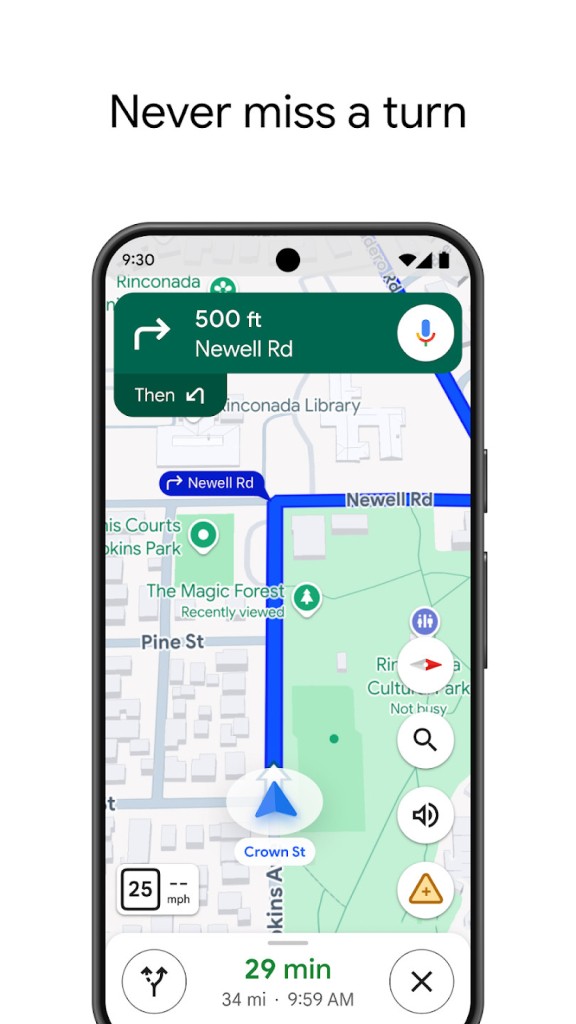
Google Maps started out as exactly what the name suggests: a map where you could look up just about anything. But as technology has evolved, it's become a full navigation tool for your smartphone and a travel guide rolled into one. Whether you're on a phone or a computer, Google Maps helps you find any destination with accurate location data and turn-by-turn directions.
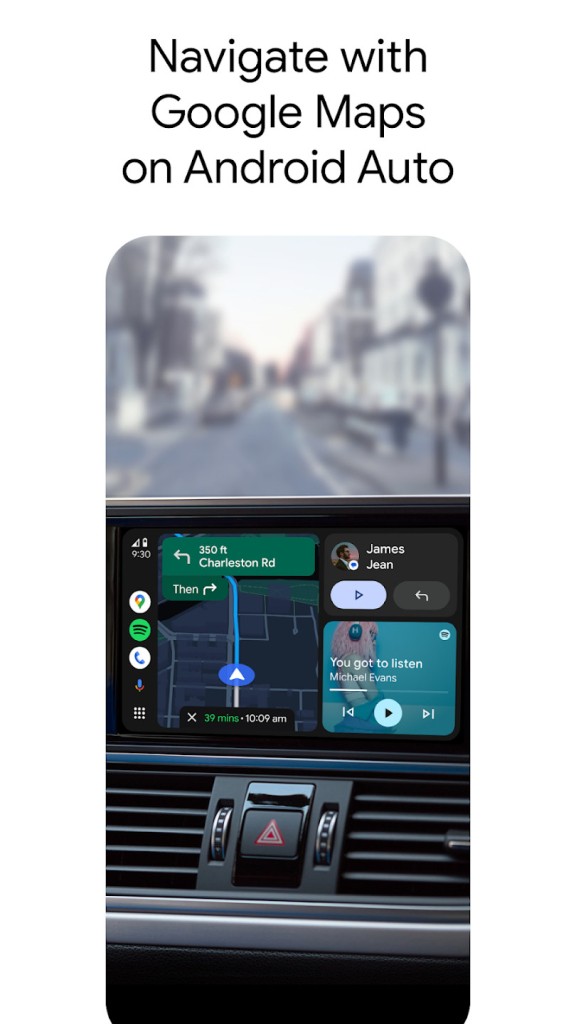
It keeps you from getting lost whether you need directions for your commute, sightseeing in a new city, or finding a nearby restaurant. You can use it while driving, walking, or taking public transit. For pedestrians, an augmented reality feature overlays directions onto your camera view, which makes getting oriented on foot much easier.
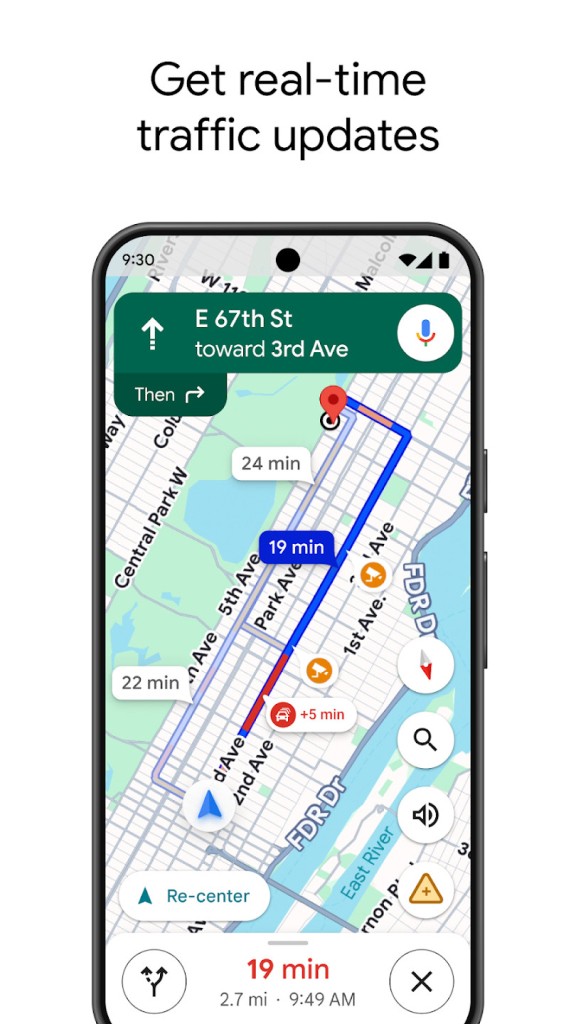
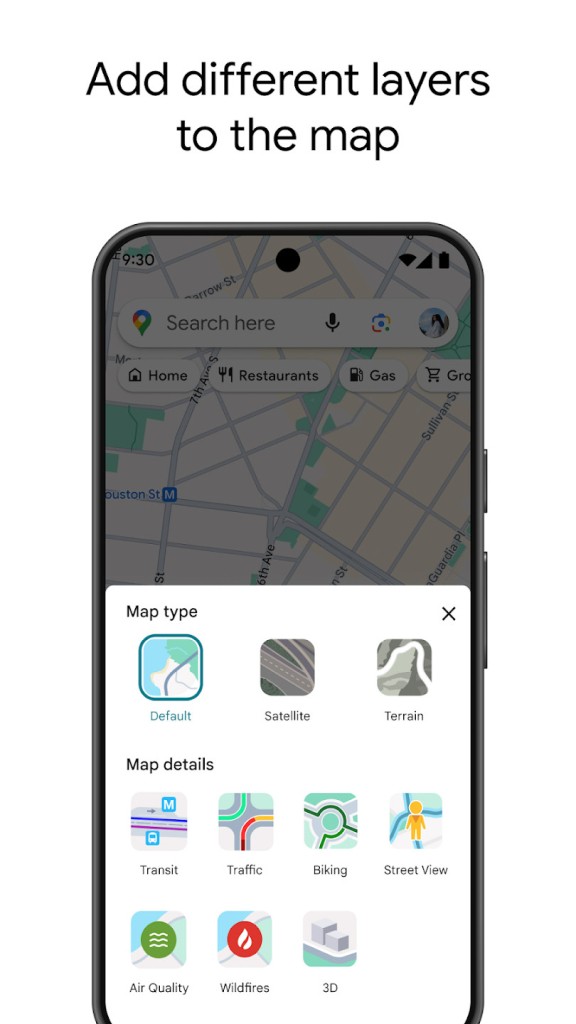
Google Maps goes well beyond basic driving directions. Real-time traffic alerts help you avoid congestion and suggest faster alternative routes when delays pop up. Street View is another standout feature, letting you virtually explore locations as if you were walking through them. It's particularly useful for getting a feel for a neighborhood or scoping out a destination before you actually arrive.
The platform's real strength is how much it connects to everything else. Within one app, you can read restaurant reviews, view photos of places, and pull up public transit routes. Google Maps builds customized plans for drivers, walkers, cyclists, and public transit users alike, adjusting its recommendations based on how you're getting around.
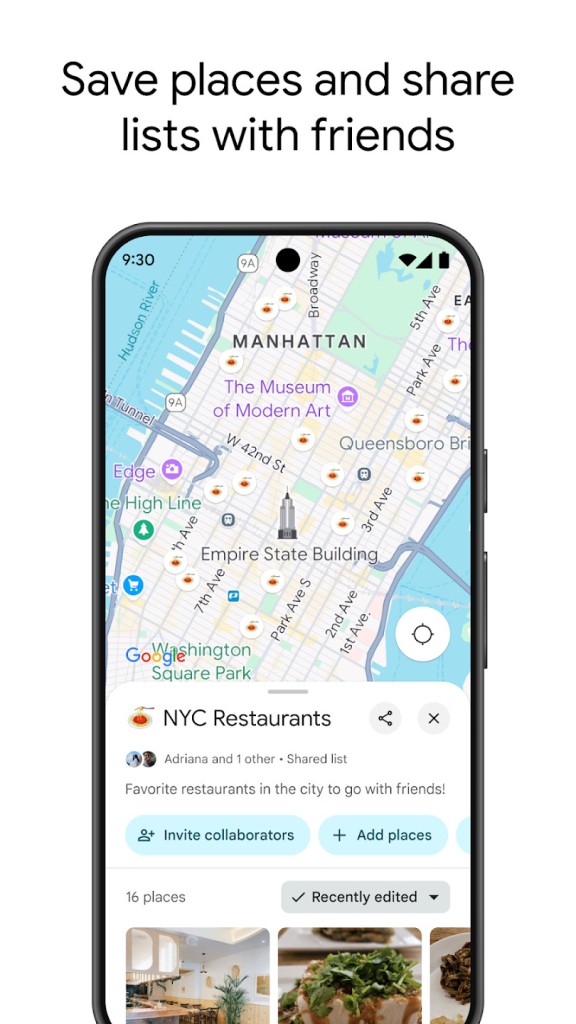
For international travelers, Google Maps acts like a personal guide you carry in your pocket. You can save locations for later and download offline maps in advance if you expect to be without internet access. Once you get used to having Google Maps available, it's hard to imagine navigating without it.
Why Should I Download Google Maps?
If you've ever been stuck in an unfamiliar area trying to figure out where to go, you already understand why Google Maps matters. It works like a local guide that knows every street, shortcut, and hidden spot in the area. With Google Maps, you don't have to worry about complicated routes or wrong turns, because the directions are precise and constantly updated. But the app goes beyond just getting you from point A to point B. It helps you make better decisions on the move, whether that's choosing a faster route or finding the right place to stop.
Accuracy is one of the biggest advantages Google Maps has over other navigation apps. Traffic data is exact, route suggestions are well-optimized, and real-time updates about road closures, accidents, and sudden slowdowns keep coming in as you drive. The system is constantly checking for better options, rerouting you around delays before you even realize there's a problem.
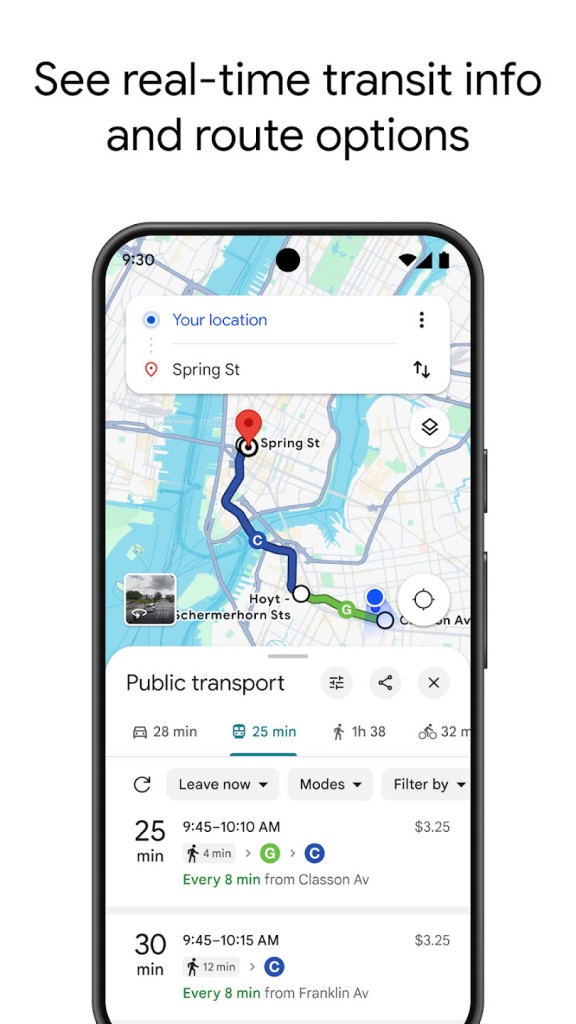
Public transit users get just as much out of the app. Schedule information updates regularly, so you're not left guessing when your next bus or train is arriving. If there's a delay, you'll get an alert, and you can track your ride's location on the map in real time. It gives you the kind of awareness you'd expect from a dedicated transit app, but it's all built right into Google Maps.
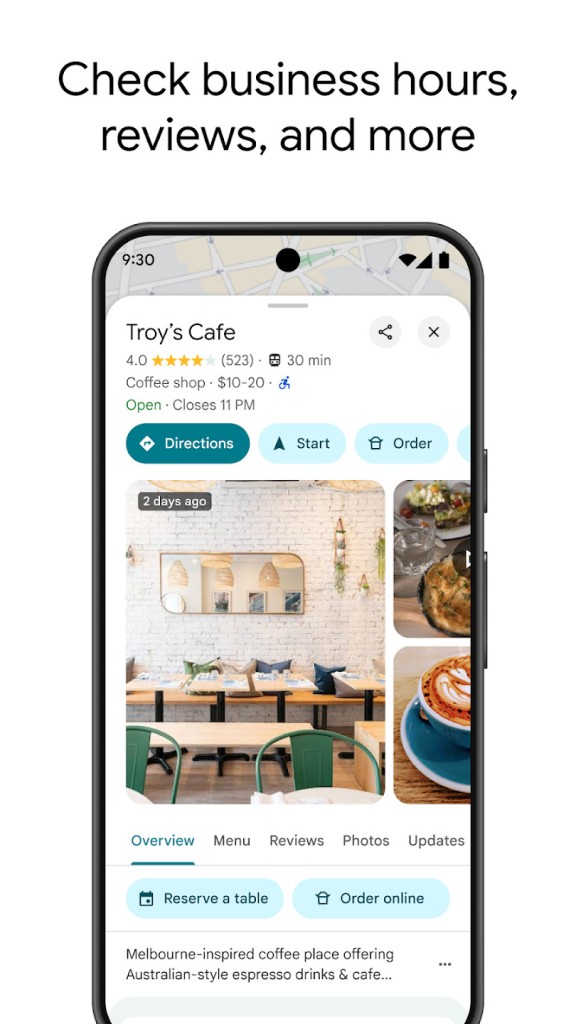
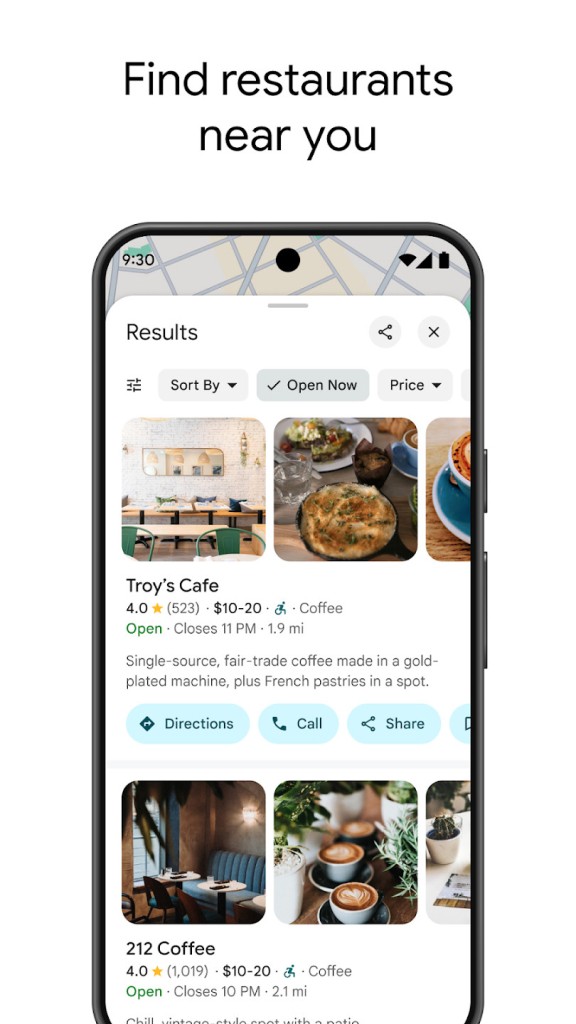
Even when you're not going anywhere, the app is useful. You can search for nearby businesses, read customer reviews, check operating hours, and pull up contact information without leaving the interface. Looking for somewhere to eat? Google Maps finds nearby restaurants and even shows how busy they are at that moment. Need fuel? It locates gas stations and displays current pricing. People get into the habit of checking it before making plans because the information is reliably accurate.
Offline maps are one of the strongest reasons to download the app. Internet connections have a way of cutting out exactly when you need them most, and having a map saved to your device means you won't get stranded without directions. For hikers, road trippers, and city explorers, offline maps have proven to be genuinely invaluable.
Is Google Maps Free?
Google Maps is completely free for all users. There are no fees, no hidden charges, and no premium tiers to worry about.
You need an internet connection for real-time navigation and live updates, but the offline maps feature also works at no cost. It's a remarkably full-featured service that doesn't ask you to pay for anything.
What Operating Systems Are Compatible with Google Maps?
Google Maps works on both Android and iOS, covering virtually every modern smartphone. On Android, it comes pre-installed as a native app, while iPhone and iPad users can download it from the App Store.
You can also access Google Maps through web browsers on Windows and macOS, which means it works across phones, tablets, desktops, and laptops. That broad device support is a big part of why Google Maps has become so widely used.
What Are the Alternatives to Google Maps?
Google Maps holds a dominant position in navigation thanks to its real-time data and massive feature set, but a few other apps offer solid alternatives depending on what you need.
Maps.me is a great option for users who want reliable navigation without depending on an internet connection. You can download entire regions for offline use, and the interface is clean and easy to navigate without working through complicated menus. User-contributed points of interest are a nice bonus, helping you discover spots that mainstream navigation apps often miss.
Apple Maps has improved dramatically since its rough early days. It comes pre-installed on every iPhone, which makes it the default option for a lot of iOS users. The interface is polished and refined, with solid real-time route information and accurate turn-by-turn navigation. Apple Maps works well even outside major cities, and its deep integration with the Apple ecosystem makes it a natural fit for anyone already using an iPhone, Apple Watch, or CarPlay.
Organic Maps is an open-source option built for users who prioritize privacy and offline access. It doesn't track you or show ads, which makes it appealing if you want a no-frills navigation experience. It's especially popular with hikers because it uses minimal data and works reliably without a connection. While it doesn't have the constantly refreshed data that Google Maps offers, it provides dependable navigation for anyone who values simplicity and privacy.