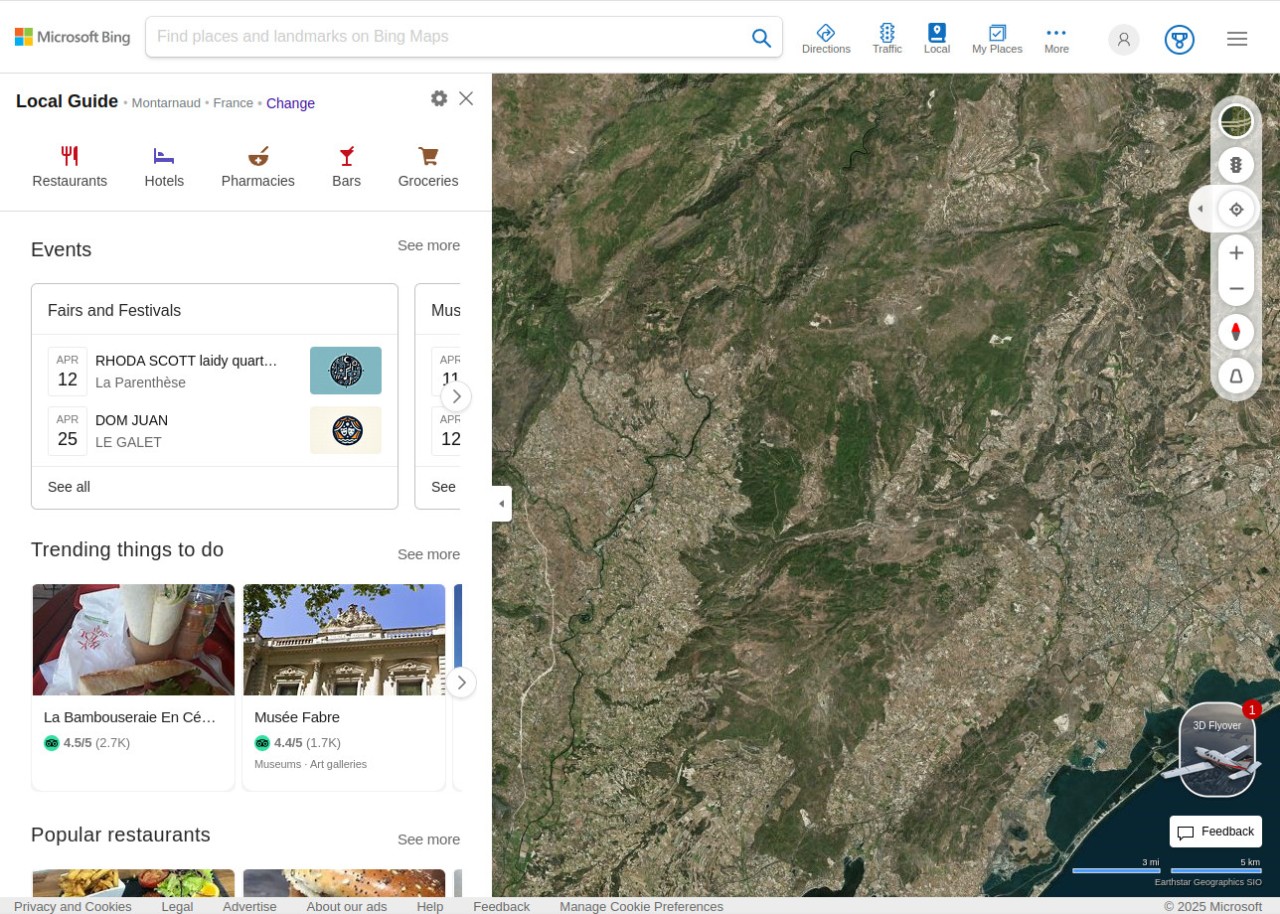
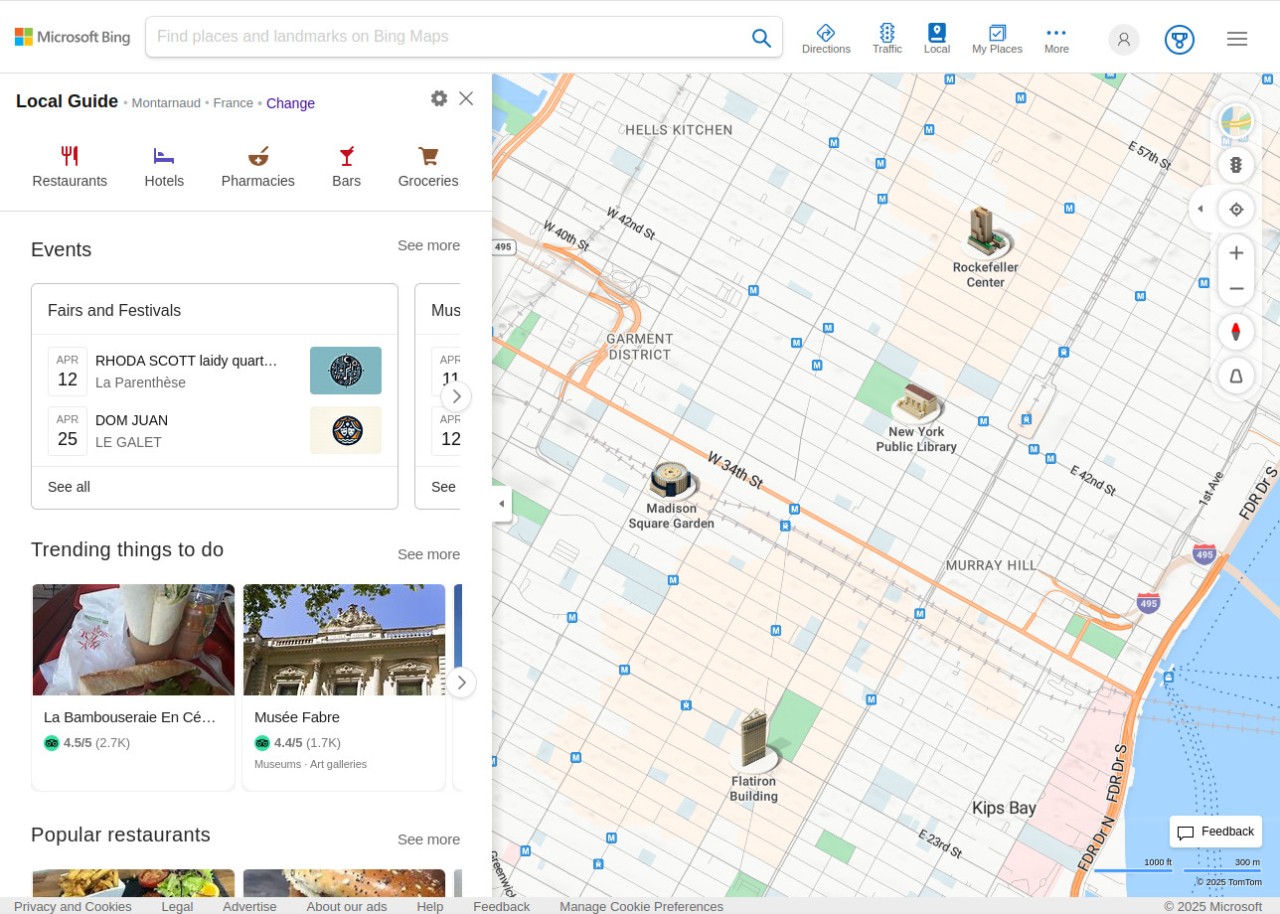
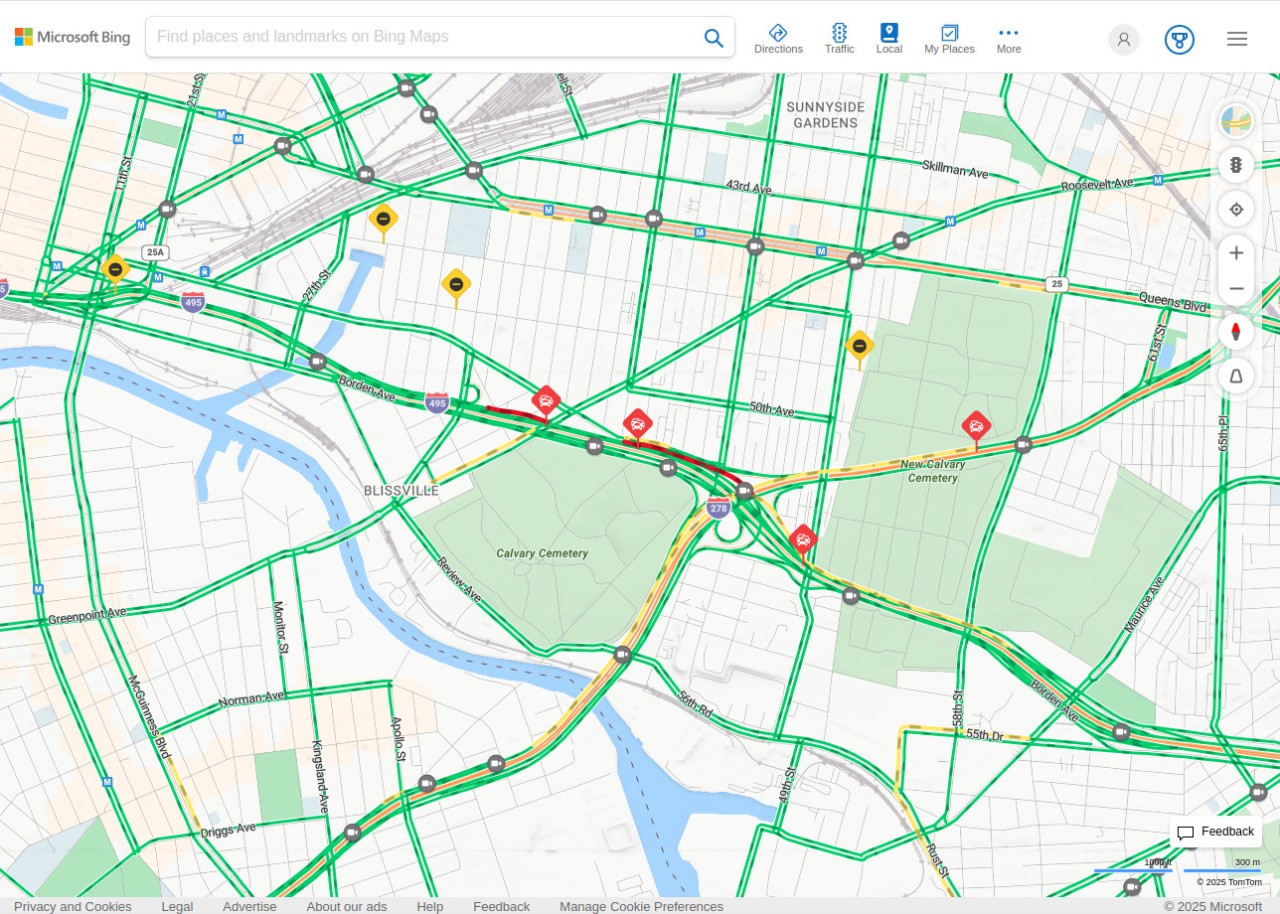
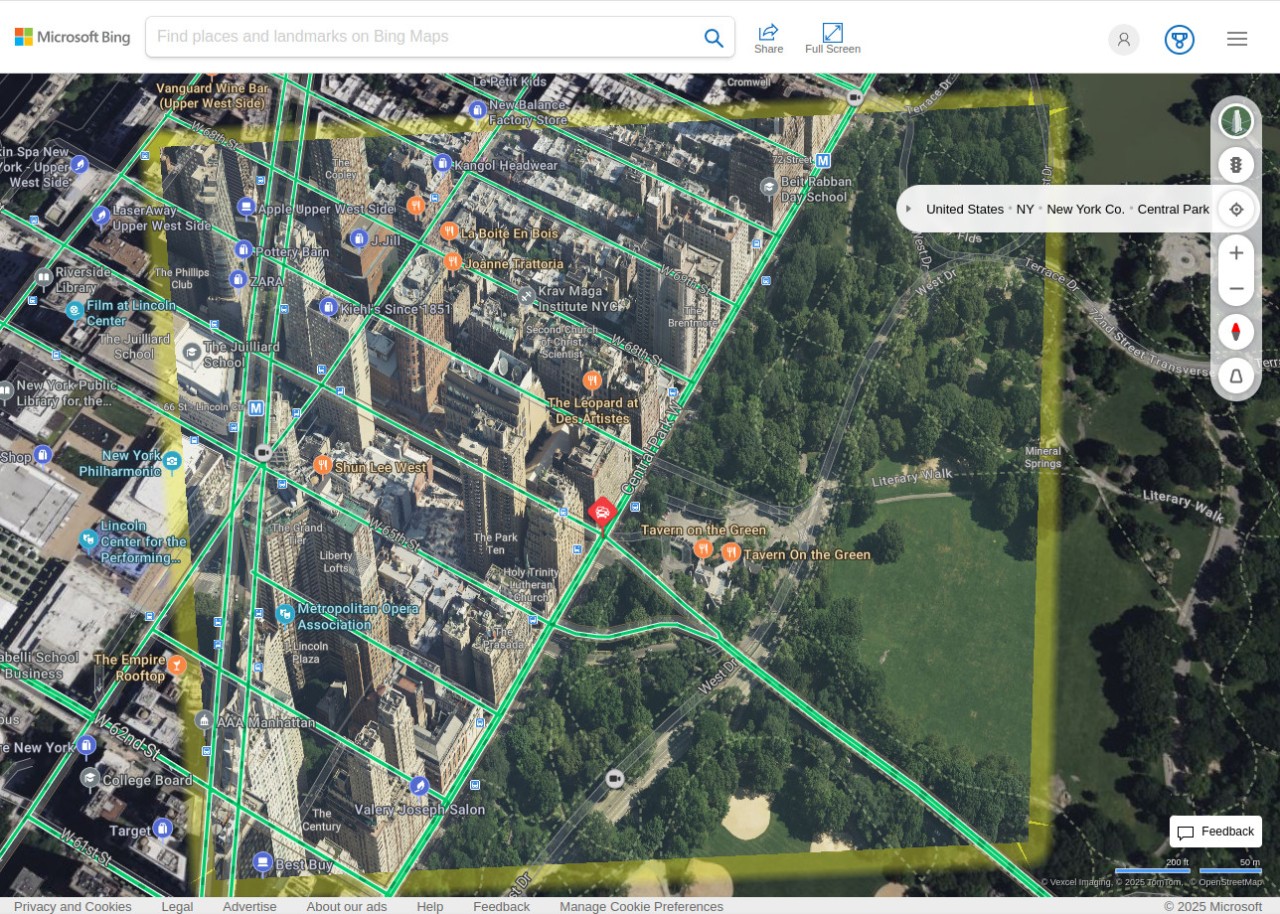
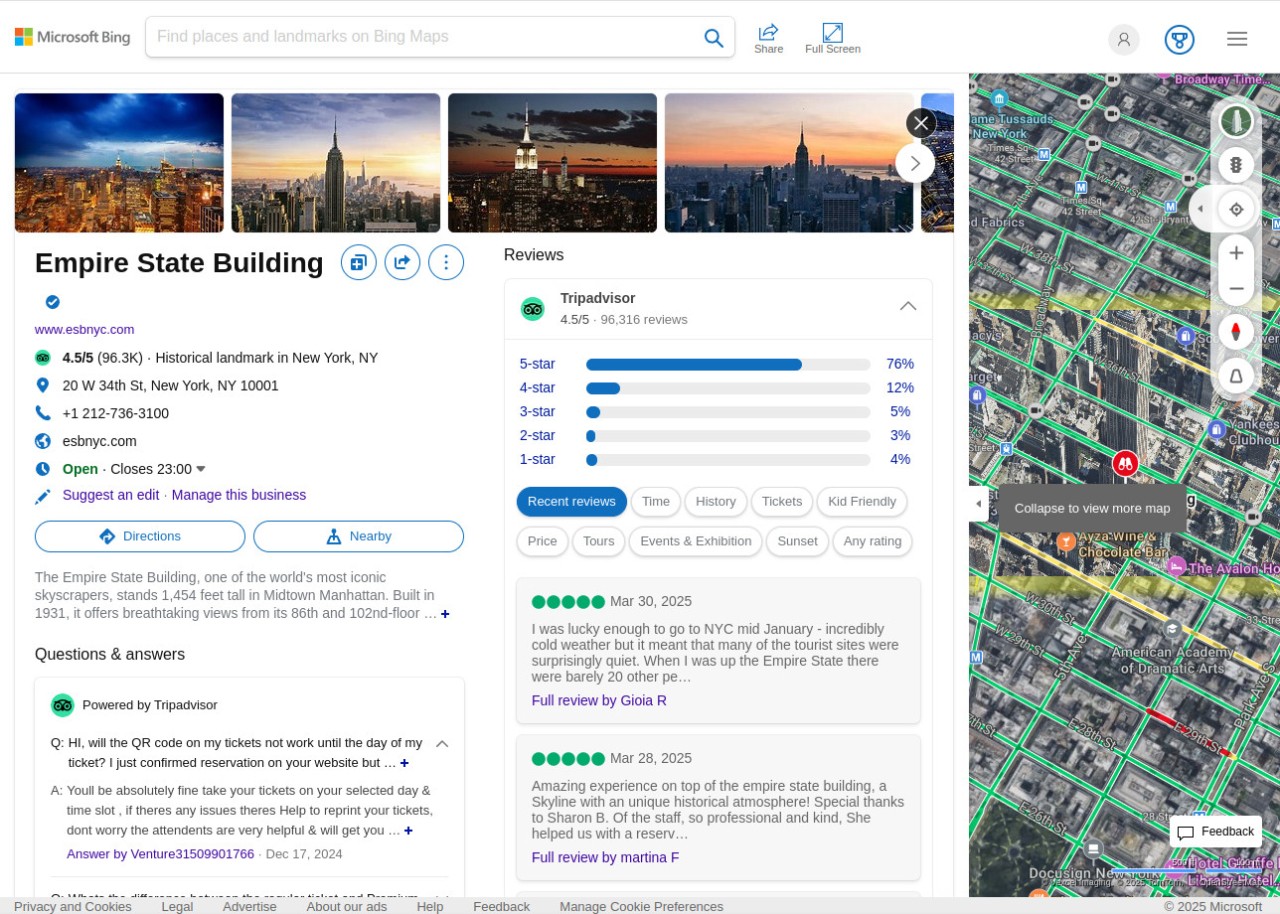
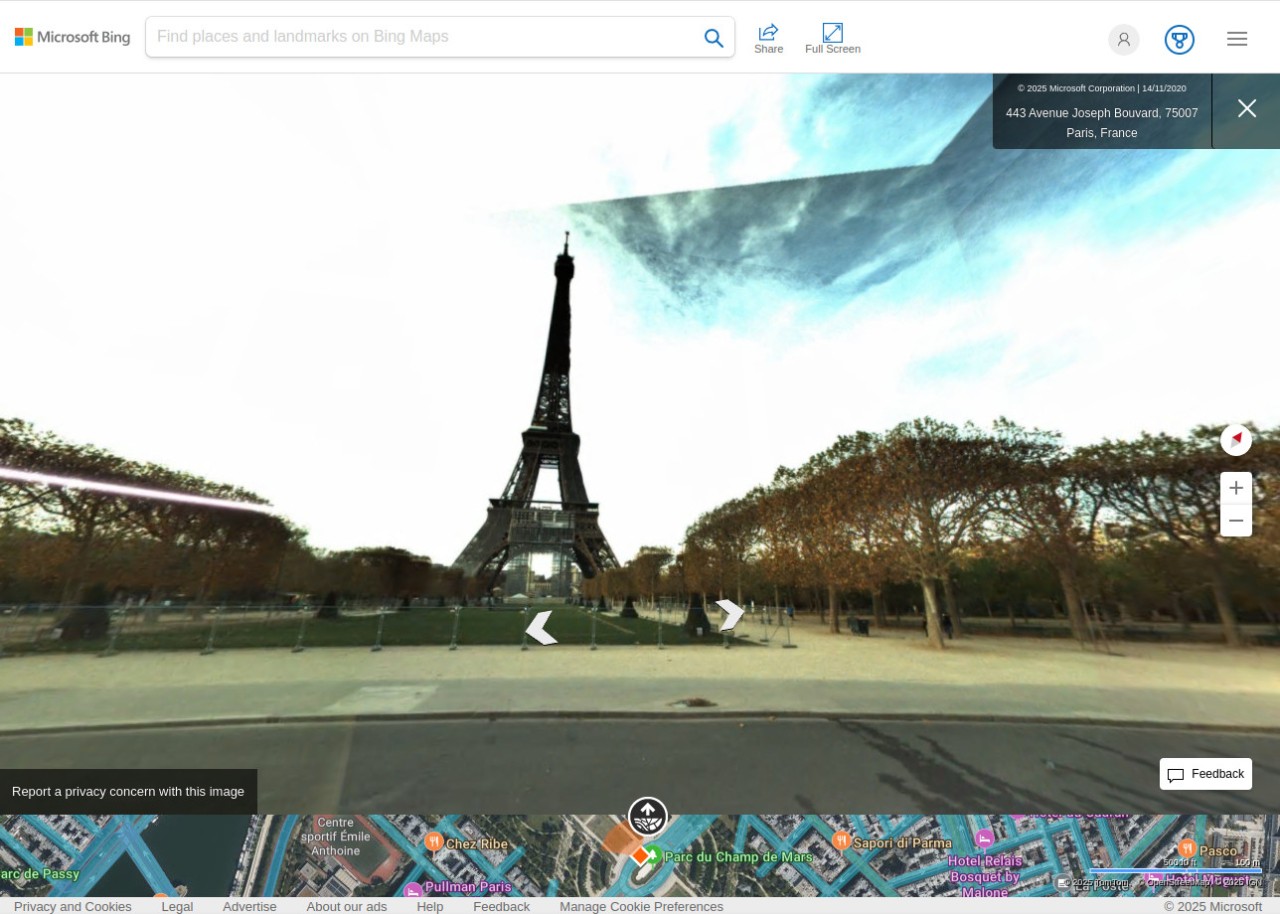
Bing Maps is from Microsoft and offers a range of services, including satellite images, road views, detailed directions, data from local businesses, traffic insights, and even 3D maps of various cities.
Thanks to the integration of Maps into the Microsoft Bing services, you always get the most up-to-date information, business listings, and other insights. Even when you search for things with Bing, the way it integrates with maps means your results will be better adjusted to your location.
With Bing Maps, you can use 3D views that have regularly extended coverage so that you can access the map on a street level. You can always switch to more standard options like aerial views or bird's-eye perspectives. When you want to get to a specific location, you can choose from different modes of transportation, such as walking, driving a car, biking, or taking public transport. Bing Maps is available both as a web-based service and through dedicated mobile apps.
Why should I download Bing Maps?
Whether you need a tool for daily navigation, route planning, or just exploring a new place, Bing Maps packs in a wide set of location-based features. You can preview places through Road views for navigation or switch to Aerial View for satellite imagery. There's also the option to use a more detailed Bird's Eye perspective or explore locations from street level, though that last feature is limited to certain areas.
You can layer additional information on top of your maps, including weather conditions and elevation data. Geolocation tools let you measure distances in metric or imperial units or drop custom pins to save specific spots for later.
Live traffic updates are built in, and you can filter your commute by car, bike, foot, or public transport to get the best route available. Bing Maps also works well for finding local businesses, checking their hours and reviews, and pulling up contact details when you need them. Integrated Bing search and venue mapping power those results, and in select locations, you can even explore the interior of a building, navigating different floors and rooms.
An ever-growing list of cities now have full 3D maps available in Bing Maps, letting you view and interact with realistic renders of a given location. You can rotate, pan, and zoom in on landmarks and explore different terrains from your screen. Voice navigation is also available in supported areas, which makes the app more accessible for a wider range of users.
Bing Maps also integrates tightly with other Microsoft services, like Microsoft Bing. You can launch navigation directly from Bing search results or have Cortana guide you to your destination. Results from Bing Maps can surface in Microsoft Teams or Outlook, and your location data stays synced across apps as long as you're logged into your Microsoft account.
For developers and business users, Bing Maps offers API access that lets you embed maps, track locations, or visualize data within your own web, desktop, or mobile applications.
Is Bing Maps free?
Yes, for personal use, everything Bing Maps offers is completely free, including when you access it through the Bing search engine or other Microsoft products. There are no hidden charges or premium tiers for everyday users.
For business use, there's a free tier that caps monthly transactions and API connections. If you need more capacity, paid tiers are available to extend your usage beyond that limit.
What operating systems are compatible with Bing Maps?
All you need to access Bing Maps is a modern web browser like Google Chrome, Microsoft Edge, Safari, or Mozilla Firefox. It works on all major desktop operating systems, including Windows, macOS, and Linux.
Dedicated mobile apps are also available if you prefer using Bing Maps on your phone or tablet. On mobile, you just need Android or iOS with a web browser to access the web version, and no additional download is required.
What are the alternatives to Bing Maps?
The most obvious competitor is Google Maps. As the default mapping choice on most devices and operating systems, Google Maps offers real-time GPS navigation, Street View, business listings and reviews, and offline map downloads. On mobile, it provides precise walking directions with a built-in compass to help orient you. Google Maps integrates with Gmail, Google Assistant, and Google Calendar, and you can open it directly from search results. It's a free service, accessible through the website or through dedicated mobile apps you can download on Android and iOS.
OpenStreetMap takes a different approach entirely. It's a volunteer-driven project where contributors add and maintain geographical data from around the world. If you're looking for highly detailed maps or obscure hiking trails, OpenStreetMap often has coverage that bigger platforms miss. The project is open-source and completely free, and it runs on Windows, macOS, Linux, iOS, and Android. Privacy is also a core priority for the project, so your data stays safe and isn't used for advertising or tracking purposes.
Maps.me is a strong pick if you need reliable offline access for extended periods. Built on map data from OpenStreetMap contributors, it lets you download entire cities and countries and generate step-by-step walking, driving, or cycling routes without any internet connection. The app is free with some in-app purchases and is available to download on iOS and Android. It's particularly useful in areas with limited internet coverage or if you're heading into remote hiking territory that the bigger mapping brands don't prioritize.