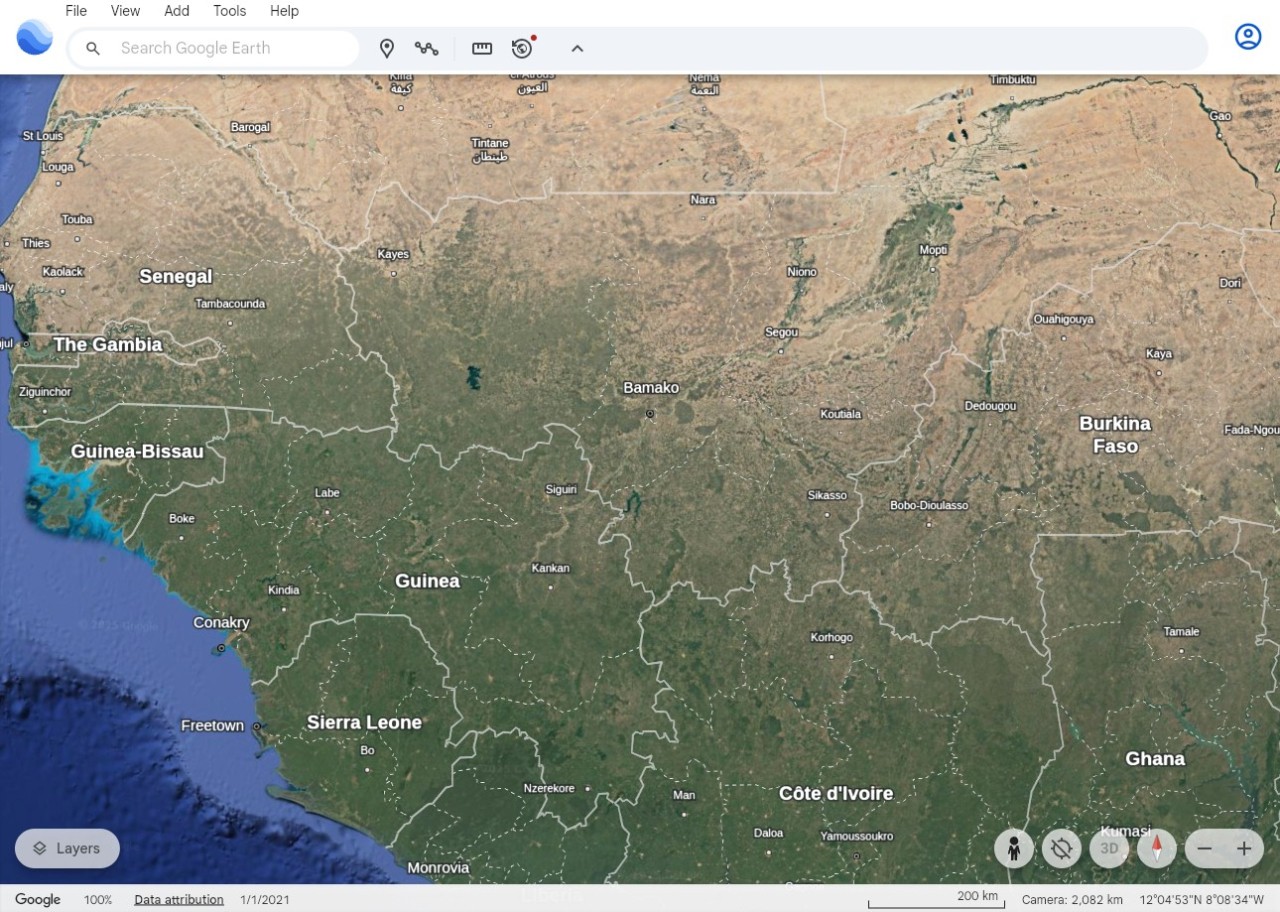
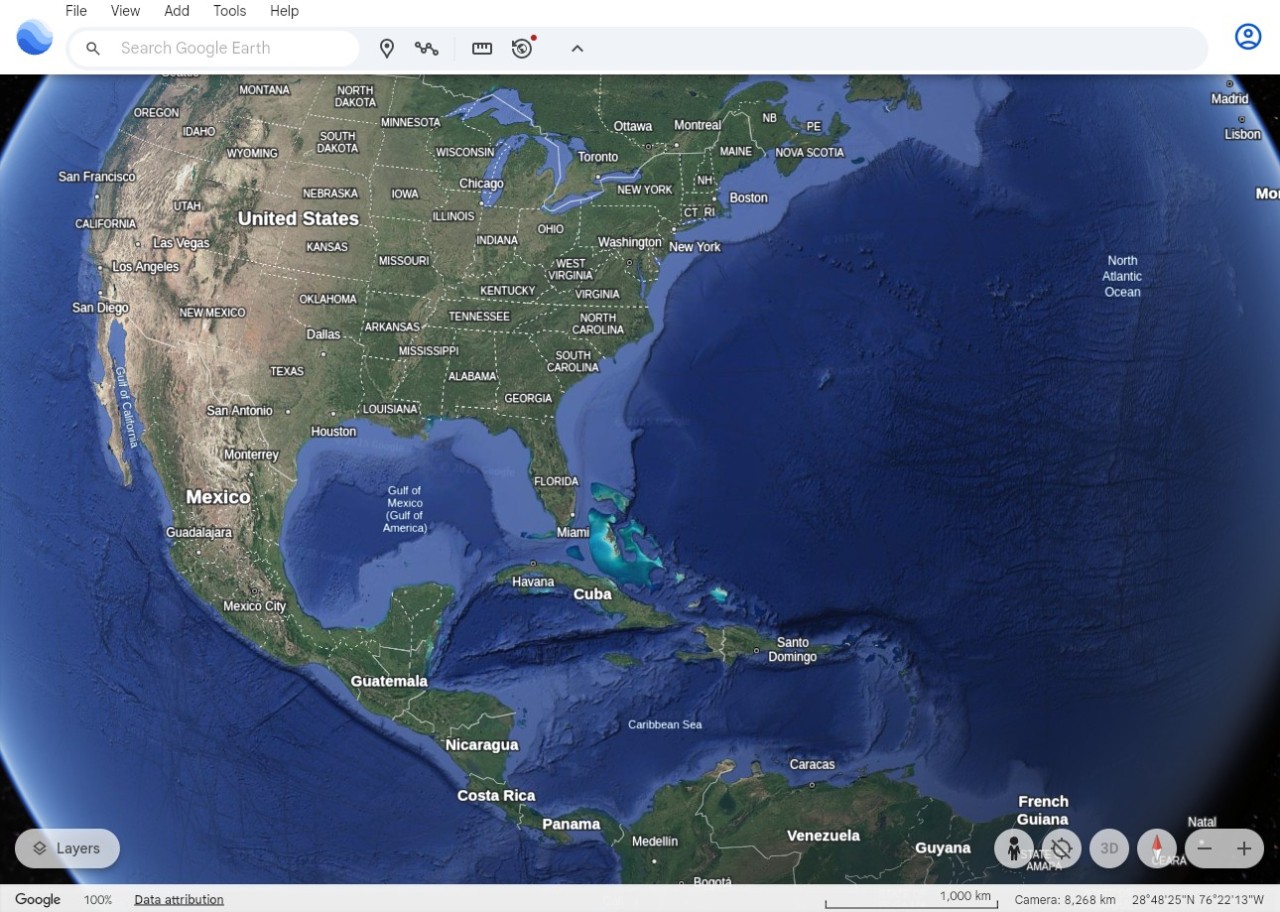
Google Earth is a virtual globe application from Google LLC that lets you browse satellite imagery, 3D terrain models, and street-level photography from almost anywhere on the planet. You can explore cities, natural landscapes, underwater features, and even parts of outer space through an interactive interface that puts the entire world at your fingertips. Whether you are researching a destination, planning a trip, or simply curious about a place you have never visited, Google Earth makes it easy to see the world digitally.
One of the app's greatest strengths is the sheer scope of what it covers. You can view any location, from sprawling cities to remote mountain ranges, all built from satellite data pulled from multiple sources. Viewing modes include standard satellite imagery, a 3D terrain view that gives elevation and depth to the landscape, and Street View, which drops you down to ground level for a first-person look at streets and landmarks.
Google Earth is useful well beyond casual exploration. Educators, scientists, urban planners, and environmental researchers all rely on it for geographic analysis and data visualization. Travelers use it to scout destinations before they arrive, while logistics professionals track changes to terrain and infrastructure over time. The app gives you a tangible connection to places you might never visit in person.
Why Should I Download Google Earth?
Google Earth is a great download for anyone who wants more than a flat map. Zooming in on any location reveals three-dimensional detail, and the point-and-click interface lets you navigate intuitively from continent level all the way down to individual streets. For people who want to explore places they cannot physically reach, the experience is surprisingly immersive.
Research is one of the strongest reasons to use Google Earth. Students and academics can visualize deforestation patterns, track climate data, and study how cities have developed over decades. The time-lapse feature is especially powerful, showing the transformation of landscapes across multiple years in a way that makes environmental change feel concrete and visible rather than abstract.
Travelers and adventure planners get a lot of value from Google Earth as well. You can walk through neighborhoods, scout hiking trails, and preview landmarks using Street View before you ever book a ticket. Route planning, sightseeing preparation, and getting a feel for a destination's layout all become much easier when you can virtually stand on the ground and look around.
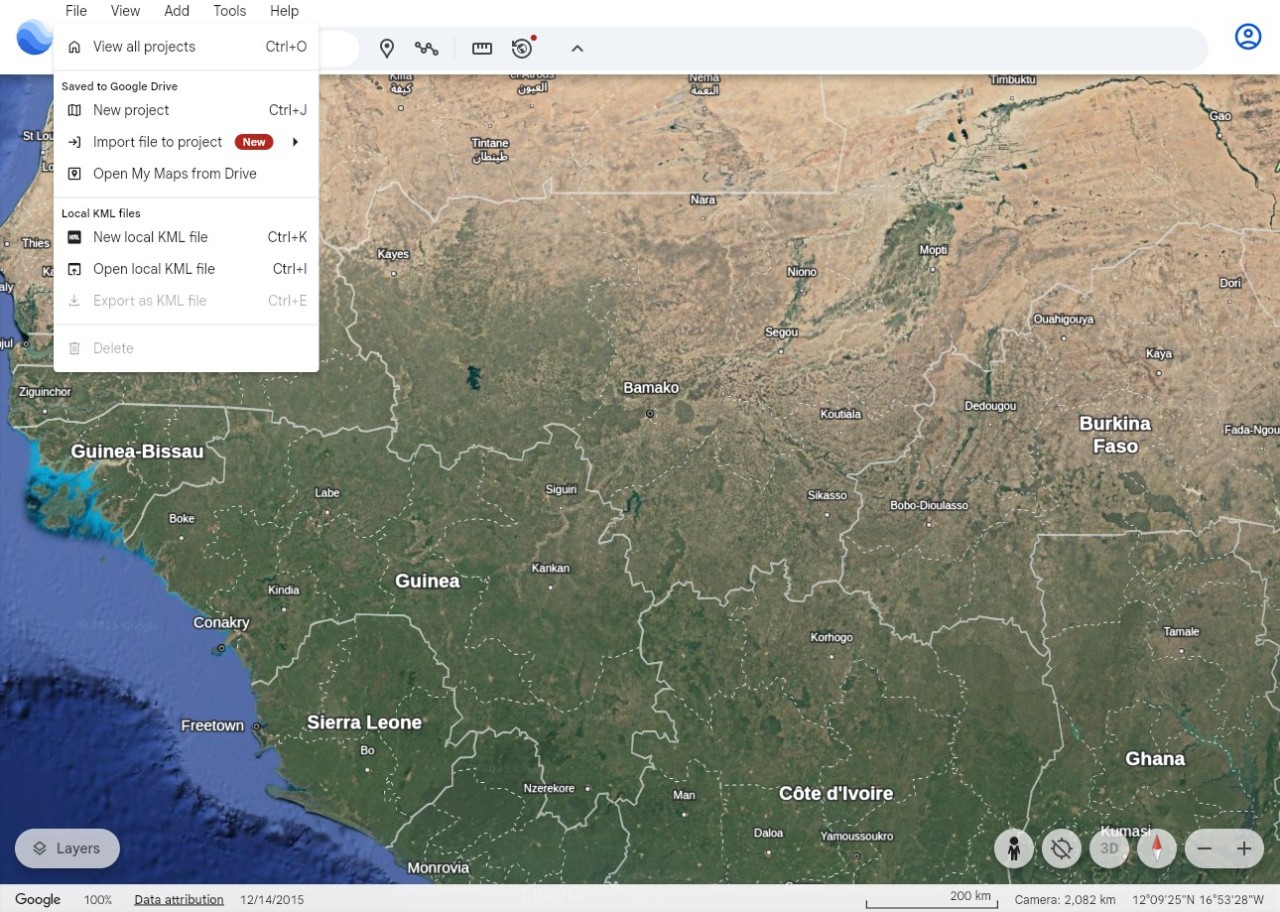
Creative professionals and educators can create custom maps, pin markers, and build guided tours that highlight specific points of interest. Google Earth integrates with Google Drive for collaboration and file sharing, which makes it practical for team projects. Journalists, travel bloggers, and teachers use it to build visual storytelling presentations that combine text, imagery, and geographic data into a single package.
Google Earth Studio, a web-based animation tool, takes things further by letting you create cinematic flyover videos using satellite imagery. You can set keyframes, define camera paths, and adjust lighting to produce professional-quality visualizations of any location on the planet. Finished animations can be exported to Adobe After Effects or shared directly on social media. Pre-designed templates make it accessible even if you have no animation experience, so you can create smooth flyovers or location transitions with minimal effort.
Professional applications are plentiful. Urban planners, architects, and geologists use Google Earth to study landscapes, plan development projects, and take geographic measurements. Businesses rely on it for site selection, supply chain analysis, and environmental assessments. The realistic visual detail helps inform decisions that would otherwise require expensive on-site surveys.
Beyond our own planet, Google Earth lets you explore the Moon and Mars using detailed imagery provided by NASA. An integrated Sky mode visualizes stars and galaxies, turning the app into an astronomy tool as well. These features make Google Earth relevant for space science education and anyone with a curiosity about what lies beyond Earth's atmosphere.
Looking ahead, Google Earth is expanding into augmented reality and virtual reality. Future updates aim to let users walk through world landmarks and natural wonders using VR headsets from home, blending real-world exploration with immersive virtual experiences. That direction could eventually turn Google Earth from a viewing tool into a fully interactive geographic platform.
Is Google Earth Free?
Google Earth is completely free to download and use. The standard version includes 3D imagery, Street View, and satellite mapping at no cost. If you do not want to install anything, a browser-based version is available as well. Just click "Launch Earth" to start exploring.
Google Earth Pro, which adds advanced measurement tools and high-resolution printing, is also free. There are no paid tiers, no subscriptions, and no hidden fees. Every feature across both versions is available at no charge.
What Operating Systems Are Compatible with Google Earth?
Google Earth runs on Windows, macOS, and Linux, with full functionality across all three desktop operating systems. Google Earth Pro supports the same platforms and adds its professional-grade tools on top of the standard feature set.
Mobile users can download dedicated Google Earth apps for Android and iOS, which include most of the same features as the desktop version, including 3D maps and Street View navigation.
If you prefer not to download or install anything, Google Earth also works through a web-based version that runs in modern browsers like Google Chrome, Microsoft Edge, or Mozilla Firefox. The web version provides a rich, interactive experience without any installation, though it does require a reasonably powerful computer and a stable internet connection to run well.
What Are the Alternatives to Google Earth?
Google Earth is one of the most fully featured mapping tools available, but a few alternatives offer their own strengths depending on what you need, like Google Maps.
NASA Worldview is a space observation tool that gives scientists and researchers real-time access to environmental satellite data. It provides continuous imagery updates that let you track natural phenomena like hurricanes, wildfires, and changes in polar ice coverage. For anyone working with current Earth observation data, it is an excellent resource.
NASA also offers a more approachable service called EarthNow, or NASA Eyes. You cannot zoom into street-level detail the way you can with Google Earth, but you can access layers of scientific information covering air temperature, carbon dioxide levels, chlorophyll concentrations, precipitation, sea level data, ozone readings, and more. EarthNow is also available as a mobile app for on-the-go browsing.
Bing Maps, built by Microsoft, provides satellite imagery and 3D mapping capabilities that are comparable to Google Earth in many respects, along with street-level image views. It integrates well with other Microsoft products and includes Ordnance Survey maps for outdoor navigation in the UK. While Bing Maps has fewer interactive features than Google Earth overall, it remains a solid choice for route planning and general mapping tasks.
OpenStreetMap (OSM) takes a different approach as a community-driven, open-source mapping platform. Unlike Google Earth, which relies on commercially sourced satellite imagery, OSM is built and maintained by volunteers who contribute map data from the ground up. That makes it especially valuable for humanitarian projects, urban development work, and situations where you need customizable maps that go beyond what commercial providers offer. OSM data also powers many third-party navigation apps, so its reach extends well beyond the platform itself.