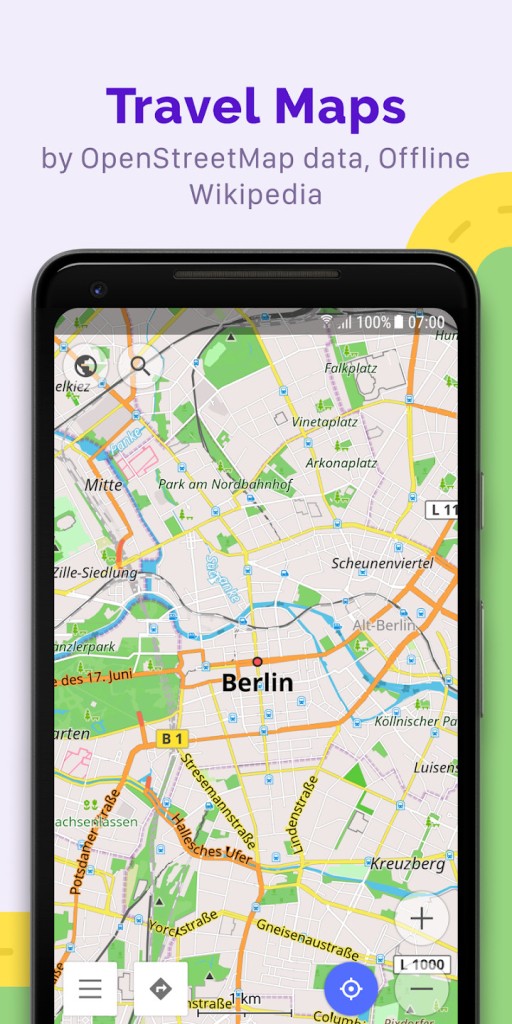
OsmAnd is a GPS navigation tool that respects your privacy and works on the OpenStreetMap database to provide you with maps and directions. It can also work offline if you download the vector maps in advance. You can apply multiple layers on top of the map to show hills, public transport routes, slopes, sea level, cycling paths, weather indicators, and more.
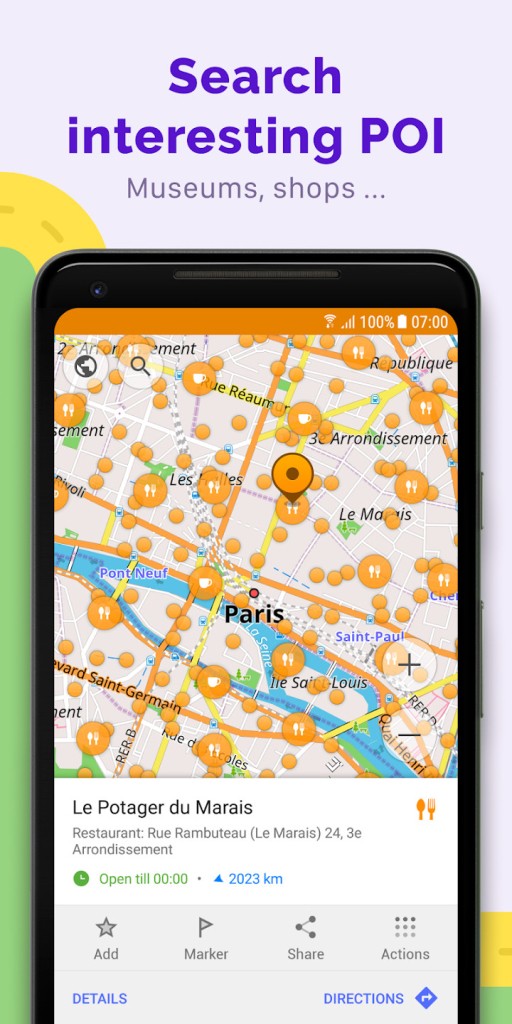
Volunteers contribute a lot of valuable data to the system, which you can then use to find water sources near a hiking trail, find a vegan restaurant nearby, or even highlight places accessible to wheelchairs. The app works locally on your device, so you don’t need a signal to use it, and it returns results very fast.
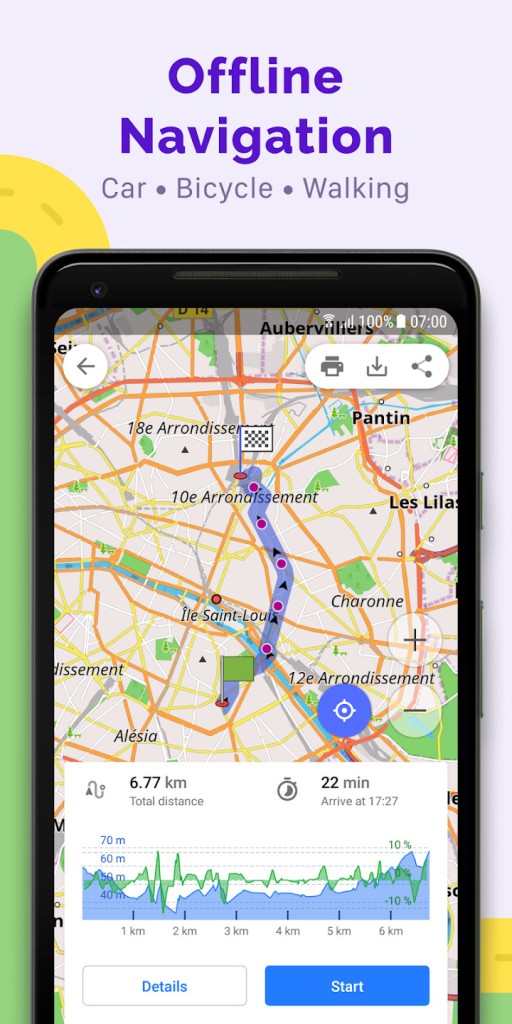
When using OsmAnd, you can turn on turn-by-turn voice navigation in various languages, check your ETA, switch between modes for cars, bikes, pedestrians, and public transport to get the best route, and record your track and movement with GPX. OsmAnd works on Android, iOS, and Huawei mobile devices, but you can also use it on a computer through its website.
Why should I download OsmAnd?
OsmAnd is an excellent open-source solution if you’re looking for a flexible and customizable GPS navigation service that covers a wide range of areas globally. When you download maps and access them offline, the app still shows you the entire road network, walking paths, and various interesting places around you, as well as other details like elevation. All of that works even if you don’t have an internet connection or cell reception, making OsmAnd a great option, especially for international travel and off-road expeditions.
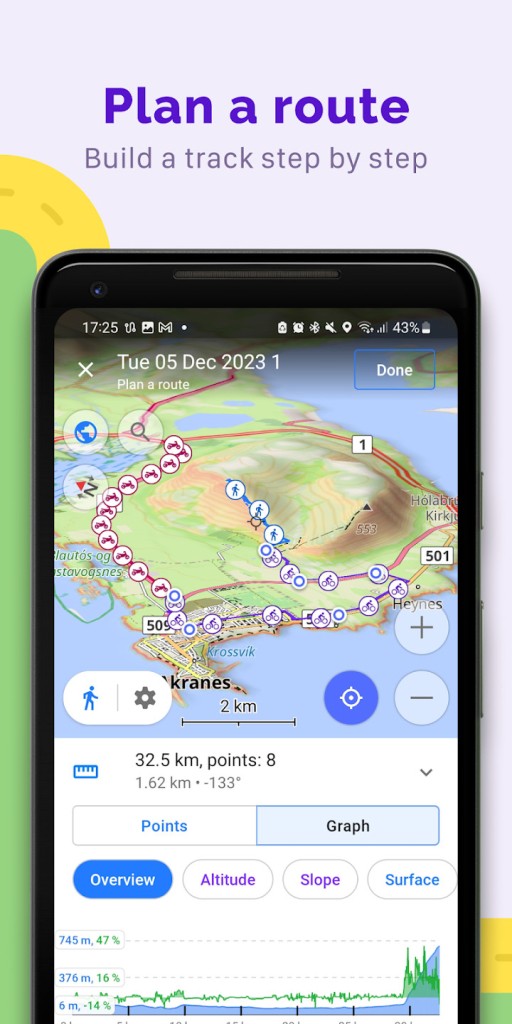
Whether you’re walking, biking, driving, or using public transport, you can turn on voice navigation that will closely follow your movements and guide you. You are also able to adjust things like your speed settings, choose from preferred road types, or select zones you’d like to avoid so that you can fit your route to your needs and preferences. The app can also alert you about speed limits, lane changes, or ETAs, and it will automatically reroute if you change your path or make a mistake.
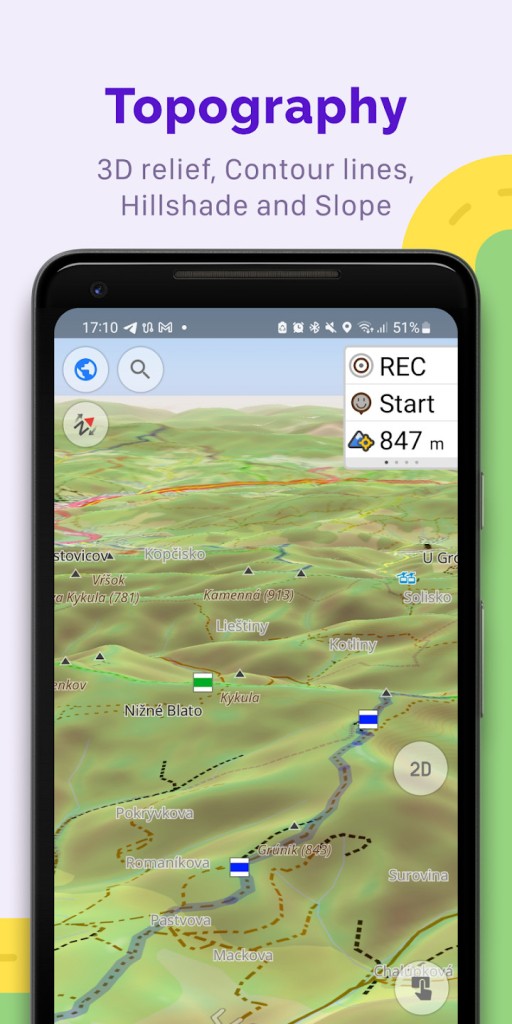
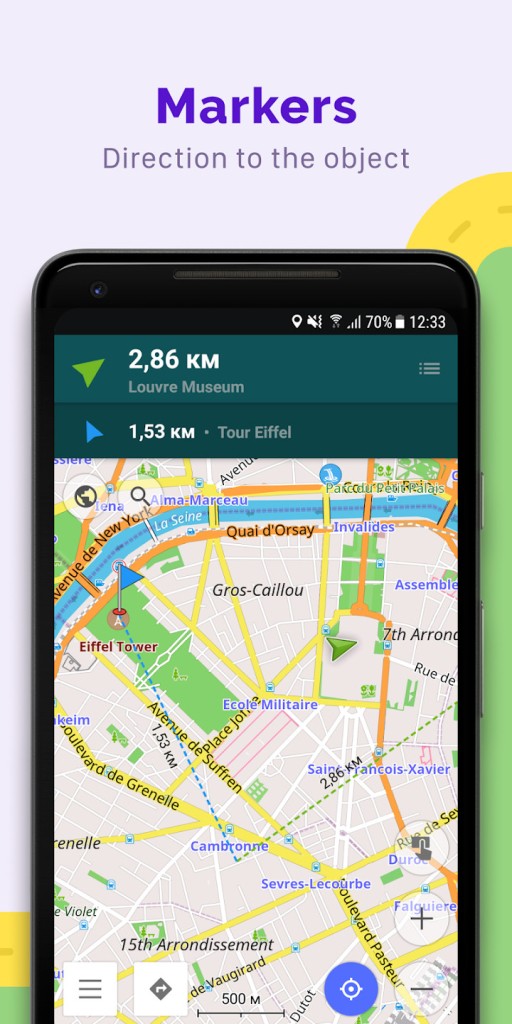
On top of the vector maps, OsmAnd also offers a wide variety of layers you can turn on and off. They include contour lines, slope gradients, navigation tracks, public transport stops, hiking routes, or even nautical maps or Wikipedia tips. You can adjust the colors of each layer and apply different styles, which makes OsmAnd the perfect tool for outdoor activities and general navigation. You can also choose to prioritize biking paths over roads, get more prominent land contours when you’re hiking, or import external themes provided by the OsmAnd community, all through its built-in Map Editor.
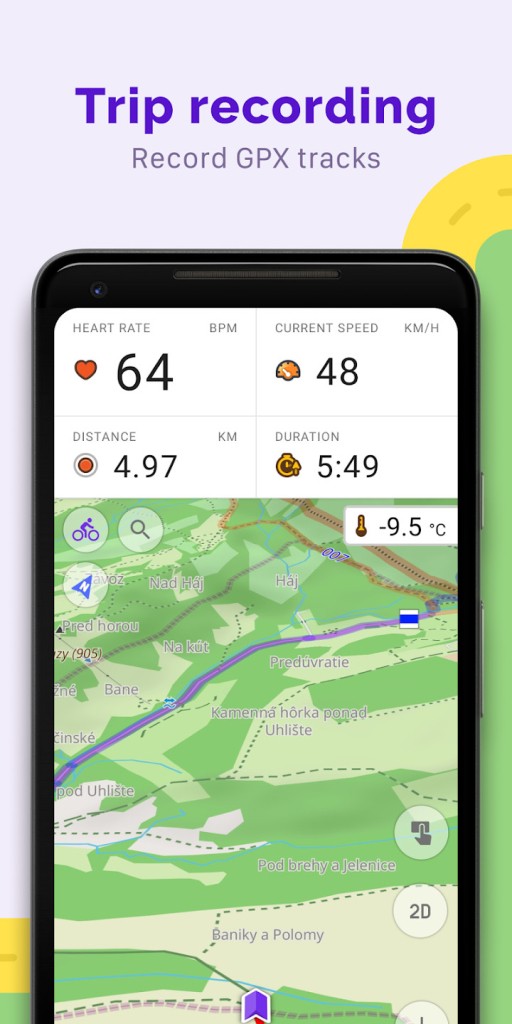
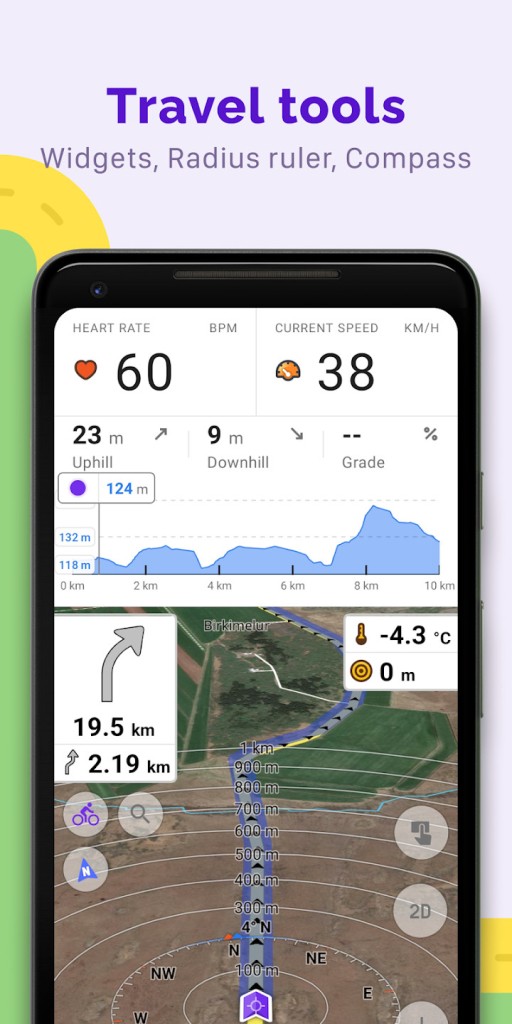
When you download OsmAnd, you can integrate it with GPX to record your track in real time. You can then save them into the GPX format and later analyze various details such as elevation changes, your speed, and the trip duration. You can also import GPX files and place them on top of the map, allowing you to see your activity history and plan a new adventure or retrace your steps in the future. You can also install multiple plugins for OsmAnd, including various marine charts and skiing maps, or even add voice notes to different waypoints and locations on your route.
OsmAnd is also focused on keeping your data private, as it doesn’t include any ads, tracking, or data collection from third-party tools. When you’re using OsmAnd, it works locally on your device, and you can manage the app storage anytime on your device. You don’t even need to set up an account to use OsmAnd and choose if you want to sync your backups to the cloud.
Once you download OsmAnd, you can contribute to OpenStreetMap inside the app, add new interesting points, fix errors on the maps, or upload new paths and share them with the community. OsmAnd works in multiple languages, and you can access it through its website or download it on Android, iOS, and Huawei tablets and smartphones.
Is OsmAnd free?
Yes, since it’s developed as an open-source project, OsmAnd offers a free plan where you can download up to 7 maps, get offline navigation, and sync your settings and favorite places or routes between devices.
If you need more than that, you can buy OsmAnd either through a one-time purchase or get a subscription to one of its two plans. They allow you to create cloud backups, download unlimited maps, link the app to CarPlay and Android Auto, and get more details about the maps. The paid tiers also unlock route coloring, elevation profiles, a 3D view of your track, better terrain visuals, and even checking a weather forecast or using nautical maps and navigation.
What operating systems are compatible with OsmAnd?
You can download OsmAnd on iOS (15.0 or later) or Android (6.0 or up) devices through the App Store, Google Play Store, or Huawei AppGallery. OsmAnd also works on all major operating systems through any modern web browser, though this way, you don’t get the whole experience and all features from the mobile version.
What are the alternatives to OsmAnd?
Maps.me is a mobile solution that uses OpenStreetMap data and provides navigation and offline access to maps. It’s a free app with a paid subscription tier, and you can download it on iOS and Android devices or use it online. It’s a great option for cyclists and hikers, and it also integrates various travel guides, which can be helpful when you’re traveling abroad.
OpenStreetMap is more of a map database and a community platform where users can browse, edit, and download detailed map data to use with other apps, like OsmAnd. Since the service is maintained by volunteers, it includes many details and information that may not be available on more commercial platforms.
Organic Maps is a free and open-source version of Maps.me that works offline and protects your privacy, as it doesn’t include any tracking, ads, or telemetry data. You can use it to check walking, cycling, and driving routes and save them as bookmarks. It works on Android and iOS smartphones and tablets.