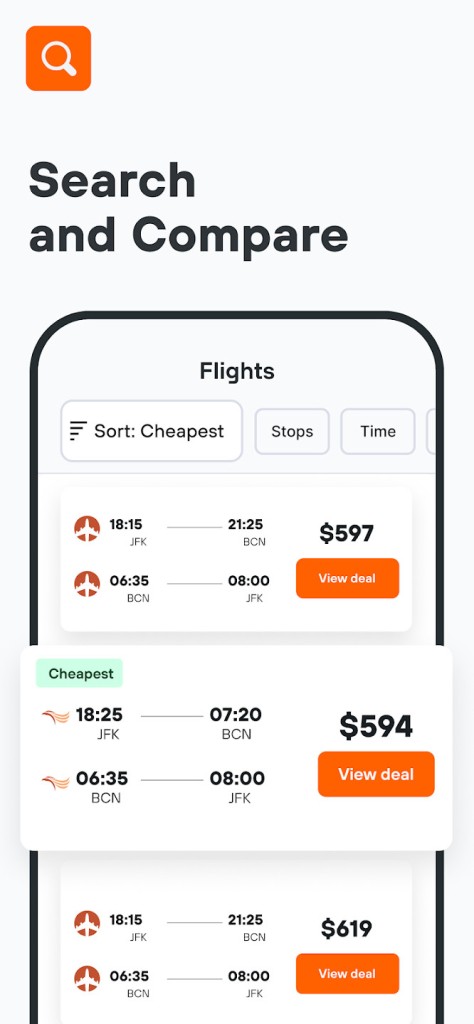
KAYAK searches hundreds of travel sites and other sources to show you fares and connections, from low-budget or flag carriers, consolidation websites, hostels, hotels, rail operators, and even ride-sharing services or car rentals. The list of results you get has labels for the best connections, the cheapest ones, and the fastest based on the prices, seat class, baggage rules, layover length, or number of transportation changes.
With KAYAK, you can also set up many filters to customize your searches and the results you get. For example, you can exclude specific times of day, price ranges, or classes of transportation or accommodation. There’s also a slider that shows price trends around your selected days, where you can see if shifting your timeline could lower the cost of booking.
When using KAYAK, you can be sure you’re always looking at the most recent prices, as the platform checks the sources every few minutes. With various tools at your disposal, KAYAK is a great service to help you plan and manage your trip, whether you’re using it through its website or choose to download KAYAK for iOS or Android mobile devices.
Why should I download KAYAK?
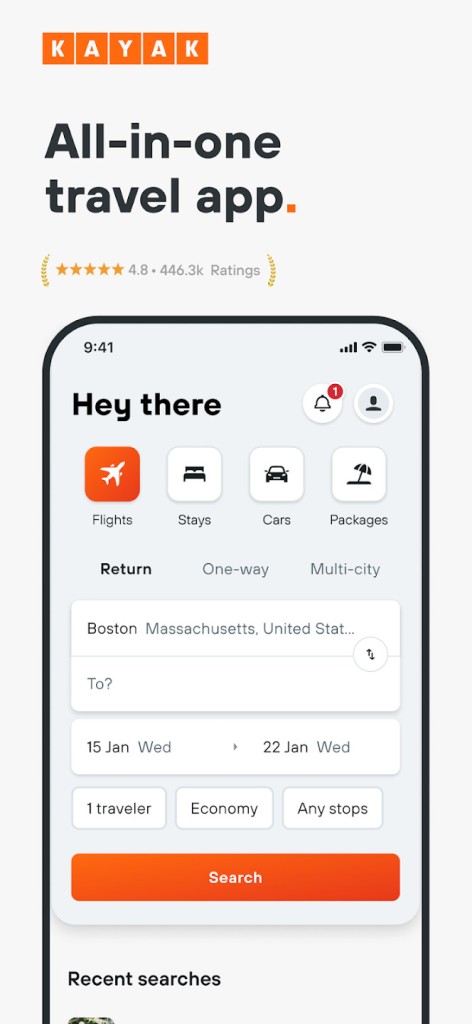
KAYAK is currently one of the most used and comprehensive travel portals available, which offers a huge set of features that help you find a trip no matter what kind of traveller you are. Whether you’re looking for a quick city break or are planning a bigger journey, KAYAK consolidates data from multiple sources and travel providers to show you all options for flights, hotels, or cars to rent.
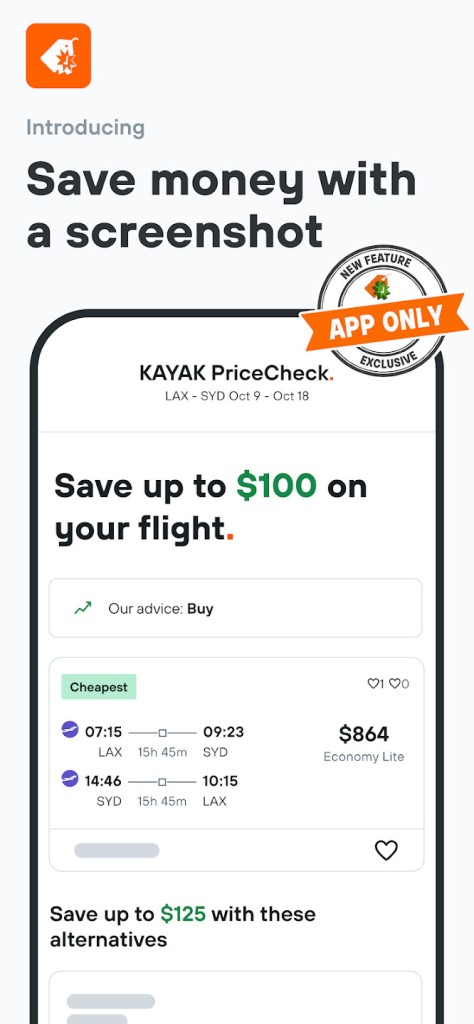
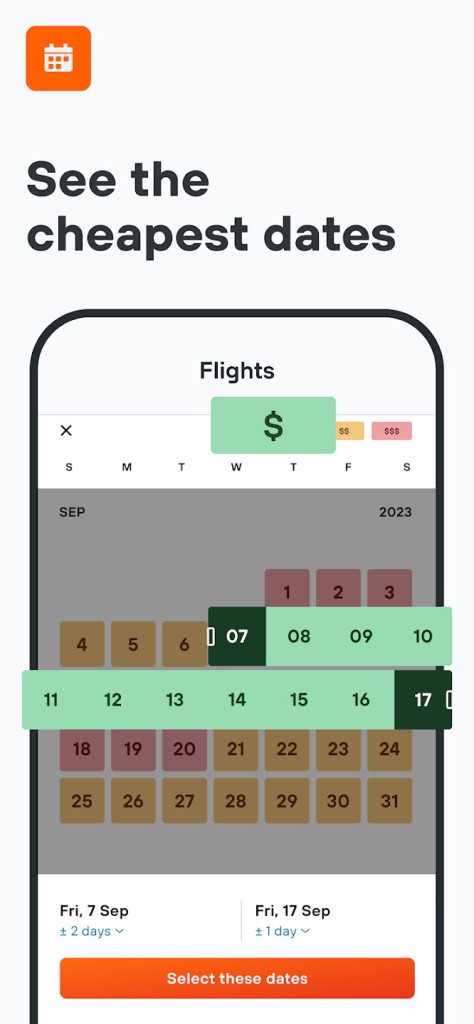
The most well-known feature that people usually open KAYAK for is its flight-search tool, which offers a lot of flexibility. You can pick a simple route or turn on options like flexible dates, which will show a calendar with the lowest fares. You can also use an Explorer, where you set up your budget, and the app will display global destinations that fit your price range. With KAYAK, you’re also able to check predictions for prices and see if the current prices are more likely to increase or drop.
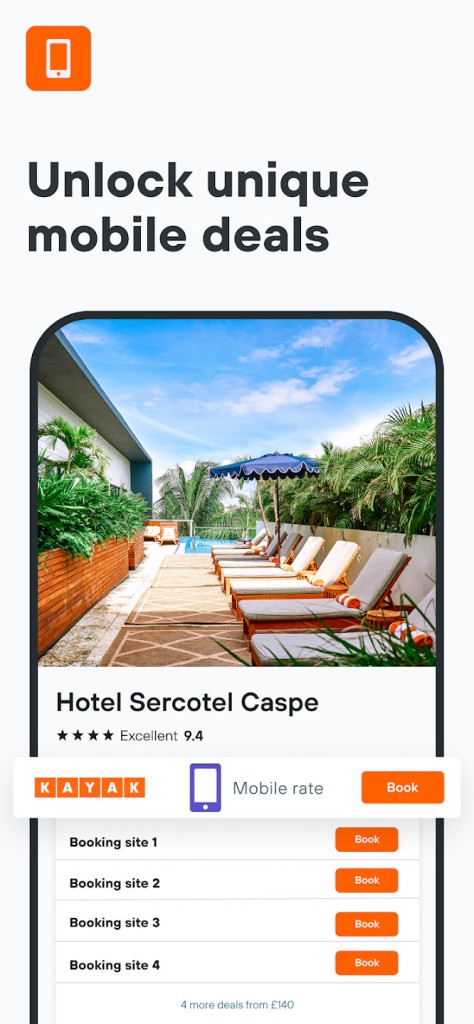
If you want to use KAYAK to book accommodation, you can find aggregated listings from Booking.com, Agoda, and Expedia, and directly from the hotel websites. When you open one of the options, you can see the photos of the hotel and guest reviews, filter through different amenities, and check a price graph to see historical trends. These features can help you find the best options and lowest prices during high season and after.
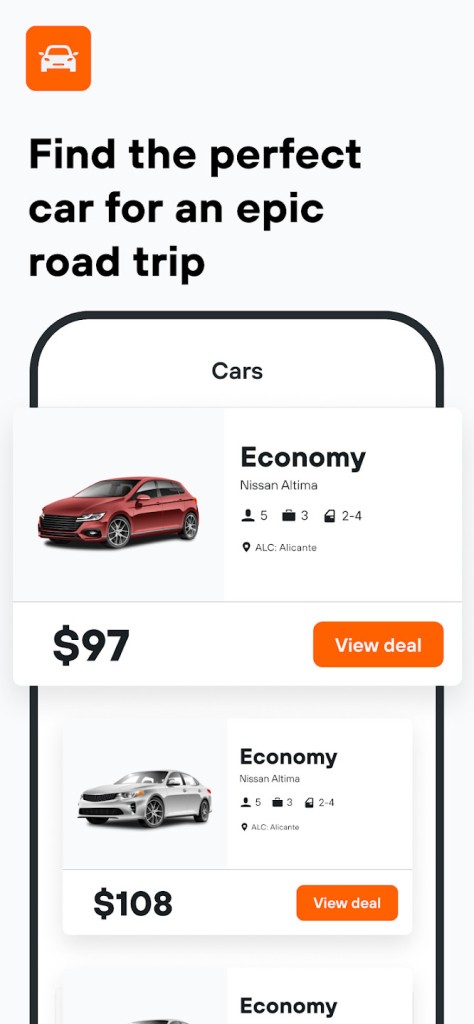
With KAYAK, you can also rent a car and check side-by-side comparisons for various rental vendors. Once you see the results, you can filter them by pickup and drop-off locations, car classes, mileage limits, cancellation policies, and much more. KAYAK also shows estimated fuel and insurance costs, so you don’t have to do the math yourself to calculate the total price or check multiple websites to find this information. You are also able to find vacation packages and various discounted bundles through KAYAK or use the service to look for trains or cruises.
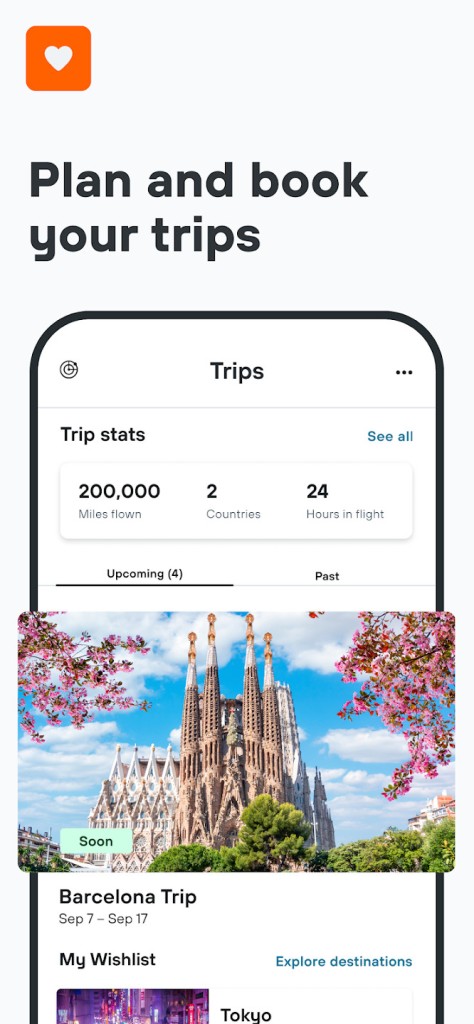
Additionally, you can use KAYAK to plan your trip, and the service will automatically build out an itinerary from your bookings, email confirmation, or information you enter manually. You’ll get a timeline view with your flights, hotels, and rental details as well as weather forecasts and check-in reminders. The trip plan is easy to share with others, and you can also get real-time alerts and notifications on your phone if there are any changes to the gates, delays, or cancellations.
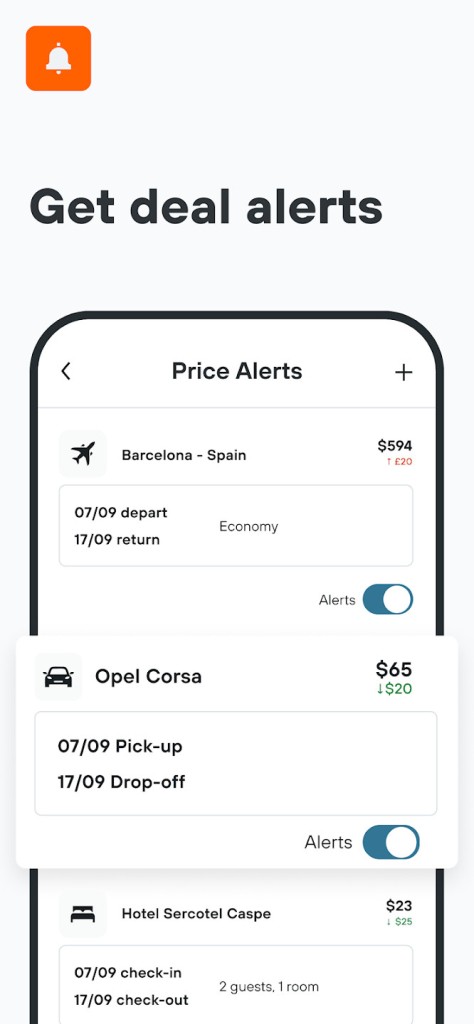
KAYAK supports multiple currencies, languages, countries, and regions, so it’s a truly global portal that you can also use for price alerts or offline access to all your bookings and itinerary. The service is easy to use and much more convenient than switching between multiple tabs. You can download KAYAK for iOS and Android devices, or just use its website to start planning your trip.
Is KAYAK free?
Yes, KAYAK is a free platform that doesn’t charge you for using its main features, like searching for flights, hotels, car rentals, setting up price alerts, or viewing pricing trends or detailed listings.
There are no hidden fees, though KAYAK is not a booking service, so you’ll often be redirected to third-party sources or websites to complete the transactions. Be mindful of any fees that could be added on sites like Expedia or Booking.com.
What operating systems are compatible with KAYAK?
KAYAK offers all of its features through a website, so all you need is a web browser like Google Chrome, Mozilla Firefox, Microsoft Edge, or Safari. You can also download KAYAK on smartphones and tablets with iOS 17.4 or newer and Android 8.0 or up. The apps support notifications and offline use for downloaded itineraries.
What are the alternatives to KAYAK?
Hopper is a travel app where you can look for flights and hotels and save money on booking, as the service uses historical data and AI tools to predict price trends. You can watch specific routes, get push notifications for price changes, and lock in prices for a small fee when you’re unsure or need more time to decide. You can use Hopper through its website or iOS and Android mobile apps, and the service is free, though it charges a commission on bookings you make through it.
Skyscanner is a comprehensive platform for searching for flights that serves data directly from airlines and other booking services. It has a flexible search system. You can look for flights between multiple cities, check the carbon impact of your travel, and Skyscanner has a global coverage, which makes it the best resource for comparing airfare. Skyscanner works on the web, iOS, and Android.
Booking.com is a travel agency specializing in hotels and renting vacation homes or apartments, but it has also started including options for cars and flights. You can use the platform to look for accommodation and book it directly from the app or the website. You can check reservation policies, check cancellation fees, pay for your accommodation, and even lower the price with loyalty rewards if you use Booking.com a lot. Using the service is free, though a user account helps you access discounts and receive special offers, so setting one up is highly recommended.