PeakFinder is a discovery app created for curious hikers, mountain enthusiasts, and anyone who has ever stood at the edge of a scenic view and asked the question: What is that mountain over there?
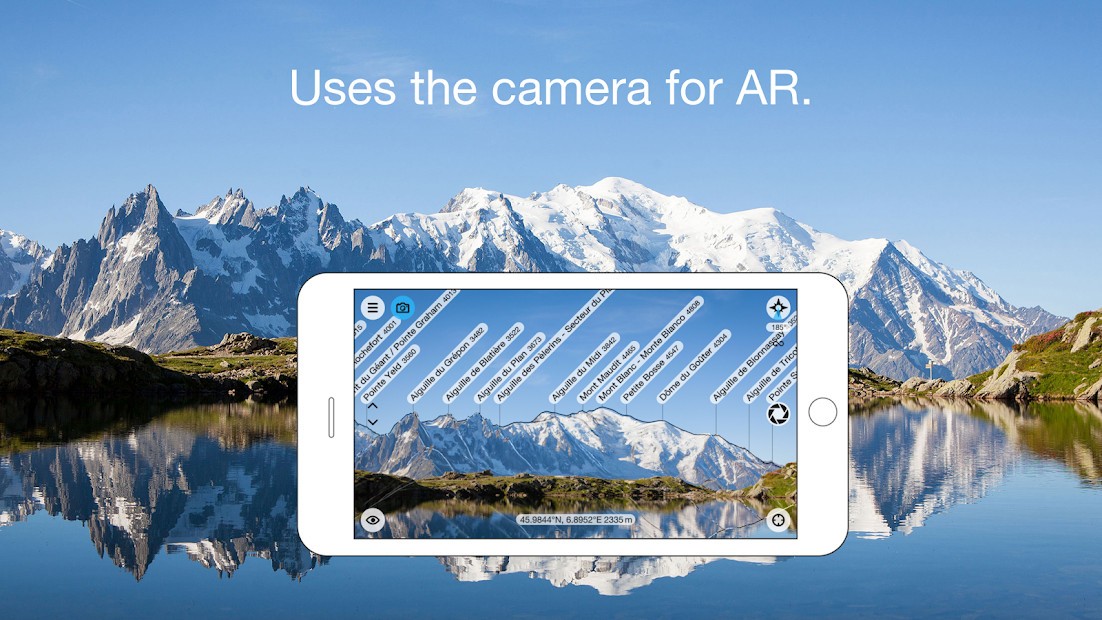
It picks that question and responds to it in real-time. You just pull up the app, aim your phone at the horizon, and all of a sudden, you are presented with an annotated diagram of all the mountains and hills you can see. No searching, no guessing, instead a beautiful, quiet overlay that allows the world surrounding you to make more sense.
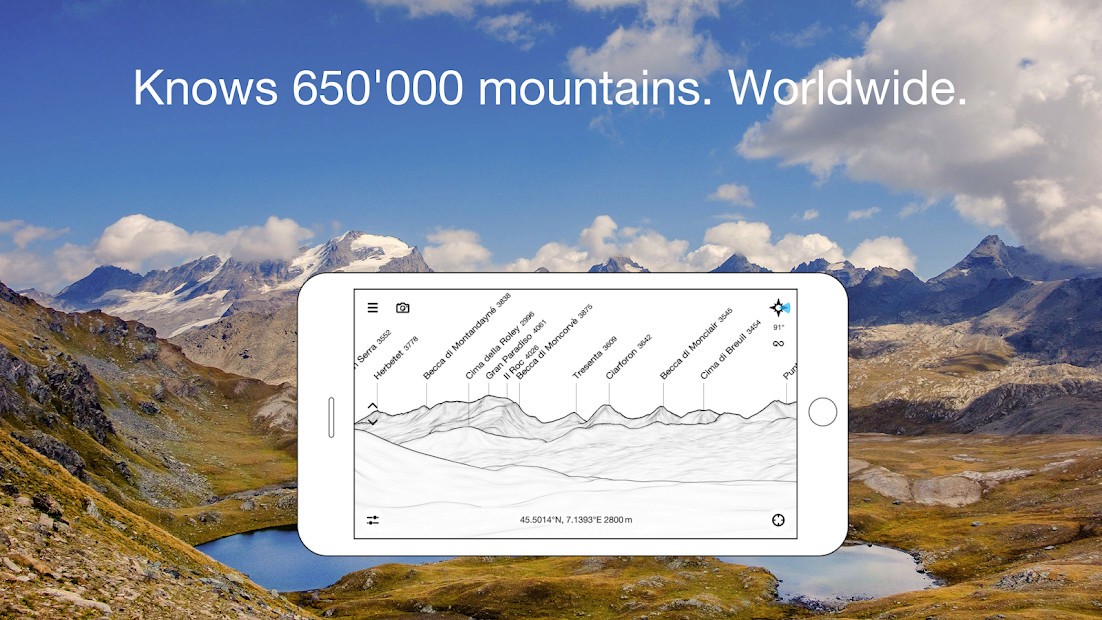
It is not glitzy. The design is very minimalist, almost as though it were a hand-drawn topographic sketch with a correct level of precision to highlight actual data, but taking up as little screen space as possible for usability. No clutter, only peaks, labels, and motion. The skyline is rotatable, tiltable, and zoomable. It also functions in offline mode, and that is massive when you are far back in the backcountry with no service.
The hiking app uses your GPS and compass data to relate your vicinity to the super huge databases of peaks around the world. It works just as well in the Alps as it does in your local hills. And what you derive from it is not necessarily knowledge but outlook. It gives names to places you once saw but didn’t know.
Why Should I Download PeakFinder?
Because PeakFinder alters your view of the world. It is possible that you already enjoy hiking, mountaineering, or simply standing around and admiring something. However, with PeakFinder, it is all more than just a feeling. Now suddenly, you’re not just gazing at a range of mountains, but you are reading one. You begin to know mountains on a first-name basis. You start to see how they’re connected. You know your position in reference to things that surround you. It does not make much noise, but it alters how you mix with landscapes.
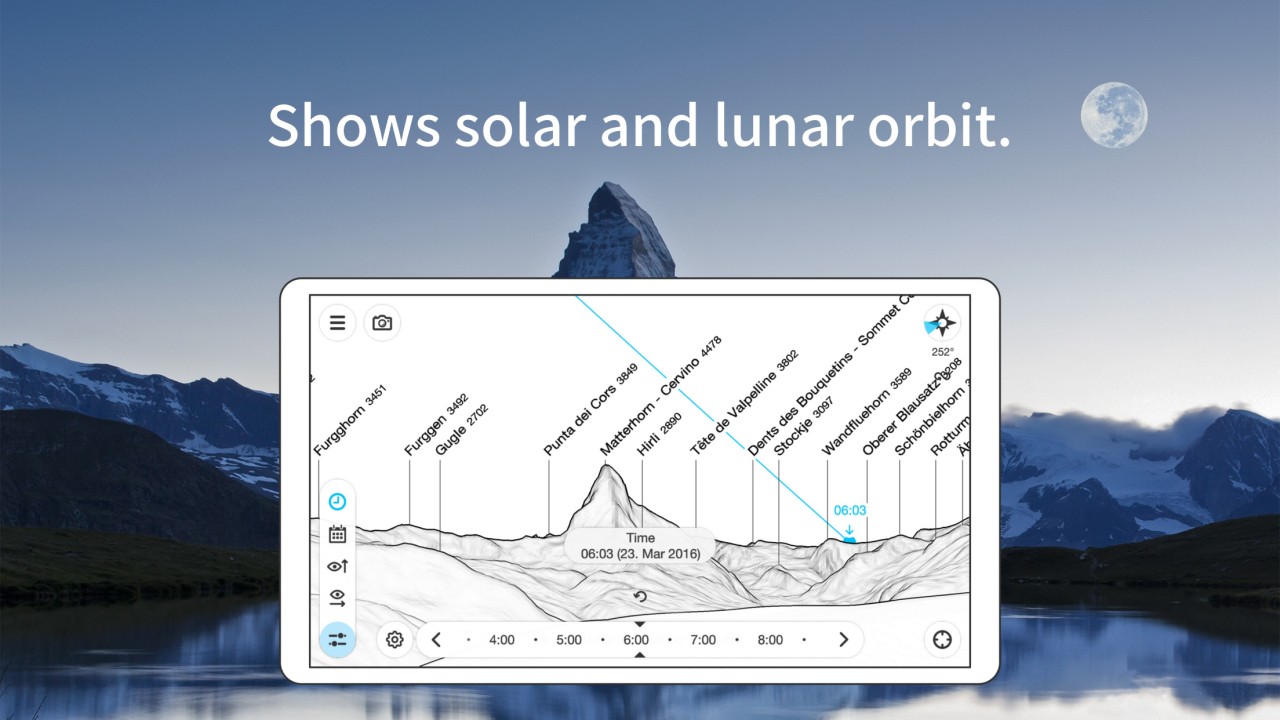
The true strength of the app lies in its ease of use. You do not have to be a cartographer or even an experienced outdoor kind of person. All you do is open it, aim it at the horizon line, and leave it to work. It’s fast, intuitive, and rewarding. There is more exclusive stuff if you need it, with the position of the sunrise, sunset, and moon, elevation profile, and even a time slide that allows you to observe how light moves across the scenery throughout the day.
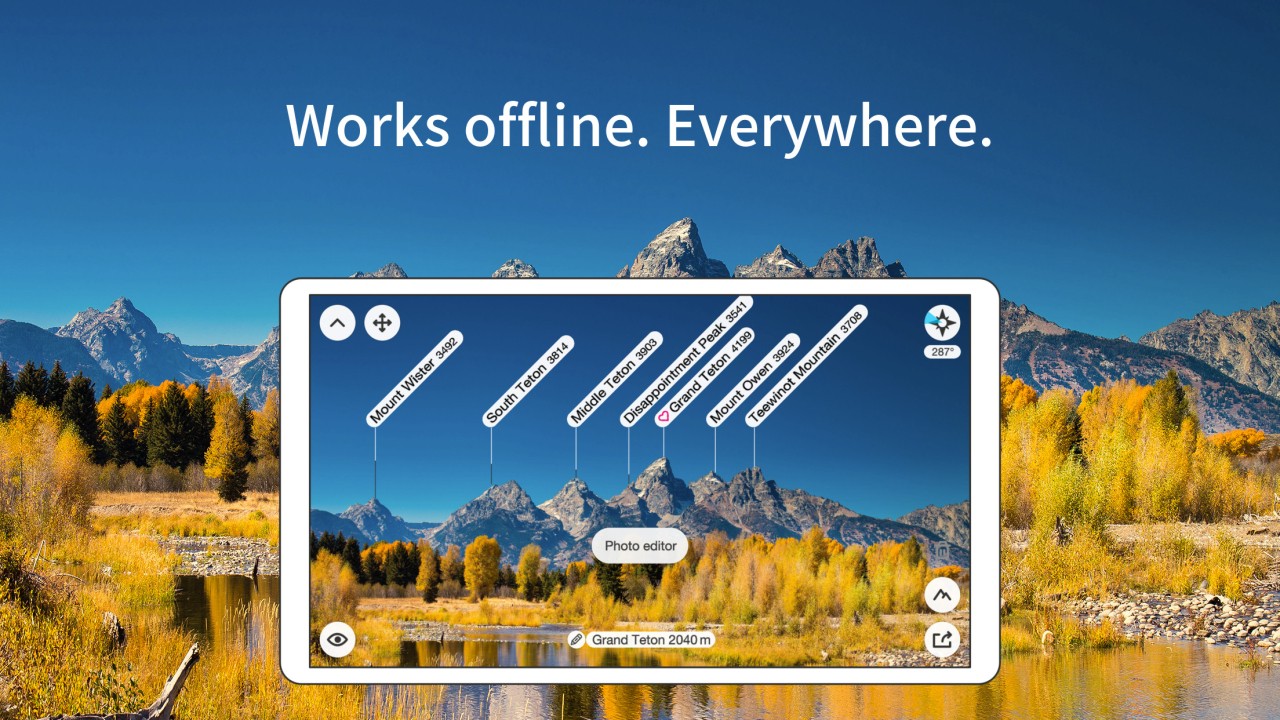
It is also one of the most excellent offline tools that you can have in your bag. It does not require a cell signal when you have already downloaded the data for your area. The app remains functional even when using only GPS, and this fact means that you can be miles away from the towns, towers, or even the trails and still receive full access to peak names. It does not merely save the outlines; it builds the skyline according to your current location and movement. It is much more than a map; that is a virtual model of the visual representation of your environment.
Nor is it confined to the outdoors. Through a city window, or a roadside halt, with a view off to the far hills, you can aim it, have it read out. It can also be of help to photographers shopping around a location or shooting at sunrise. It reveals the position of the sunrise and sunset relative to the land, simplifying composition. It is very low-key and subtle; however, it will equip you with tools that strengthen your place.
Another feature to make use of by downloading PeakFinder? It introduces a feeling of belonging. In the instant in which you can ascertain the names of the peaks that surround you, you begin to recollect them. You talk about them. You call attention to them to other people. You see changes season to season, snow lines, angles of light, and even seasons. You are a more conscious person. It is not merely a digital experience: it is, in fact, also a real-world experience. And that is unusual in an app.
Is PeakFinder Free?
No, PeakFinder is a paid app. It normally requires a one-time download purchase, but it does not contain adverts, and there is no subscription fee. After purchasing it, you have the complete offline features and global peak database without having to pay any more.
What Operating Systems Are Compatible with PeakFinder?
PeakFinder is Android and iOS compatible. It works on phones and tablets, and it is preferably designed to be used on devices that support GPS, a gyroscope, and a compass. The application also contains a web variant, which can be used via desktop browsers, so you will be able to preview views and discover landscapes on your PC. The app syncs well on multiple devices, whether you are on the trail or planning your hikes at home.
What Are the Alternatives to PeakFinder?
Google Lens is a powerful resource. Instead of concentrating on mountains and topography, it examines objects, such as plants, landmarks, products, and signs, and provides you with information, which is basically pulled from the web. You take a picture of something you have never seen, and it identifies what it can be. It is wonderful in helping to navigate through the city and recognize items, but it is not designed for use the way PeakFinder is. It is reactive, connected, and general-purpose, and PeakFinder is specific, capable of going offline, and topography-centric.
Another visual search tool is a reverse image search. It allows you to post a picture and runs on the internet in search of similar or identical content. It is primarily applied in tracing the source of the photos, locating an image with improved quality, or identifying objects through similarity. On the one hand, it is quite effective in verifying image sources and digital content, but it lacks real-life scenario interpretation of the landscape. It is not very much about images and what you can see with your own eyes out in nature.
Search By Image can also be used to locate the origin of a particular image or a duplicate of the same online. It comes in handy when you see an image and aren’t sure what it is or when you want to go more in-depth. However, it acts in a web-image scenario. It is not responsive to position, direction, and topography. You use it when you already have an image, whether it’s a view, screenshot, or photo. PeakFinder is live, unlike a database product that may show you what the image would contain.