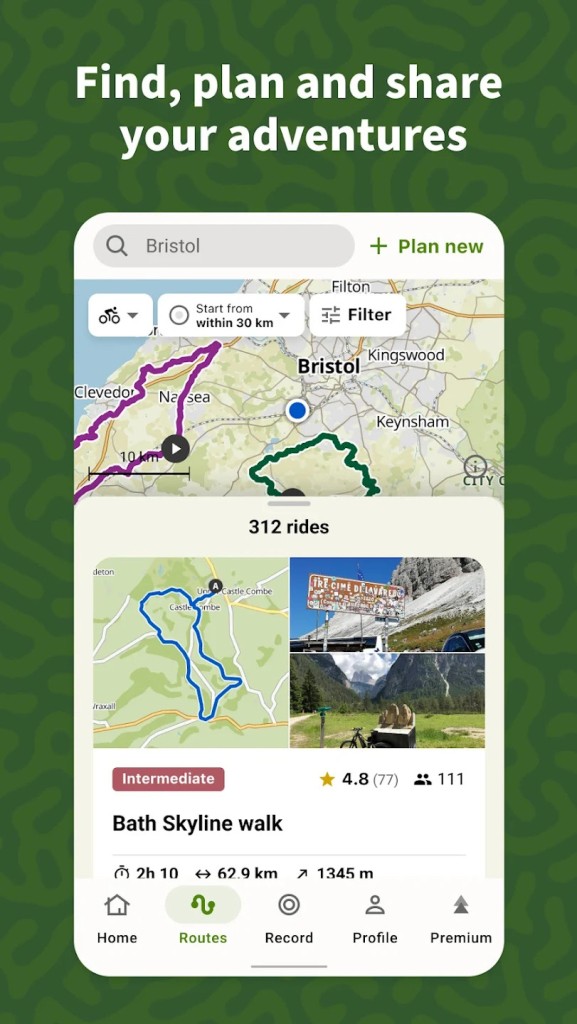
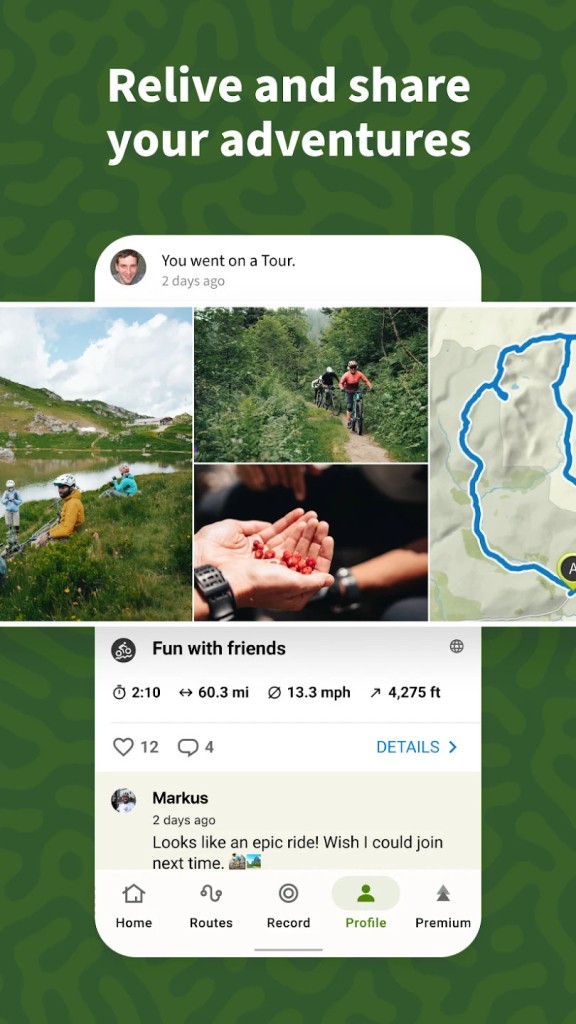
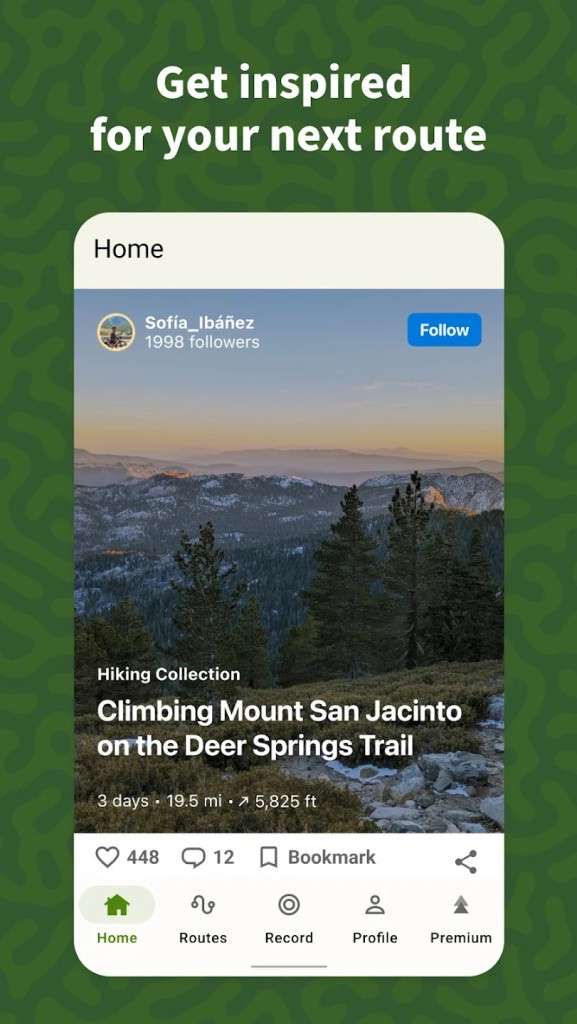
The Komoot Navigation and Routing app is designed to make people feel a little better about going outdoors. It is made to suit the tastes of people who prefer to cycle, hike, run, or simply explore the less-used paths. It is a straightforward idea. You choose the destination where you want to go, then Komoot assists you in designing the optimal path for your activity. It not only provides you with the path between A and B.
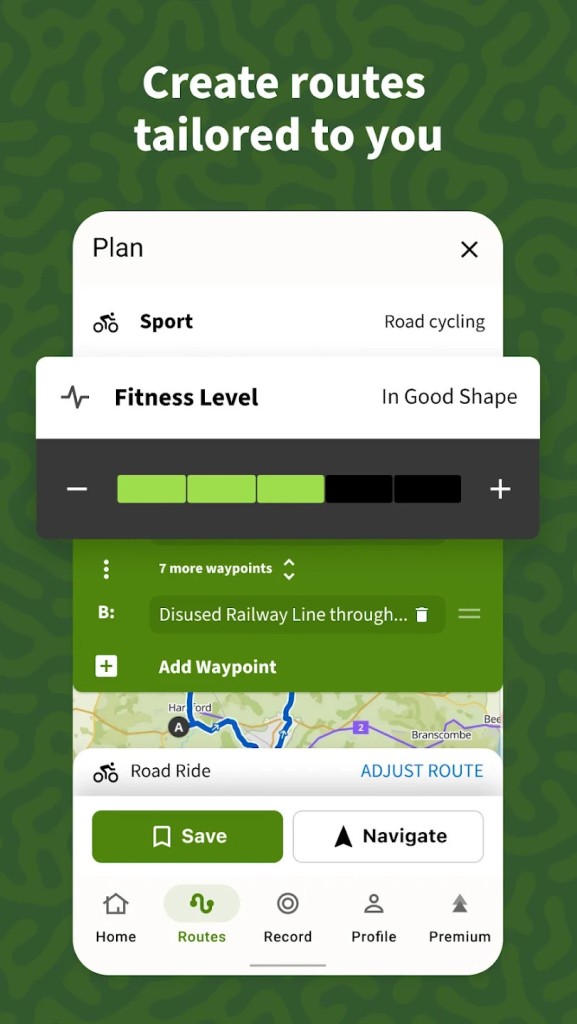
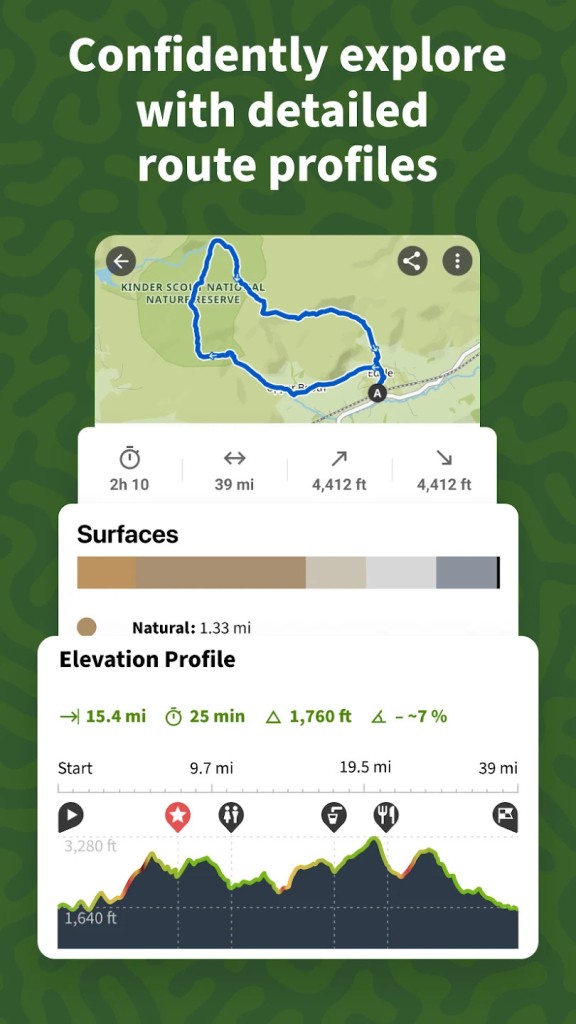
It is used by considering such factors as the type of terrain, heights, and surface of the path to propose a path that fits what you want. You have a choice of cycling on an easy trail, hiking up in the mountains, or taking a walk in the countryside; it provides you with alternatives that suit you.
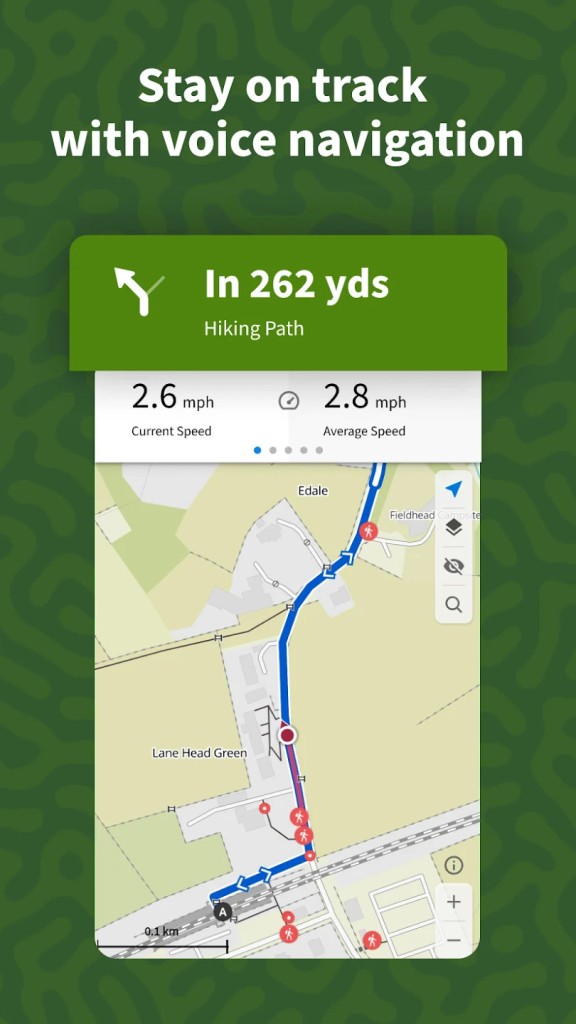
The maps have been well drawn and are navigable easily using voice navigation; this voice navigation does not require the driver to stare at his or her screen. People either utilize it to chart their way or find ways that have been traced by other users. It is like carrying a guide in your pocket that can guide you to explore without worrying about unexpected obstacles.
Why Should I Download Komoot?
Among the greatest reasons to download Komoot, one must also mention that Komoot supplies you with tools that help to plan outdoor adventures much easier than before. You do not need to waste hours searching for various kinds of maps, reading discussion posts, and trying to understand whether this way is good for your physical form and the kind of activity you choose. Komoot gives you that information compiled all in one.
You are free to select the type of activity you are performing, and it facilitates customizing the path to be followed accordingly. Say, when you are bicycling, it can tell you to skip steep hills in case you prefer an easy-going ride, or suggest them if you want a more challenging ride. This is also true with walking or running. It is designed to guide you to the courses of action that are appropriate to what you want and not what fits everybody.
One should also speak about the offline map option. Your route and maps can be downloaded ahead of time, which is good because, in the event you lose your connection when you are in the middle of nowhere, you do not have to make a guess. The application will continue to take you along the route that you plotted. It is no great stretch of the imagination, but it can go a long way, and this is of great importance in spotty signal zones.
The voice instructions will enable you to concentrate on your environment and not your phone all the time. You are able to watch the view, and you will still get to be informed when you should turn or what is next. Komoot assists in removing part of the guesswork in exploring new places and retains the excitement of doing so.
Is Komoot Free?
Komoot is also free to download, but you will not be able to plan routes and trace them in a specific area without spending any money. You have to buy them separately or be able to select a paid package; otherwise, they are not available in the free model, including additional regions and functions such as complete offline maps of large areas. The minimal tools do not require any payment in advance.
What Operating Systems Are Compatible with Komoot?
Komoot can be connected on both Android and iOS. It has been developed to be effective on both smartphones and tablets, and it also has a web version to plan the routes on a large screen.
It is compatible with virtually every modern device on the market, and so as long as your phone or other tablet is at least reasonably up to date, there will be no problem. It does not consume many resources—it doesn’t take up much space or slow down your device when running in the background.
What Are the Alternatives to Komoot?
Gaia GPS is among the alternatives that someone might use if they want to have detailed outdoor navigation. It allows you to plan routes and see maps just like Komoot, but it is more focused on anyone who wants to explore backcountry trails or go off the grid. In the app, you will get topographic maps, satellite images, as well as layering to appreciate features of the territory better. It is popular among hikers, hunters, and all those traveling to the locations where the usual navigation applications do not work. Gaia GPS even has a trip recording tool and waypoint marking tool, which come in handy when one wants to attach a record to their trip, or when they just want to share the trip with someone.
Another alternative is Strava, which takes a different approach to outdoor activities. It pays more attention to monitoring and the distribution of performance. You track your rides, runs, or walks, and Strava provides you with the stats about the speed, distance, elevation, and so on. It is also targeted at individuals who prefer filling themselves with challenges or comparing their activity with that of others. There is also a heavy social aspect to the app, allowing you to follow your friends, join challenges, and check out leaderboards. It does not show much route planning. The key feature it has is making users track their fitness level and remain accountable by comparing their current performance to past ones or with those used by other users.
Another option is AllTrails, which is characterized by a large collection of user-made trail maps and reviews. Hikers love it especially because it provides all the information regarding the toughness of the trail, length of the trail, and pleasant things to look at, such as viewing points and waterfalls. The name AllTrails is so unique because of the combination of mapping and some sort of guidebook experience. It is possible to read what someone experienced on a trail, view pictures, good and bad, and obtain advice on what to keep an eye out for or where to park. It makes it easier to eliminate the guesswork when seeking a suitable hike, particularly in a location where they have never been before. It is possible to download maps to be used offline using the app, and the base of trails is constantly updated by users sharing their experience.