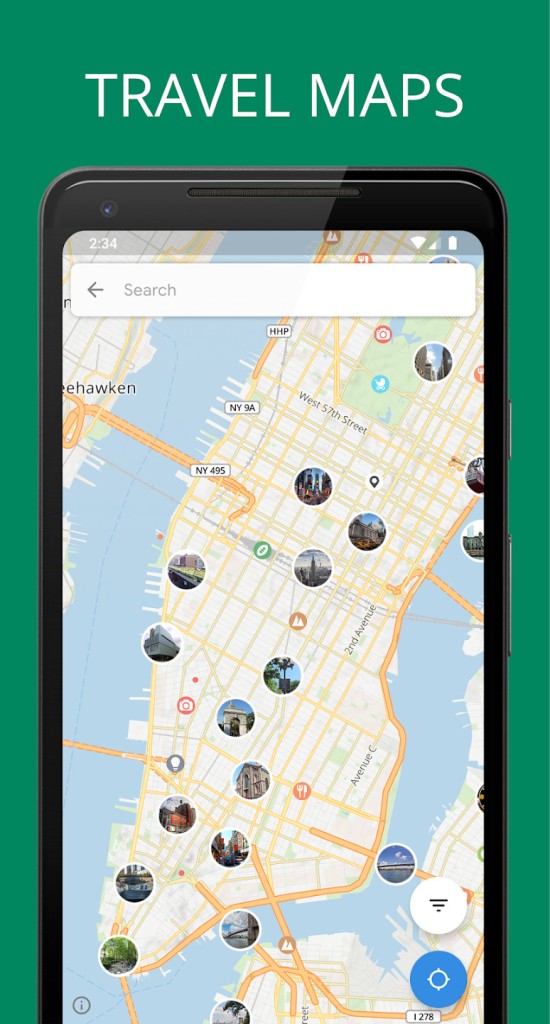
Tripomatic is a trip planning app that helps you visualize and organize your travel day by day. It’s perfect for travelers who like to plan ahead without getting buried in spreadsheets or paper notes. In essence, Tripomatic lets you select the destination and turns it into a list of must-see places, activities, and routes. This is comparable to the setting up of a personal assistant who maps out your trip from start to finish without the stress of overplanning.
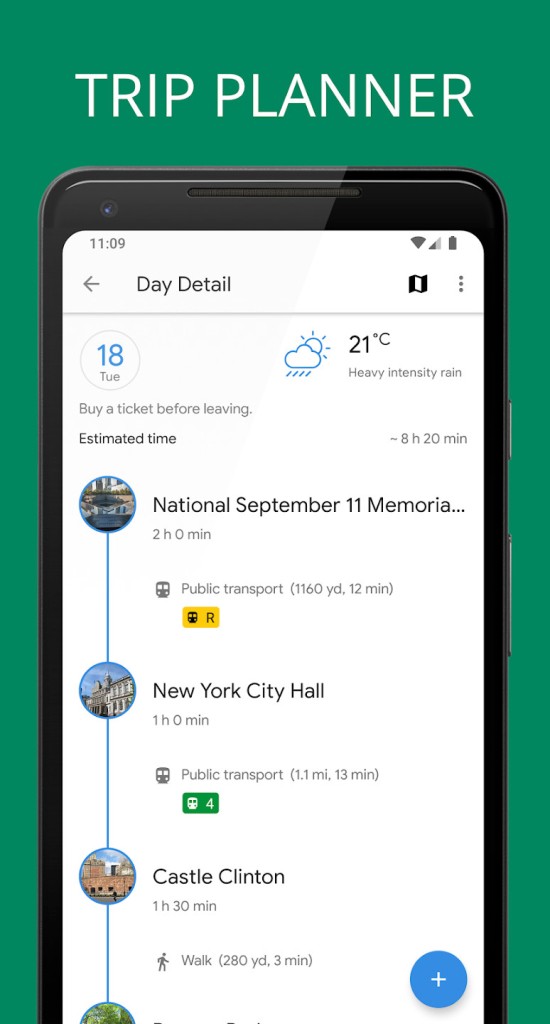
Tripomatic gives you the opportunity to plan a complete itinerary, instead of listing sights and attractions. You select where you wish to go, and it plans them into your day, including days and route distances. It is a visual interface, so you could see your trip as blocks in the timeline and stops on the map. If something doesn’t fit, you can easily rearrange, replace, or remove it without affecting your whole plan.
This kind of setup can be especially helpful, particularly in foreign locations. You do not merely save names of spots; you get to know how far your things are from each other, how much time to spend there, and how your day will shape up. It makes you fall into a rhythm without being driven into a strict schedule.
Why Should I Download Tripomatic?
Tripomatic is great if you like having a plan but don’t want to be tied down by one. The application falls in the middle of flexibility and structure. With its intelligent destination guides and recommendations, you can get a complete itinerary in a few minutes. This is a scalable app, whether you intend to spend a weekend city break or a month-long trip in various countries. It is up to you how detailed you actually would like to get.
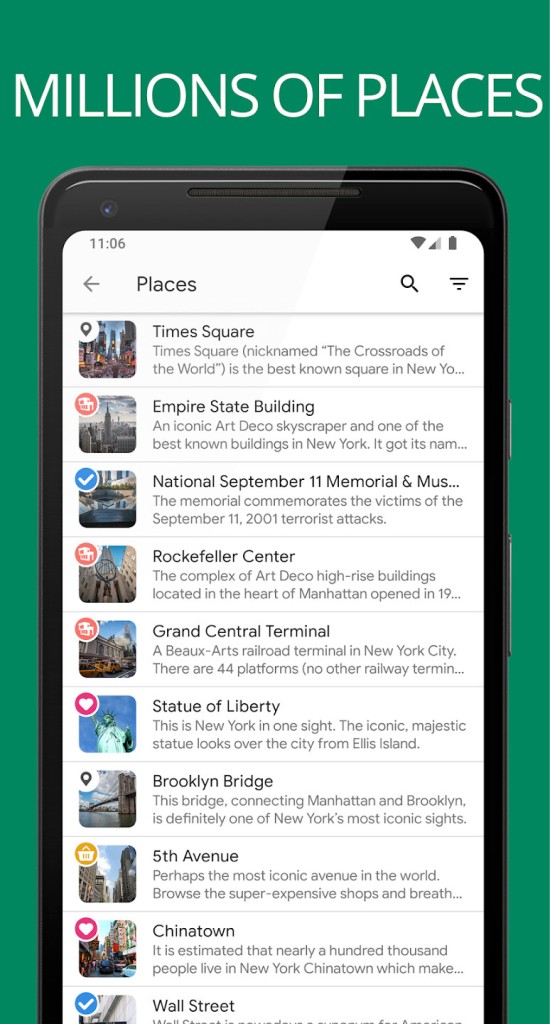
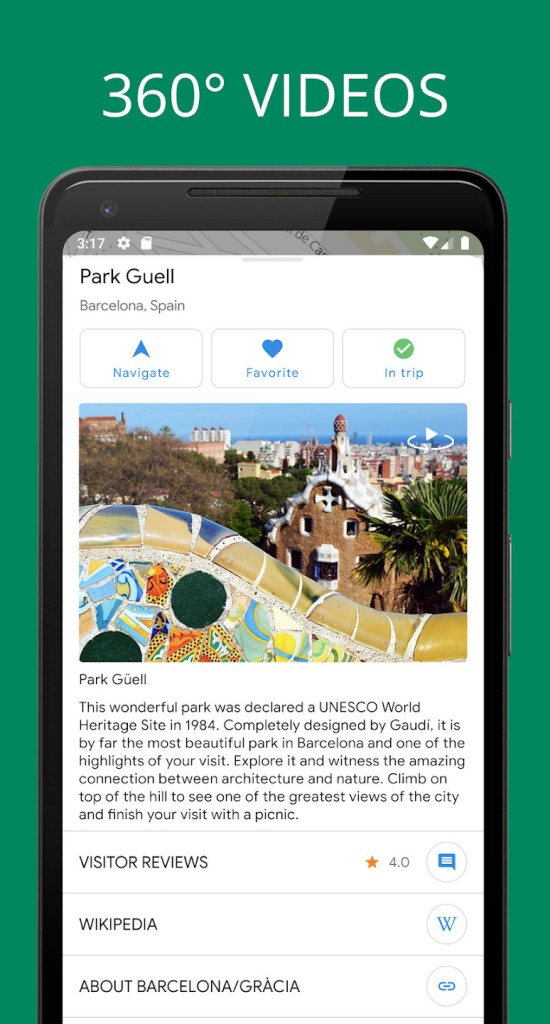
The actual advantage is the way it saves time. You do not need to flicker between blogs, maps, and guidebooks to give you some understanding of what to do. Tripomatic makes that all together. You are able to observe the attractions to visit, see the brief description, look at the photo, and immediately add anything to a list. It minimizes the information overload that is mostly associated with trip planning.
The other one is the way in which it makes you organized. You are not scribbling notes in five different apps, or you are not bookmarking dozens of tabs to check later; you are putting everything in one place. Saw a recommendation for a local food spot? Just drop it into your plan. Have to create space in favor of a museum you have just learned of? You can move it to the slot and allow the app to rearrange your day. You won’t lose anything in the shuffle.
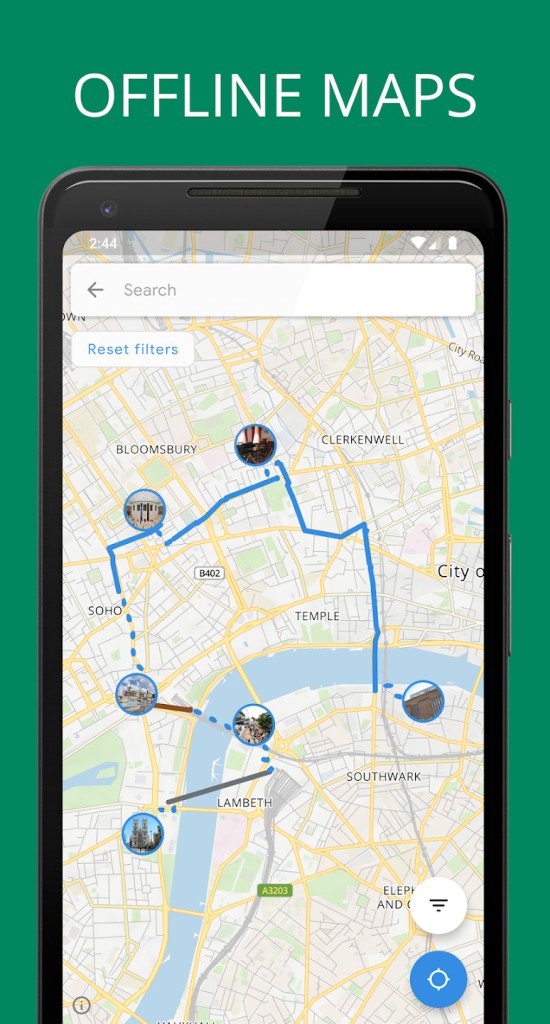
Tripomatic further allows downloading maps. It implies that after you have made up your itinerary, you are able to retrieve all the information and operate it offline. That’s especially helpful when traveling abroad or in places with limited internet. Your journey is in your pocket, ready whenever you need it.
The interface is clean, too. It is not loaded with commercials or diversions. The timeline keeps changing as you make adjustments in the map. In case something goes wrong with your plans (let a cafe be closed or the rain appears), you can reorganize your day easily rather than make a clean start.
This freedom is important to any solo traveler, families, couples, or solo travelers. The app does not only deal with sightseeing. You may include hotels, dining places, and even transport. That means you can keep all your travel details, hotels, transport, and restaurants in one place. It seems to be a decent traveling journal that is about living and working.
Is Tripomatic Free?
Tripomatic is free for basic trip planning features. Without payment, you may get the right to create itineraries, browse points of interest, and display it on the map. Depending on the platform, advanced features like offline maps and cross-device sync may require a paid upgrade. But in the case of the majority of travelers, the free variant meets basic needs rather well.
What Operating Systems Are Compatible with Tripomatic?
Tripomatic is compatible with Android and iOS devices. You can download it from the Google Play Store or the Apple App Store. It can also be used with the help of a desktop browser so that you may plan your trip on a bigger screen and synchronize it with your phone. Cross-platform compatibility allows you to construct your itinerary from any place and on whichever device you wish to use the most, whether at home, in the office, or relaxing in your hotel or airport lounge. Mobile devices also have offline mode, so you can have your entire travel plan, even without access to the internet.
What Are the Alternatives to Tripomatic?
The most obvious alternative is Google Maps. It is not a traditional travel planner, but nonetheless, many travelers use it as such. You can make lists of places you want to visit, pin them on a map, and design something of an outline around them. It is practical to use to navigate in real-time, and it is great for determining how to get to transport, walk paths, and restaurants. Nevertheless, Google Maps doesn’t offer the timeline-based planning that Tripomatic provides. It is more suitable for an ad hoc decision rather than a scripted one.
If you are looking to get something more collaborative, Wanderlog - Trip Planner App is a decent contender. In Wanderlog, you can create your plan and share it with your travel mates or relatives who can edit, write comments on it, or even see it in real time. It also drags your flight and hotel bookings with it by way of synchronizing with your e-mail, thereby automating parts of the planning process. Wanderlog also has some budgeting tools, which function well during group travel, when the cost should be monitored. It also has more functions than Tripomatic in one sense and can be overwhelming if you’re just looking for simple, lightweight planning.
Tripadvisor has more reviews but also serves as a simple trip planner. You can book tickets, tours, and read detailed reviews. It comes in handy when you need to delve into the details of what people were thinking about a place/restaurant. It is strong in the community and offers raw, unfiltered insights from other travelers. Nevertheless, it lacks powerful day-to-day planning facilities or offline capabilities as applied in Tripomatic. It is an excellent research tool, but not the most efficient tool for building a structured itinerary.