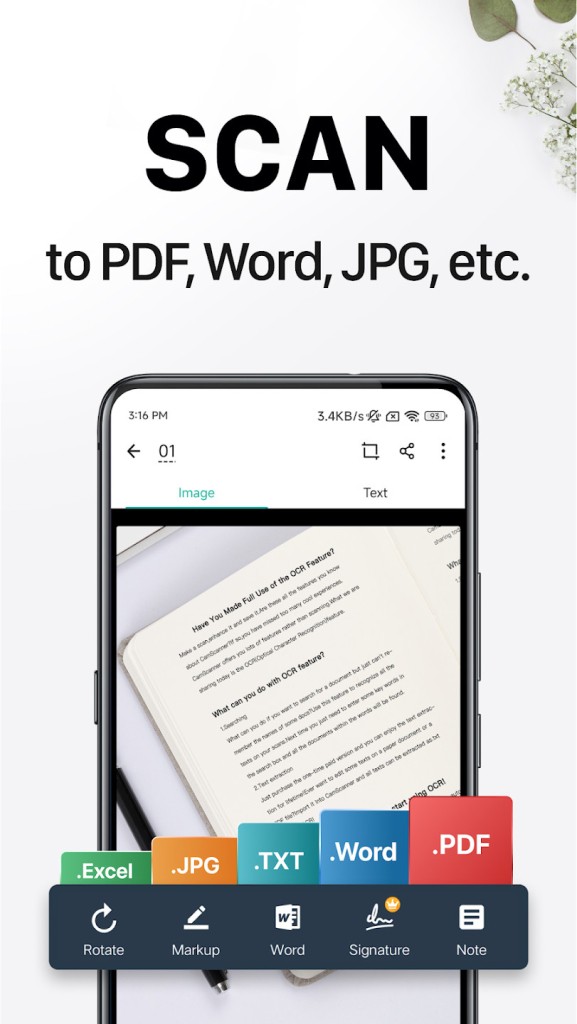
CamScanner is one of those apps that turns your everyday smartphone into something much more powerful. Instead of being just a camera, your phone becomes a scanner capable of producing clean, professional-quality digital documents in seconds. At its core, CamScanner lets you capture paper documents, contracts, receipts, handwritten notes, whiteboards, you name it, and instantly convert them into PDF or image files.
But it doesn’t stop at simply snapping a photo. The app uses smart image processing to crop out unwanted backgrounds, adjust the brightness, sharpen the text, and make your scanned copy look like it came straight from an office scanner. If you’ve ever tried to take a picture of a paper and ended up with shadows, tilted edges, or blurred text, you’ll understand why this matters. CamScanner takes care of all that automatically.
It’s widely used by students, teachers, business owners, and professionals who need reliable document storage without always being near bulky equipment. Even freelancers or remote workers find it useful when clients ask for scanned copies on short notice. It’s basically like carrying a portable scanner in your pocket, ready whenever you require it.
Why should I download CamScanner?
There are countless reasons why CamScanner is worth a spot on your device. The most obvious is convenience. You no longer need to run to a print shop or office scanner just to get a digital copy of a document. With CamScanner, it takes seconds to scan, save, and send.
Another big reason is organization. The app lets you create folders, tag documents, and even search through them with OCR (Optical Character Recognition). For example, if you scanned a stack of receipts for your taxes, you can search by keyword later instead of scrolling endlessly. That’s a lifesaver when you’re under a deadline.
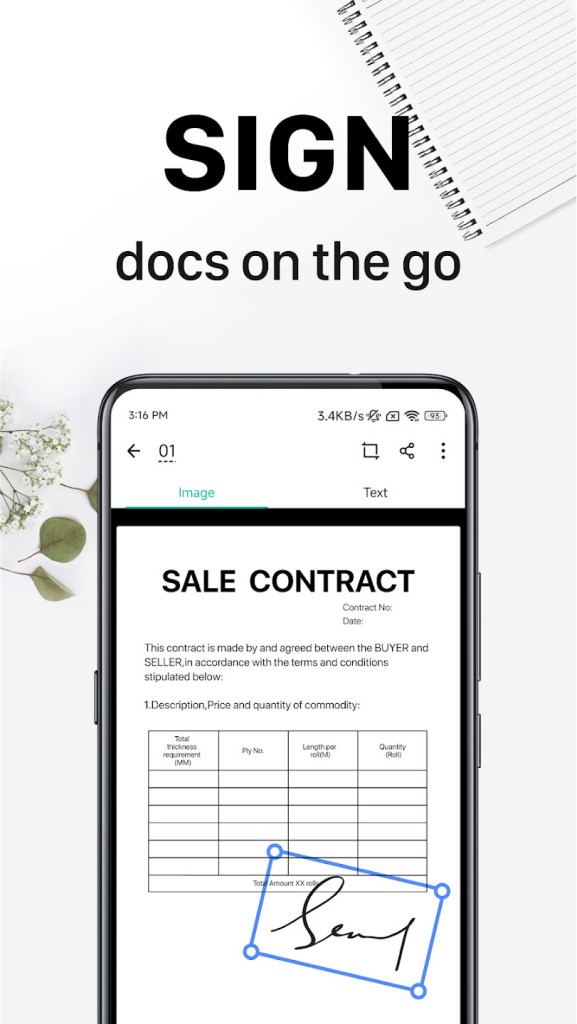
Then there’s the sharing side. Whether you want to email a signed contract, upload lecture notes to cloud storage, or send a scanned ID card through a secure platform, CamScanner makes it simple. It supports integrations with Google Drive, Dropbox, OneDrive, and other cloud services. This means your files are always backed up and accessible, no matter which device you’re using.
It’s also a productivity booster for teams. You can annotate documents, highlight text, and share them with colleagues who can add comments of their own. Imagine scanning a proposal, marking up revisions, and passing it back and forth with your team—all without printing a single page. That alone saves both time and money.
If you value efficiency and hate being slowed down by paperwork, CamScanner is the type of tool that makes life easier.
Is CamScanner free?
Yes, CamScanner has a free version, and it’s surprisingly capable for casual use. With it, you can scan unlimited documents, apply enhancements, and export files as PDFs or images. That’s plenty if you only need it for the occasional receipt, homework assignment, or travel document.
But like many productivity apps, CamScanner also offers a premium upgrade. This unlocks more advanced features like higher-resolution scans, cloud storage space, OCR in multiple languages, batch scanning (great if you’re digitizing entire books or files), and the removal of watermarks. Premium users also enjoy better collaboration tools, making it a good fit for business teams or anyone handling paperwork regularly.
The good thing is you’re not forced to pay up front. You can start with the free plan, get a feel for how much you’ll actually use it, and only subscribe if you find yourself relying on it daily. For many, the free version is enough, while heavy users find the premium subscription worth every penny.
What operating systems are compatible with CamScanner?
CamScanner is widely accessible across platforms. It’s available on Android through the Google Play Store and on iOS via the App Store, making it compatible with most smartphones and tablets. This ensures that whether you’re using a Samsung Galaxy, iPhone, iPad, or other device, you’ll have the same reliable features.
Beyond mobile, CamScanner also offers a web version. This is particularly useful if you prefer working on a larger screen or need to handle multiple documents from your computer. You can log into your account through a browser on Windows or macOS, view the scans you’ve taken on your phone, and manage them directly.
Another big plus is its cloud sync capability. If you scan something on your phone during a client meeting, you’ll see it instantly available on your computer when you log into CamScanner. This cross-device support makes it flexible for people who move between mobile and desktop environments throughout the day.
What are the alternatives to CamScanner?
Although CamScanner is among the most popular scanning applications, the app is not the sole market player. You may also wish to consider others depending on your needs.
It is all simplicity with Tiny Scanner. It does not bombard you with too many advanced options that are advanced, but it makes it attractive to those users who simply want a clean and fast way to scan and save. You are able to scan documents, convert them into PDF, and arrange them without any hassle. Tiny Scanner is a decent choice in case you are a person who highly appreciates minimalism and does not need cloud syncing or collaboration.
SwiftScan also takes it a notch higher by providing sophisticated facilities such as high-quality image processing and good OCR functions. It is compatible with numerous cloud applications, and thus, in case you are the type of person who is always uploading files to Dropbox or Google Drive, then this application is compatible with them. Its smooth design and performance are professional enough, and most users find it impressive that it can work through big piles of papers rather quickly.
Adobe Scan suits everyone who is already a part of the Adobe ecosystem. It is fully integrated with such tools as Adobe Acrobat and Adobe Document Cloud, which allows editing, signing, or marking documents more easily. Its OCR is very precise, and it has the ability to detect the type of document automatically and which implies that you will not spend much time manually adjusting it. Adobe Scan is an extension of Adobe products for people who are already using them.