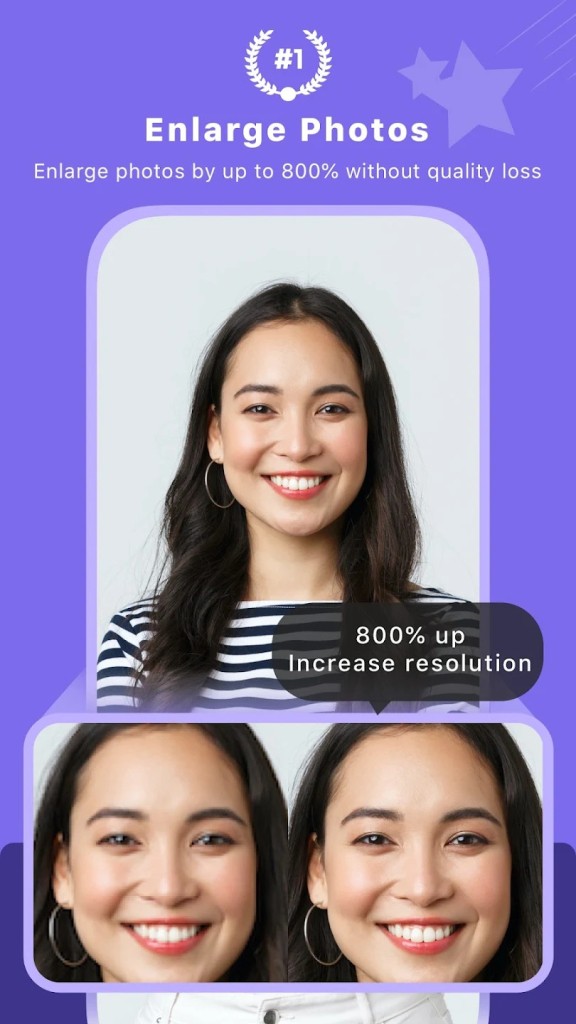
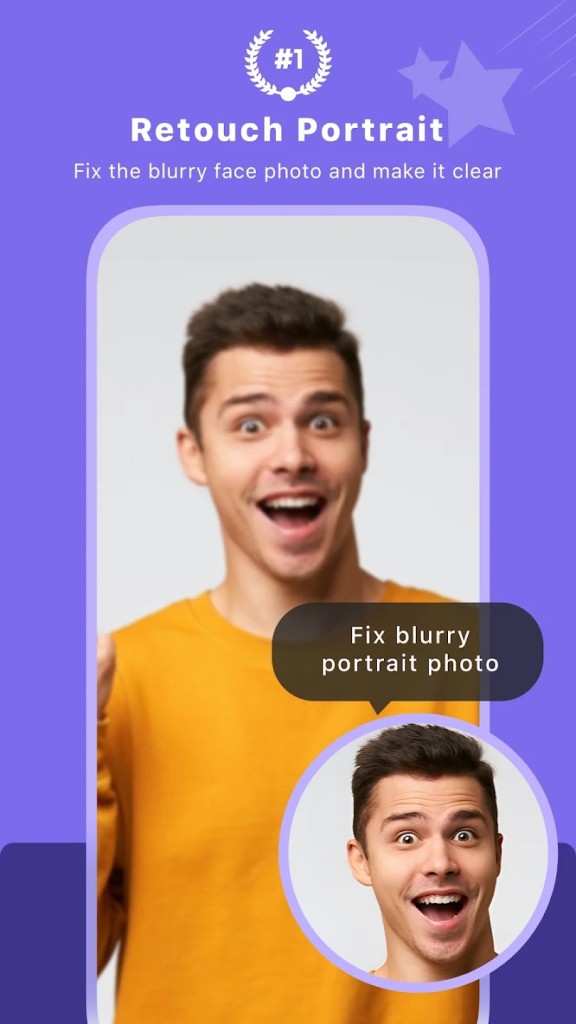
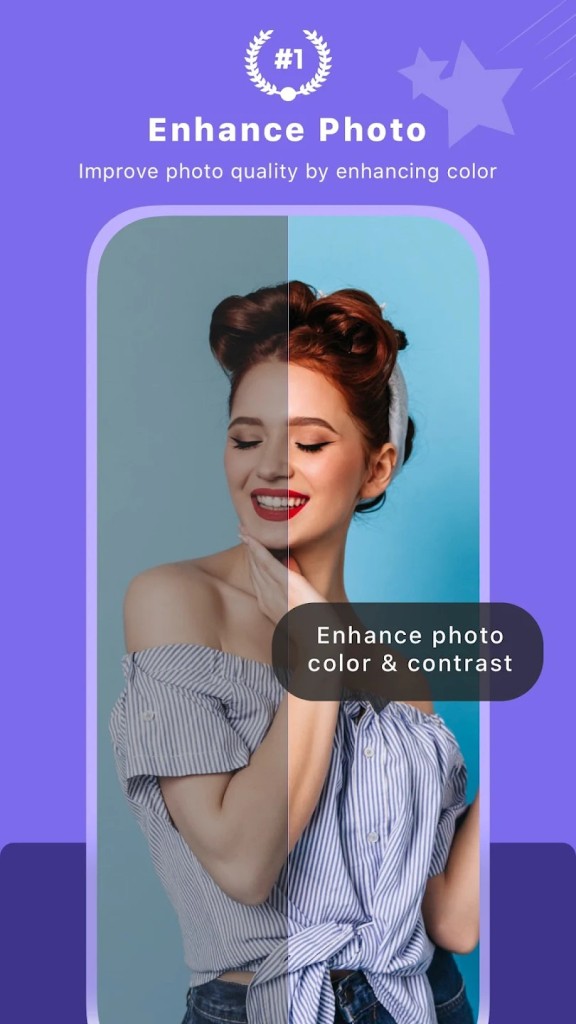
This tool, named AI Image Enlarger, restores clarity to your images. The app helps users increase picture size by preserving all the minor details. Instead of distortion like pixelation, the software relies on artificial intelligence to visualize the original image quality that the photographer had shot at a better resolution in the first place. The software excels in renewing outdated images with low-quality resolution.
AI Image Enlarger is a perfect choice for those who need to increase image resolution for presentations and enhance unclear print images. This technology analyzes images before running an AI model, which understands natural element functions such as textures, colors, and edges. After processing, your file achieves enhanced clarity along with an improved usability level when displayed at expanded dimensions.
The AI system reinstitutes photo content through its deep learning capabilities while utilizing both smart algorithms and artificial intelligence to rebuild elements like skin details, together with text clarity, alongside landscape edges. The application processing requires you to upload your data, followed by a brief wait, so you receive your data as an improved version. Professional users, together with casual image restorers, benefit from this tool because it performs the work faster and streamlines their workflows.
Why Should I Download AI Image Enlarger?
Everyone who has attempted to increase small image size already understands the disaster it becomes. Most image alteration tools fail when dealing with missing elements because the process creates blurry lines while showing pixelated areas with unnatural color alterations. AI Image Enlarger uses a distinct approach to handle this requirement compared to other software options. No experience in technical matters is required for using the tool.
The tool asks users to add their files while they select between face or artwork or product shots, or panoramic images. Then it completes the rest of the process automatically. The tool performs magnification functions at multiplication rates up to 8x based on different settings choices made by the user. The enlarged image emerges from the process stronger with enhanced details that seem to have been captured by professional equipment.
The tool suits a wide range of users because of its versatility. The design professional uses this tool upon receiving logos of poor quality from clients. This tool helps photographers restore poorly cropped images, and photographers, along with e-commerce sellers, use it to improve their visual content. Companies in marketing employ the tool to create images for social media platforms.
The tool enables students to transform research material into usable material for their work. The tool gives users both high adaptability combined with turbocharged speed performance. Waiting for hours becomes obsolete in this process. The process takes only a few clicks to achieve your work result. The application enables you to transform web images, older scans, along blurry screenshots into usable material.
AI Image Enlarger streamlines workflows by taking away demanding human interventions during the process. The application eliminates the requirement to adjust filters or test various export parameters. The tool operates by simple file uploading, which generates results superior to what standard software could deliver. The application demonstrates impressive capabilities when it comes to facial features since it restores tiny elements like eyelashes, along with skin surface features that typical resizing applications tend to smooth out.
The cloud system performs all resizing operations, which prevents your computer from becoming sluggish. AI Image Enlarger provides users with a dependable option to improve their pictures while avoiding extensive editing sequences.
Is AI Image Enlarger Free?
AI Image Enlarger provides users with a free basic version that delivers satisfactory performance for casual image testing and most personal uses. The free version of the software allows you to enlarge a small collection of pictures but imposes certain resolution and file size limits. Users who need either high-resolution images or automated batch operations can purchase one of the available paid plans. Anyone who requires access to the basic functions can easily use the system.
What Operating Systems Are Compatible with AI Image Enlarger?
AI Image Enlarger operates on all major computing systems. You can access AI Image Enlarger through your web browser on both Windows and macOS, and obtain official desktop apps that function on both operating systems.
The mobile version, through both iOS and Android systems, enables users to edit images on any mobile platform. The image processing operates in the cloud, so your system type does not matter because it generates results from an online platform that returns information to your device. Your process requires only a reliable internet connection, together with either a modern web browser or an official application.
What Are the Alternatives to AI Image Enlarger?
Other solutions exist for image enlarging tasks. Several alternative online apps exist with different functions yet comparable functionality to AI Image Enlarger.
The strong alternative to AI Image Enlarger is Topaz Gigapixel AI. Most professionals, along with creative users, turn to AI Image Enlarger since it excels at maintaining essential image details during high-resolution enlargements. GAN Solutions presents AI Image Enlarger as a desktop visualization application that uses GPU processing along with deep learning technology to enhance image quality in enlarged content up to 2x and beyond. Using this program necessitates system installation and powerful hardware, along with a higher purchase cost, despite offering the optimal processing experience.
A potent enlargement tool developed by ON1 Inc. exists in the form of ON1 Resize AI. The ON1 photo suite includes ON1 Resize AI as a tool that serves the needs of users who work with print production for creating banners and physical displays. Users can select from predefined printing sizes in the software, which enables granular control of sharpening along with grain management, particularly for large print jobs. The AI algorithm in this program maintains texture fidelity when you extend images, and it proves beneficial for art-related work, landscape, and fabric photos.
Users can get better results from Deep Image, which provides an easier, web-friendly solution for enlargement. AI Image Enlarger functions similarly to this platform for AI-based image upscaling online. AI Image Enlarger functions effectively for regular photography combined with normal photos, while offering straightforward user controls. Users, including casual individuals and small companies, who need quick, effortless image enlargement tend to prefer the cloud-storage-friendly Deep Image application. Customers can process batches and obtain generous paid plan benefits from this system. Users find the platform easy to use because the interface exclusively focuses on photo enhancements without adding confusing elements.