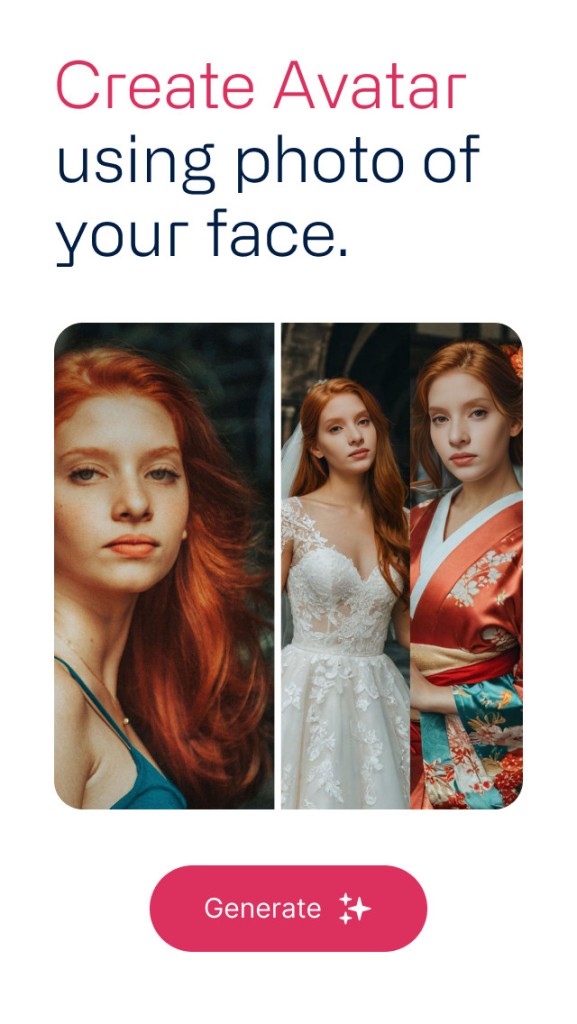
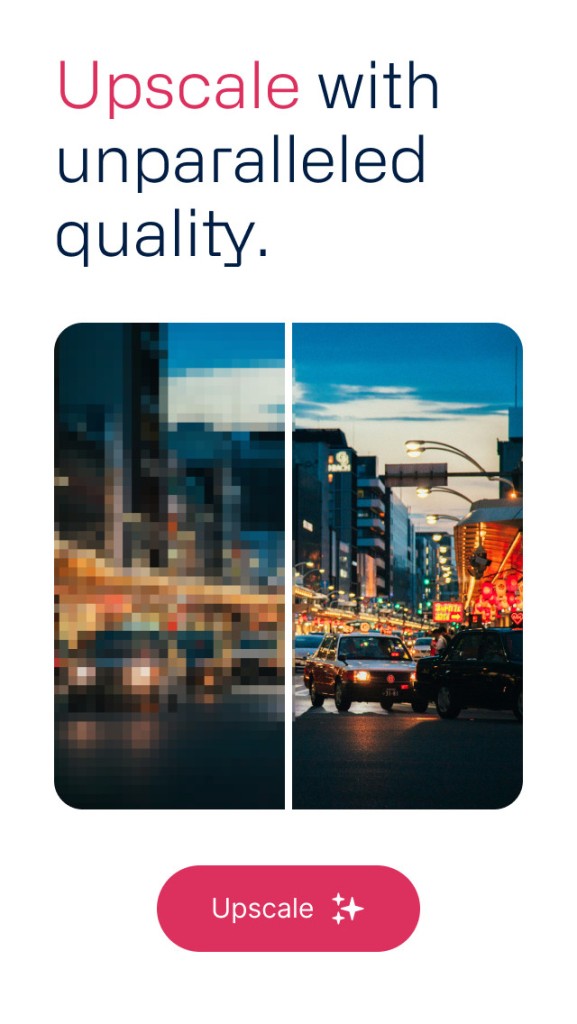
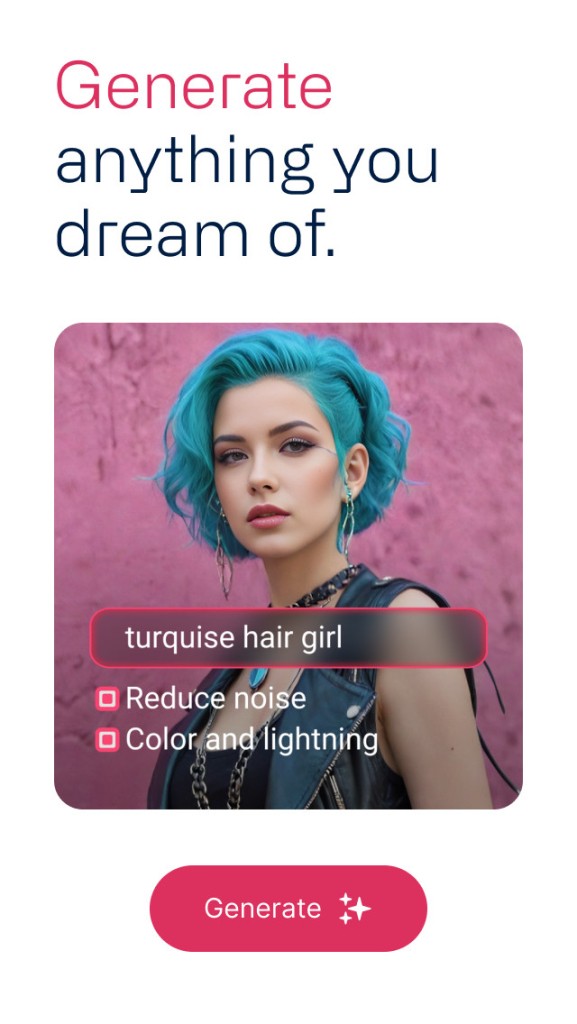
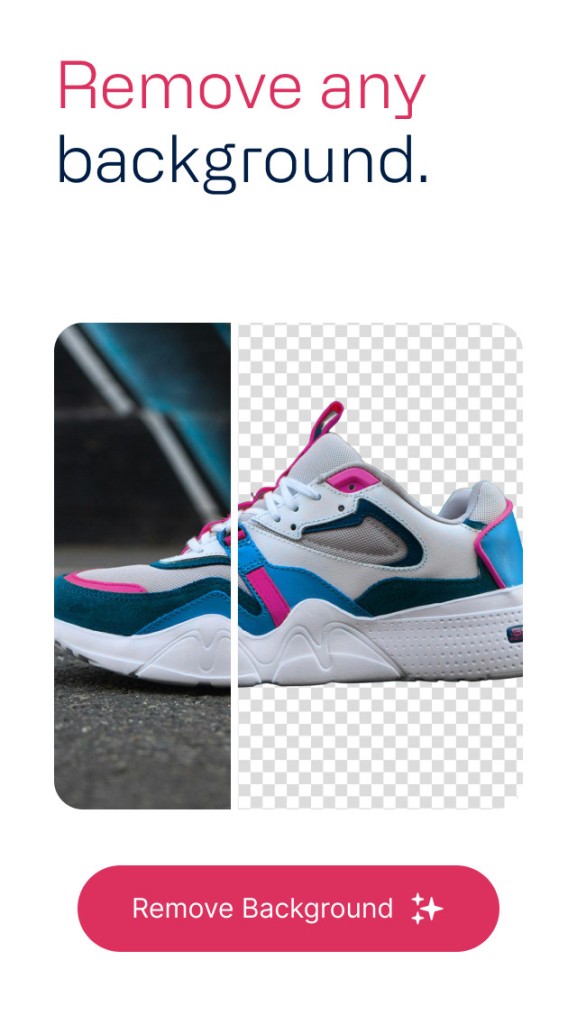
Deep Image operates as both an online platform along its corresponding mobile application to transform images into larger enhanced versions that preserve their quality. Artificial Intelligence drives Deep Image to enhance picture quality while increasing its size up to 2x, 4x, and higher scales without sacrificing clarity. Deep Image serves as an online tool to restore hazy photographs and pixelated images, along with firmly resolving low-resolution images before their display on bigger screens or printing needs.
The tool examines all tiny image components and then creates missing sections by deciding what should replace those parts. Deep Image's technology possesses vast training on millions of images, which enables it to predict details accurately in photo restoration. The program delivers optimal value to people who manage images professionally, including stores with online commerce, photographers, creators, and workers who depend on pictures for their jobs.
Upload your picture, and the system functions automatically. That results in the download of the improved, larger version. No particular abilities or design expertise are needed for this process. Users can achieve enhanced image quality without putting in additional labor through this system.
Why Should I Download Deep Image?
The tool named Deep Image stands as an excellent solution when you deal with images that disappoint you due to their poor quality. Deep Image delivers the solution to improve both small and unclear photographs by making them clearer when enlarged for bigger formats. The AI technology of Deep Image stands apart from usual resizing or zooming since it applies actual rebuilding to replace missing elements.
Individuals mostly use Deep Image because it provides a convenient solution to their image needs. You can submit an image through the platform, then decide on the enlargement level before maybe activating enhancement features, followed by initiating the process. Following the upload, your picture emerges as enhanced and superior in quality. Users don’t need to learn Photoshop or dedicate time to manual editing, since the solution provides its advantages through simple interface functionality. The tool operates at high speed while understanding your requirements and presenting itself as an entry-level solution.
Another big reason is versatility. The versatile feature set of Deep Image accommodates a wide range of digital users, including photographers and designers, and includes e-commerce sellers for product photos alongside real estate agents and bloggers who need visual quality and social media managers who want screen enhancement. Any person who deals with images on social media platforms, including profile photos, can make use of the convenient features Deep Image provides.
Deep Image provides an easy solution to improve AI-generated images and downloaded artwork that appears too small or blurry to the user. Because of its strong performance in recognizing facial shapes and edge traits, the AI maintains realistic outcomes. Users benefit from batch processing abilities that enable them to enhance multiple files simultaneously so they save additional time.
Despite other available tools, Deep Image stands out because it efficiently brings together automated processing and user-friendly functionality. That’s what makes it appealing. No special technological expertise is necessary to use this software. The key requirement consists of having an image combined with a motivation for its improvement.
Is Deep Image Free?
Deep Image provides its users with free usage, which includes restricted daily operation and lower image resolution. Users who wish to access high-resolution processing alongside batch enhancement features should subscribe to one of the payment plans Deep Image provides. Users can explore all basic features through the free account before making a decision.
What Operating Systems Are Compatible with Deep Image?
Users can access Deep Image through its browser-based interface, which makes it work across various platforms. Users can operate Deep Image through a web browser on Linux, macOS, Windows, Android, and iOS. You can operate Deep Image through either modern browsers or the appropriate application.
Users can also access mobile applications through Android devices to enhance their images when they are outside of their regular setup. There is no other app at the moment.
What Are the Alternatives to Deep Image?
Deep Image stands out as a popular platform for AI image enlargement; however, multiple alternative programs exist that deliver matching outcomes through unique functional sets. For people who want to check various options or compare outcome results, it helps to be familiar with different solutions.
AI Image Enlarger offers a simple user interface among its range of competitors. The program has a minimalist display, which performs well when you need to enlarge digital images. During enlargement, Deep Image implements AI technology for photo sharpening and clarity enhancement. Upscayl delivers satisfactory image results mainly on human facial features and objects while existing on the web platform and mobile application. Users seeking basic photo enlargement features without in-depth settings will find AI Image Enlarger to be their ideal solution. The tool provides a fundamental free plan, yet its premium export capabilities require paid subscriptions, similar to other tools within this sector.
Upscayl stands as an emerging open-source solution that provides all its services completely free. The software operates from your computer storage, which prevents the upload of your pictures to remote web servers or cloud services. The application protects user privacy, combined with local device oversight, making it suitable for users who prefer these features. The image upscaling process runs through machine learning models inside a user-friendly interface. At no cost, users can operate this free application effectively for AI art and stylized pictures, while it surpasses similar open-source solutions in functionality. A major requirement for this product is the use of a computer that is powerful enough to process operations within its system only.
The professional-grade features of ON1 Resize AI require users to purchase a premium version of this product. The tool is found in the ON1 photo editing suite, which maintains a reputation among photographers. When files are resized on Resize AI, the platform also performs detail-aware sharpening and texture enhancement, as well as layout tools especially for printing applications. The tool proves most beneficial for individuals who handle photos destined for upscale print and wall art formats. The tool needs more skill than Deep Image, and it does not provide free access. Serious creators seeking top-tier control find this tool stands out as one of the best available options.