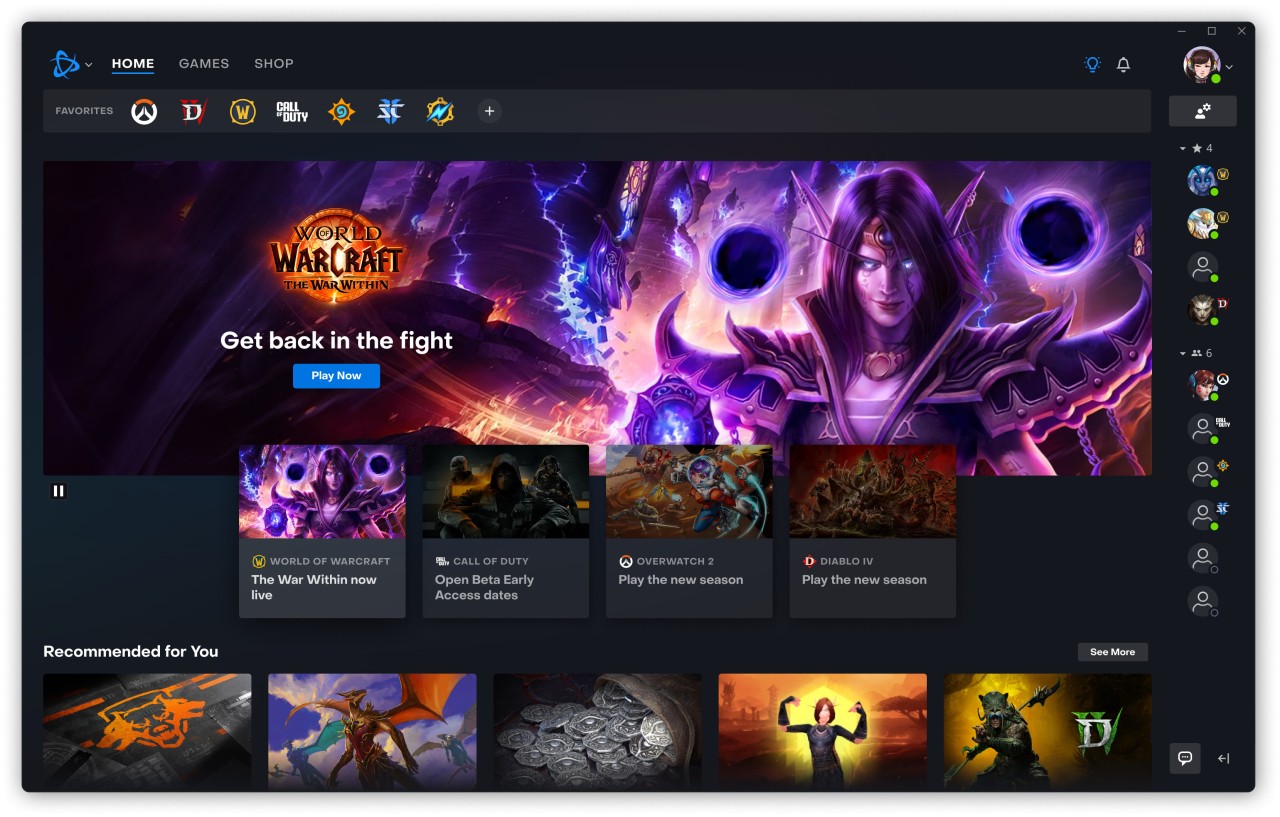
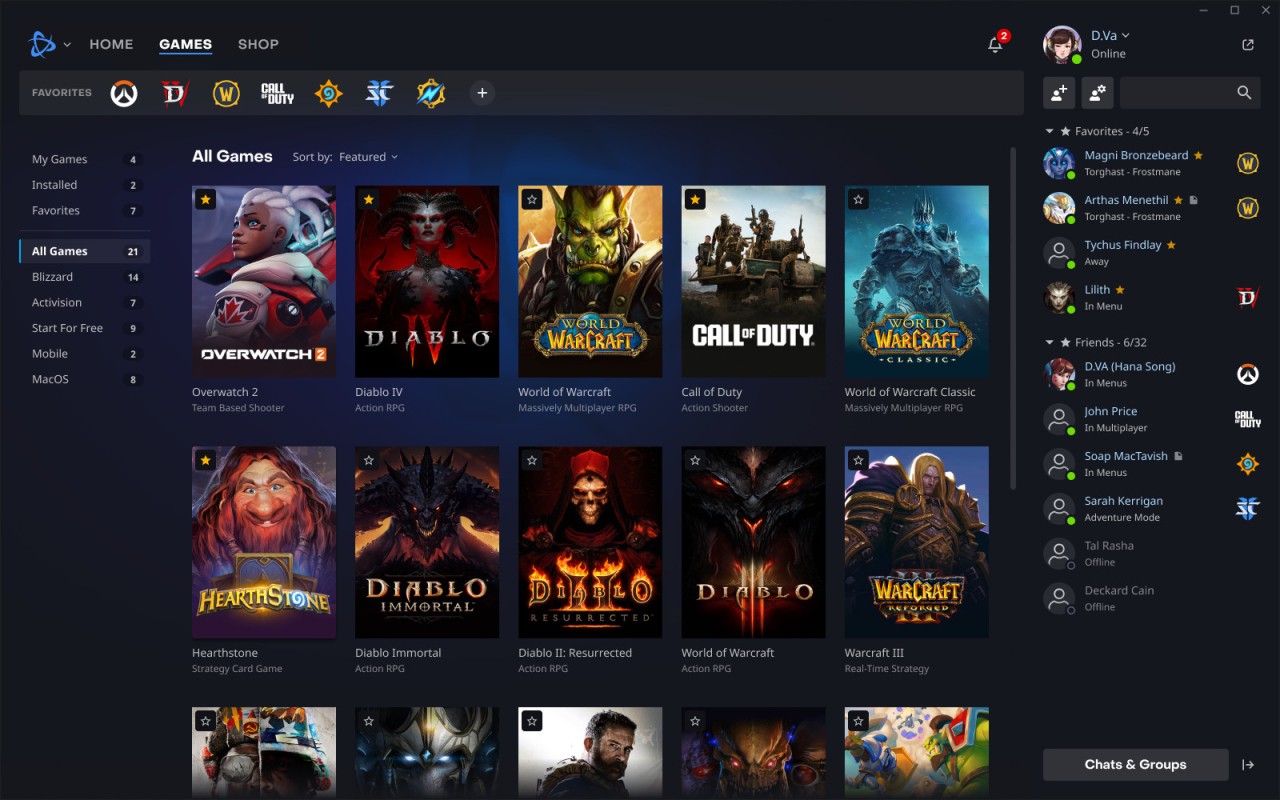
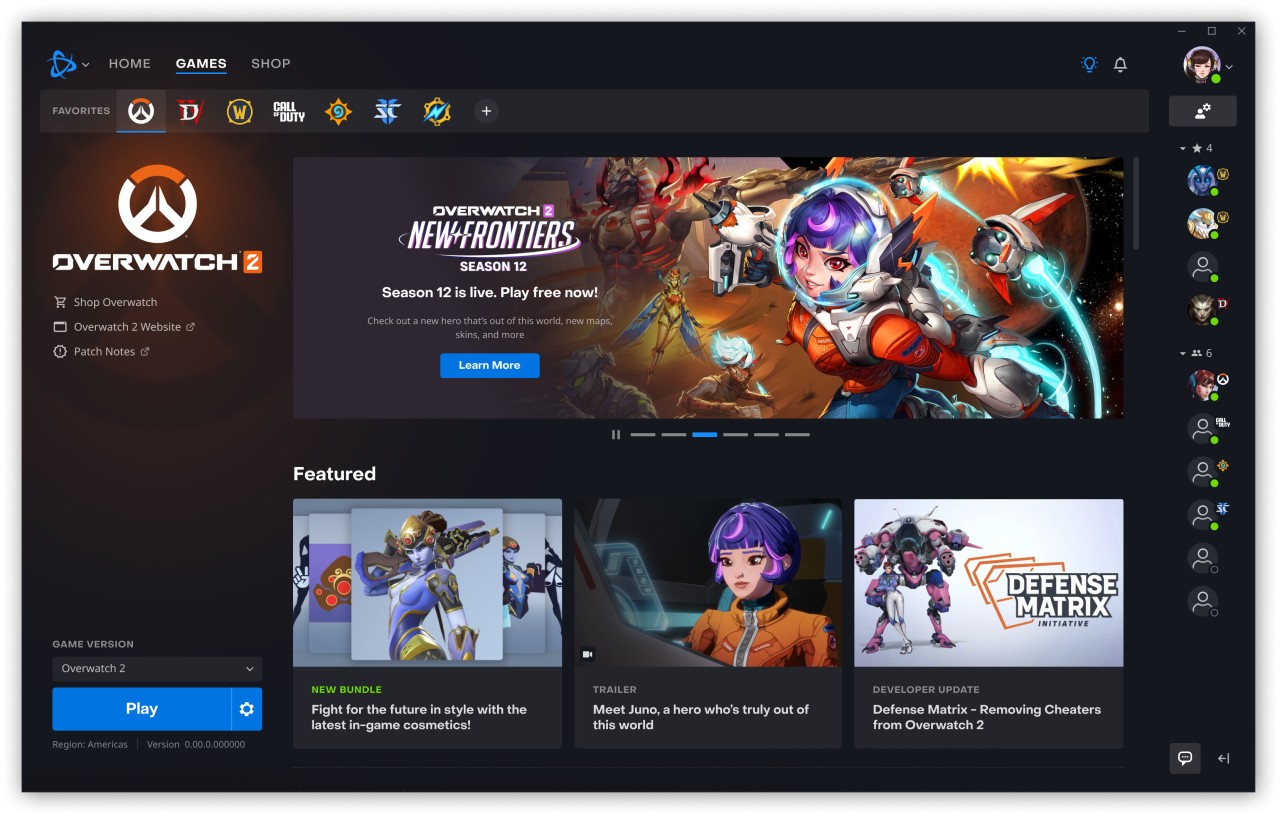
As an official launcher, Battle.net is the platform offered by Blizzard Entertainment. All of Blizzard’s games have a digital home here, and that’s where you get them, install them, play them, and update World of Warcraft, Diablo, Overwatch, Hearthstone, and StarCraft. But apart from games, you can also use it as a meeting place, system updater, shop, and option for saving your game data in the cloud. Since everything is gathered in one program, playing Blizzard games often won’t get complicated.
It was launched back in the late ‘90s, much earlier than most gaming platforms were made. Offering chat and matchmaking from the same spot as the game’s launcher was one of its main features long ago.
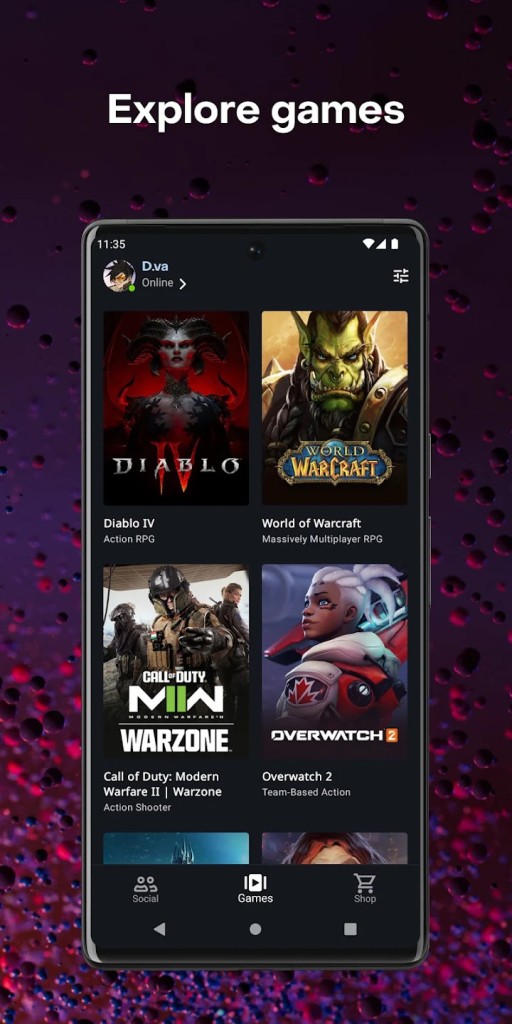
Even though most games on Battle.net are Blizzard games, the platform has recently added Call of Duty from the Activision series. Therefore, we have shooter games in the mix as well as themed events that happen from time to time. You can also open and edit your settings, go through your chat history, and get to your game add-ons all at once via the launcher. Blizzard and Activision’s games all seem to come together in one place here.
Why Should I Download Battle.net?
To enjoy any game developed by Blizzard, no matter if you have it yet or not, it’s better to have Battle.net installed. It cannot be avoided. All the games are found there. Aside from its importance, it is very well put together. You have to download the app only once, and after that, you can manage all your game updates with one press. It installs updates silently in the background, allows you to run many games at the same time, and keeps everything well organized. You do not have to stress about whether the game’s version is the latest. Let the launcher manage it for you.
You won’t find any distracting ads or other game news of no interest, since the interface stays basic. The library is the central point, and it shows you what you might want to know. It’s simple to start a session even after a busy day because you can always use it quickly.
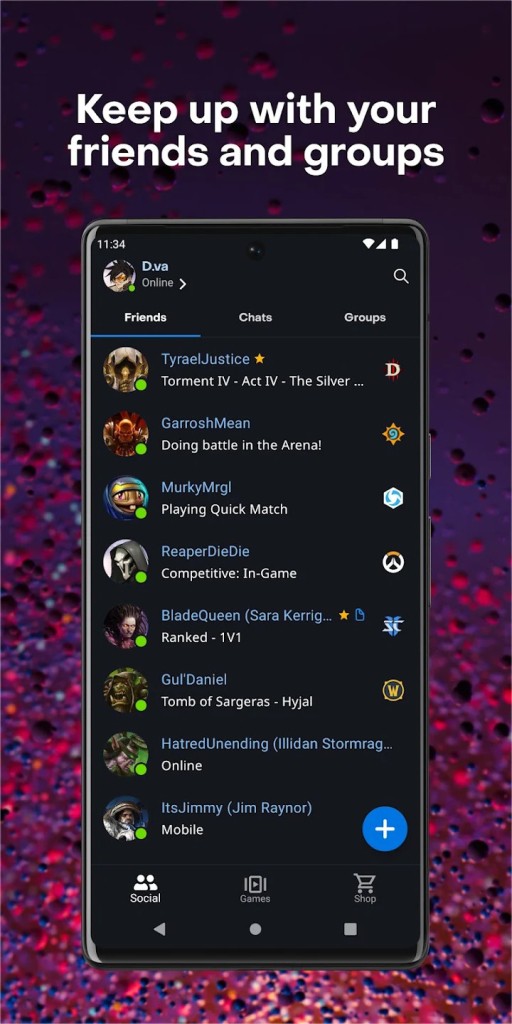
What’s more, social options are effective. You are able to add friends, hold voice calls, check who’s active online, and play together. You don’t need to move between apps to communicate with users of different games since they are all connected on one platform. You can play with your friends no matter if they’re in Diablo or Overwatch, and it will all be connected within the same app.
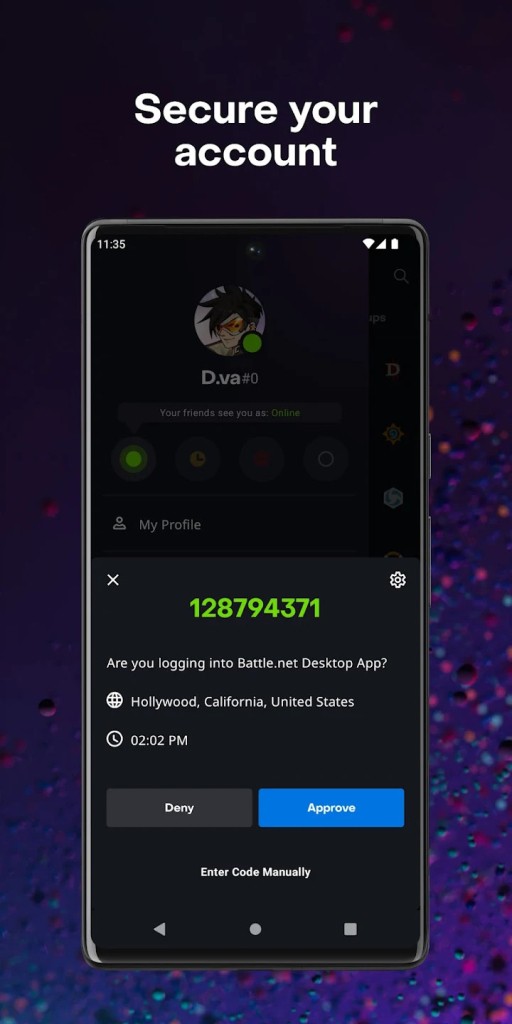
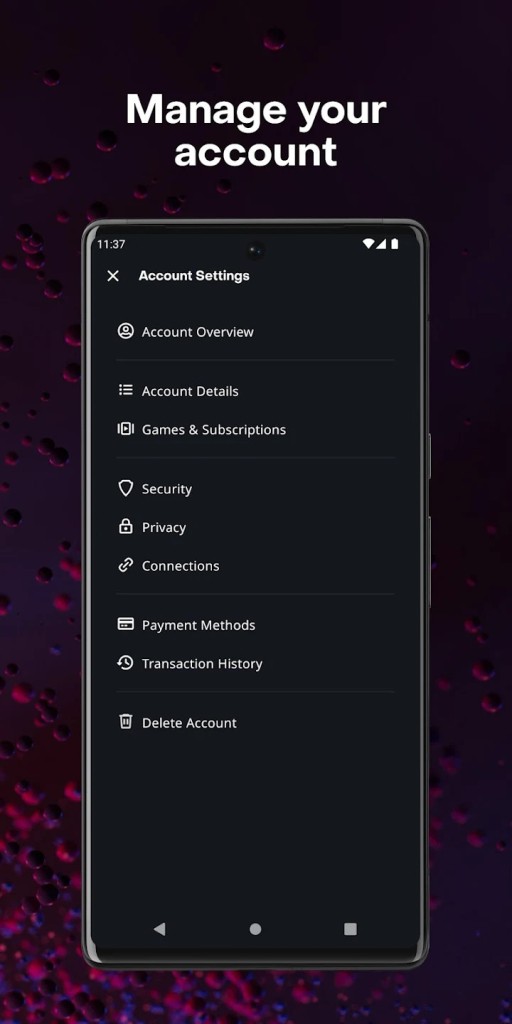
Everything you choose on Battle.net gets easily saved in your account. It may start your last game automatically, look after your usernames and passwords, and keep them safe. Starting your game is seamless every time. Moreover, the app has in-built regional server management, so lag is less likely, and your gameplay improves depending on your connection.
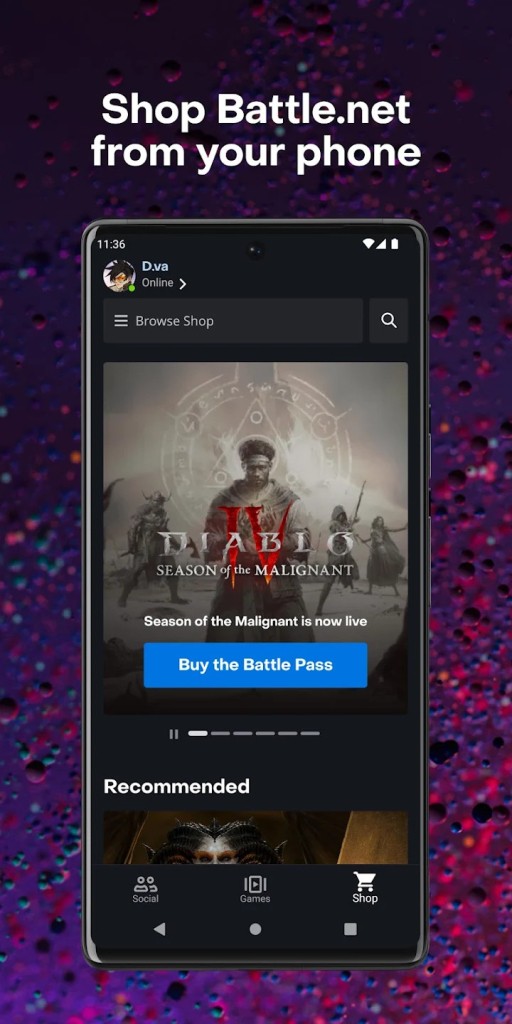
It is also very easy and hassle-free to use the shop on Battle.net. It uses your games as its main point of focus. With this tool, you’ll just see relevant expansions and other offers, not extra unrelated junk. Paying is easy, and the company refunds you whenever it is due. It makes sure your time and wallet are respected somewhat better than other digital stores do.
No matter if you change PCs or upgrade your machine, all your work will remain safe. The items you buy and all your overall progress are tied to your Battle.net account, so reinstalling the software on another device will remember your previous installs. Having the ability to use your decision-making on any device at any time is very useful in the long run.
Is Battle.net Free?
You can get and use Battle.net free of charge. You do not have to spend money to use the platform. The expense only comes when you buy games or in-game items of your choice. Some games offered on Battle.net, for example, Hearthstone and Call of Duty: Warzone, are free-to-play and have additional items you can buy if you want to.
What Operating Systems Are Compatible with Battle.net?
You can use Battle.net whether you are on a Windows or a macOS operating system. It is easy to use on modern equipment and is always updated to keep up with the newest system versions. To have the game and updates working, you need a secure internet connection, but once you’ve downloaded everything, the launcher does the rest.
What Are the Alternatives to Battle.net?
Battle.net does well for handling games from Blizzard and Activision, yet not all games need to be run by it. For different types of games and different-sized libraries, some other platforms may be a good choice.
By far, Steam is the most famous digital game platform and offers the largest library out there. People who want to play a mix of games and software turn to Steam, since it offers a wide range of games and more. It has other features for the community, live streaming support, achievements, and cloud saves. Although it does not have Blizzard titles, most PC players start with Steam when trying out other types of games and brands.
GOG Galaxy stands out because it puts simplicity and user choices above all. CD Projekt is in charge and their games are known for being DRM-free, which makes playing them easy without being on the internet all the time. It looks tidy, doesn’t leak your information, and you connect Steam and Epic to it to launch any games quickly. Although GOG Galaxy has a limited number of games, it ensures a pleasant and easy experience for those who want to be in charge of their purchases.
Since it was introduced, Epic Games Launcher has expanded rapidly because of the games it offers and giveaways. Playing Fortnite means you get access to game modes. In addition, Epic has stepped up by publishing main games such as Alan Wake 2 and Control, making sure to grab players’ attention with special releases. Although the interface is simple, it still gets the work done. Creators and players alike have joined the platform because developers receive a higher revenue share compared to other platforms.