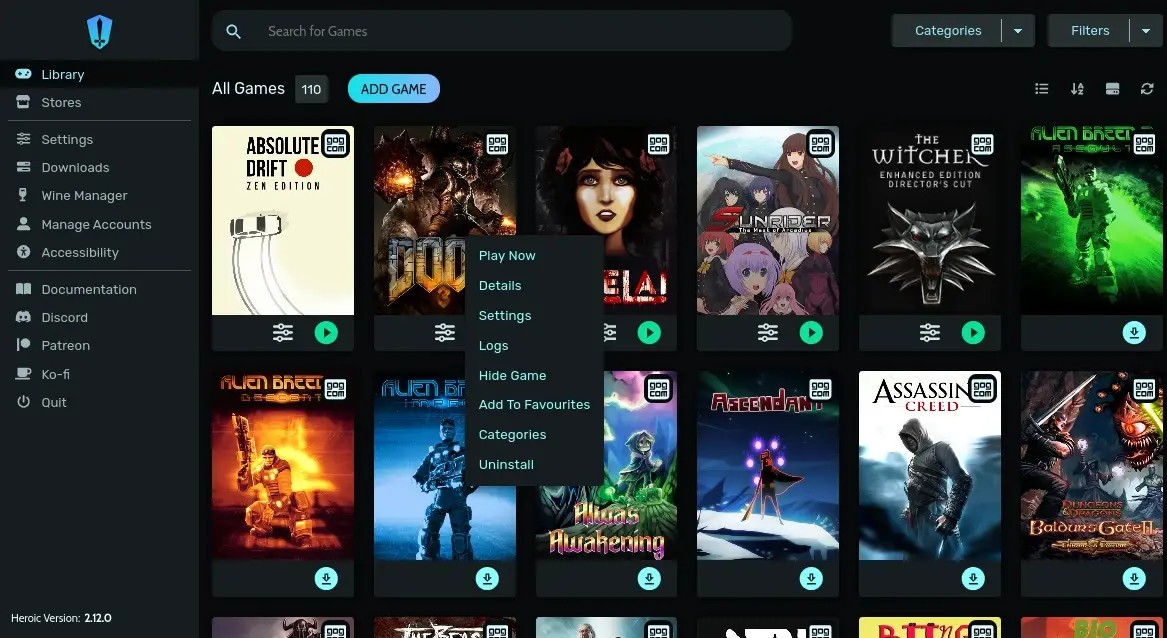
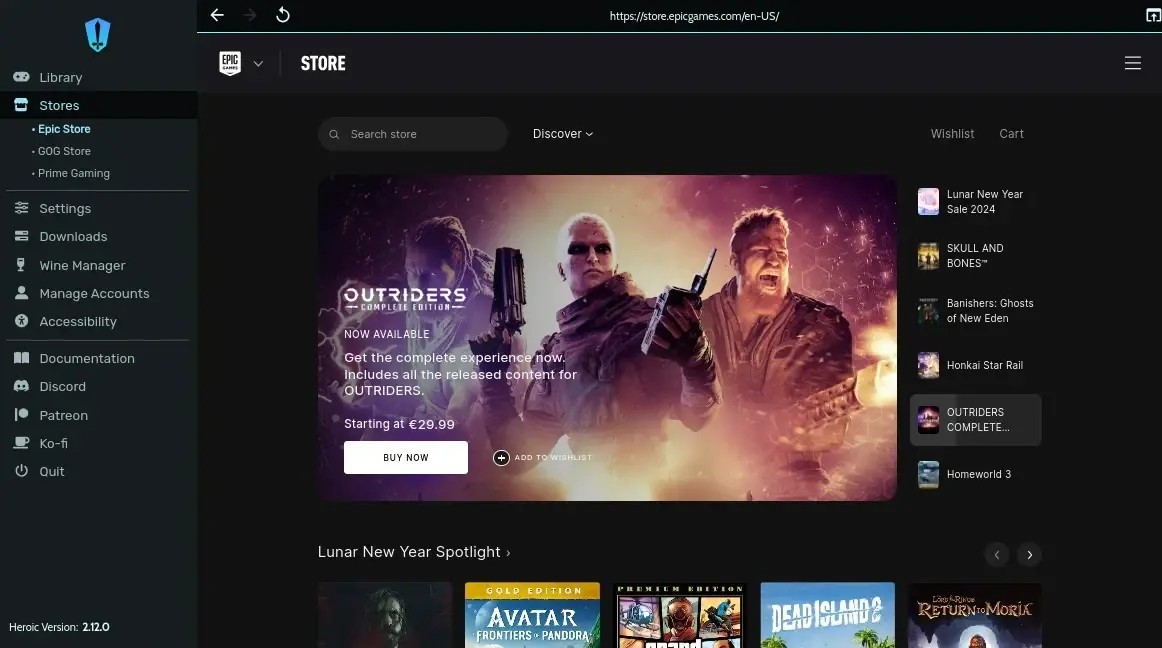
Since most Epic Games, Amazon Prime Games, and GOG titles are only available through a Windows client, Heroic Games Launcher is filling a gap that allows users to play these games on other platforms like Linux and macOS. It provides a legal way to download and launch games on other systems, using Wine and Proton integration for compatibility.
Heroic Games Launcher is also a more lightweight solution than the original Windows launchers. You can also choose which parts of a game to download, so if, for example, you're not looking to play in 4K, then you can skip this component or move the game to an external drive whenever you want without breaking it.
If you need a transparent game launcher where you can review the code and freely make your own changes, Heroic Games Launcher is a great option. You can download it on multiple platforms and enjoy a clean interface and a smooth experience.
Why should I download Heroic Games Launcher?
Heroic Games Launcher acts like a game manager where you can launch games that are otherwise restricted to Windows-only clients or have a single tool that combines titles from multiple sources. This launcher has native support for games from the Epic Games Store, Amazon Prime Games, and the GOG library, and you can also use it on Linux and macOS.
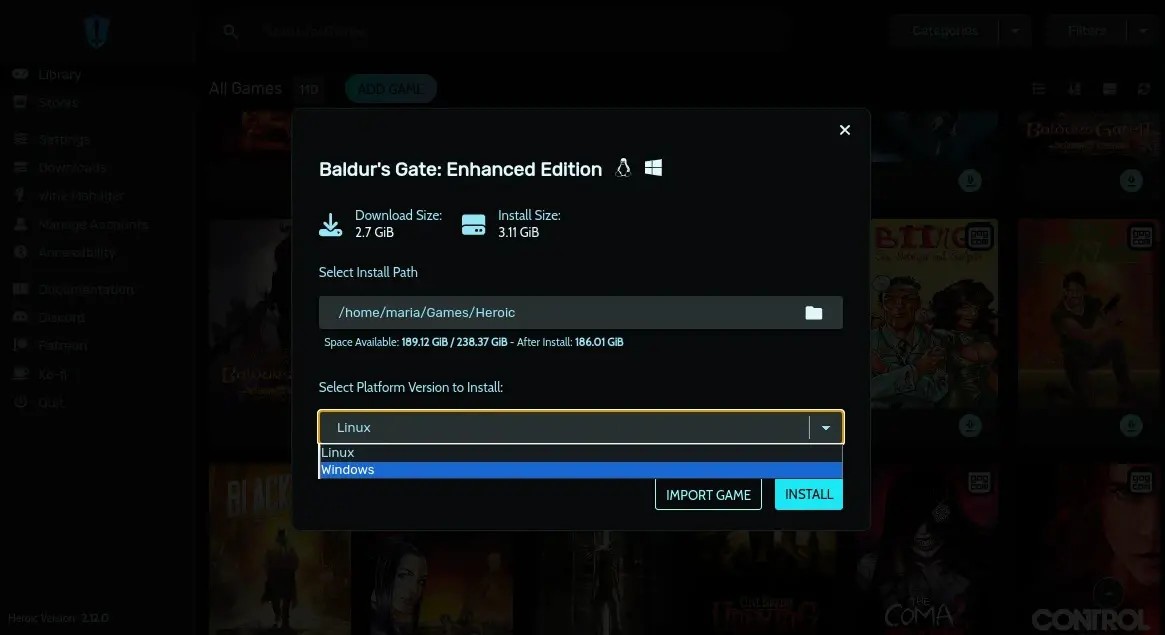
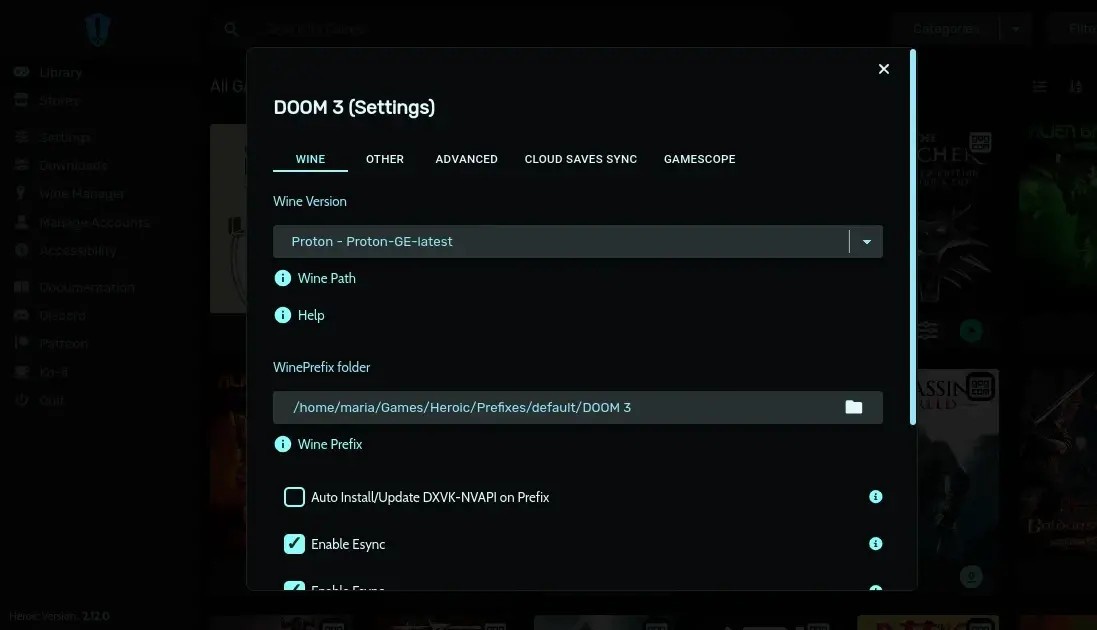
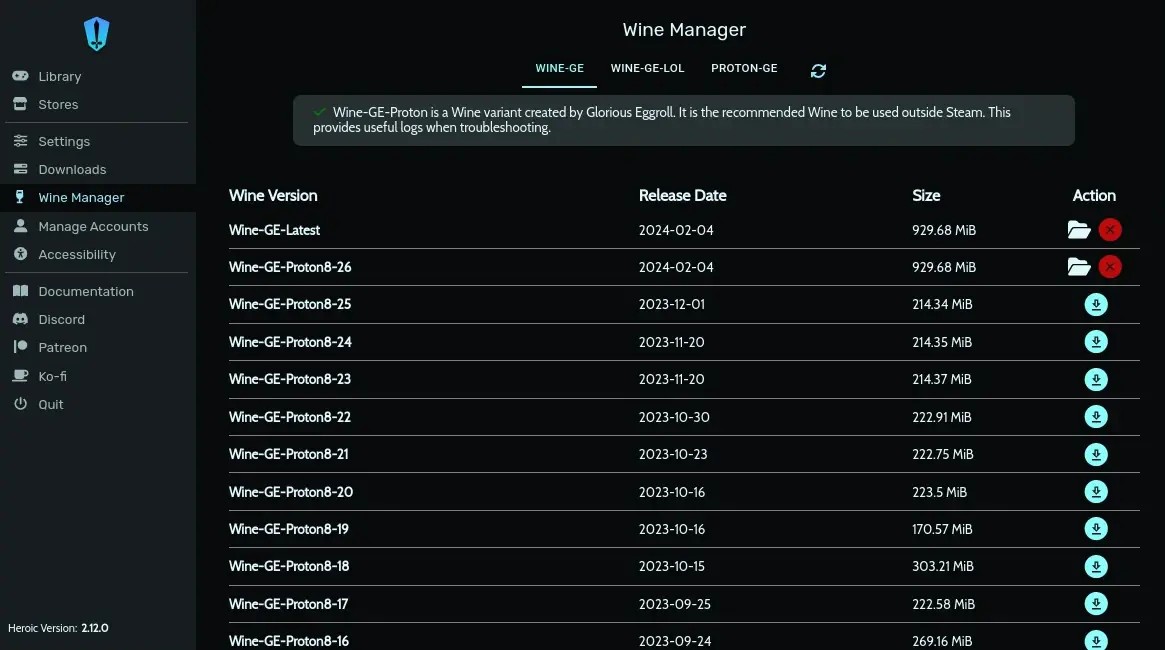
In order to run Windows games on other platforms, Heroic Games Launcher uses a deep integration with Proton and Wine compatibility layers. You can customize and change the settings of the launcher through a clean interface instead of providing command line instructions, and this way, you get more control over your game installation, performance, and compatibility.
Another strong feature is that Heroic Games Launcher has a built-in download manager you can use to control your installations and update games. You can check download progress, pause downloads, and select the directories where the game should be installed. The launcher also allows you to save your progress to the cloud and import backup files from local storage.
Many users choose to use Heroic Games Launcher not only because it covers more operating systems, but also because you can tune up and customize your game's performance. You can use it to configure things like launch options and environment variables, or even apply custom scripts to each game. You can tweak the game's resolution or other graphical and display settings, adjust the experience to your hardware setup, or work around limited system resources. You can also use other launchers like EA App or Ubisoft Connect within the Heroic Games Launcher to run games from those libraries.
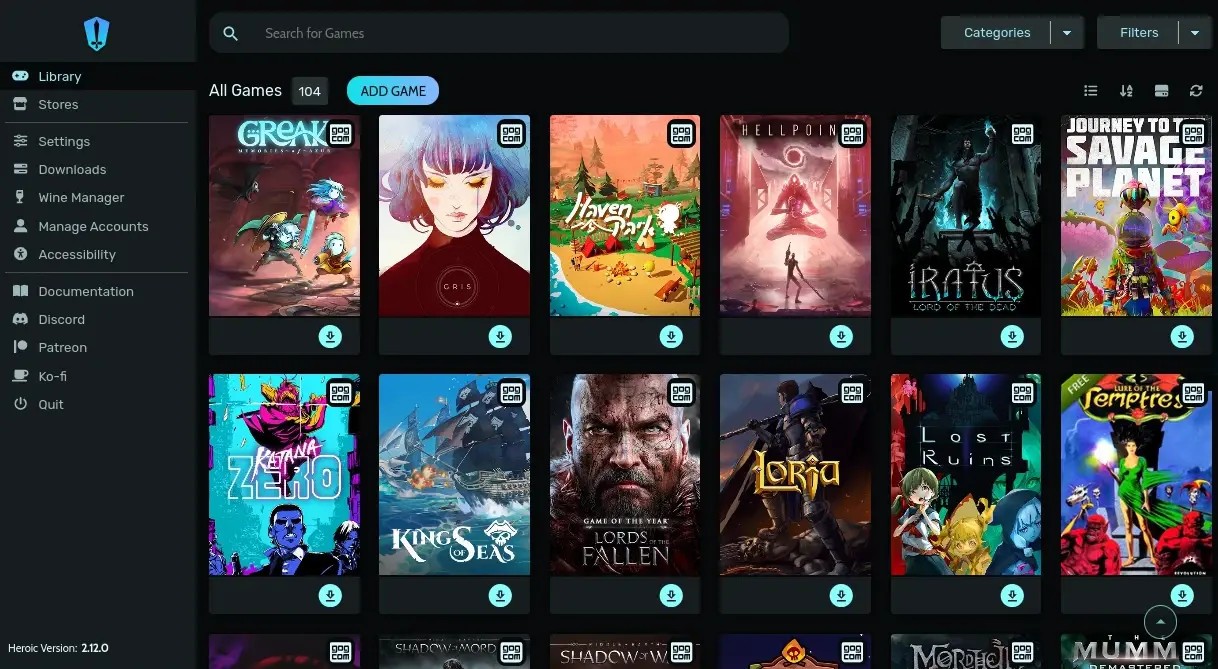
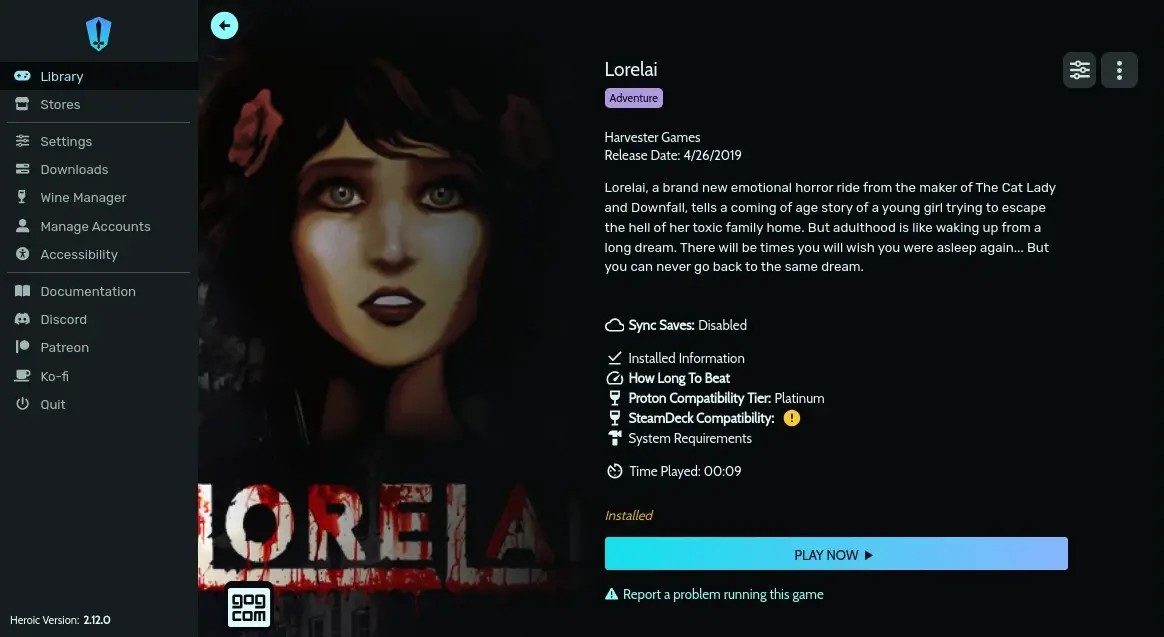
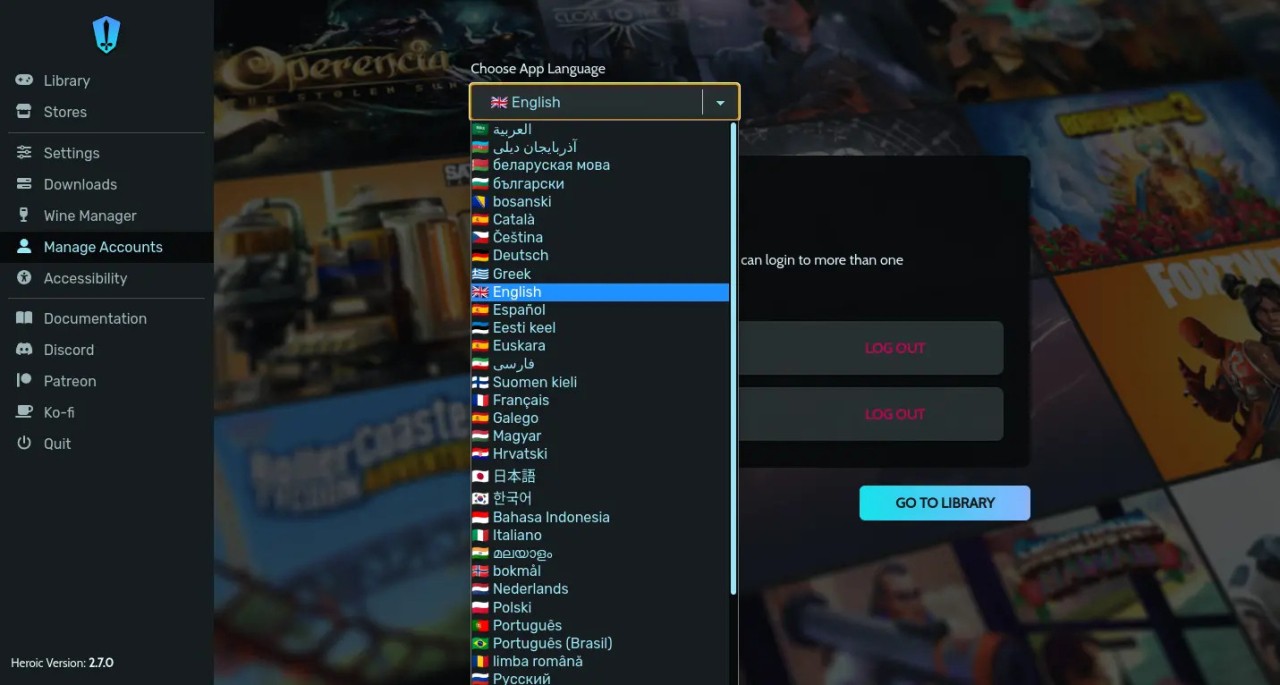
When you download Heroic Games Launcher, you can use it with multiple Amazon Prime Games, GOG, or Epic Games accounts and switch to a different user at any point. It makes it easy to manage your game library, and you can also check your game progress, tag your games, and make them favorites. and filter or sort through the list. The launcher's interface is clearly divided into different tabs so you can switch between library, store, settings, and installed games views.
Since Heroic Games Launcher integrates with the Legendary launcher and GOGDL from GOG, you can install custom community updates and updates without interfering with the game's performance. It's essential for Linux and Steam Deck users; otherwise, they wouldn't be able to run and launch the games. You can download Heroic Games Launcher for free, and be sure the app is transparent and follows open-source community guidelines.
Is Heroic Games Launcher free?
Yes, Heroic Games Launcher is a free solution from an open-source project that runs under the GPLv3 license. This means that anyone can download and use the software, modify it, and distribute it on their own without licensing issues. As soon as you install Heroic Games Launcher, you get access to all its features.
You need to remember, though, that Heroic Games Launcher only lets you launch games you've already bought on GOG, Amazon Prime Games, or through the Epic Games Store. It's a solution that acts like a connection point and a way to expand the platforms supported by the games offered by these two online game stores.
What operating systems are compatible with Heroic Games Launcher?
You can download Heroic Games Launcher and use it on Windows 10 and 11, Linux (Ubuntu, Arch, Fedora, etc.), and macOS (14 or newer). You can also install it on SteamOS for Steam Decks.
The launcher doesn't have extensive system requirements as it only needs around 500 MB of free space, 2 GB of RAM, and a 1.8GHz dual-core processor. However, please keep in mind these are the requirements for the Heroic Games Launcher, and specific games might need more powerful hardware.
What are the alternatives to Heroic Games Launcher?
Steam is the go-to games distribution platform for computers as it has a massive collection of titles, natively supports modding games, allows you to play in multiplayer modes, and automatically updates your games. It works on Windows, macOS, Linux, and Steam Decks, and you can download it for free. Most games in the Steam library are paid, but it also offers free-to-play titles you can add to your collection.
Epic Games Launcher is the official app from Epic Games Store that lets you buy, download, and run the games. It's only available on Windows and macOS computers, but you can also get it on iOS and Android mobile devices in the European Union. The platform is known for regularly offering free games, but usually, you have to purchase the title you're interested in if you don't want to wait for a promo or sale.
GOG Galaxy is the solution provided for games bought through GOG.com that also integrates with Epic Games, Steam, and Origin (EA App), so you can combine games from multiple sources under one launcher. GOG Galaxy is available on Windows and macOS systems, and you can get it for free.