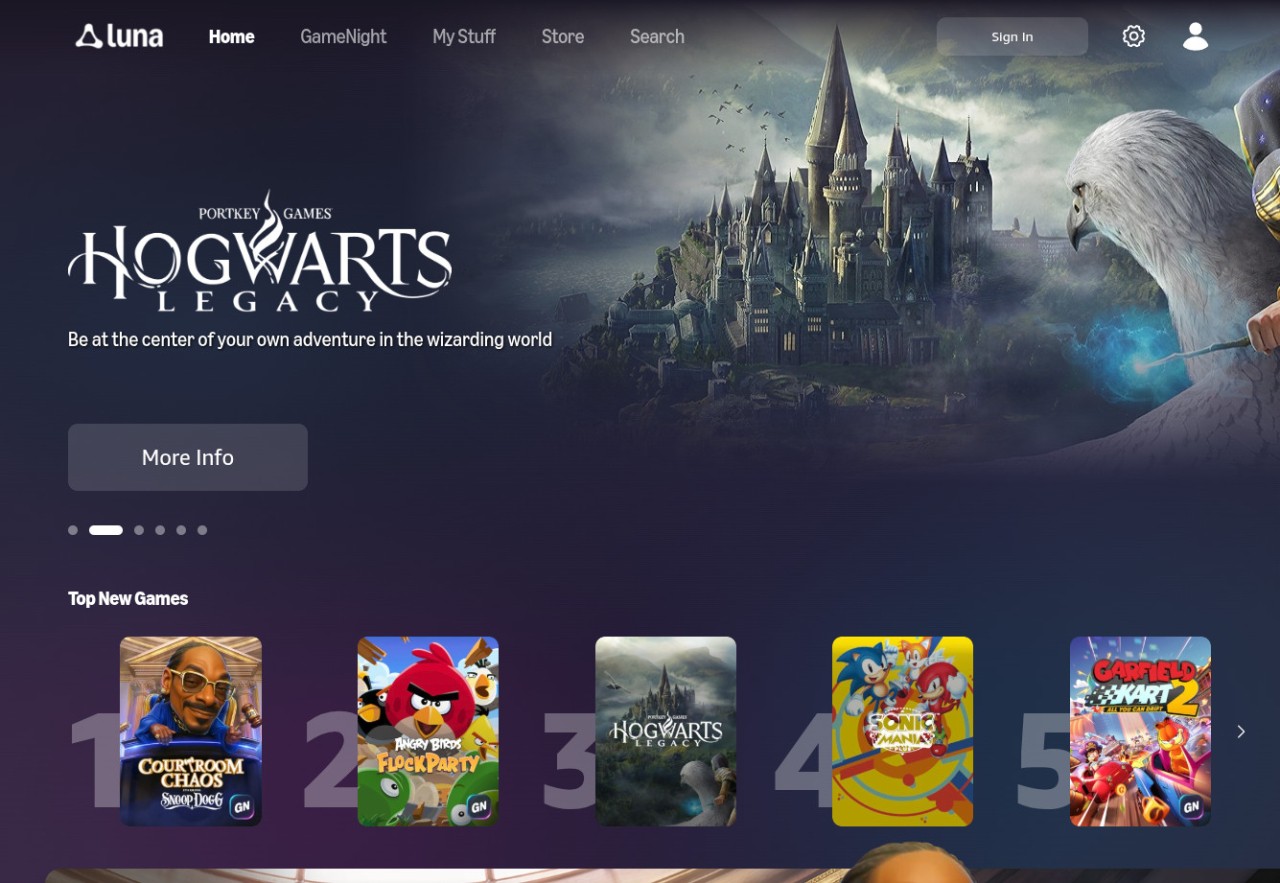
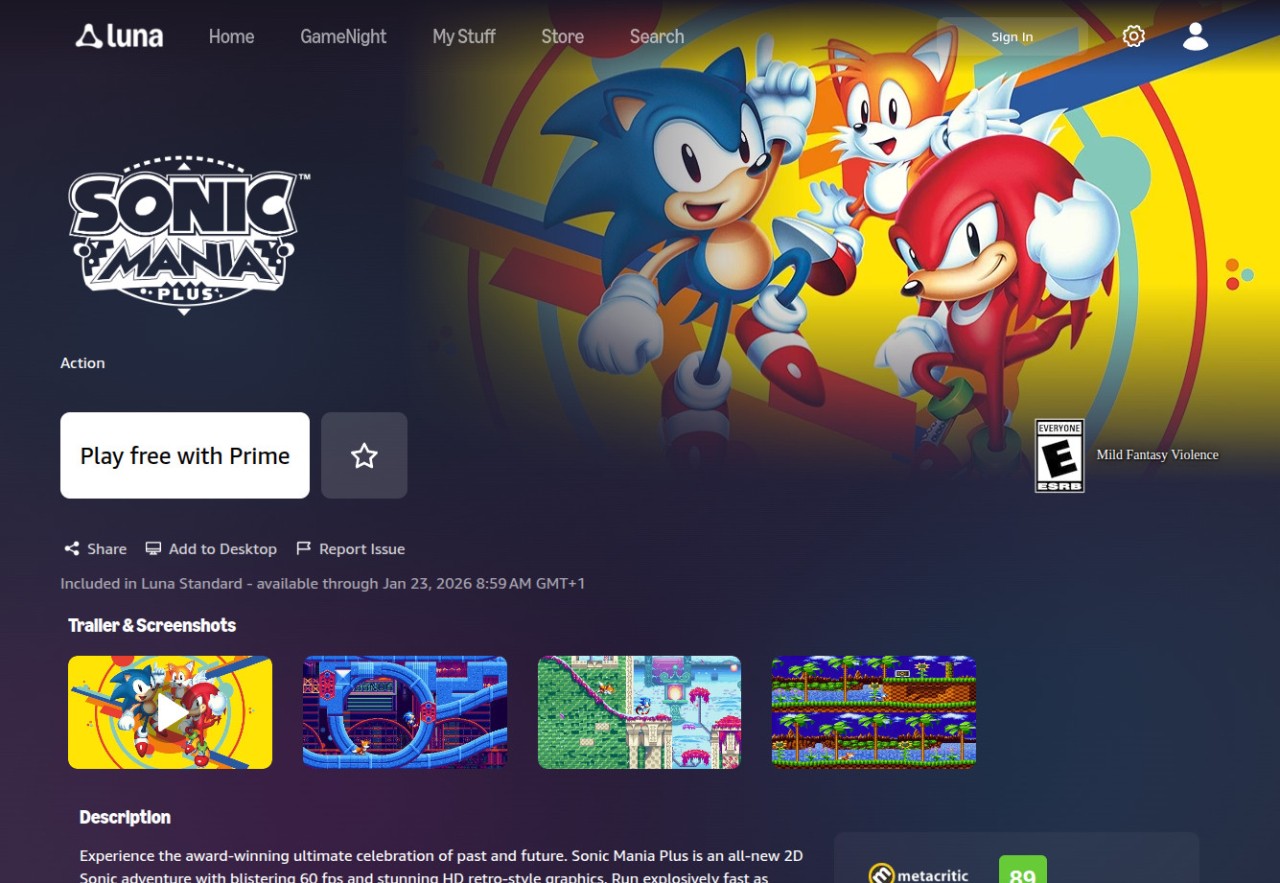
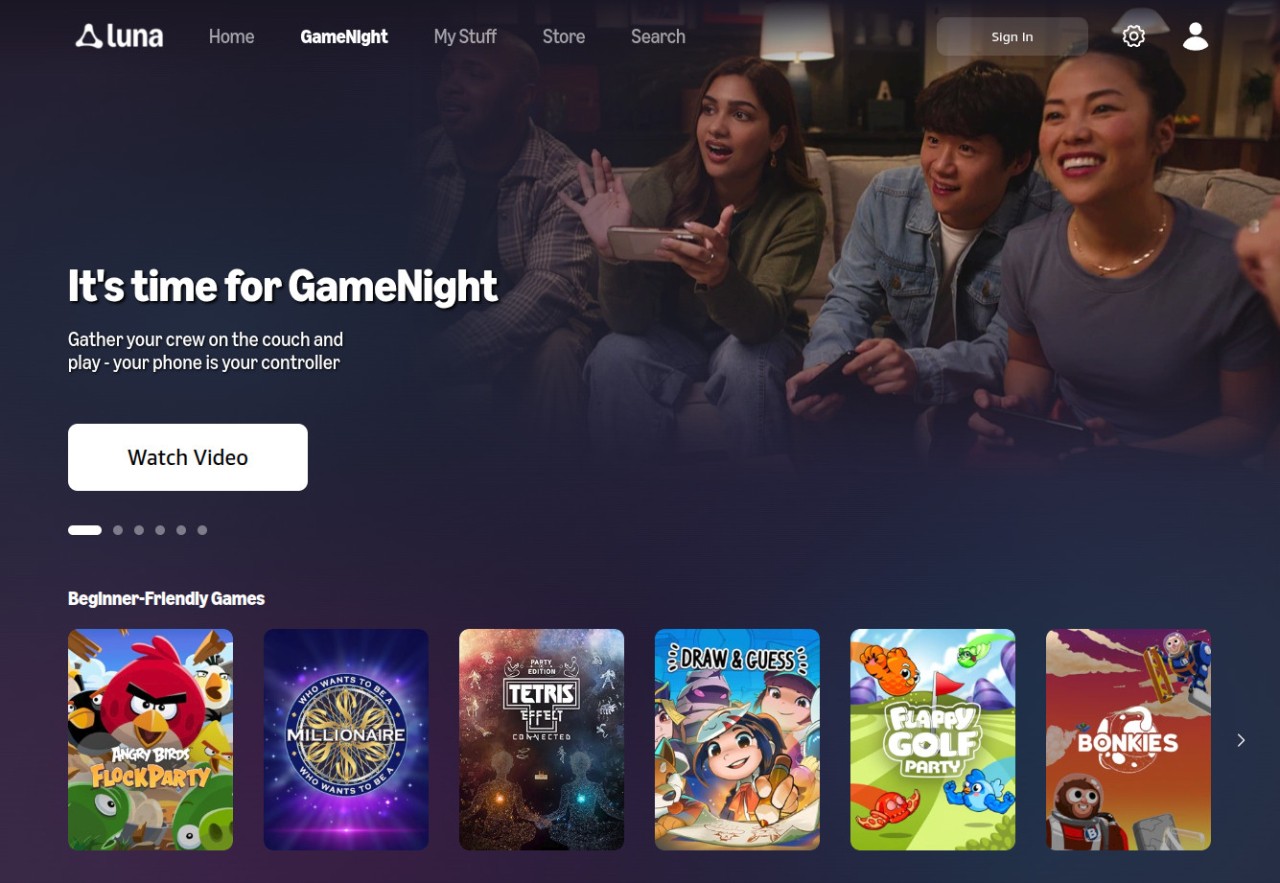
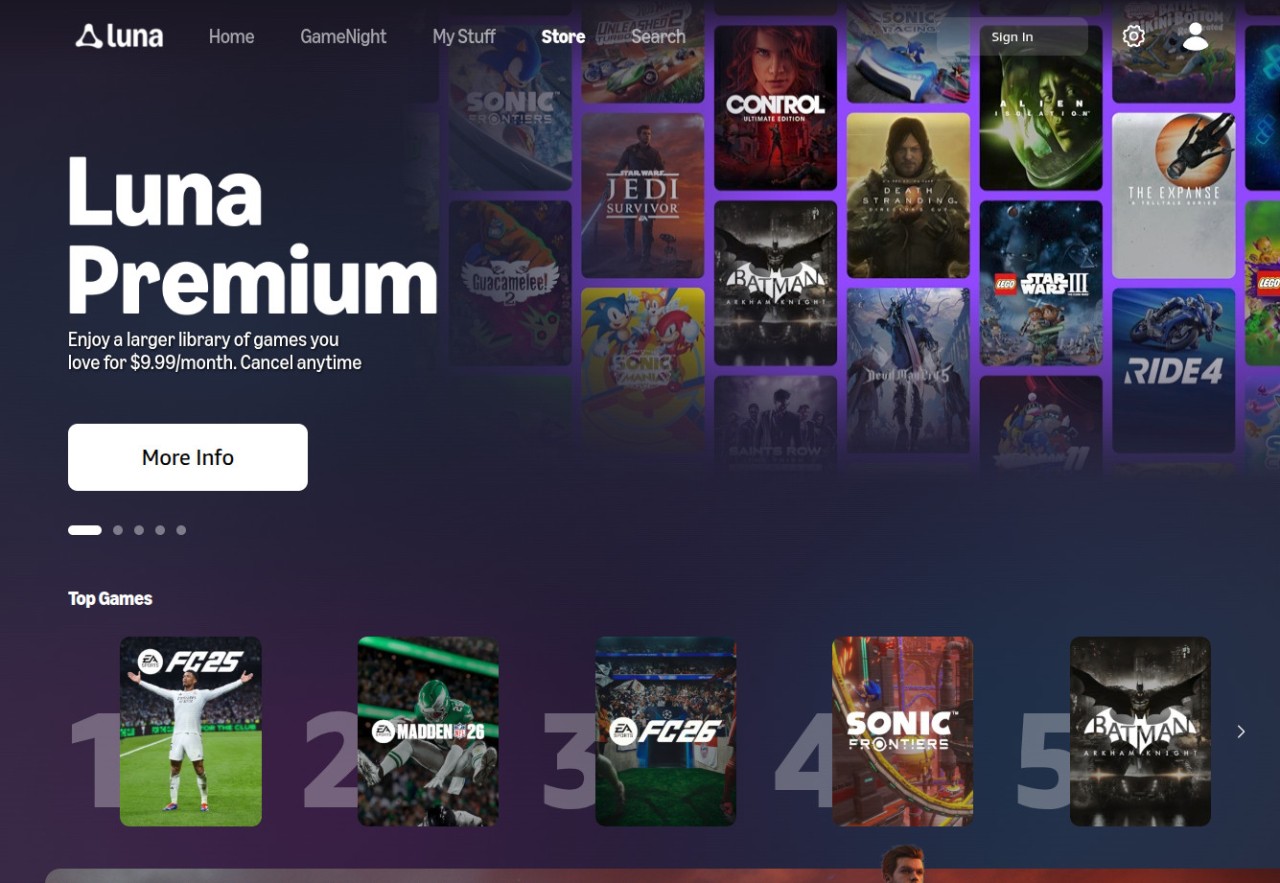
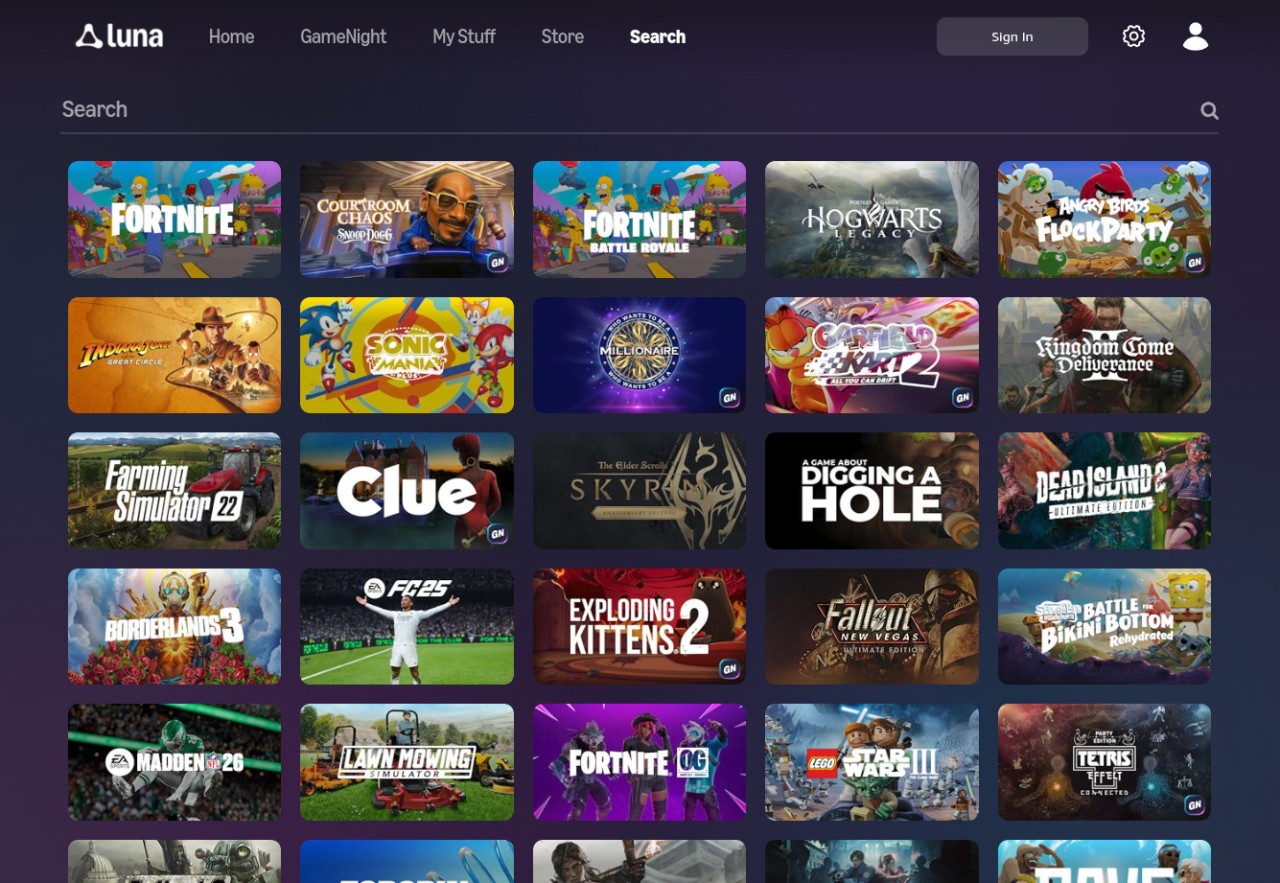
Amazon Luna is a cloud gaming service developed by Amazon that lets you play high-quality games instantly without installing or updating anything on your device. Instead of running games locally, Luna streams them from Amazon’s servers via the internet, so you can play using a browser or the dedicated app. You get to choose what you want to play from different game libraries through themed “channels.”
Games on Amazon Luna are streamed directly to your device in up to 1080p resolution at 60 frames per second, depending on your connection. The platform supports multiple input options, including controllers, keyboards, and mice. If you don’t have a game controller, you can use the Luna Controller app on your smartphone, which connects to the phone through a QR code. This clever feature turns your phone into a wireless gamepad, so you don’t need any extra accessories. Luna also integrates seamlessly with Amazon’s Fire TV devices, making it easy to turn any compatible TV into a gaming console.
Amazon Luna works on Amazon Web Services (AWS), so you can be sure to get a stable stream in different places around the world. For Amazon Prime members, Luna includes a rotating selection of free games each month, and EA subscribers can access their titles directly inside Amazon Luna. You can use Amazon Luna on a variety of devices, including Windows, macOS, Linux, as well as Edge, Safari, and Chrome web browsers. On top of that, you can also download Amazon Luna and run it on Fire TV and other smart TVs.
Why Should I Download Amazon Luna?
With Amazon Luna, you can start playing within seconds on almost any device without worrying about storage space or hardware limitations. Because Amazon Luna streams games directly from Amazon’s servers, you don’t need a gaming PC or console. As long as you have a stable internet connection, ideally with a speed of 10 Mbps or higher for 1080p or 4K resolution, you can enjoy smooth gameplay with minimal lag. You can start a game on your laptop, continue on your smartphone, and finish it on your TV without downloading or transferring files.
Amazon Luna offers multiple channels and subscription options, allowing you to pay only for what you use. The Luna+ channel covers a wide selection of titles across genres, while the Ubisoft+ channel unlocks premium Ubisoft games on Luna and other platforms. Families can subscribe to the Family Channel for age-appropriate games, and retro fans can access nostalgic titles through the Retro Channel. Amazon Prime members automatically receive access to free rotating games every month, which is great if you already have a Prime membership. EA subscribers can also link their accounts to play EA-published games they own or have through EA subscriptions. This flexible setup allows you to build a personalized gaming library without committing to a single massive subscription.
Amazon Luna also stands out because of its flexible control options, since you can play with the official Luna Controller, an Xbox, or PlayStation controller, or a standard keyboard and mouse. If you don’t have any of these, the Luna Controller app turns your smartphone into a fully functional controller that connects directly to the cloud. This app works on both Android and iOS, and all you need to do to connect your phone is to scan a QR code, which is a highly innovative feature.
You should definitely consider getting Amazon Luna if you’re looking for a way to play on various devices. You can play on Windows, macOS, Android, iOS, Fire TV, and even specific browsers. While the platform isn’t fully optimized for Linux, some games still run smoothly on Chrome with minor adjustments. The fact that Luna doesn’t require installations or updates makes the whole process extremely simple. Because every game is stored on Amazon’s servers, it means you always play the latest version automatically. The game download link essentially creates a shortcut to the web app, rather than a traditional download.
Is Amazon Luna Free?
No, while Amazon Luna isn’t completely free, it does offer options to play for free if you have an Amazon Prime subscription. Prime members receive access to a rotating collection of games at no additional cost, which changes monthly. This allows you to experience a portion of the service without needing to subscribe to any channels. You can also test Luna paid plans during a time-limited free trial period. Also, if you are subscribed to the EA service, you can link that subscription to Amazon Luna and access all the games you already own there.
If you need more, you can also choose to subscribe to specific channels, such as Luna+, which is the main plan. It offers a broad catalog of games across genres for a monthly fee. You can also choose the Ubisoft+ channel to get full access to Ubisoft’s premium library. There’s also a Family Channel that offers child-friendly games, as well as a Retro Channel featuring classic older games.
What Operating Systems Are Compatible with Amazon Luna?
Amazon Luna is an online service and you can use it on a wide range of platforms. It works on Windows 10 and 11, macOS 10.13 and newer, and Amazon Fire TV devices. You can also use the Luna Gamepad app on Android 9.0 or higher and iOS 15.0 or up.
You can access the service online through any of the supported browsers, such as Chrome, Edge, and Safari. It works even if you’re a Linux user, but you might encounter some compatibility problems (we still managed to play some free Prime games).
Note that the service offers a Download option; this is not really a download, as Luna is only available online, it just creates a shortcut to the service directly on your desktop. Additionally, you can download Amazon Luna and launch it on select smart TVs.
All your progress is always synced to the cloud, so Amazon Luna supports cross-platform play, and you won’t lose your place when you switch devices. You can use Xbox and PlayStation gamepads, connect your smartphone as one, or use a PC mouse and keyboard.
What Are the Alternatives to Amazon Luna?
GeForce Now is a gaming platform from NVIDIA that enables you to stream high-end games on various devices, including older computers. The platform works on remote servers so that you can play via the internet on Windows, macOS, mobile devices, and smart TVs. Depending on your subscription level, you can access and launch even high-end games in large resolutions. The service now also lets you link your Steam, Epic Games Store, Xbox PC, GOG, Ubisoft Connect, or EA App libraries. It delivers high-performance gaming to everyone, and you can choose between a free plan and various paid tiers.
Xbox Cloud Gaming is Microsoft’s streaming service included with the Xbox Game Pass subscription. It offers hundreds of Xbox titles that you can stream instantly on Windows, macOS, Android, iOS, through web browsers, and Xbox consoles. You can play wherever you want and continue on a different device. The service also offers exclusive discounts and can run on selected smart TVs and VR headsets.
PlayStation Plus subscription services can access the streaming feature (PlayStation Now), where you can get and play classic PlayStation games or download them to your Windows PC and PlayStation 4 and 5. It offers hundreds of games from all versions of PlayStation, you can easily save your progress to the cloud, play online multiplayer, and enjoy free games every month.
Shadow is a virtual Windows PC (usually for gamers) that you can access on a wide range of other devices, like macOS, Linux, Smart TVs, iOS, Android, and more. Instead of only allowing you to access streamed games, you can also run full-fledged Windows-only software on all compatible devices. It’s a paid service with different subscription tiers that adjust to your hardware configuration.