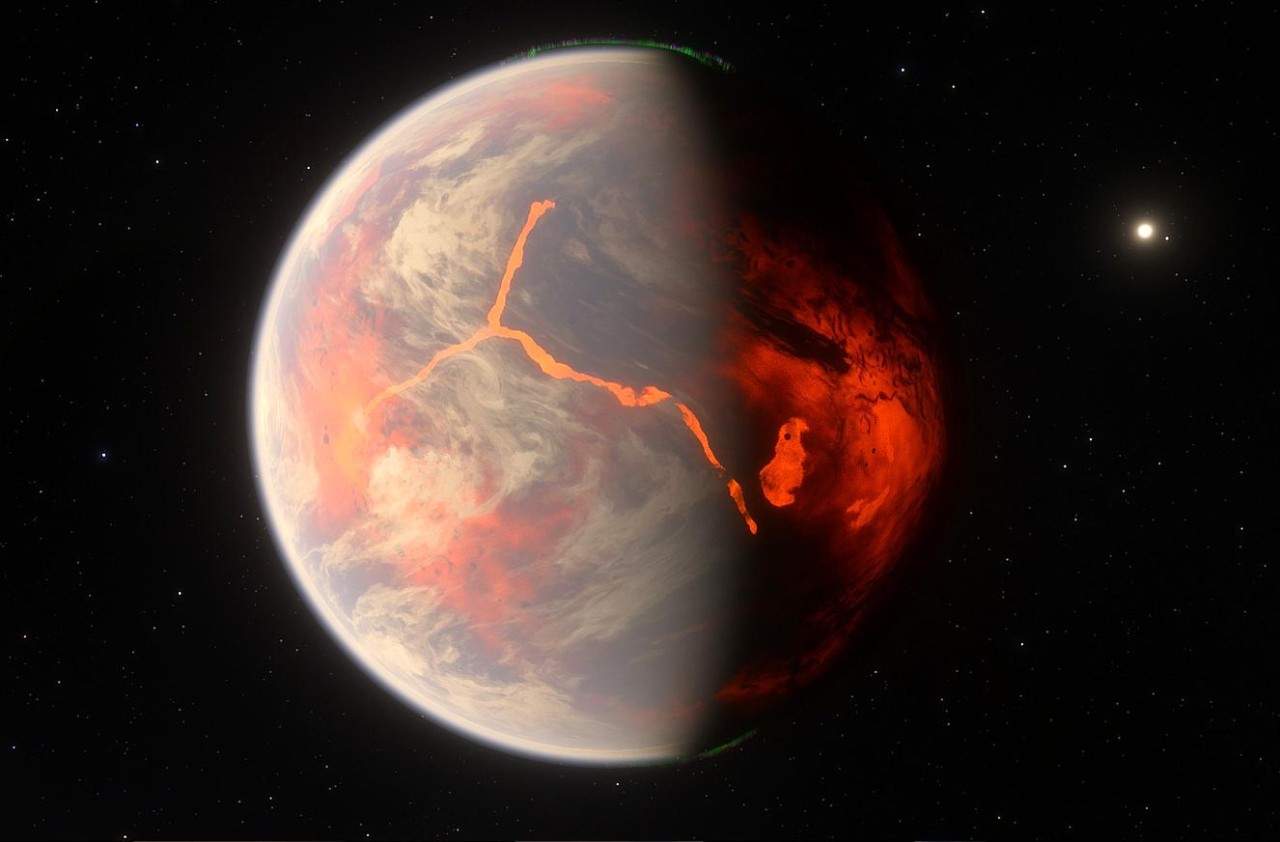
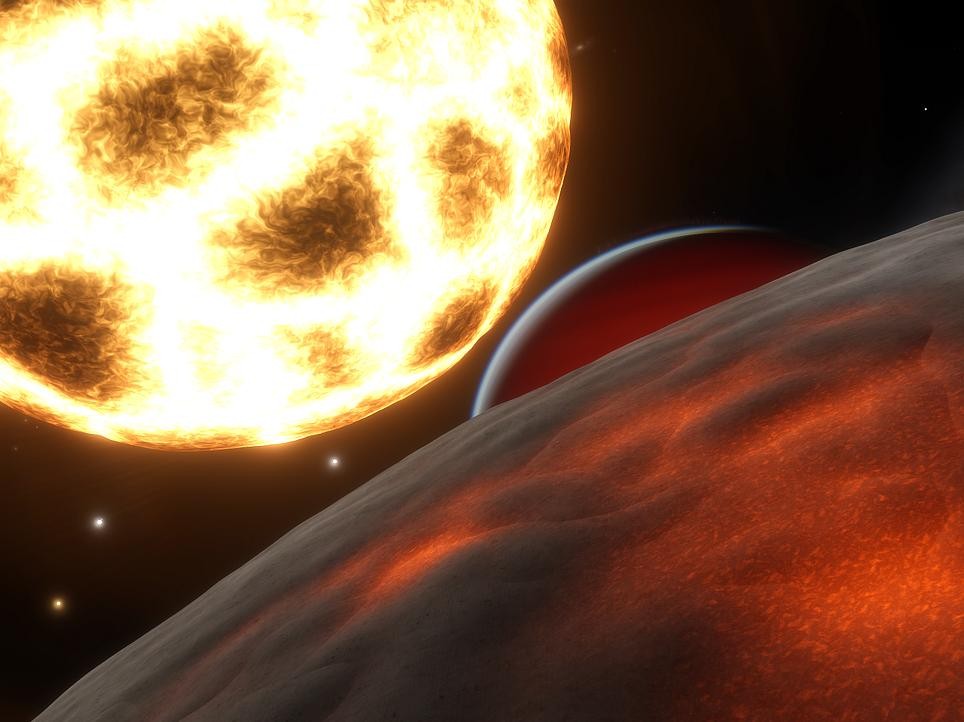
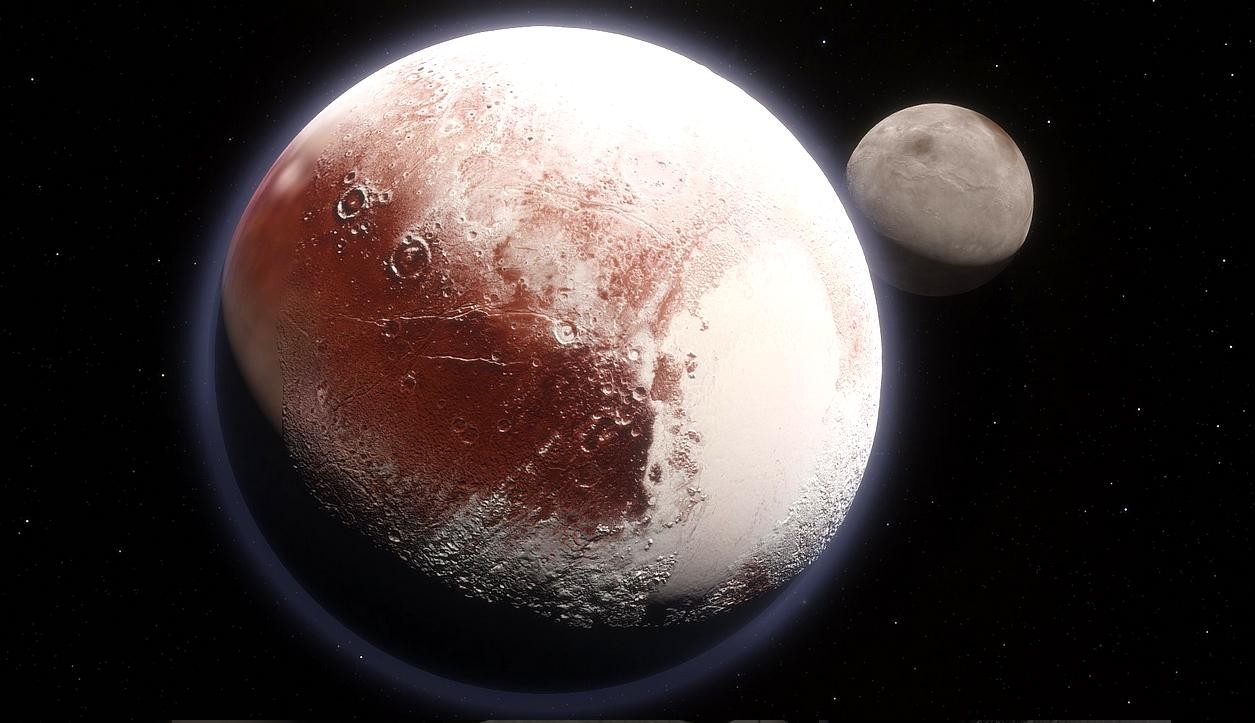
Space Engine is a realistic universe simulator that recreates the cosmos with scientific precision and realism, using procedural generation to create an almost infinite universe. It lets you travel through the universe and explore things like the surface of a single planet or the edge of a distant galaxy, all without loading screens. It uses real astronomical data from catalogs such as Hipparcos, Gaia, and NASA's databases, and Space Engine accurately models known stars, nebulae, and planetary systems. Everything beyond the limits of current science is procedurally generated using astrophysical principles, meaning every world you visit feels plausible, even if it's fictional.
When you explore Space Engine, you can visit billions of celestial bodies, each with unique terrain, weather, and lighting conditions. You can land on planets, fly through dense asteroid belts, or observe black holes and nebulae up close. The app’s engine calculates orbital motion, gravity, and atmospheric physics in real time, so you can witness events like eclipses, planetary alignments, and galactic rotation exactly as they would occur. Space Engine places special emphasis on visuals, which are breathtaking and feature dynamic lighting, as well as realistic design with an unmatched level of detail.
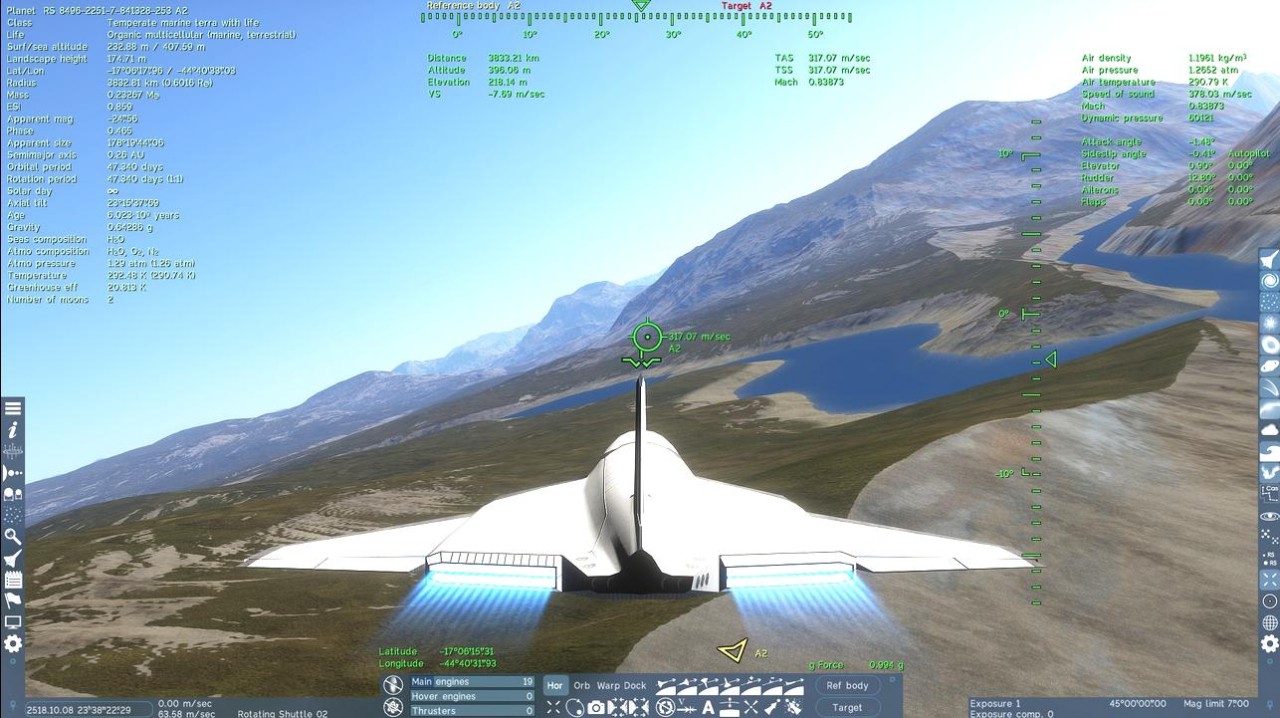
While Space Engine is a space simulator, it offers an interactive experience where you can control time, pilot spaceships, and record cinematic flythroughs using built-in camera tools. There's also a planetarium mode that displays scientific data such as orbits, mass, temperature, and spectral type for every object. It's perfect if you need to learn astronomy, want to explore stellar evolution or planetary formation, or just travel through these incredible areas. It's a paid game that you can buy for Windows PCs and VR sets through Steam.
Why Should I Download Space Engine?
Space Engine offers an amazing experience due to its use of physics-based rendering and real scientific principles, which create a universe that behaves as it should. Every celestial body, whether real or procedurally generated, has proper gravity, orbital mechanics, and atmospheric behavior. You can travel at any speed, from walking pace to the speed of light, and observe how relativity changes your perception of time and space. This simulation brings the cosmos to its accurate scale, and it's a great treat for everyone, not only those fascinated by astronomy.
Even though it's powerful, Space Engine is also extremely fast and shows you high-resolution renders of planets, galaxies, and nebulae with dynamic effects like lens flares, shadows, and auroras, all thanks to its advanced graphics engine. You can zoom out from a mountain on Earth to see the entire Milky Way, and all transitions between ground level and outer space are completely seamless. The engine also simulates atmospheric scattering, producing realistic sunsets, cloud movements, and lighting variations. Combined with a dynamic soundscape and smooth performance, the game provides a fully immersive experience with a genuine sense of the universe's scale, especially when used with VR sets.
You can also treat Space Engine as a learning tool where you're able to explore actual star systems in Planetarium mode, or create your own fictional ones, complete with planets, moons, and atmospheres. Each world is interactive, so that you can land, fly around, and observe its terrain and weather in real time. The built-in information panels display everything from surface gravity to chemical composition, making it a valuable resource if you're learning astronomy. If you want, you can also use the built-in camera and recording tools to create video art or take screenshots. The game lets you script planetary flybys, time-lapse sequences of stellar motion, or even simulate the future evolution of galaxies.
On top of everything that's offered out of the box, Space Engine also has a modding mode for user-created add-ons. As a user, you can add high-resolution textures and new spacecrafts, or share custom planets, flight scenarios, and visual presets that expand what the simulator can do.
Because Space Engine is built around both real and theoretical astrophysics, it continues to evolve as our understanding of the universe grows. The developer regularly updates it to improve performance, expand databases, and add graphical enhancements, ensuring that the simulation stays both scientifically current and visually stunning. You can download Space Engine through Steam for Windows-based computers, and also launch it on VR sets like Oculus or HTC Vive, Valve Index, WMR, and other compatible headsets.
Is Space Engine Free?
Space Engine started as a free project, but currently, it's a paid title you can buy on Steam. With it, you can access all the game features, planets, and regular updates. There are additional free content packs for high-definition versions of popular planets like Mercury, Venus, Earth, and the Moon, but you can also get a paid Pro expansion that allows you to use the tool commercially, and adds more advanced recording features and unlimited resolutions.
What Operating Systems Are Compatible with Space Engine?
You can download Space Engine for computers running on Windows 10 or later, and your computer needs to have at least 6GB of RAM, a modern graphics card with at least 3 GB of VRAM, and a screen resolution of at least 1920 x 1080. You can also launch the game on VR headsets like Oculus or HTC Vive, Valve Index, WMR, and others.
What Are the Alternatives to Space Engine?
Microsoft Flight Simulator gives you a realistic aviation experience with landscapes mapped on satellite images and real-time weather. You can select to fly a wide range of machines, like commercial jets, small planes, and even experimental aircraft. Each of them has accurate physics, and as you fly, you need to be mindful of the air traffic that represents the real world. It's a resource-heavy and paid game, so you need more advanced hardware to run it on Windows computers, but you can also play Microsoft Flight Simulator on Xbox Series X/S and download additional DLCs that bring even more content to this game with top-tier scale and realism.
FlightGear is an open-source flight simulator that's totally free and can be used both for entertainment and education because of its realistic models and physics. The simulator has a huge library of hundreds of aircraft, and you can also customize weather settings, modify the existing plane models, or create your own aircraft. Available on Windows, Linux, and macOS.
Aviassembly is a flight simulator game where you can travel on an aircraft through an open world and complete various missions to earn money or additional upgrades for your plane. You can also build a plane from scratch and test against conditions that mimic real physics and challenges. Apart from planes, you can design rockets, build modular components, and launch them into orbit. The game also has a creative sandbox mode where you're able to experiment with different spacecraft designs and maneuvers. It's a paid title available on Steam for Windows PCs only.