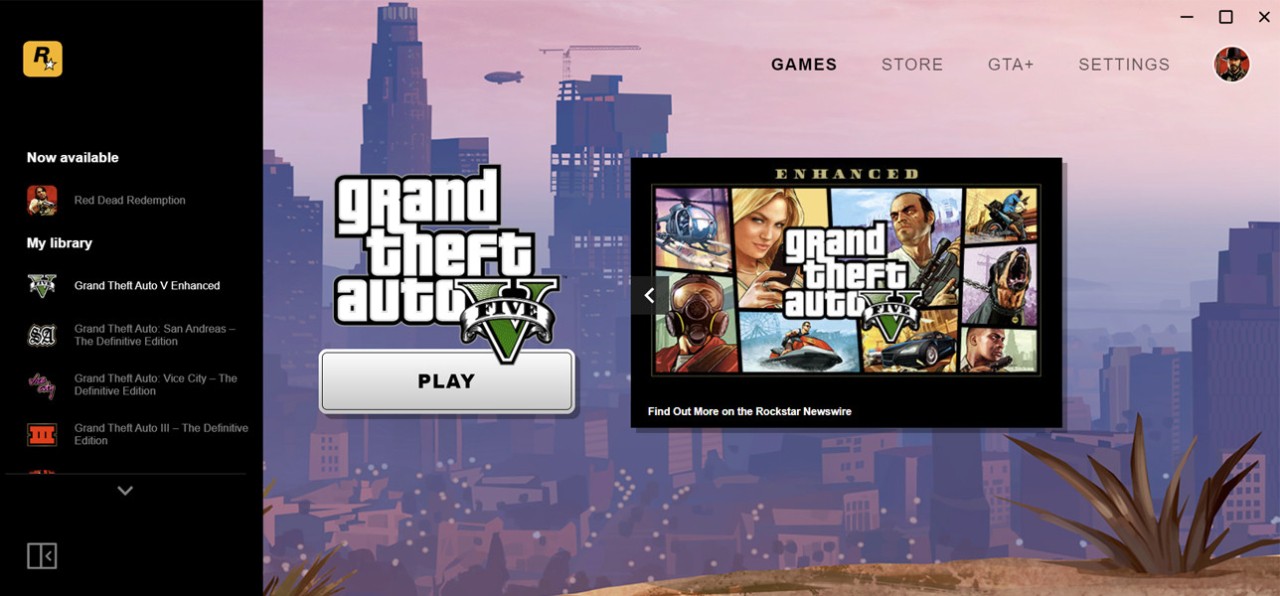
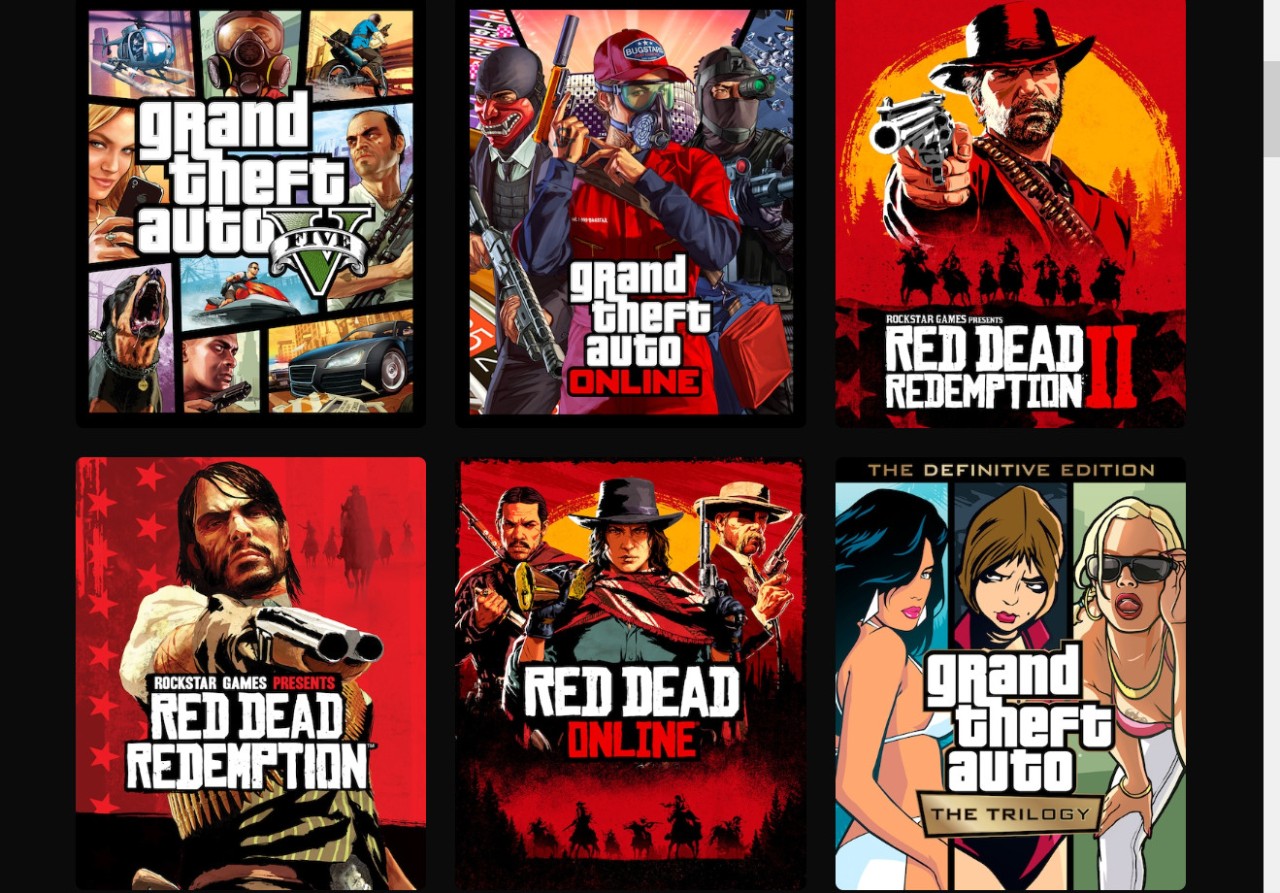
The Rockstar Games desktop application, named Rockstar Games Launcher, enables users to maintain and download full access to all their studio games from one location. Most people who played Grand Theft Auto V or Red Dead Redemption 2 on PC would have discovered the Rockstar Games Launcher installation.
The Launcher recently entered the market to provide direct management of Rockstar Games titles without requiring third-party platforms. The famous editor developed this application to provide both users and gamers with a direct process from purchase to gameplay.
Through this tool, users obtain digital game access combined with automatic updates, which work hand in hand with cloud save functionality for supported games. The gaming system stores your login details and game preferences, which automatically load when you start playing without requiring additional entries. The system operates automatically in the background as it performs extensive duties.
The Rockstar Games Launcher functions beyond simple appearance because it has become essential for people who wish to digitally access Rockstar PC titles. The platform provides Rockstar with a centralized control point because the company shifts away from using major platforms, including Steam. Still, it’s just a launcher. Users will find only the essential functions needed to start gameplay, since the Rockstar Games Launcher lacks social spaces and support forums.
Why Should I Download Rockstar Games Launcher?
Users commonly wonder about the value of adding Rockstar Games Launcher to an already established group of launchers, such as Steam and Epic. And it's a fair question. The main goal of Rockstar Games Launcher does not involve replacing established gaming platforms. PC users require Rockstar Launcher installation to satisfy their need for playing Rockstar Games in the current gaming environment.
Rockstar Games Launcher automatically integrates into the gaming experience for users who purchased new digital games through the platform, since it functions as a core requirement. The background operation of the Rockstar Games Launcher is mandatory for specific games to start.
Users should download the Rockstar Games Launcher because of its essential operation. It’s the gateway. The launcher acts as a verification tool for game authentication, and it manages both update checks and cloud synchronization capabilities in titles supporting this feature. Users who install Rockstar Games launchers gain protected saves and improved device swapping, in addition to prevention of game reinstallation hiccups. Using this launcher becomes essential, especially when trying to prevent major progress loss in games such as Red Dead Redemption 2.
Exclusive deals represent another compelling reason for users to use the Rockstar Games Launcher. The Rockstar launcher provides limited-time special promotions to users who enable its use. The launch has established free title downloads for customers, while it also provides discount promotions as well as exclusive access to content. The exclusive offers granted through their launcher might not be huge, but they provide benefits unavailable elsewhere. The launcher download frees you from any server restrictions or platform control. Through direct access to Rockstar's ecosystem, players can achieve greater library control since they operate through the company's launcher.
The advantage of installing games through the system maintained by Rockstar is that a customized support framework results in improved installation processes and optimized system performance. These games present a more stable experience, and they often need less maintenance because the store surgeries do not apply to the product. The system provides adequate functionality, yet it fails to reach complete excellence.
All PC Rockstar game owners must use this launcher as their initial gateway because it provides access to their complete collection. One can easily install and run this launcher because it uses minimal system resources and functions without drawing attention until the game launches or update notifications are available.
Is Rockstar Games Launcher Free?
The Rockstar Games Launcher functions free of charge for all users. The installation of this launcher comes free along with its ongoing operation.
The games serve as the exclusive payment for those who decide to purchase them. Users access the launcher as a gateway instead of subscribing to paid services, thus there are no subscription fees to worry about.
What Operating Systems Are Compatible with Rockstar Games Launcher?
The application was primarily developed for customers who perform tasks using Windows operating systems. These operating systems support the launcher without causing significant problems: Windows 7, 8, 10, as well as current versions of Windows 11.
The available platforms for Rockstar Games Launcher support only Windows, and there is no official support for macOS or Linux users. Nevertheless, several players tried iPhone jailbreaks that delivered irregular results.
Standard Windows PCs and laptops should execute the launcher effectively as long as they fulfill the minimum technical requirements of the target game. The launcher itself requires minimal resources, however, the games installed through it tend to be more demanding.
What Are the Alternatives to Rockstar Games Launcher?
Moderate gamers dislike downloading extra launchers for limited game titles. Nearly all gamers plan to use their habitual gaming platforms because they favor what they already have. The only role that existing alternatives play is to provide different pathways to these Rockstar Games while missing the functionalities of their official launcher. The demand to obtain certain titles within Rockstar's lineup can be achieved through multiple alternative routes.
Steam stands out as the most recognized substitute. Grand Theft Auto V continues to be available through the Rockstar titles featured on the platform. From a Steam-based Rockstar game, the purchase occurs through Steam, but Rockstar Games Launcher secretly runs in the background. Steam delivers strength from its membership features, along with forums and modded game support, and user reviews with cloud backup capabilities. Though the Rockstar authentication must be achieved through its launcher, the application remains connected.
Then there’s Epic Games Store. Rockstar Games distributed GTA V completely free on this platform, which generated an enormous number of new users. Epic Games users who have Rockstar titles via their platform must manage their games through their launcher, however, the games will continue to operate through Rockstar Games Launcher. Epic’s social features are less extensive when compared to Steam, yet users gain benefits from consistent sales promotions.
EA App (which replaces Origin) is a complete launcher but only gives access to Electronic Arts Games (such as the Rockstar Games launcher only gives access to Rockstar Games). The service provides users with a platform to manage downloads and offers cloud storage, together with unified account management. EA App functions differently from Rockstar, but its user experience approach feels similar to previous platforms if you have worked with it earlier.