10) Extract text from images
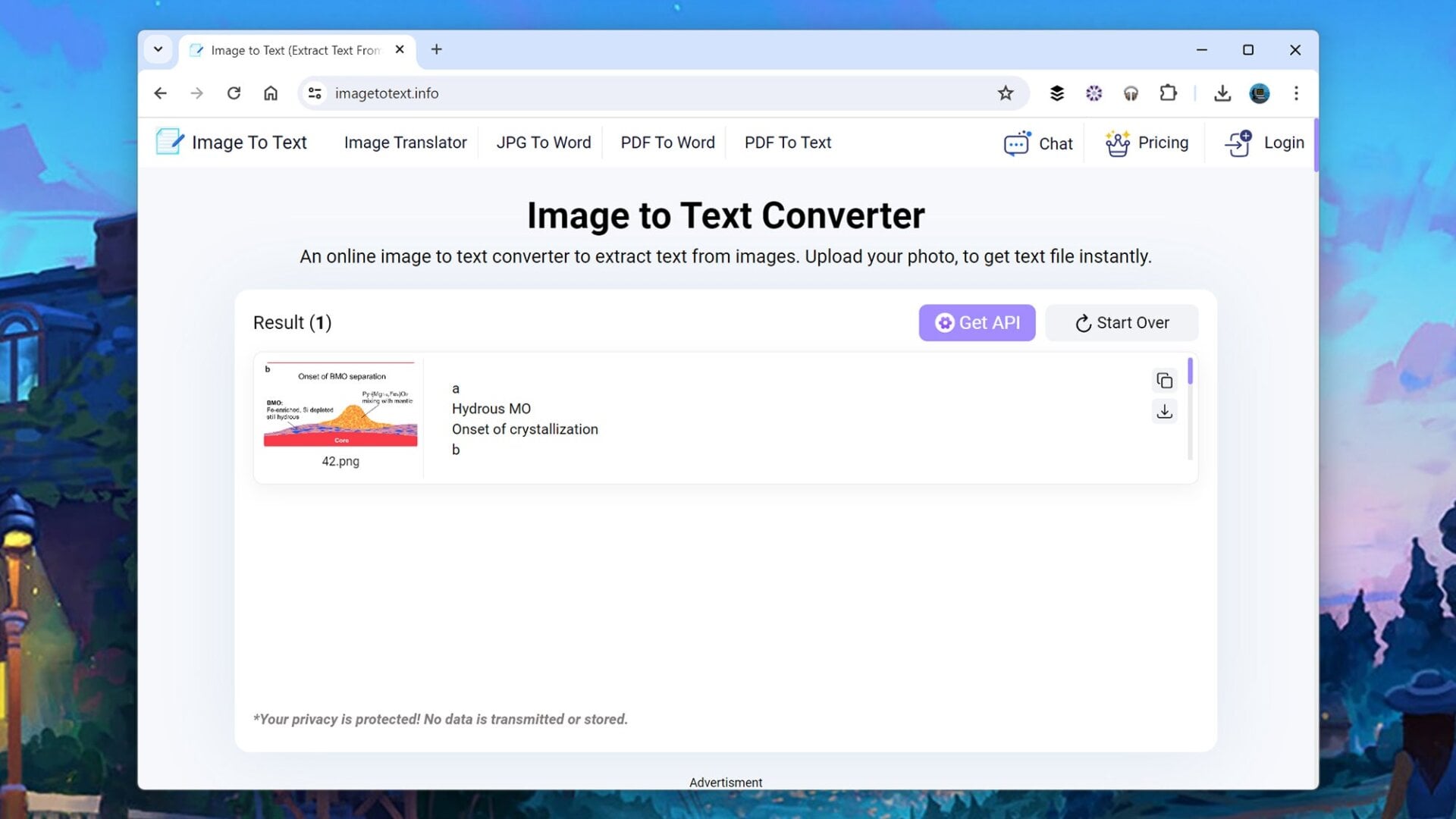
Point your browser towards Image to Text Converter, give it an image, and it’ll pull out the text from that image for you. When the conversion is done, which won’t take long, you can save the text to disk or copy it to the clipboard—quick, straightforward, and accurate.