As useful as smart speakers can be, they’ve also found seemingly unlimited ways to piss us off. There’s the speaking up when not spoken to, mishearing simple commands, getting confused when all you want to do is turn your lights off, and now, a new trick: using massive amounts of data when you’re not paying attention.
As reported by 9to5Google, owners of Google Home Speakers have noticed that the data usage for some smart speakers has been through the roof, with some users’ devices hogging upwards of 200GB in a single day. My Google Home Speaker has been affected by whatever is happening, too. According to data usage metrics available through my Nest router, the device has consumed nearly 89GB of data in the past week, though all I’ve used it for is simple voice commands—no music streaming or anything in that vein.
For reference, a separate Google smart speaker in my apartment, the Google Home Mini, has used only 1.2GB of data in that same timeframe. That’s… not great.
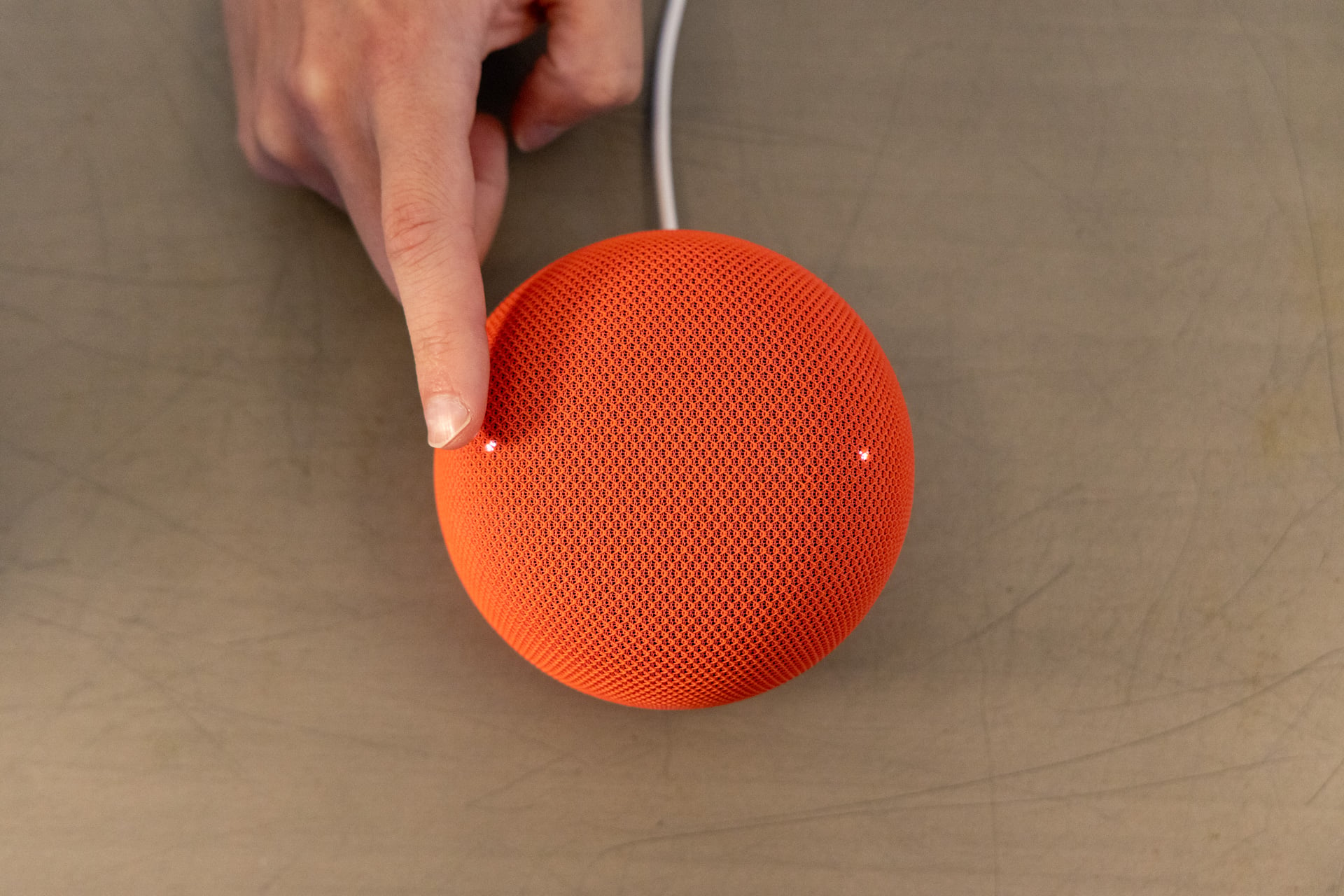
Google told 9to5Google that a fix for the issue is rolling out, but we’ve reached out to Google ourselves to see what the exact cause is and whether the fix has been rolled out to all devices, and we will update this article with any further information. As 9to5Google notes, the timing of the massive data consumption seems to coincide with a firmware update that may be failing to download properly, though the company has offered no official explanation yet.
While the glitch is more of an annoyance for some people, it could potentially be a bigger problem for anyone who has a home internet plan with a data cap. Either way, I’m fairly certain no one wants a device on their network that constantly rips through data without some kind of explanation.
If you have a Google Home Speaker at home, I’d recommend taking a glance at your data usage if you have a router that supports doing so. There’s no official fix yet if yours is sucking down data, but you could always, you know, unplug the whole thing.