1) Emails get treated as tasks
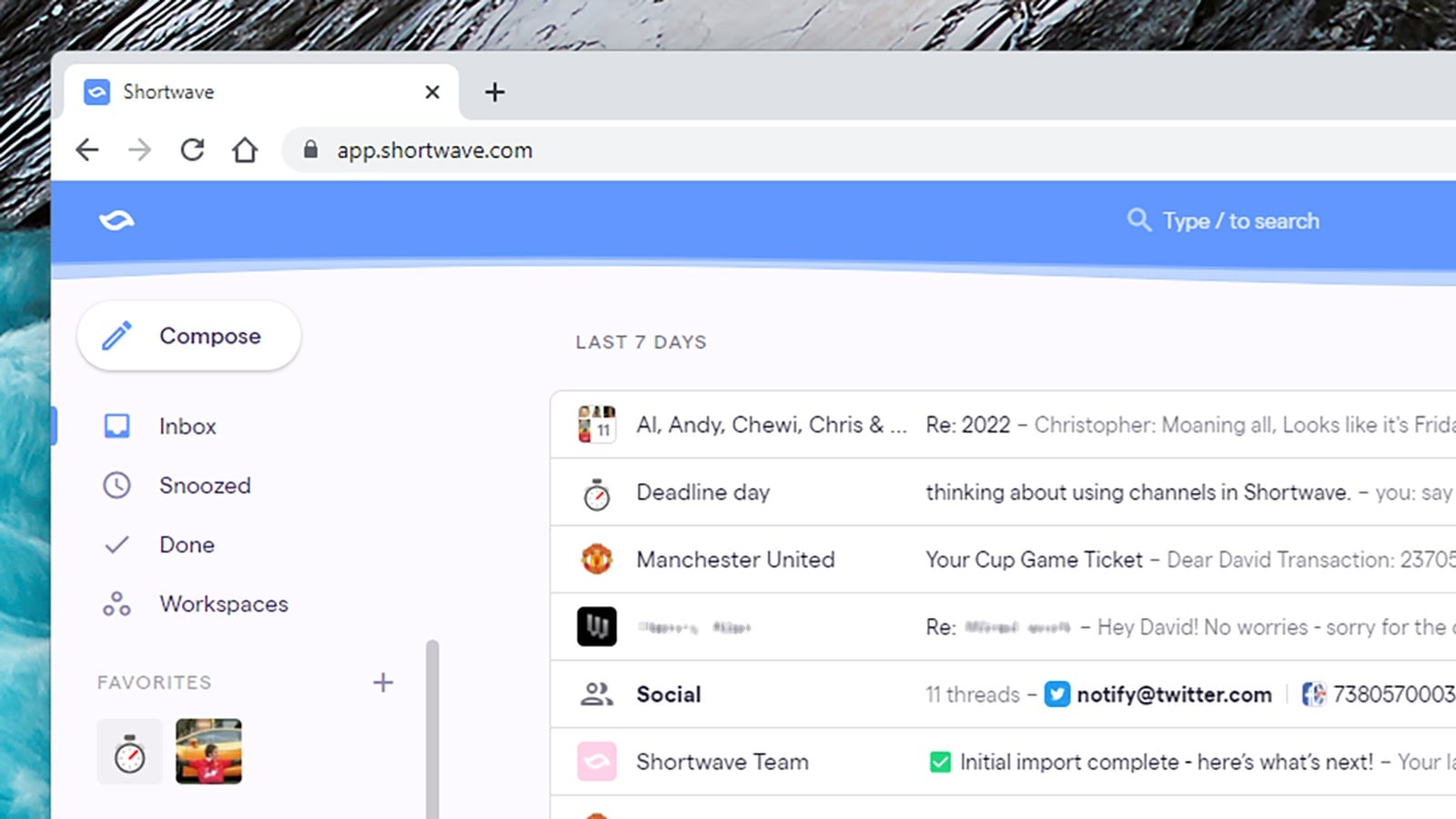
At this stage, a lot of us are using our inboxes as to-do lists anyway, so it makes sense for Shortwave to go all in. Emails and email threads can actually be marked as ‘done’ inside the interface, and you can see all of your ‘completed’ messages by clicking on the Done link in the navigation pane. It’s a little tweak that might do wonders for your productivity.
You’ll see the little ticks up in the corner of emails and bundles of emails, and you can even mark entire pages of messages as completed in one go. Once that’s done, they disappear from the main inbox view, though you can always bring them back. It’s a little bit like marking emails as read and archiving them in one fell swoop.





