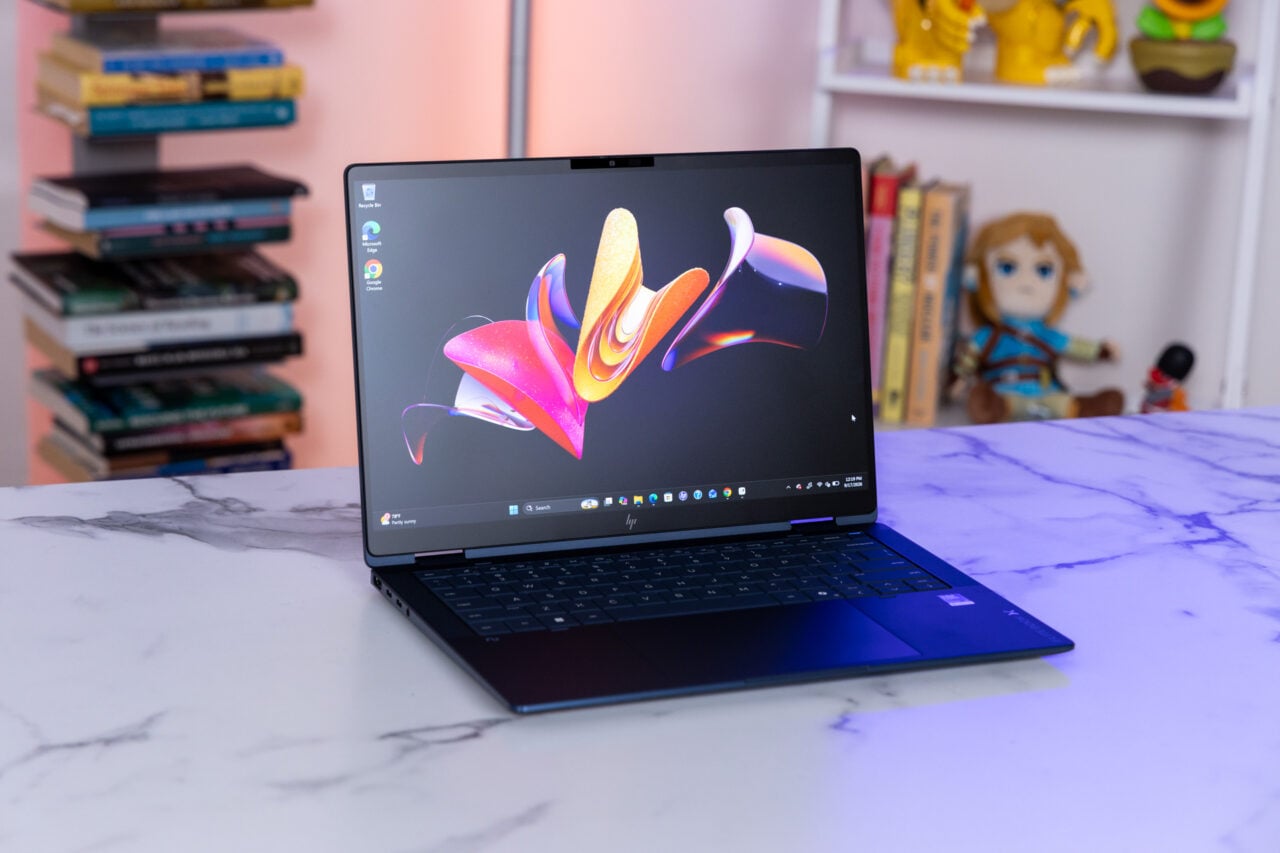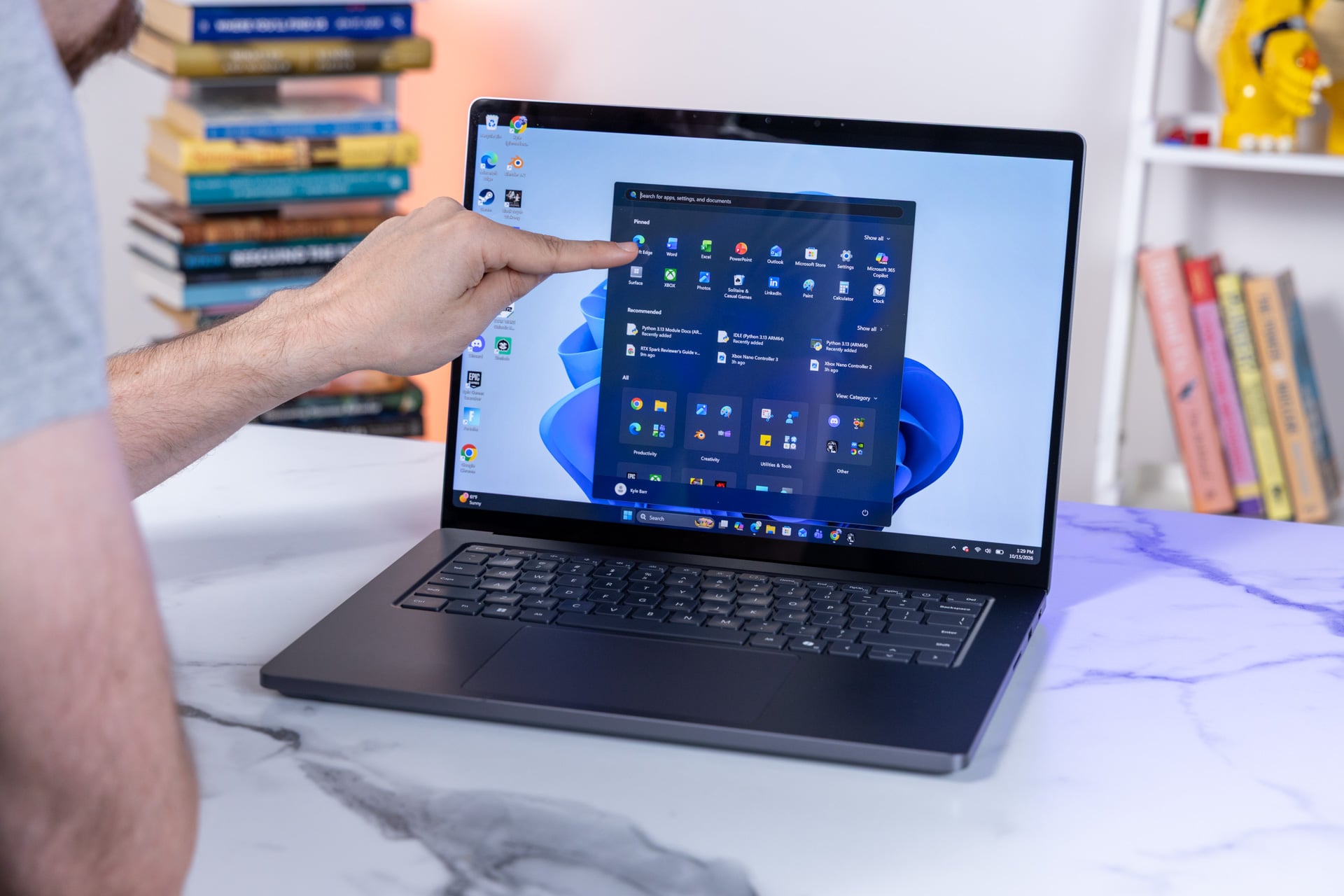
I’ve personally been a big downer on the Windows 11 experience, but I’ve seen enough from Microsoft that I’m hoping I can finally change my tune. In an extra-long blog post, Microsoft VP of Windows experiences Navjot Virk gave us a rundown of everything that’s coming to the age-old operating system, and it’s not just quality-of-life improvements that could make Windows 11 an OS you actually want to use.
Microsoft has been planning these fixes for a while, and they’re available now in the Insider beta and will see a full release later this year. There are dozens of improvements, including the ability to move the taskbar to the sides like you could in previous OS versions. I’ve seen the promised land firsthand, and it’s a Windows 11 experience that may finally not suck. I’ve seen, though I haven’t yet played around with, several bits and bobs of revised functionality built into Microsoft’s OS. Namely, the new Search capabilities and Photos app are both completely redesigned, run faster, and offer more functionality than before.
Search is especially better now. Currently, clicking the search function brings up a menu that takes up a third of the screen, and if you’re searching for a simple toggle for your keyboard backlight, it will bring up a Bing search instead through Edge. In the future, Search may have even more functionality than Spotlight on Mac. The new search can surface controls for functions like do not disturb or mic volume directly in the search box without having to go to a settings menu. Depending on your search, it may also expand to show an image of a PowerPoint or Word doc before you open them up.
One of my pet peeves is how I have to search the full term “Power, sleep, and battery settings” to change my PC’s power modes. The new search brought up that setting on the first try. Search can even use Phone Link to a connected Android device to send texts, though you’re probably better off replying to messages that appear in new pop-ups on the bottom-right of the screen. In addition, you can now send files from your desktop directly to a connected phone.
The Photos app will be completely remodeled, too. It now includes a semantic search function to let you look for specific people or objects throughout all the pictures on your PC, OneDrive, or your connected phone. The app now lets you quick-crop photos or tune the lighting in each scene. One of the more unique new features is the ability to change a photo’s lighting, like adding a “golden hour” sunset to a scene where you can physically set the directions of light sources.
All of this is coming six years after Microsoft first released its latest OS to the public. Let’s just admit the optics for Windows 11 from these past few years have been terrible. Microsoft put Windows 10 out to pasture this month one year ago. It wasn’t a great time to transition, with Microsoft having inundated its latest operating system with pop-ups and advertisements for its services and Copilot features that added nothing to the base Windows experience. Copilot has also received its own redesign to make it less intrusive.
Then, as RAMageddon kicked into high gear, making laptops with 16GB or more RAM increasingly expensive, Microsoft itself started shelling out Surface laptops with limited memory options that—simply put—do not run well on Windows 11. The process of RAM shrinkflation is a big reason why this new Windows 11 revitalization could prove even more significant.
The new Search function and Photos apps are now built directly into Windows using WinUI3. Previously, those and most other desktop functions used WebView2, a developer control tool that’s essentially a browser app. This meant you could modify each app independently of Windows itself, but browsers take up more memory headroom than something built natively into the OS. Now, Microsoft’s beloved Windows 11 widgets won’t automatically load onto your desktop if you’re using a lower-end PC. PCs will also keep 2GB of your active data free, instead of moving it to slower SSD storage like the OS had previously.
You can think of this as a kind of apology tour from Microsoft. The company wants you to actually like Windows, so much so that it’s promising to offer a collection of older and newer games, like Gears of War: Reloaded and The Elder Scrolls V: Skyrim Special Edition, with a new purchase of a Windows 11 PC starting in November. Is it enough? I guess we’ll find out together. It’s a long time coming, but maybe we’ll have a chance to enjoy Windows 11 for a few more years before Microsoft inevitably moves on to Windows 12.