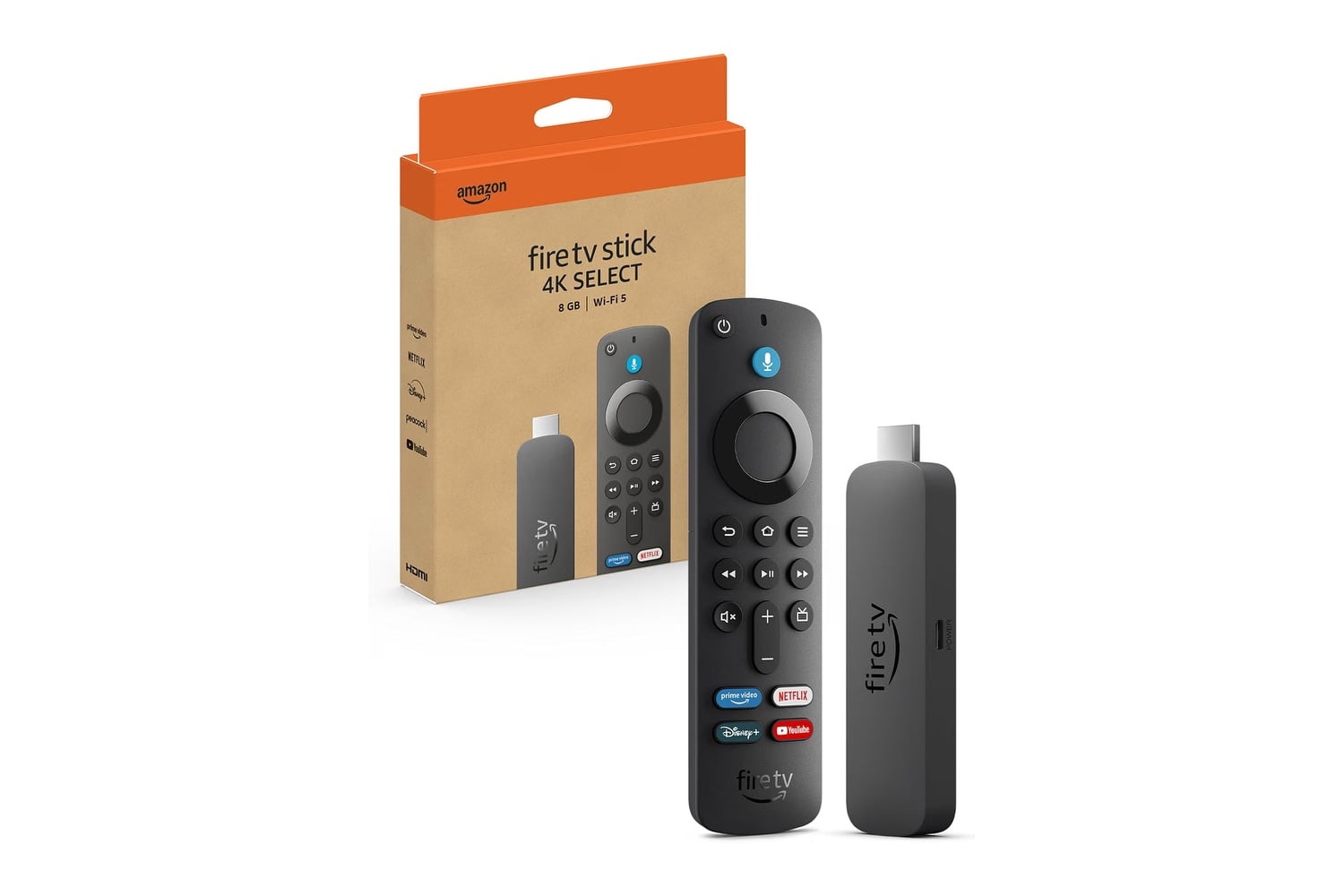
If you want the best way to bring a television up to date and make it ready for 4K with an inexpensive addition, the Amazon Fire TV Stick 4K Select is a solid choice. It’s small enough to plug directly into an available HDMI port and stay completely out of sight. This device runs Vega OS, while the original Fire TV devices used Fire OS. You can stream content in 4K Ultra HD with HDR10+ and enjoy Wi-Fi 6 connectivity. That will provide better network performance than older streaming devices with slower connections. The included Alexa Voice Remote controls the device and also lets you turn your TV on and off and adjust the volume.
Head over to Amazon to get the Amazon Fire TV Stick 4K Select for just $20, down from its usual price of $50. That’s a $30 discount and 60% off.
A streaming stick with a variety of features that anyone can use
A significant feature of the Fire TV Stick 4K Select is the move away from Fire OS. Amazon decided to build something new instead of continuing to run its line of Fire TV Sticks using Fire OS. Because Vega OS is a lighter version of the operating system the previous generation used, apps load faster, and menus don’t have the lag associated with an aging streaming device. The smaller application library that comes with Vega OS means some applications may not be available for download. However, it still supports all the popular services.
In terms of picture quality, like many newer streaming devices, the Fire TV Stick 4K Select supports 4K Ultra HD and offers HDR10+ and HLG. If you’re currently using a 4K-capable television with a wide color gamut that can display brighter highlights, you should receive these signals. An older 4K television becomes noticeably faster after switching to input from the Fire TV Stick 4K Select versus keeping it connected to an older built-in application.
With Wi-Fi 6, performance becomes less dependent on how congested your household network is. For example, if someone else is on a video call in another room while you’re trying to stream 4K Ultra HD, the connection stays stable and continues delivering high-quality streaming, unlike cheaper options that run older wireless technology. Setting up the Fire TV Stick 4K Select takes approximately five minutes. Once plugged into a power source, using either a USB port on your television or a provided adapter, the device connects to your network automatically the first time you power it on.
On the Home Screen of the Fire TV Stick 4K Select, you’ll find free live channels and pre-installed applications such as Netflix, Prime Video, Disney+, Hulu, YouTube, and Apple TV. Search lets you look for movies across multiple apps at once. You no longer need to open four different apps to find a specific movie.
The Alexa Voice Remote is designed specifically for searching for movies and other content via voice commands. You can assign each service to a shortcut button for quick access, so you only need to click Netflix once to get started instead of navigating through three screens. The remote also controls your television’s power and volume, eliminating the need for separate remotes. Should you ever lose or misplace your Alexa Voice Remote, you can use the Fire TV App on your smartphone to control your Fire TV instead. The stick also serves as a smart home hub for compatible cameras and lights.