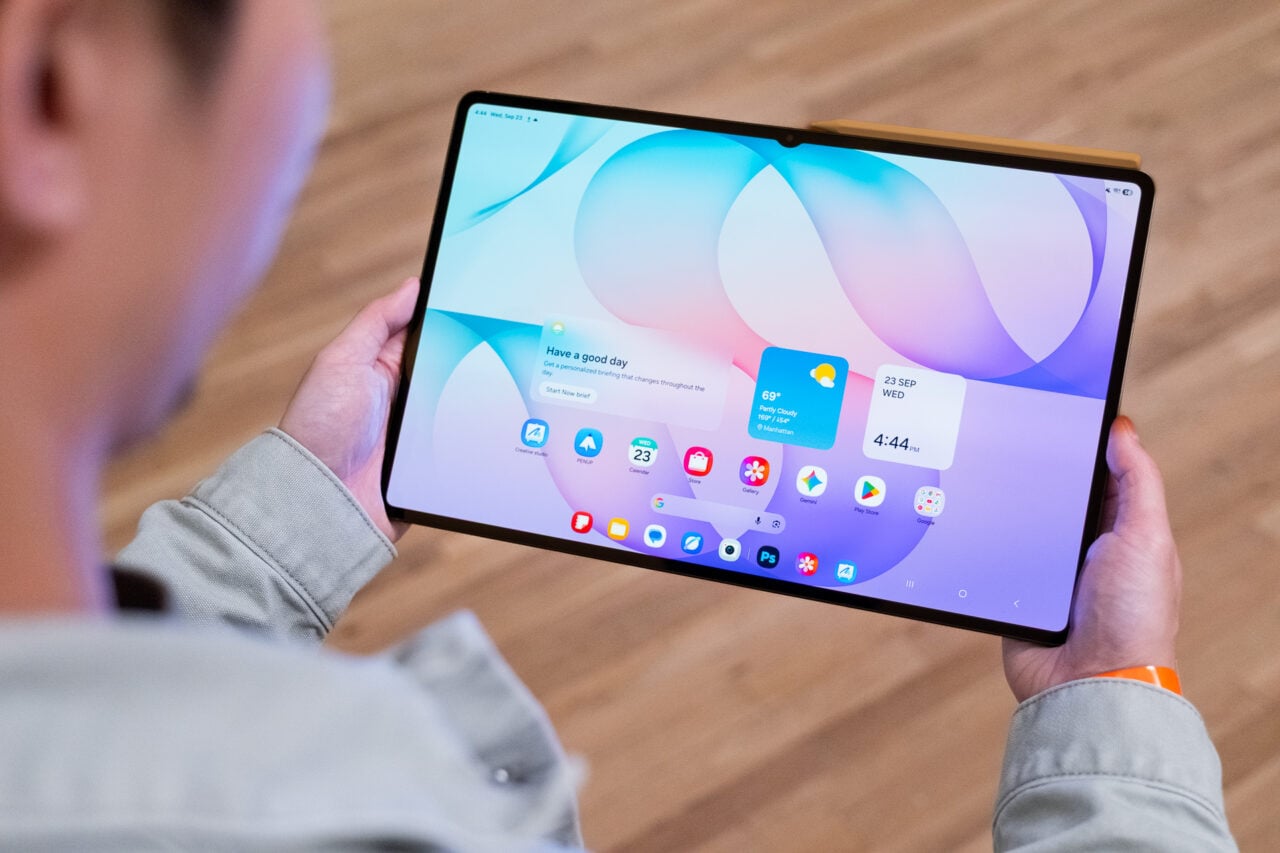
How to update to Android 13 on your Pixel device

Alright, first things first: if you want Android 13 on your compatible Pixel smartphone, you’ll need to figure out if it’s rolled out to you yet. That depends on things like your carrier, but you can see if you can download the update by going to your settings panel and requesting it.
If you were on the Android 13 beta, you might have already received your software update prompt. But if you weren’t enrolled in the program, don’t be surprised if you still don’t see the ability to install Android 13.
I would encourage you not to bother with Android’s developer tools to try to force the update onto your device, especially if you don’t know what you’re doing. You can still enroll your Pixel devices in the Android 13 beta if you’re desperate for the update.