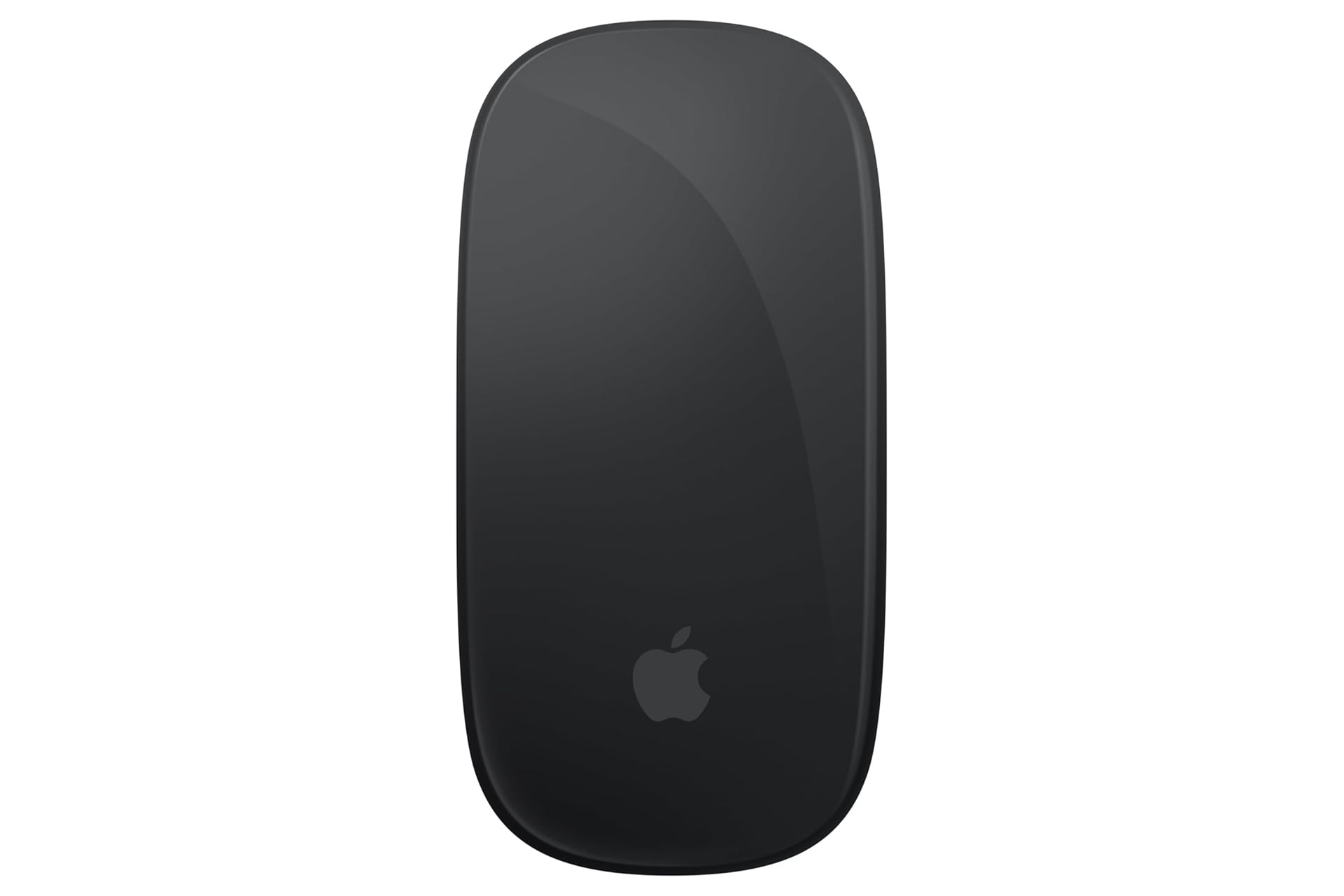
Appl has built its ecosystem of products in a way that rewards the user for using more than one device from Apple. If you have both an iPhone and MacBook, you can view text messages on either and share files easily between the two with AirDrop. This becomes even more true as you add in more and more devices. Accessories like the Apple Magic Mouse can really open up the possibilities on MacOS, and right now, Amazon happens to have it on sale for $20 off. Normally the black version of the mouse goes for $99, but the discount has momentarily taken it down to just $79. Likewise, the white mouse is on sale as well, bringing it down to just $69.
The Apple Magic Mouse is a must if you’re using an iMac. The accessory goes hand and hand with the aesthetic of everything else Apple puts out with its curved and sleek design. It’s comfortable in the hand and glides around easily.
Multi-Touch Surface
The real main event with the Apple Magic Mouse is the topside surface that supports multi-touch. This mouse allows you to perform simple gestures that let you easily wipe between webpages and scroll up and down a document. The scrolling can also happen multi-directional, so you can use it to move a page around horizontally, vertically, or both at the same time. It’s similar to what it feels like to pan around a zoomed in photo in the camera roll on your phone. The feature is a huge boon, especially for graphic designers who regularly work in programs like Adobe Photoshop. It feels way more fluid compared to using a typical track wheel.
Now something I’ll never forgive Apple for is where they decided to put the charging port. As a wireless mouse connected to your computer over Bluetooth, eventually the battery runs low. This might happen in the middle of working and with a different mouse, you might be able to just plug it in and continue.
This model of the Apple Magic Mouse charges over USB-C, except the port is found underneath the mouse. That means you cannot actively use the mouse while its charging. IT seems Apple prioritized its sleek design philosophy over practicality in order to keep the port hidden from view during normal use. In order to avoid needing to stop to wait for the mouse to charge, best make a habit of plugging the mouse back in at the end of every session at your desk.