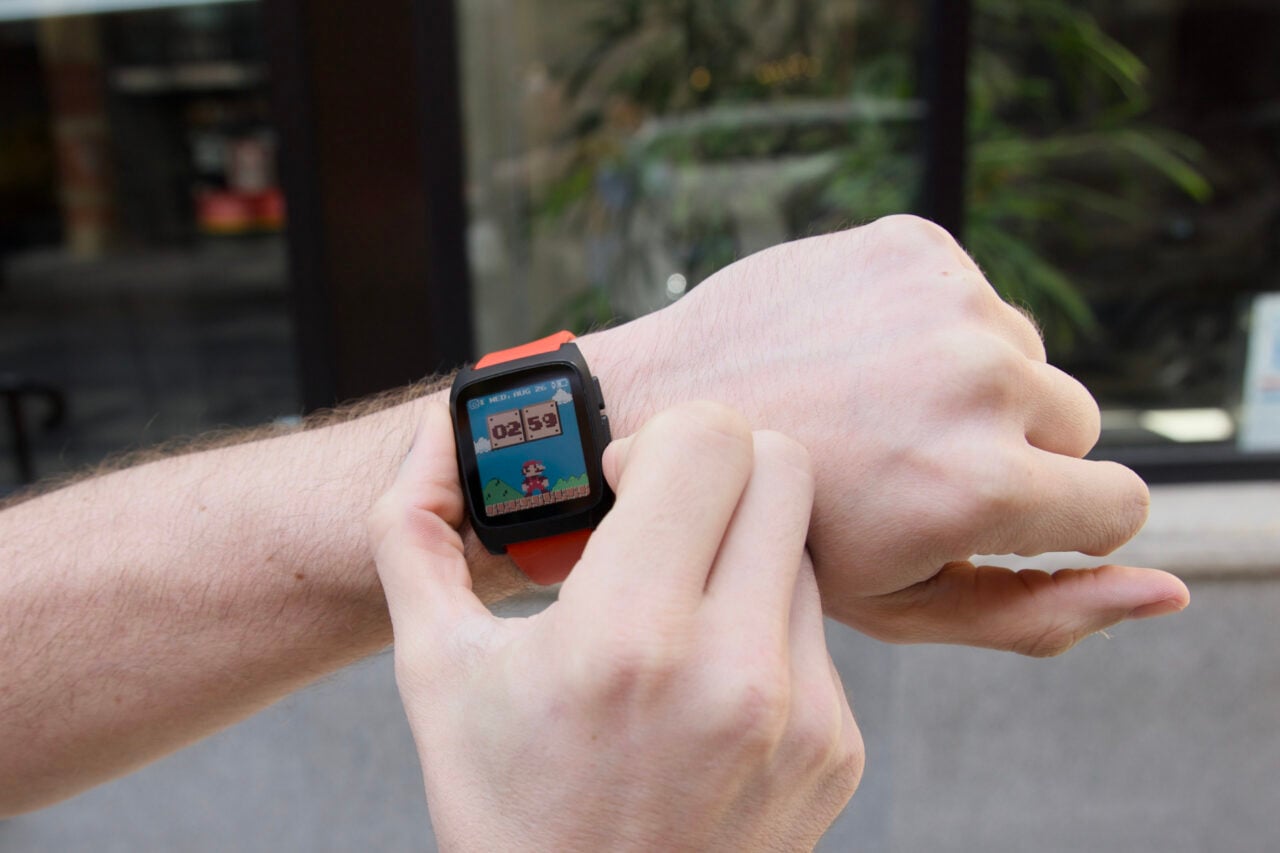

The Pebble Time 2 is a small, relatively innocuous smartwatch. It doesn’t do that much beyond acting as a wearable smartphone companion. And yet the Pebble experience is like walking along a beach finding that one smooth stone that you fall in love with, despite there being billions of rocks strewn in every direction. There are many like it, but that one brings me joy.
There are few gadgets I can say have felt personal. It’s more than a simple statement like, “This works for me,” or, “It does the job.” You form an attachment to the object, the value feeling more intrinsic because of that connection. It normally takes time to develop that sense that the gadget fits into your life. I had to spend many hours with my Steam Deck, adding all my Epic Games Store titles and emulators to the device, before I came to define my gaming lifestyle by the handheld. For the $225 Pebble Time 2, that sense of endearment came like a blitzkrieg.
Pebble Time 2
It's a low-key, relatively affordable smartwatch that doesn't do too much and is so much better for it.
Pros
- Fun animations
- Tactile button controls
- Extremely long battery life
- Sturdy and water-resistant
- Doesn't bombard you with health data
Cons
- Dim screen
- Limited colors
- Some legacy apps don't work well
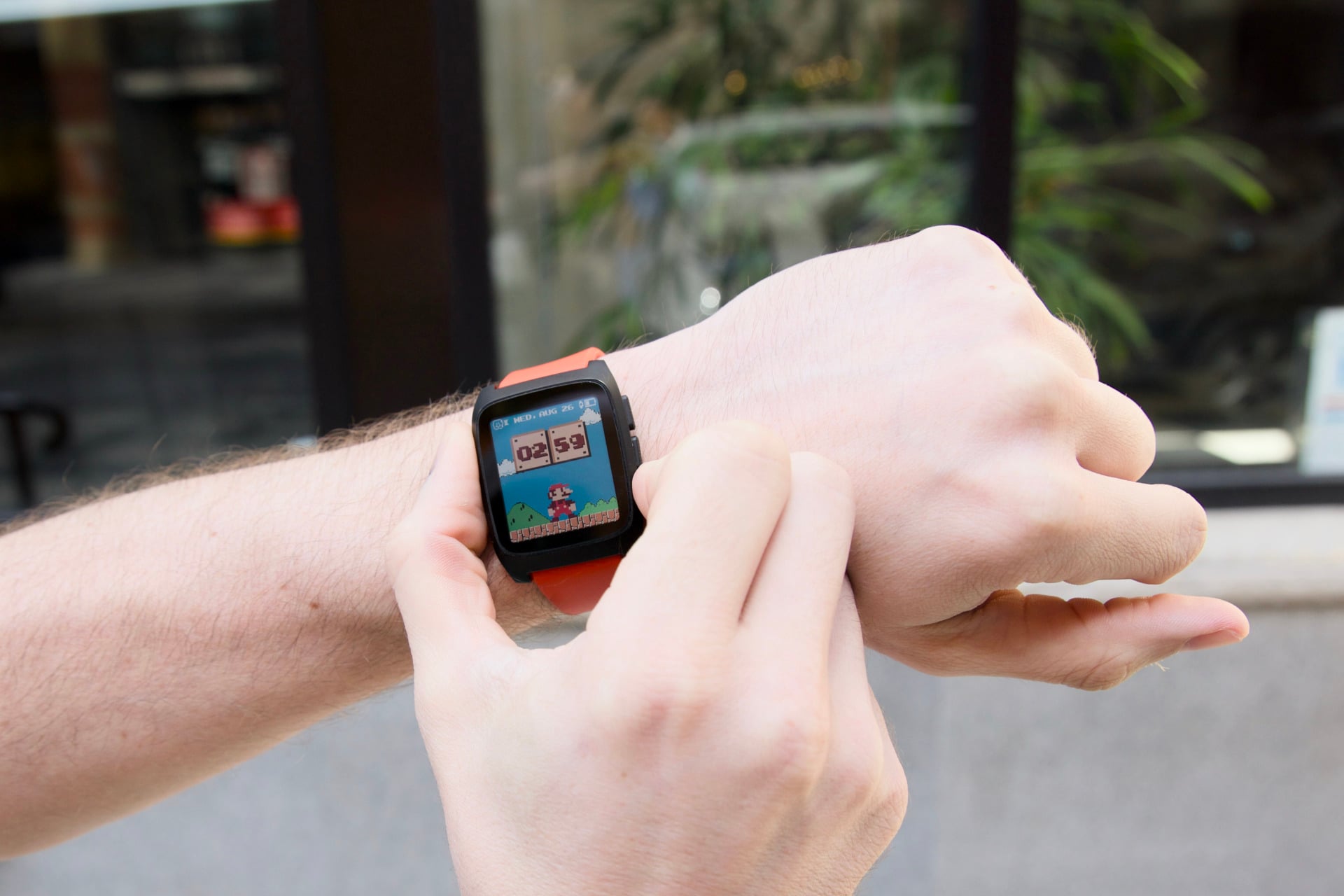
It was only one day after wearing the Pebble Time 2, while I was perusing the Pebble app for new watch faces, that I stumbled upon an older face that included an 8-bit Mario character. Every minute, Mario jumps into a pair of blocks to add a minute to the clock. At night, the theme changes to the original Super Mario Bros. dungeon look. Finally, I had the watch I actually wanted to strap to my wrist day after day.
Every little joy, from the feel of the side buttons to the speedy animations, adds to a sense of personality. The Pebble Time 2 is not just an anti-Apple Watch. It’s carving out a space we’ve lacked in this category—something that’s genuinely useful but not overbearing. It doesn’t shower you with health metrics. It doesn’t demand you close your circles by taking more steps like some stern, digital parent.
I had the chance to talk with Pebble CEO Eric Migicovsky last month. The creator’s design philosophy can be boiled down to “making a watch I want to wear.” So, yes, the Pebble Time 2 has incredible battery life that can last upwards of two weeks. It’s fast and snappy and doesn’t lock you into an ecosystem, all because Migicovsky prefers it. The strange thing is, I agree with him. I prefer not having to remember to charge my wearables every two days.
Is it perfect for me? No, but it is still the only watch I want to wear.
Define the Pebble by what it doesn’t do
Pebble, as a brand, first came into its own in 2013 as a screen-based wearable that could display Android phone messages. Like many companies at the time, it took off on Kickstarter and soon ballooned into a cult brand identity. The company slowly expanded until it was making smart e-paper display watches before Apple finally debuted the Apple Watch in 2015. After a few blunders, Pebble eventually sold itself to Fitbit, which in turn was gobbled up by Google.
After Migicovsky came back to try and restart his original smartwatch company, now called Core Devices, he managed to reclaim the Pebble branding and even helped push Google to open-source PebbleOS. Now, these devices are supposed to be very reminiscent of those earlier wearables. Despite that, they don’t feel like you’re using old tech, even if they’re far more limited than any recent WearOS watch like the Pixel Watch 5 or Apple Watch Series 11.
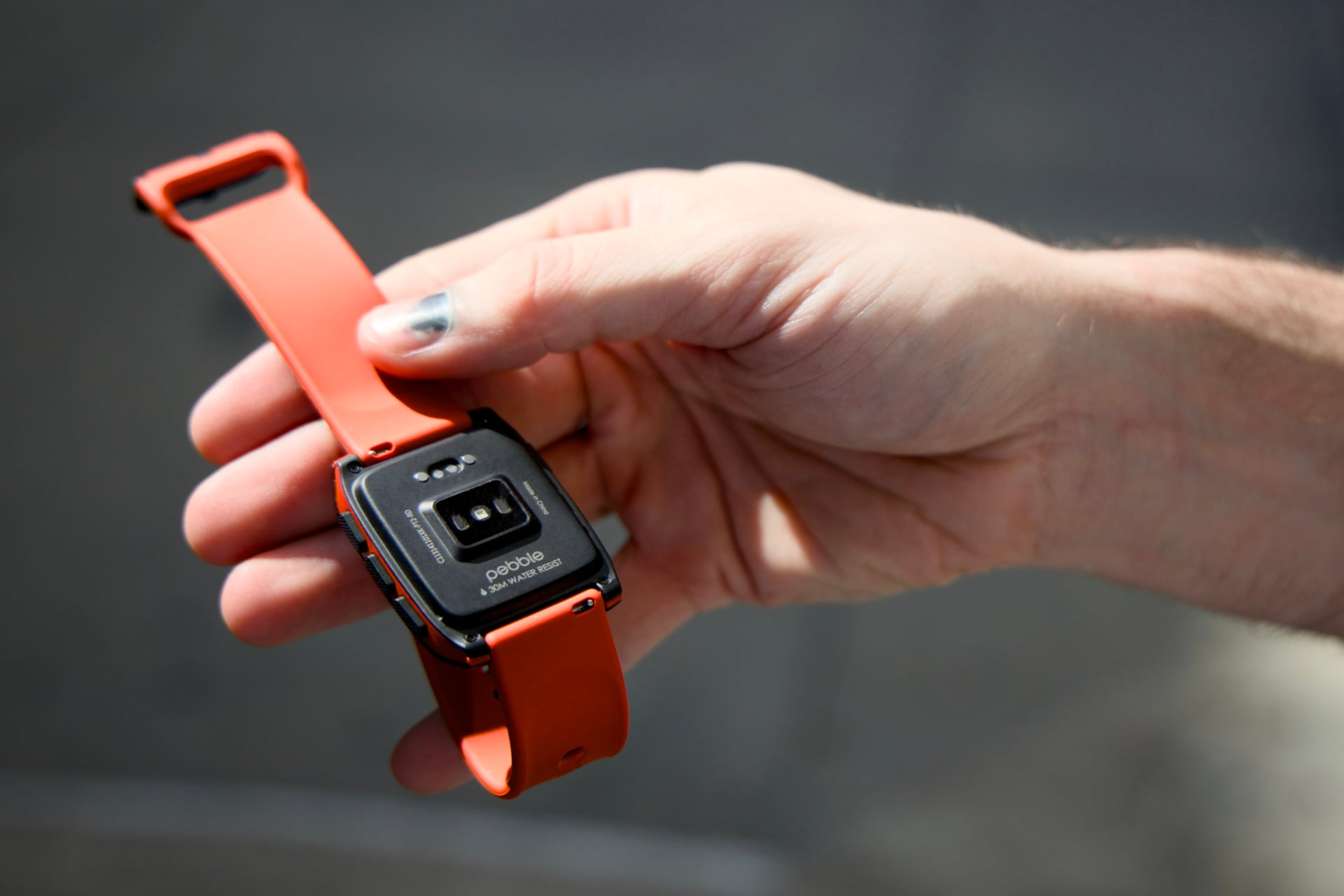
Gadgets are better defined by their limitations than their capabilities. It’s only when honing a device to meet its specific needs that we can ever see a great product. So, like the original Pebble, the Pebble Time 2 shows you alerts from your phone. It allows you to access a heartbeat sensor, step counter, and sleep score. It will grant access to a few extra functions like your phone media controls and weather updates.
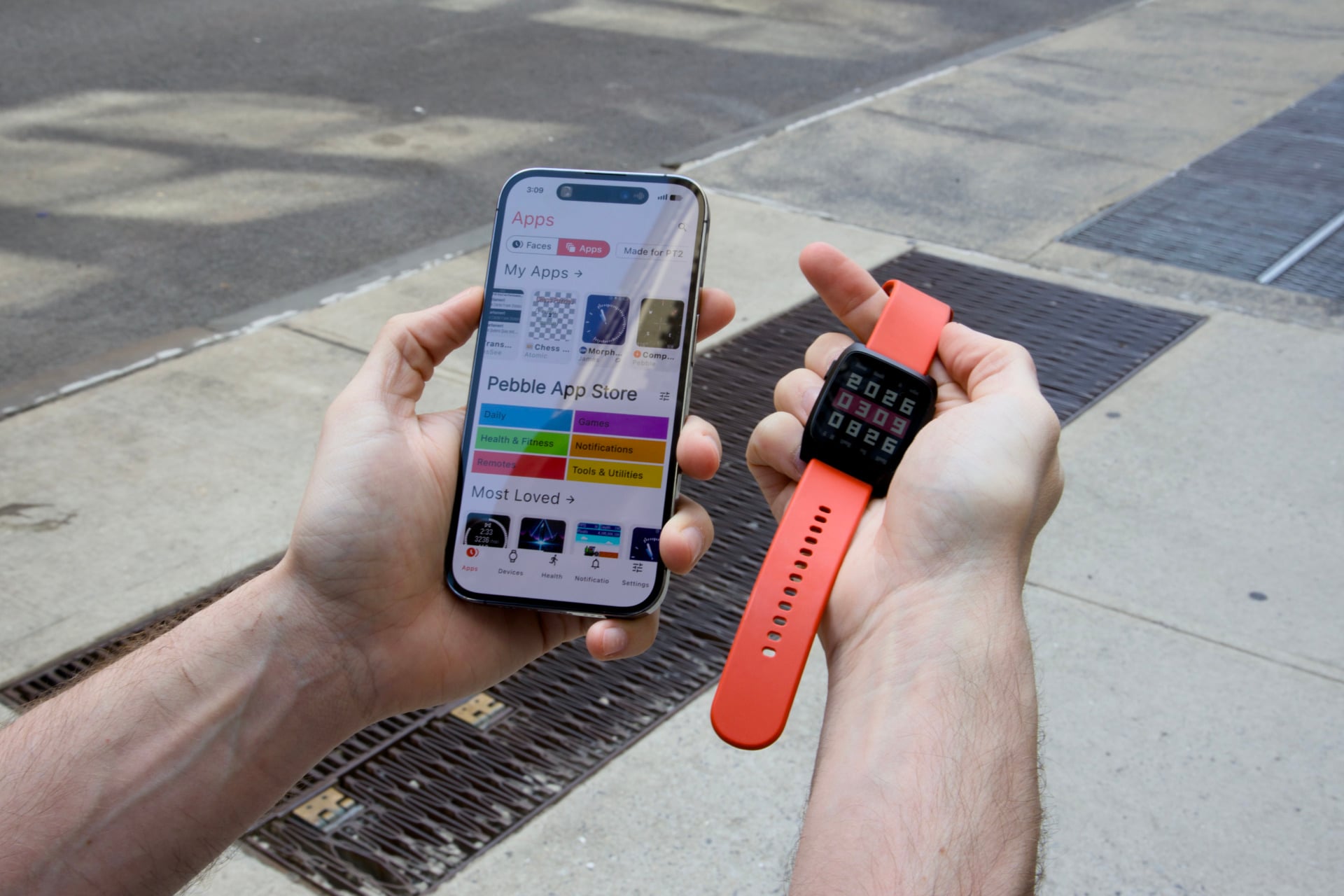
Any extra apps you install on your Pebble watch are simply extras. I found games like Chess Puzzles or Obelisk—a block-stacking game—to be solid time-wasters. The Pebble app’s app store is loaded with more applications besides, though only a few are actually listed as “Made for PT2.” That makes sense, considering the new watch has only been available for a few months in its current form. Many of the legacy apps left over from Pebble’s days in purgatory may experience issues. I’ve tried several apps that simply don’t load correctly or display with colors that aren’t supported by the 64 tones available on the Time 2.
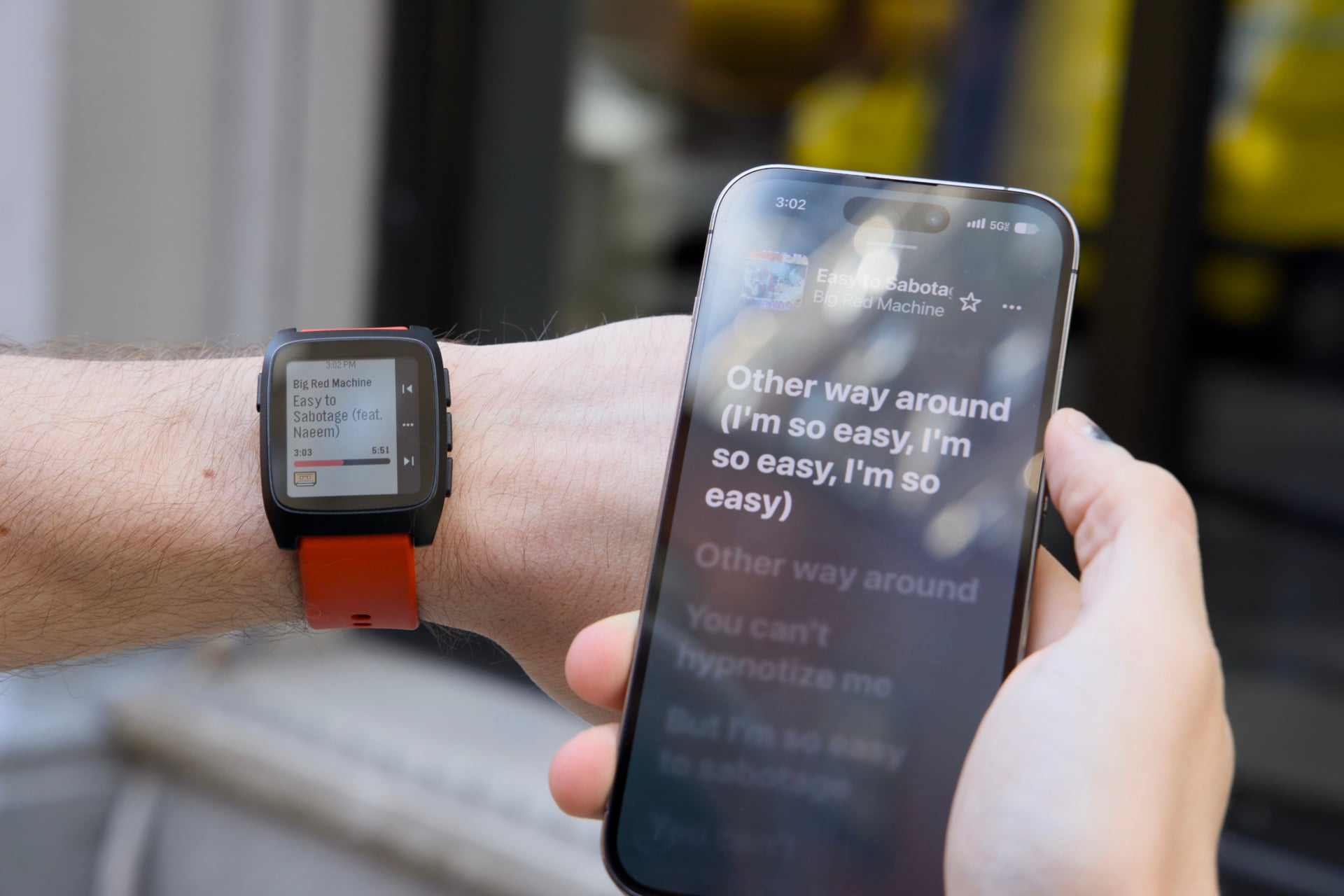
With its base functions, I wasn’t actually left asking for much. Recent high-end wearables like the Apple Watch Ultra 3 or the Galaxy Watch Ultra 2 are hulking wrist cuffs that emphasize fitness above all else. They sport multiple sensors for everything, even including hypertension. Even an Apple Watch SE 3 at $250 includes extra temperature and motion-tracking capabilities. It’s the kind of watch that will try to give you a “sleep score” and demand you get a certain amount of steps each day.
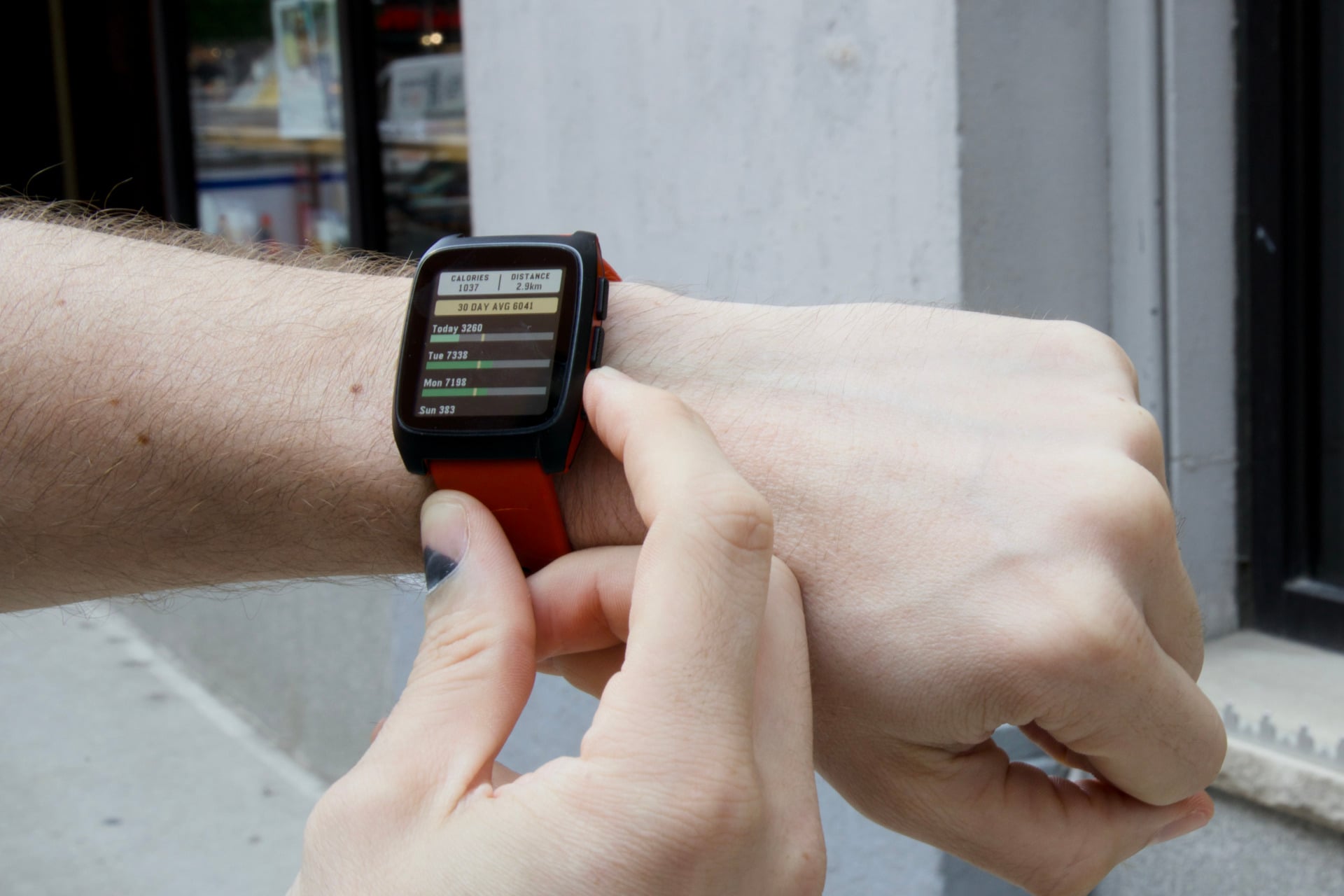
I don’t want or need any device telling me that I’m not getting enough sleep. I know that already. That’s why I’m tired all the time. The Pebble Time 2 simply gives me a step count, suggests my approximate calorie burn, and tells me if it was more or less than the same day last week. The sleep tracker merely lets me know the hours I snoozed. For a smartwatch, I just need it to tell the time and let me read a text without taking the phone out of my pocket. Again, limitations are not a problem if you’re purposefully designed.
A limited screen
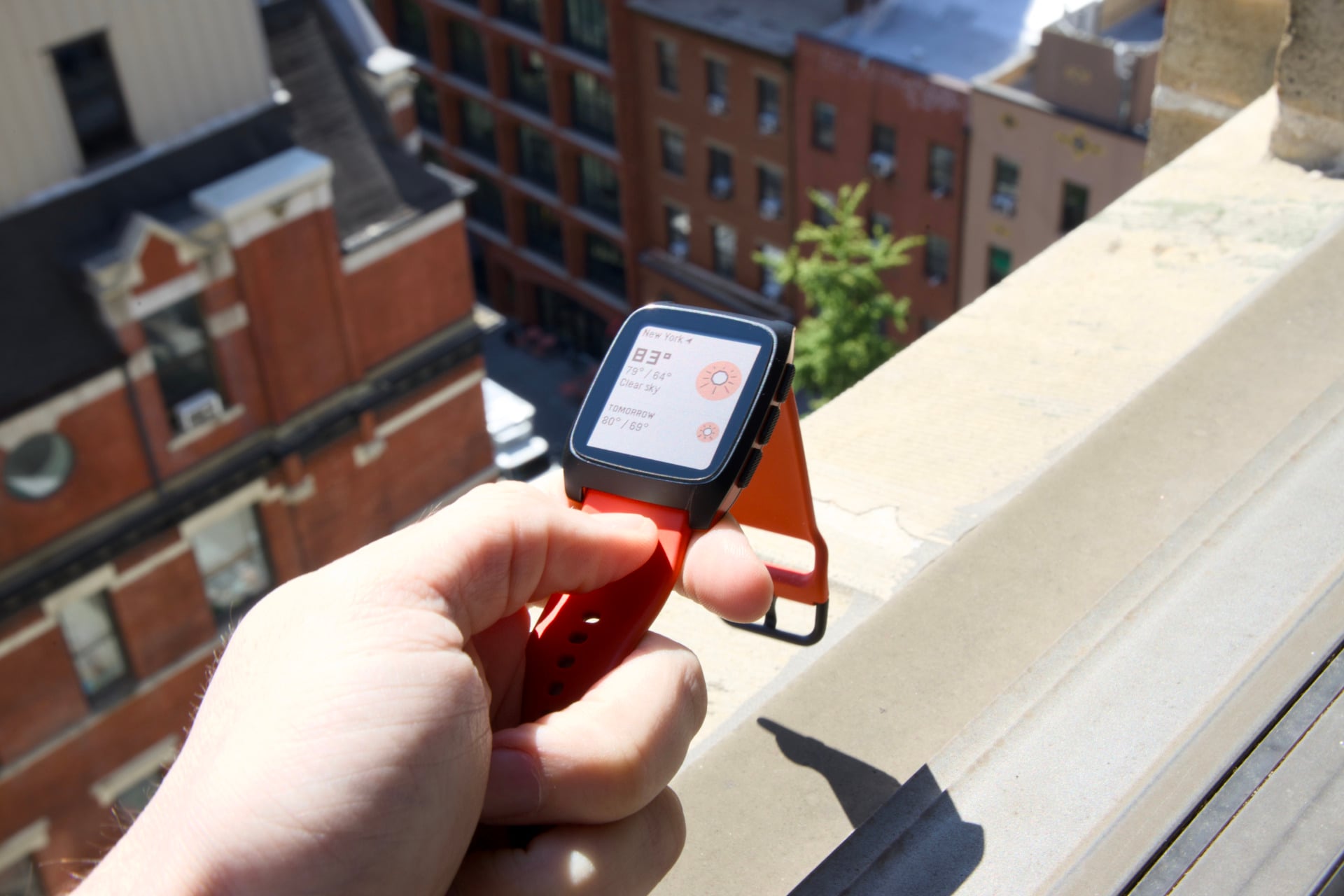
If you’re already down for the low-key wearable lifestyle, then whether or not you appreciate the Pebble Time 2 is whether you can accept a limited display. The 1.5-inch rectangular screen is small enough that it won’t eclipse most adult wrists, but its bigger problem is brightness.
In “Standard” settings, the watch appears dim in all but direct sunlight. Like your Casio watch of yore, you need to hit the back button to illuminate the screen. This can pose a problem if you’re carrying something in both hands and are desperate to check the time. You can change settings to enable the highest brightness all day long. This will, of course, sap battery life. It’s also still not very bright. In certain lights, especially in dim settings or a glare-filled setting, I struggled to read the screen.
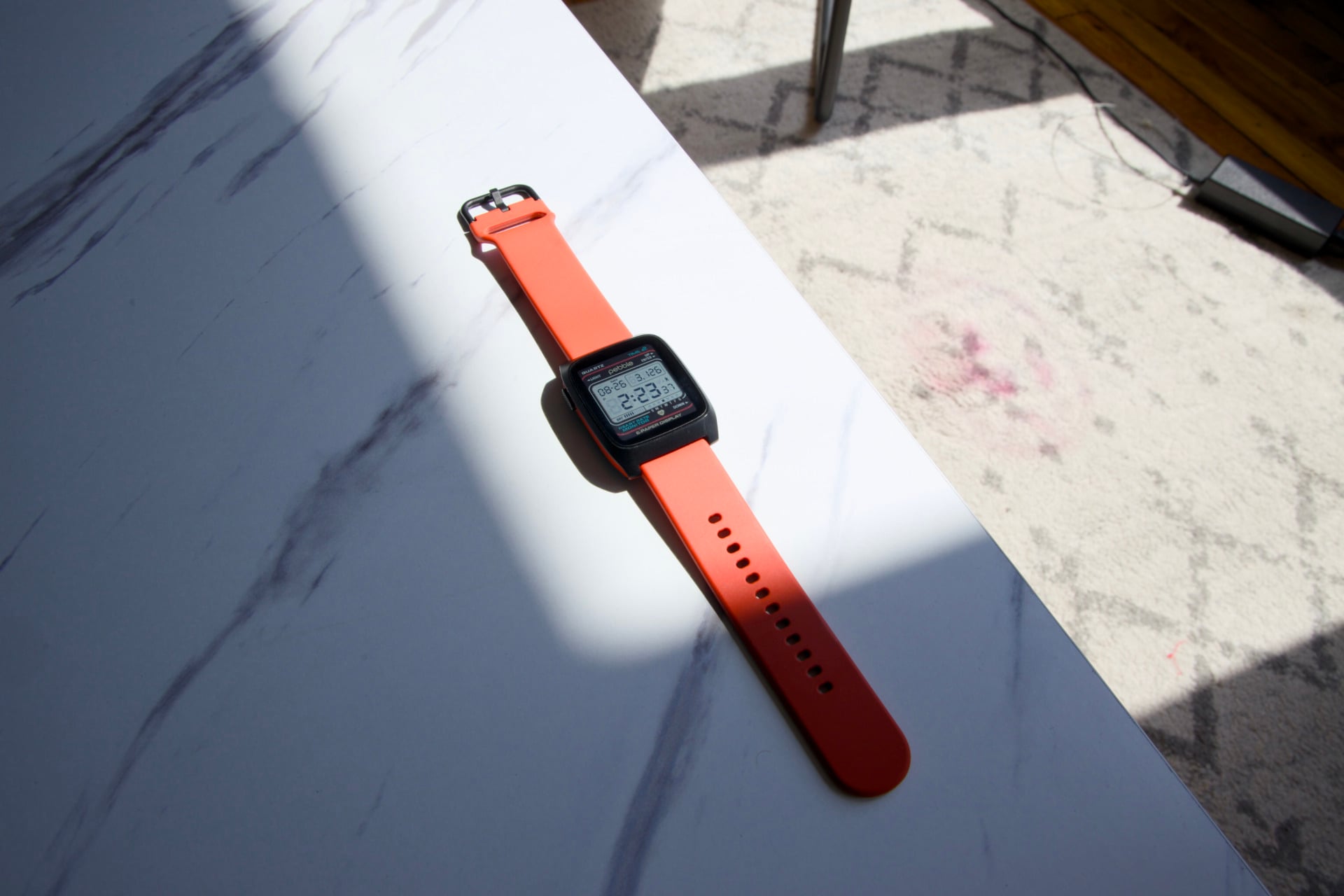
This is not a traditional OLED or LPTO display you may find on an Apple Watch. The e-paper screen is capable of showing up to 64 colors. I can tell you right now, that is not a lot of tones. Many of those older apps I mentioned before don’t display correctly on the Pebble Time 2. Some watch faces I’ve tried, like one that’s supposed to be reminiscent of the displays on screens in Star Trek, didn’t show the correct color swatches, making the watch face appear like something was missing. Other faces or apps can appear desaturated, especially when the closest color approximation is a deep mahogany rather than a vibrant red.
Sturdy, for the most part, but extremely long-lasting
Compared to the Pebble 2 Duo—the company’s black and white e-paper watch made with plastic—the Pebble Time 2 comes with a stainless steel frame. That is supposed to make the device slightly more durable, though within the first few days of running around with my smartwatch I noticed I had accrued a few scratches on the black coating.
However, considering the sub-$300 price tag, I was actually enthused with its waterproofing. I have endured two storms walking through New York without an umbrella in the past two weeks, and though I made no effort to cover my watch, it managed the water without issue. Pebble doesn’t give this watch an IP rating, though the company promises it will stay working up to depths of 30 meters.
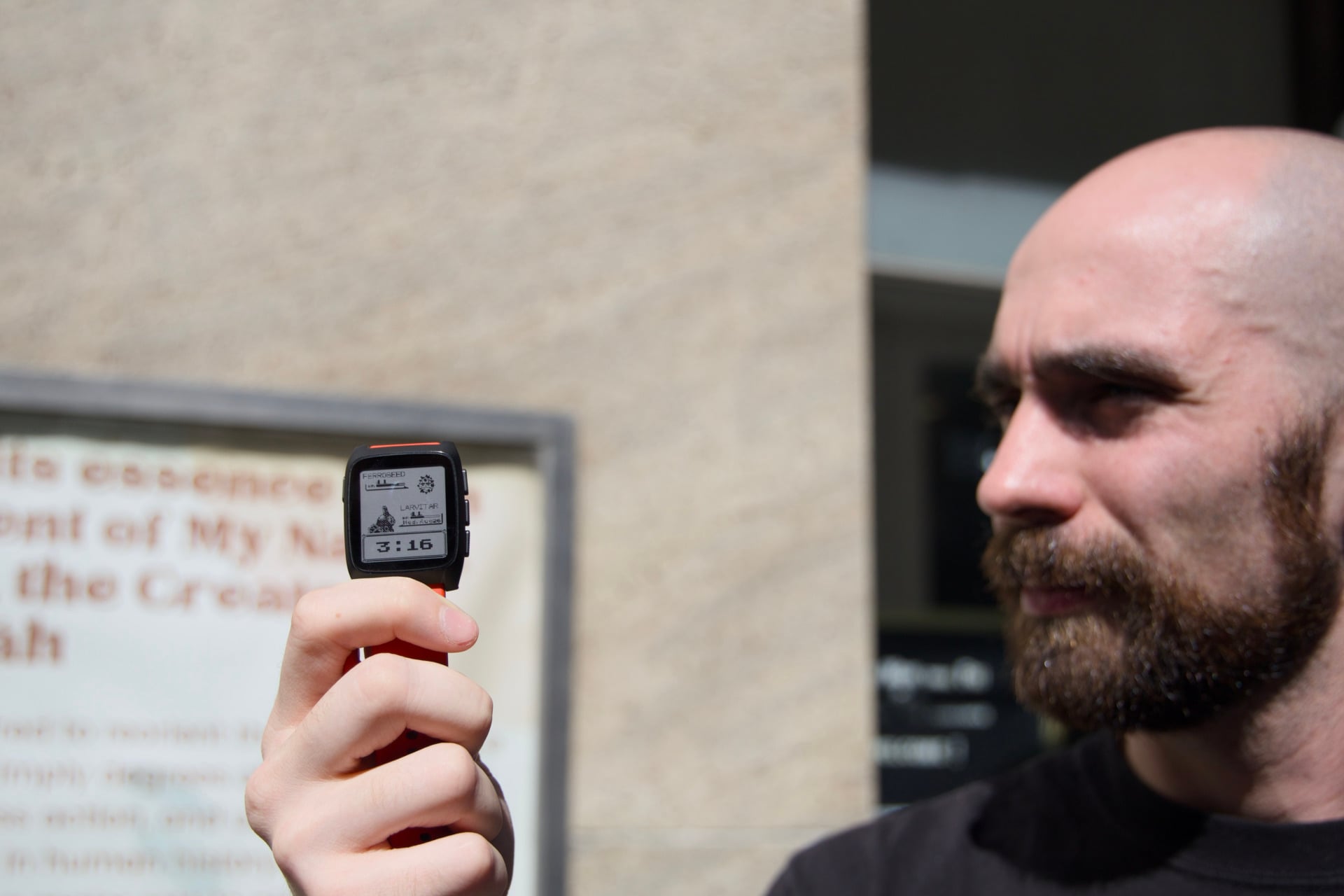
Beyond any question of durability, you should know this watch has some of the best battery life we’ve seen on any smart watch in years. After charging it to 100%, I went a week and a half without giving the smartwatch much pause (except occasionally removing it for the sake of my sleep). It was still on 40%. I have to go two full weeks before I have any reason to top it off with a little more juice.
The inevitable side effect of such a long battery life is you may eventually forget to charge it. You may misplace the tiny charging barrel that magnetically attaches to the Pebble Time 2 and then have to go fishing through the junk on your desk to find it (and yes, I’m talking about personal experience). The magnets on that charger are not nearly as strong as the puck-shaped chargers on an Apple Watch. It requires a little more care as you make sure your watch is getting the proper charge it needs.
Buttons are best
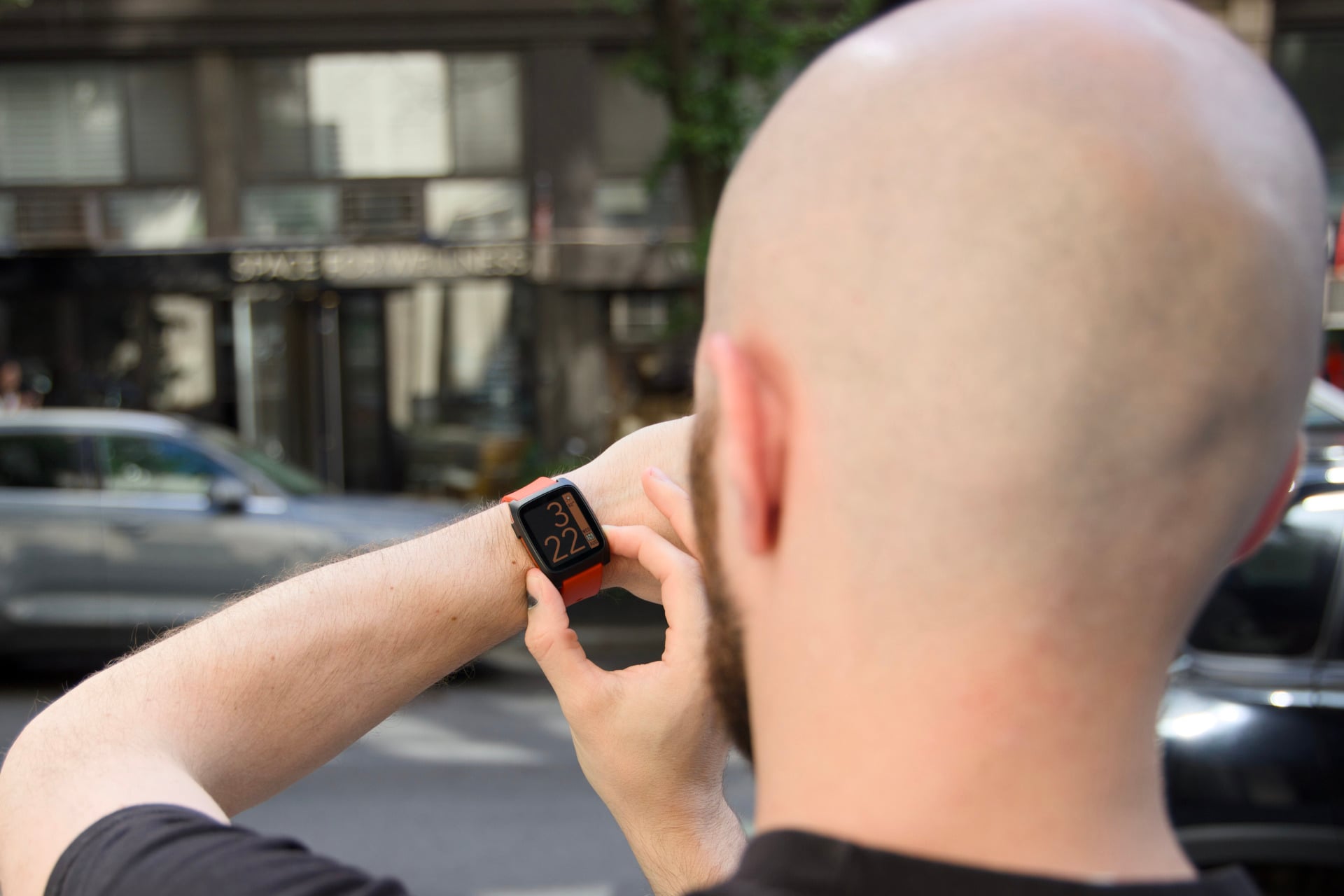
The Pebble Time 2 is a touchscreen watch, but let’s be honest, you’re going to be using the buttons most of the time. And why shouldn’t you? In our screen-filled lives, we are missing out on tactile sensations. Something as simple as pressing a button to return to the watch’s main screen scratches a subtle itch I didn’t realize needed a good massaging.
Each of the three right-hand buttons is programmable, meaning you can set a single or long press to open up various apps or functions. Once I set mine to open up my media controls and weather, I was set for necessary watch functions.
The Samsung Galaxy Watch 8 Classic makes use of the physical rotating bezel, while every Apple Watch maintains the Digital Crown. The expensive Apple Watch Ultra series includes a programmable “Action” button and more controls besides, and yes, the aluminum switches feel more clicky and premium than what you get on the $225 Pebble Time 2. The lower-price watch feels more tactile than many others in its segment.
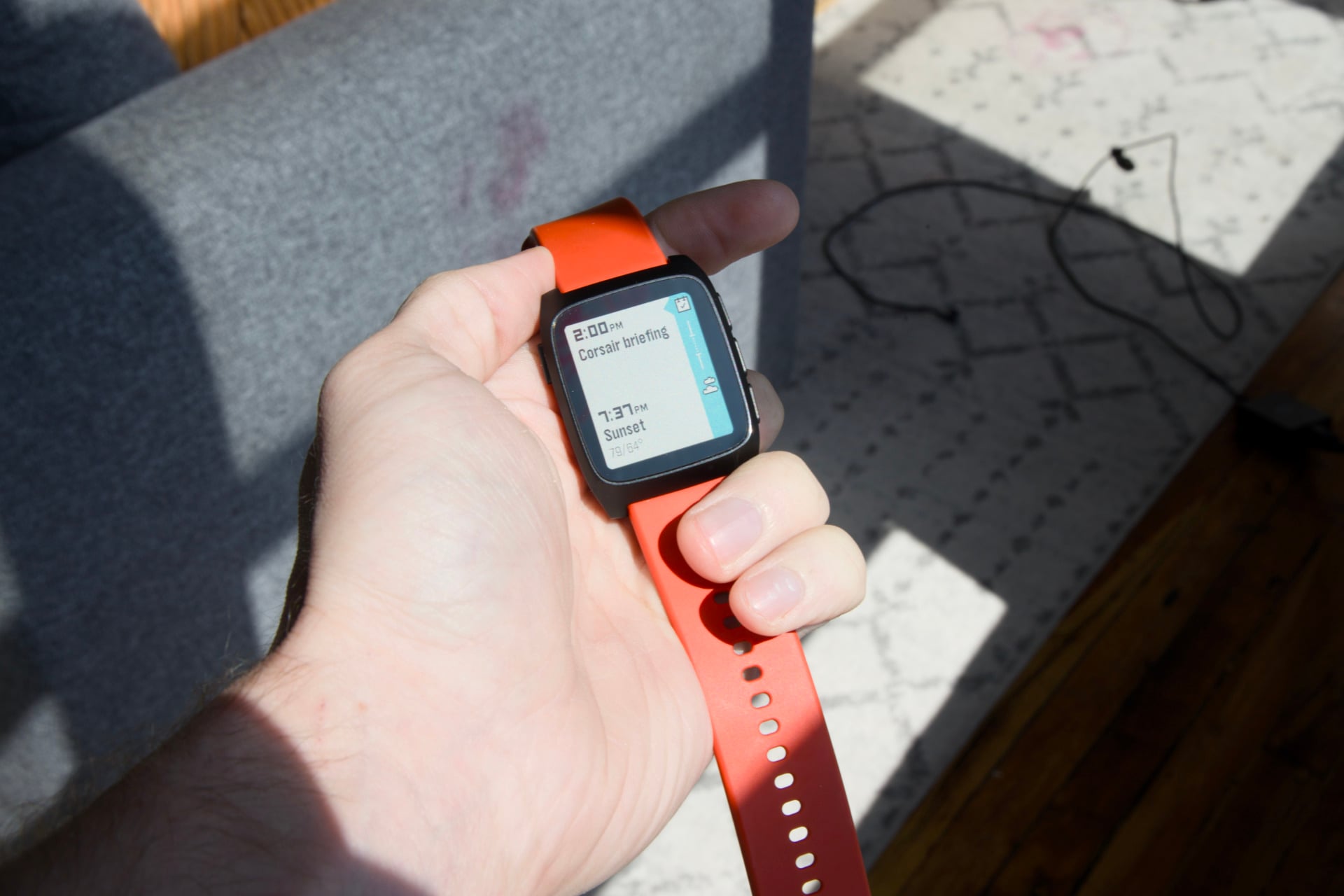
It helps that the watch is so damn snappy. Going through the Timeline feature, which shows you calendar events and weather for the coming days, each press of the button greets you with a quick, though cute, animation of a smiling sun appearing on screen. Exiting back to the watch face is similarly quick with a short animation that seems a little more joyful than if it simply blinked back to a previous screen.
This attention to detail in the user experience is what’s been sorely missing from recent devices, even beyond wearables. We have to fight with our iPhones to achieve a workable UI after the advent of “Liquid Glass.” Windows is a mass of unneeded apps and popups that make clicking through the interface a chore. But beyond all that, where’s the fun? Where are the subtle nods of humanity that tell us, “I, the designer, am here, and I enjoy the subtle things as much as you do”?
The Pebble problem
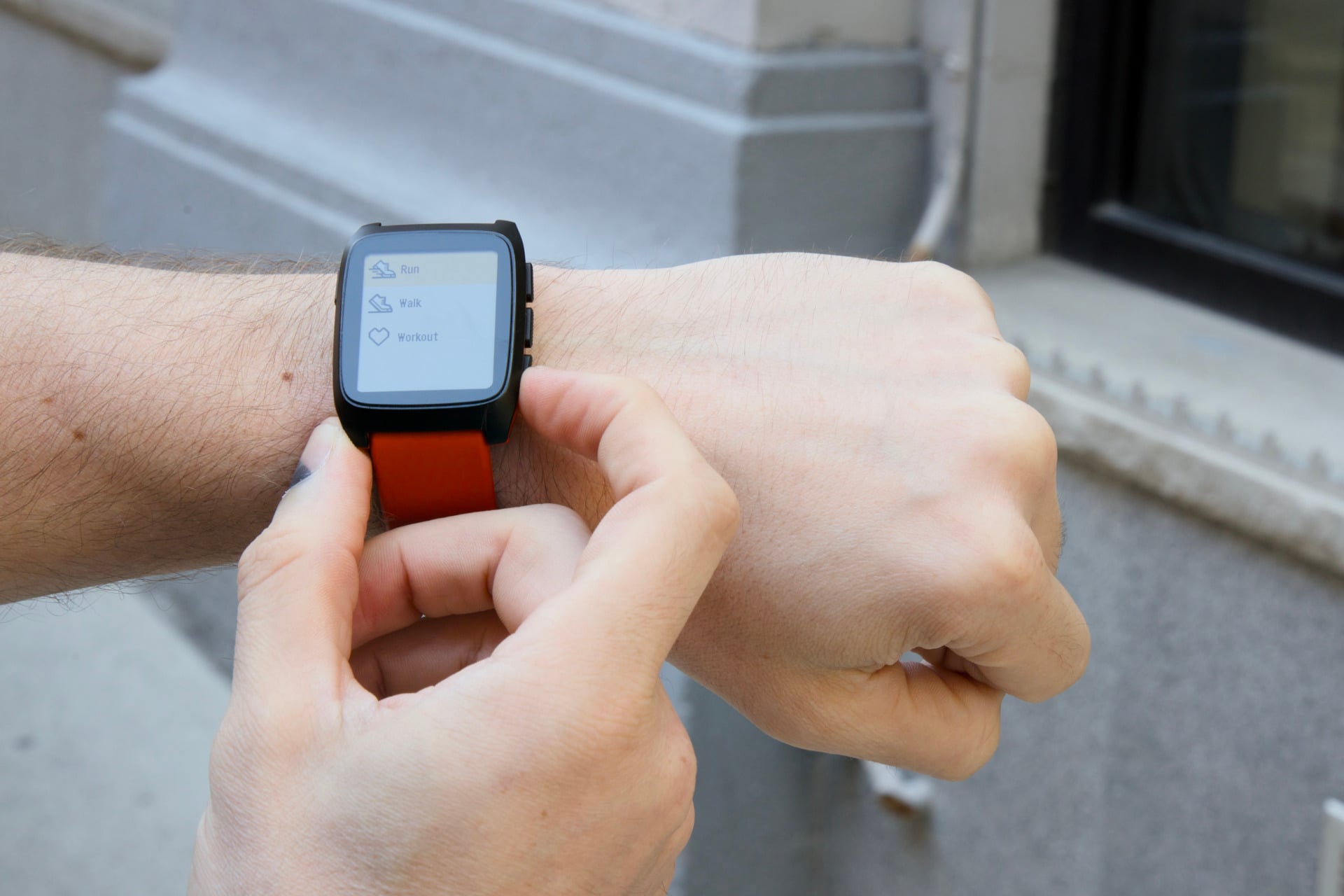
The Pebble isn’t exactly designed for the neo-Luddite movement of low-key tech enthusiasts who are anti-social media. It still wants to hit you up with notifications and present yet another screen in your life, but it is a simplified watch experience. I’ve had problems with every past smartwatch I’ve used. At a certain point, each made me feel like a wind-up toy that’s programmed to handle notifications or record health data.
The Pebble spoils me with its simplicity. Of course, I was lucky that Core Devices sent me a unit for review purposes (no, that doesn’t mean I get to keep it forever). Pebble has more smartwatches arriving this year, including the Pebble Round 2 that started shipping last month. That watch has a 1.3-inch circular face with a similar 64-color e-paper display. Maybe that watch will fit your life better than the square, but at least you have options.
Either way, preorders seem to be going out slowly. Shipments started in March, and they’ve gone on through July. I can’t tell you how long it would take to get one. So with that all in mind, this is not a watch made for everybody. It’s a wearable designed for a very specific user. If you happen to want to wrap something simple around your wrist, there may be other options out there. But the one thing I can say is that using the Pebble Time 2 is a more joyful experience than other devices I’ve dared slap on my wrist.