3. Samsung’s AR Emoji: An overwhelming number of customization options
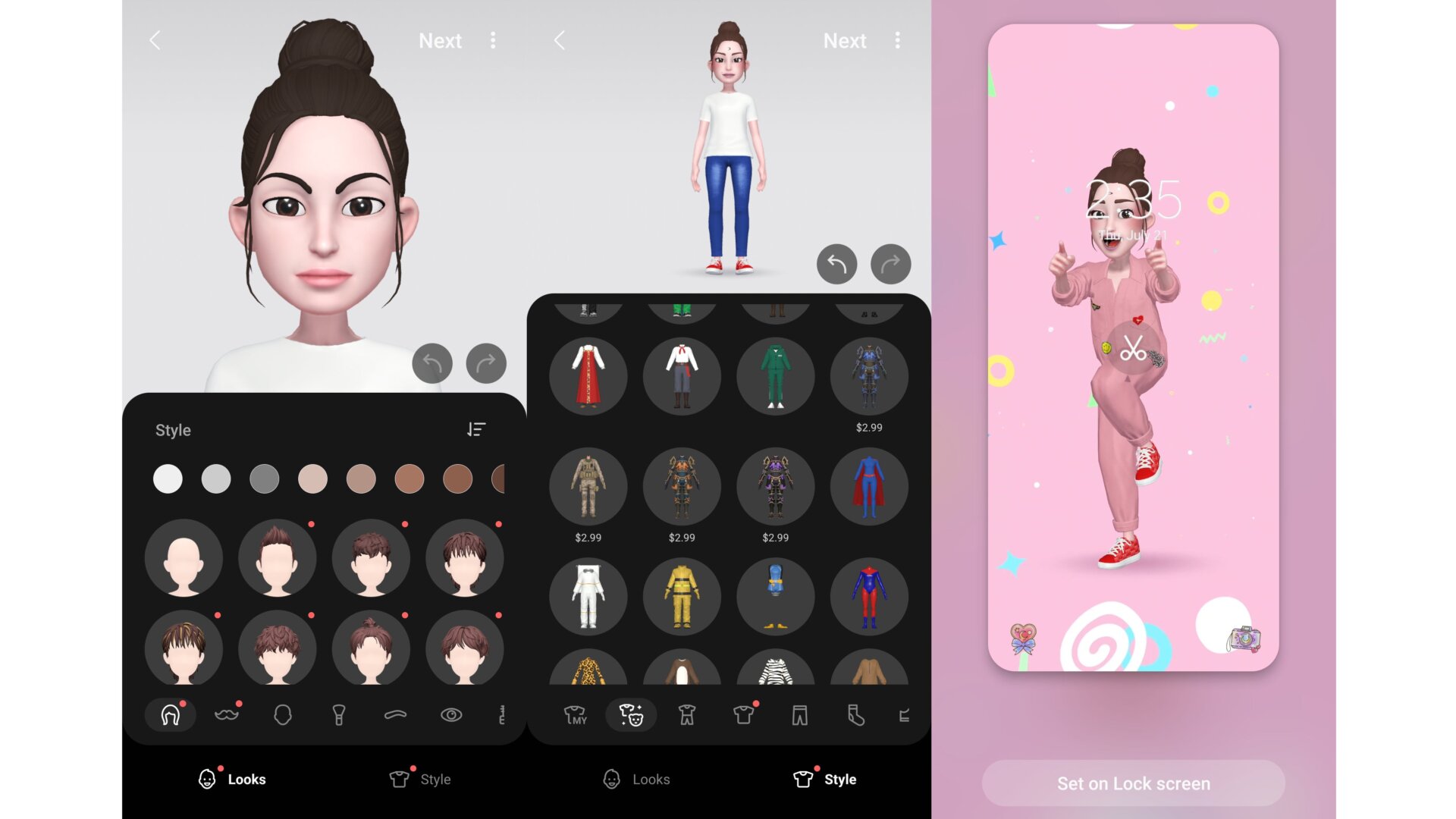
Samsung introduced AR Emoji back in 2018 to showcase the Galaxy S9/9+’s ability to handle 3D rendering. (Let’s be honest: it was also in response to Apple’s Animoji.)
You can access the AR Emoji studio from your Samsung smartphone’s camera app, though additional downloads and asset packs are available through Samsung’s Galaxy Store. The app can make you an avatar based on a photo you feed it, or you can snap a real-time picture. Once you’ve figured out what you look like, Samsung will prompt you to download additional plug-ins to use the avatars as emotive stickers. Or, like on the iPhone, you can make a video with your avatar. Samsung even lets you set an animation of your avatar as your Lock screen wallpaper.