Portable Monitor
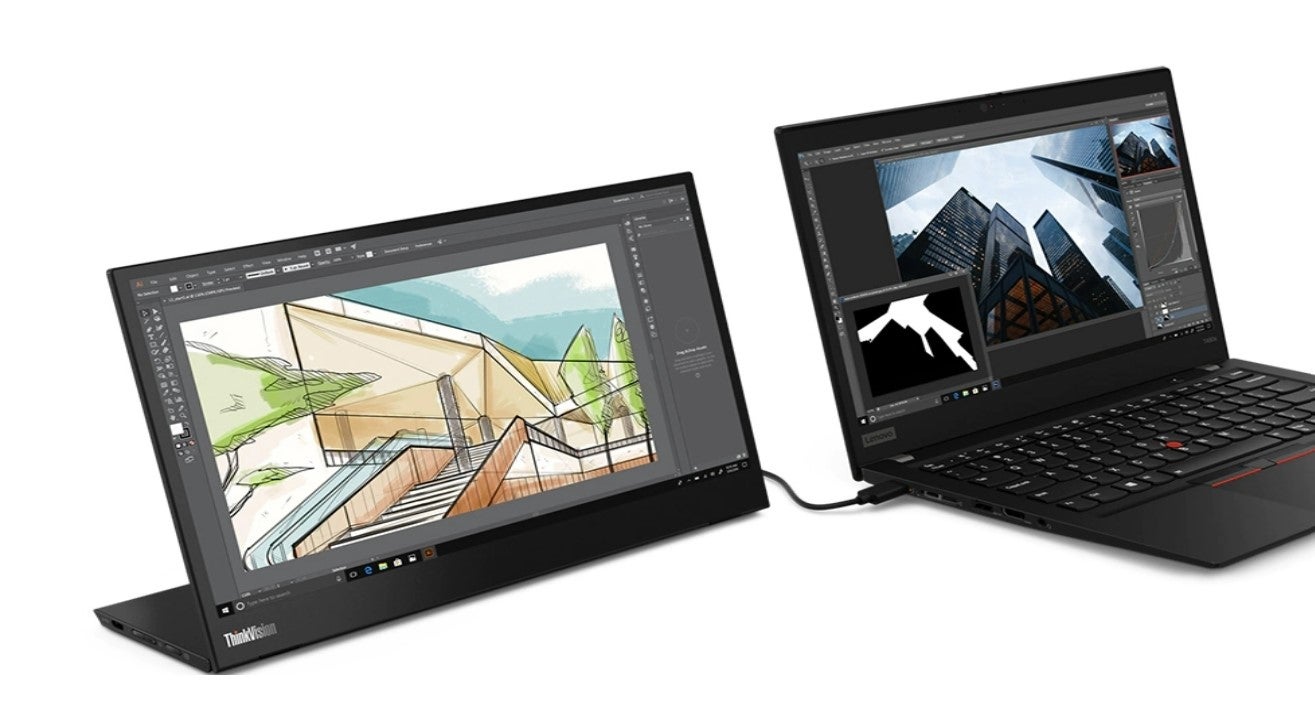
Portable monitors are exactly what you think they are: standalone displays that connect to your laptop via USB. Once connected, they act as a stationary monitor, allowing you to duplicate or extend your laptop screen.
I’ve been using a Lenovo ThinkVision M14 for the past few years to recreate my office setup when I’m on the go. Whenever I’m at a cafe or working in the loft of my local climbing gym, I’ll slide the razor-thin monitor out of my backpack then connect it to my laptop via USB-C when it’s time to work. It may not be as large as the monitor I have back at home, but this portable solution helps me be productive when my office walls feel like they’re closing in and it’s time to find another stop to work at.
Alternatively, you can buy an attachable portable monitor that physically mounts itself to your laptop lid so it looks as if you have one continuous screen. They work fine but add heft to your device and aren’t as stable on non-flat surfaces like your lap.
Keep in mind that portable monitors draw power from your device so anticipate shorter battery life when you’re using one. If you can, plug your laptop into an outlet when you’re connected to one of these monitors—one display is better than none.