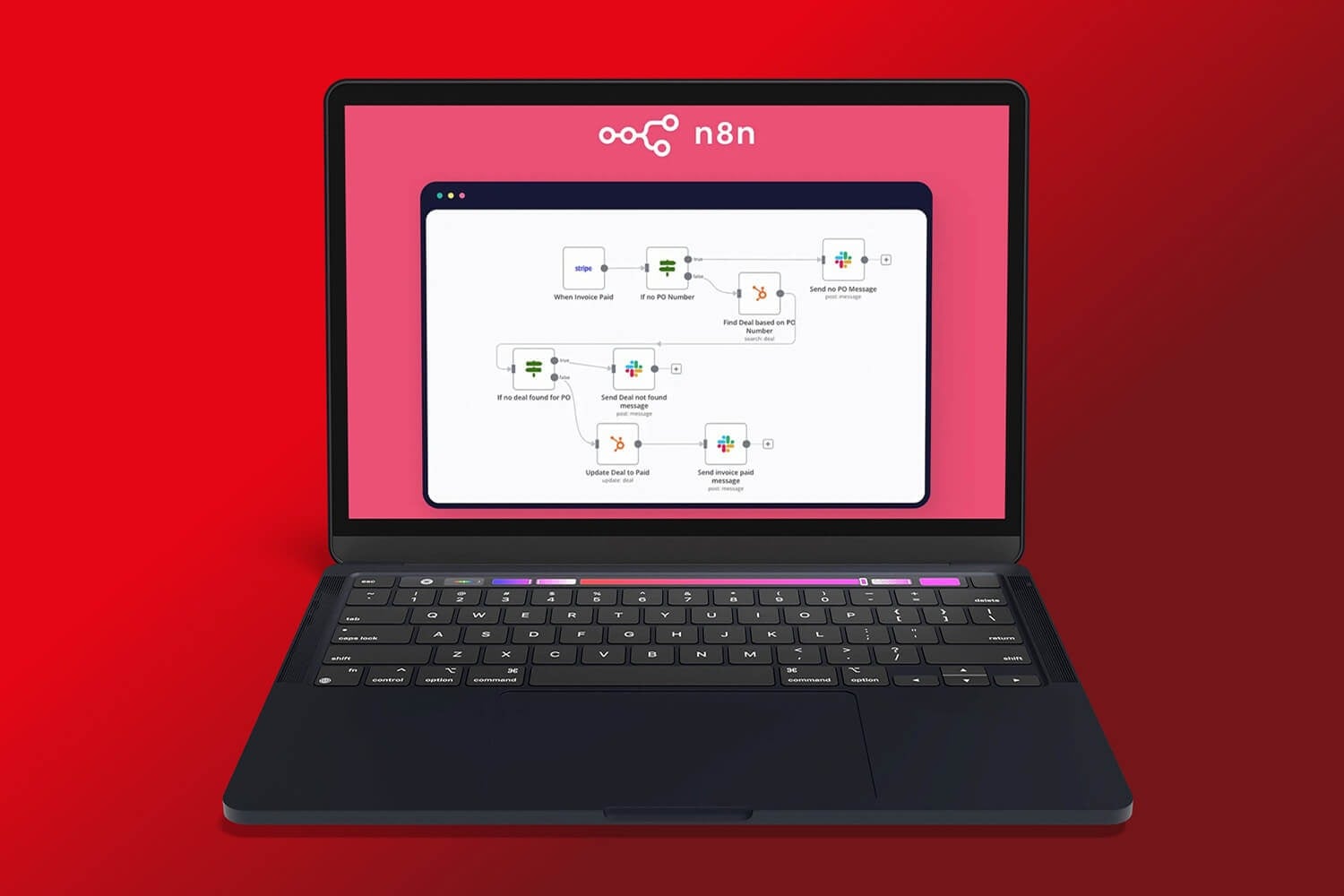
Hostinger is the best n8n hosting in 2026: its VPS plans start at $6.49 a month on a 24-month term, n8n installs from a template with Docker already set up, and self-hosting means unlimited executions.
n8n is a workflow automation tool that connects your apps without code. Its Community Edition is free to self-host, but it needs a server with enough RAM and, ideally, Docker. The best n8n hosting is therefore a VPS with root access, a simple way to install n8n and a renewal price you can live with.
We compared five hosts on price, RAM, root access, Docker support and renewal cost. The shortlist below comes first, and the tables and reviews that follow explain the trade-offs.
The 5 Best n8n Hosting Recommendations Ranked
- Hostinger: Best n8n Hosting Overall
- Bluehost: Best for Root Access and Docker
- DreamHost: n8n Pre-Installed on a VPS
- InMotion Hosting: Scalable VPS With Setup Help
- Hosting.com (formerly A2 Hosting): Self-Managed VPS for Hands-On Users
n8n Hosting Compared
The table compares one plan with 8 GB of RAM at each host, since RAM matters most for n8n, along with the price you pay after the first term.
| Host | Plan | RAM | Price per month | Renews at | How n8n is set up |
|---|---|---|---|---|---|
| Hostinger | KVM 2 | 8 GB | $8.99 (24 months) | $14.99 | Template with n8n in Docker |
| Bluehost | NVMe 8 | 8 GB | $12.99 (24 months) | $28.99 | n8n VPS plan with root access |
| DreamHost | Stack 8 | 8 GB | $9.49 (2 years) | $14.99 | n8n installation included |
| InMotion Hosting | VPS 4 vCPU | 8 GB | Around $10 to $15 (long terms) | Noticeably higher | Root access, Launch Assist onboarding |
| Hosting.com | Self Managed Linux 8GB | 8 GB | $9.99 (36 months) | $29 | You install n8n yourself |
What Does n8n Cost? Cloud vs. Self-Hosting
n8n’s own cloud plans bill by workflow executions, while the Community Edition has no vendor limit and only costs you the server. That difference is why so many people move n8n to a VPS as their workflows grow.
| Option | Price | Executions | Who runs the server |
|---|---|---|---|
| n8n Cloud Starter | $20/mo billed annually ($24 monthly) | 2,500 per month | n8n |
| n8n Cloud Pro | $50/mo billed annually ($60 monthly) | 10,000 per month | n8n |
| Community Edition on a VPS | About $5 to $10/mo for the server | No vendor limit | You |
A starter server costs roughly $5 to $10 a month at the hosts in this guide, so self-hosting is cheaper than either cloud plan as long as you can look after the server. n8n also sells a Business plan as a self-hosted license for several hundred dollars a month, which mainly suits teams that need single sign-on and version control. The Community Edition is source-available under n8n’s fair-code license and is free to use for your own workflows.
What Does n8n Need to Run?
n8n is light at first, but it grows with your workflows. The resources below are a practical guide, and RAM is the number to watch.
| Workload | vCPU | RAM |
|---|---|---|
| Minimum to run n8n | 1 | 2 GB |
| Comfortable for most users | 2 | 4 GB |
| Heavier workflows and many webhooks | 2 or more | 4 to 8 GB |
Docker makes installation, upgrades and management simpler, and NVMe storage helps when n8n writes a lot of execution logs. For high volumes, n8n has a queue mode that hands executions to separate workers, and you need more CPU and RAM to run it.
Best n8n Hosting Providers for 2026
Here is what each host offers for n8n, what it costs and where it falls short.
1. Hostinger
Pros
- One-click n8n templates with Docker
- Queue mode and 100+ prebuilt workflows templates
- Affordable VPS plans
- Full root access
- AI web terminal in hPanel
- 99.9% uptime guarantee
Cons
- Weekly backups
- No more than 8 vCPU cores
- Renewals cost 1.7 to 2.2 times the intro price
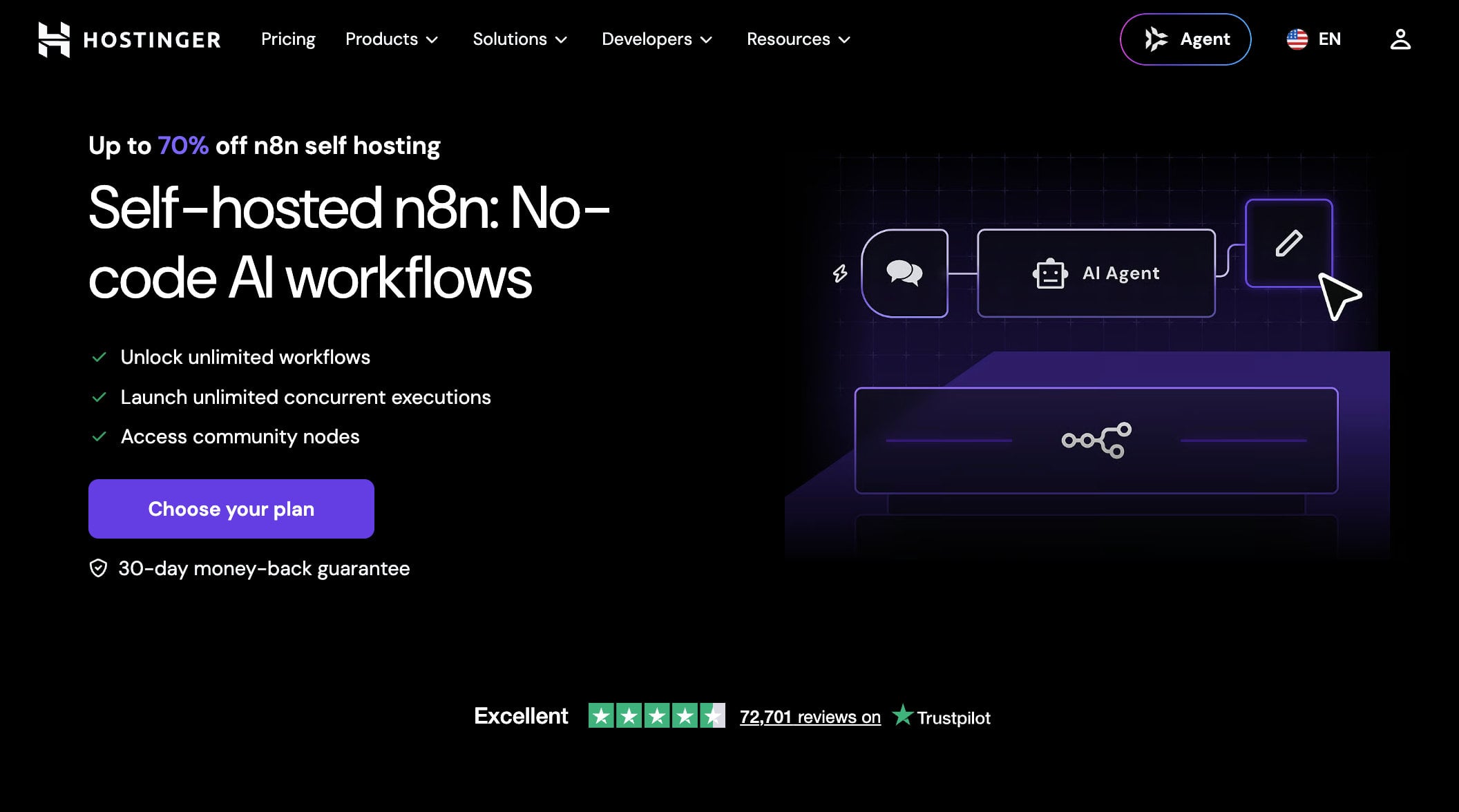
Hostinger makes n8n the easiest to start. When you set up a VPS, you pick a template, and n8n arrives already running in Docker, so you can skip the installation steps most guides walk you through. There are three templates: a standard n8n install, one that sets up queue mode for higher volumes, and one with more than 100 prebuilt workflows.
Hostinger’s VPS plans also include an AI web terminal, a community node for the Hostinger API and a free domain for the first year. Its VPS hosting gives you full root access when you want to tune the server yourself.
Plans and Pricing
Hostinger has four VPS plans, and the prices below are for a 24-month term paid upfront. Code GIZMODO takes another 10% off at checkout.
| Plan | vCPU | RAM | NVMe storage | Price per month (24 months) | With code GIZMODO | Renews at |
|---|---|---|---|---|---|---|
| KVM 1 | 1 | 4 GB | 50 GB | $6.49 | $5.84 | $11.99/mo |
| KVM 2 | 2 | 8 GB | 100 GB | $8.99 | $8.09 | $14.99/mo |
| KVM 4 | 4 | 16 GB | 200 GB | $12.99 | $11.69 | $28.99/mo |
| KVM 8 | 8 | 32 GB | 400 GB | $25.99 | $23.39 | $49.99/mo |
KVM 2 is where we would start: two vCPUs, 8 GB of RAM and 100 GB of NVMe storage cover most n8n setups, and it costs $8.99 a month ($8.09 with the code). KVM 1 works for light workflows, while KVM 4 and KVM 8 suit AI-heavy automations and many concurrent executions. All plans include free weekly backups, firewall management and a 1 Gbps network, and the data centers span North America, South America, Europe and Asia. The backups cover the whole server, so it is wise to export your n8n workflows separately too.
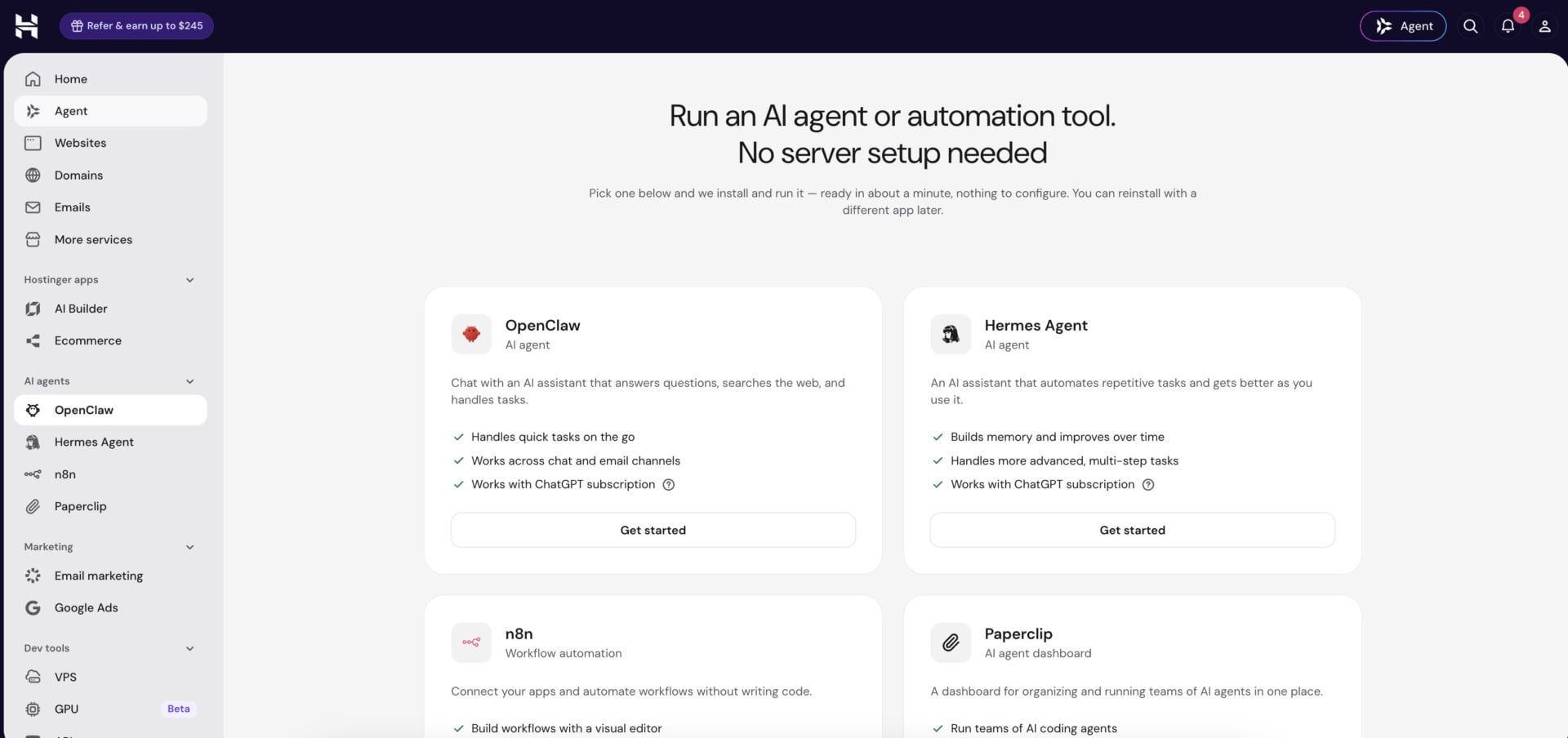
Hostinger also sells n8n inside its AI agents and automation plan, which costs $5.99 a month on a 24-month term ($5.39 with the code) and renews at $11.99. hPanel lists n8n in an “AI agents” menu next to OpenClaw, Hermes Agent and Paperclip, and the plan lets you switch between them. It suits people who want n8n without running a server, while the VPS route is better when you want root access and control over Docker.
2. Bluehost
Pros
- Full root access
- DDR5 RAM on every plan
- Unmetered bandwidth
- Small plans renew with a small increase
Cons
- NVMe 8 and NVMe 16 renew at about twice the intro price
- The plan page doesn’t name its data center locations
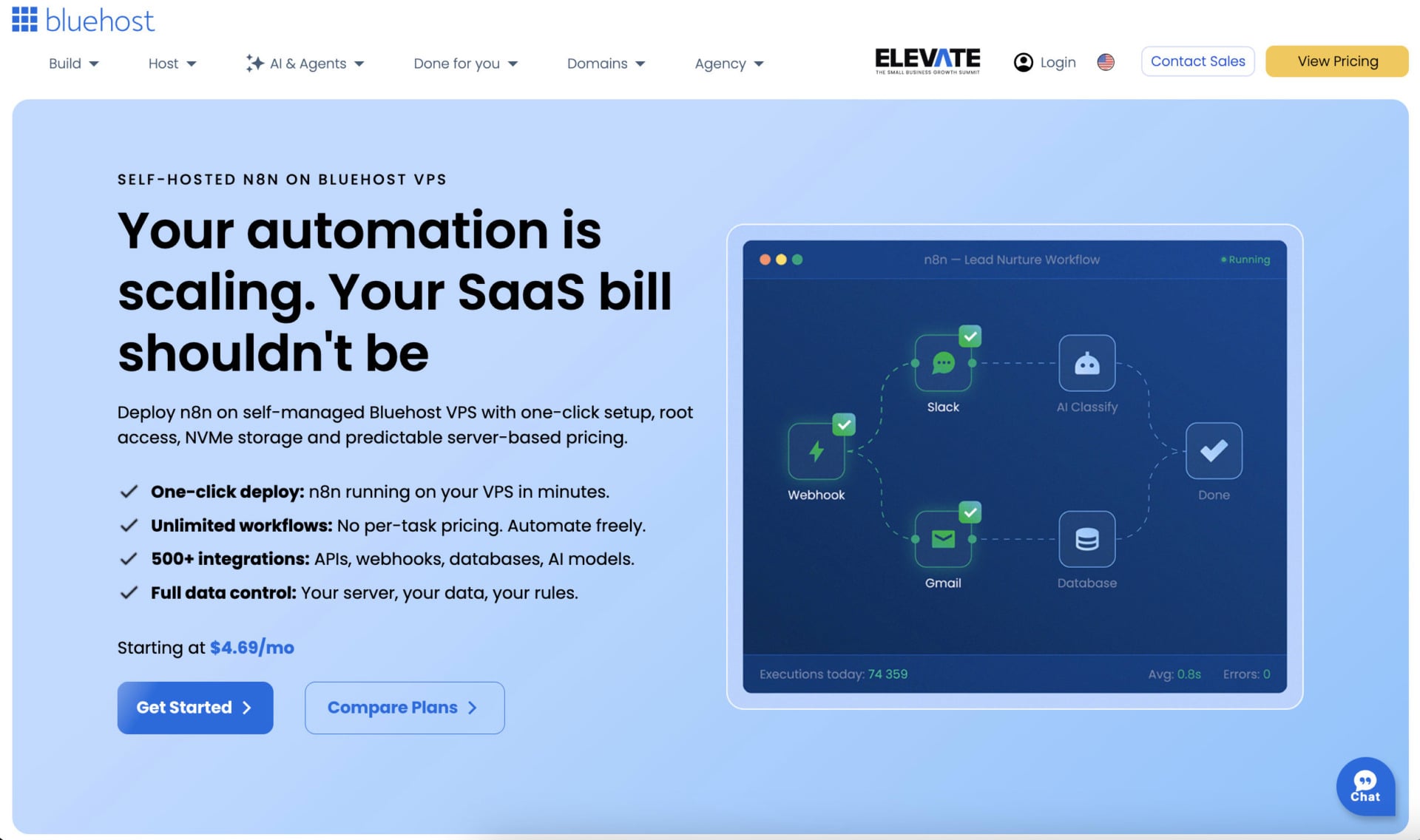
Bluehost gives you the most control of the five. It sells VPS plans built around n8n, with DDR5 RAM, NVMe storage and unmetered bandwidth on every plan, and it markets the pricing as a way to run “10 workflows or 1000s of tasks” without execution-based fees. Root access lets you install Docker yourself, and you can add cPanel later if you want a control panel. That makes Bluehost a good match for people who already work on Linux servers and want to choose their own stack, from the reverse proxy to the database.
Plans and Pricing
Bluehost has four n8n VPS plans, and the prices below are for a 24-month term.
| Plan | vCPU | RAM | NVMe storage | Price per month (24 months) | Renews at |
|---|---|---|---|---|---|
| NVMe 2 | 1 | 2 GB DDR5 | 50 GB | $4.69 | $5.69/mo |
| NVMe 4 | 2 | 4 GB DDR5 | 100 GB | $9.49 | $11.99/mo |
| NVMe 8 | 4 | 8 GB DDR5 | 200 GB | $12.99 | $28.99/mo |
| NVMe 16 | 8 | 16 GB DDR5 | 450 GB | $25.99 | $49.99/mo |
Bluehost labels NVMe 4 as the recommended plan for Docker, AI agents and growing applications, and that is the one we would pick: two vCPUs and 4 GB of RAM for $9.49 a month, renewing at $11.99. NVMe 8 suits production setups that run several containers, but its renewal price of $28.99 is more than twice the intro price.
Bluehost also sells managed VPS plans with cPanel at much higher prices, so the n8n plans are the better fit unless you want a managed server. The data centers are listed as “multiple”, and Bluehost doesn’t name them on the plan page, which matters if your workflows call services in a specific region.
3. DreamHost
Pros
- n8n installation included on every plan
- PostgreSQL and automatic SSL already set up
- Full root access
- Unmetered bandwidth
- AMD EPYC processors and NVMe storage
Cons
- Renewals cost 1.3 to 1.8 times the sale price
- The sale price needs a two-year term
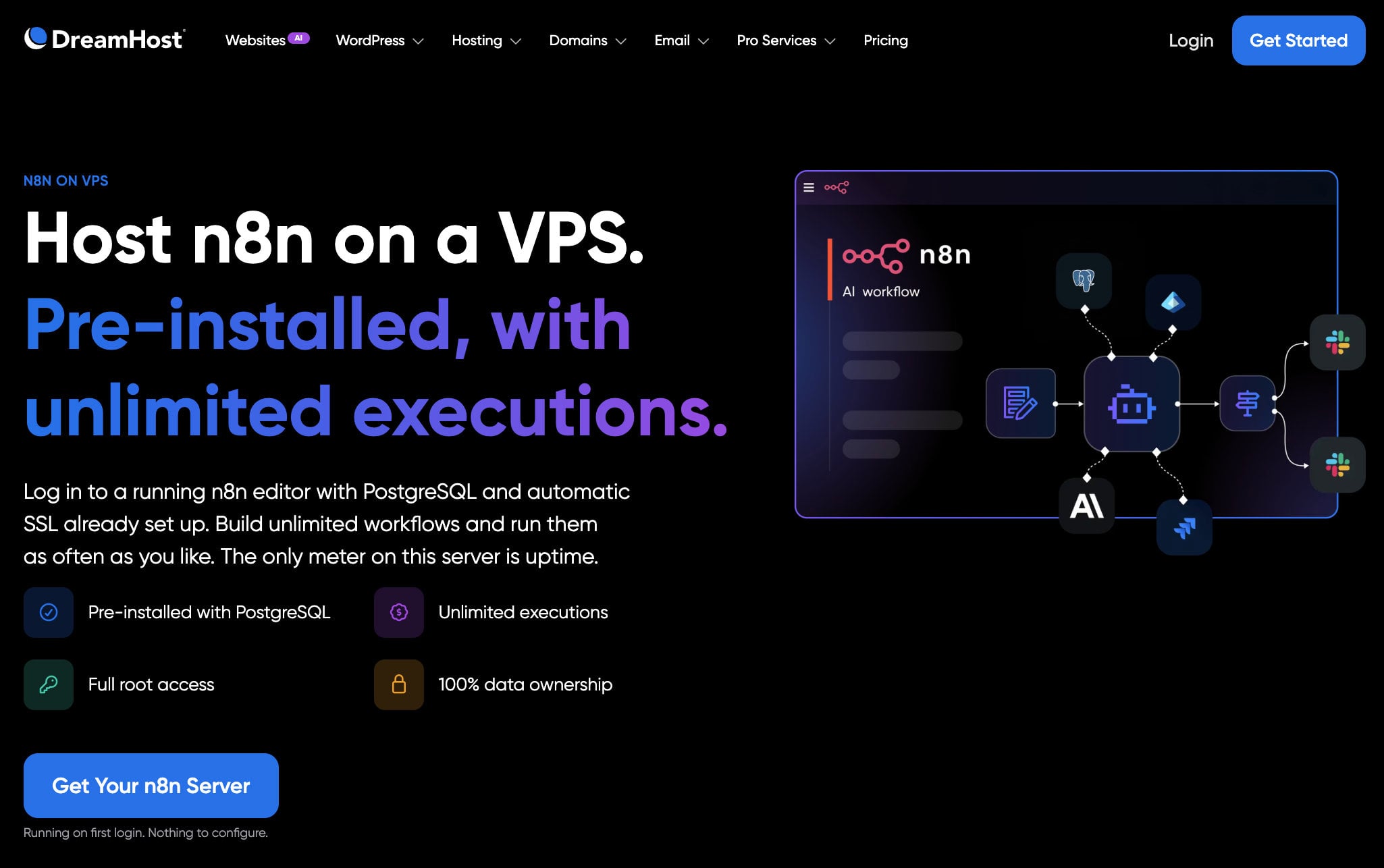
DreamHost has a page built around n8n: you log in to a running n8n editor with PostgreSQL and automatic SSL already set up, and DreamHost describes the server as running on first login with nothing to configure. Every plan includes n8n, unmetered bandwidth and full root access, so you get a ready server without giving up control. The ready-made database matters more than it sounds, because n8n runs best with PostgreSQL once you have many workflows and a long execution history, and setting it up by hand is a common stumbling block.
Plans and Pricing
DreamHost sells four Stack plans, and the prices below are the sale prices for the first two years.
| Plan | vCPU | RAM | NVMe storage | Price per month (first 2 years) | Renews at |
|---|---|---|---|---|---|
| Stack 4 | 2 | 4 GB | 75 GB | $5.99 | $10.99/mo |
| Stack 8 | 2 | 8 GB | 150 GB | $9.49 | $14.99/mo |
| Stack 16 | 4 | 16 GB | 250 GB | $15.49 | $23.49/mo |
| Stack 32 | 8 | 32 GB | 450 GB | $30.99 | $39.99/mo |
Stack 4 suits lightweight apps and solo projects, while Stack 8 is aimed at apps running in production, and it is the plan we would choose for n8n at $9.49 a month. Stack 16 carries the “Most Popular” label and gives you four vCPUs and 16 GB of RAM for demanding workloads. Every plan has a choice of Linux distributions, Docker with KVM, a one-click app library, DDoS protection and 24/7 support.
DreamHost’s managed VPS plans are a different product: they give you SSH access but no root access, so they don’t suit n8n. Choose one of the Stack plans instead.
4. InMotion Hosting
Pros
- Launch Assist onboarding and server setup
- NVMe storage and dedicated IP addresses
- Managed and self-managed options
- Phone and chat support around the clock
- Long refund window on longer terms
Cons
- Pricing is harder to compare across terms and plans
- Renewals are noticeably higher than intro prices
- Data centers only in the US and Europe
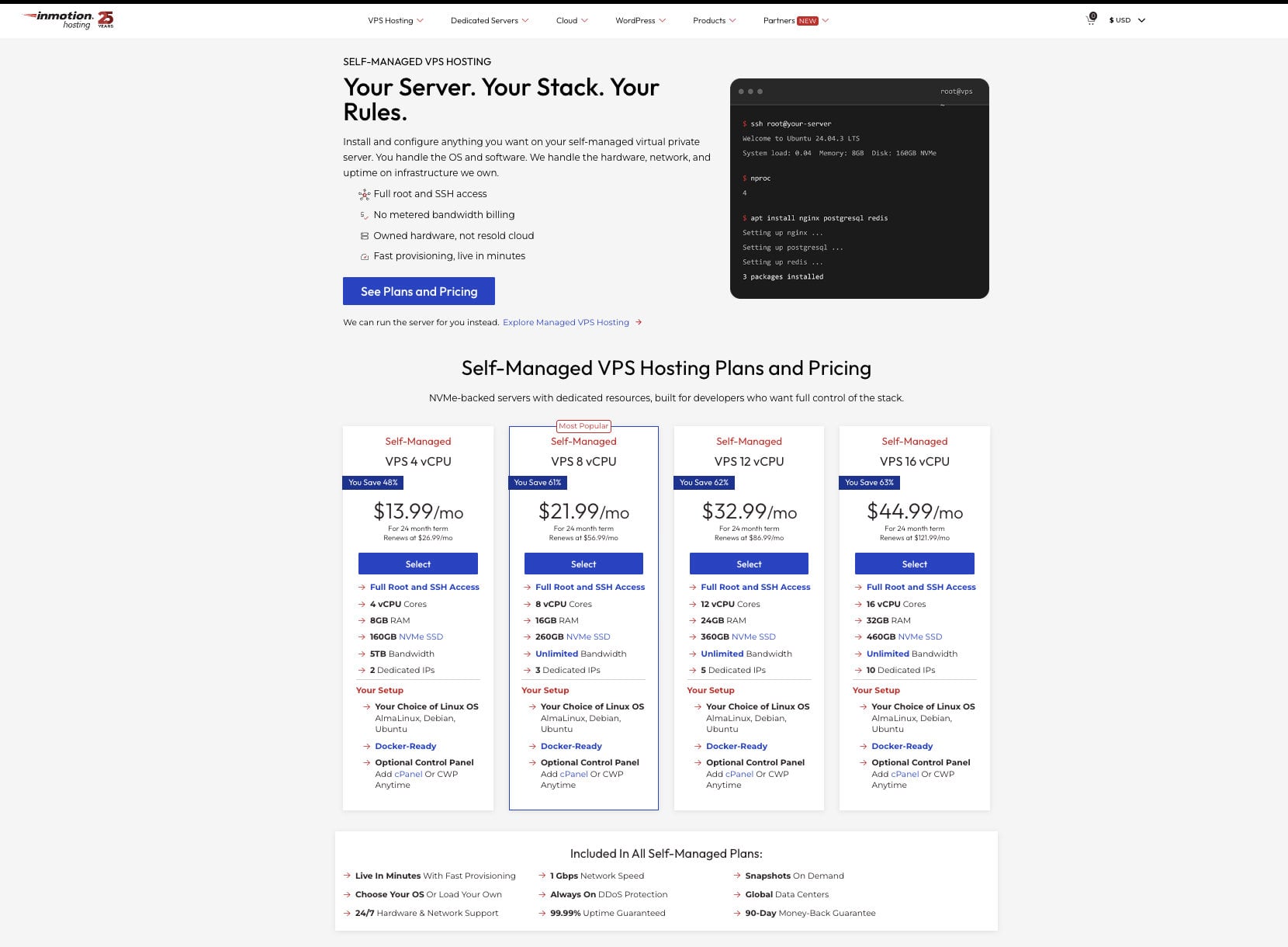
InMotion Hosting takes a different route from the others: its VPS plans come with Launch Assist, an onboarding and server setup service that InMotion values at $199. If you would rather have someone help you configure the server, that is a real advantage for a first n8n install.
The plans use NVMe storage and include dedicated IP addresses. The 4 vCPU plan has 8 GB of RAM, 160 GB of NVMe storage and 5 TB of bandwidth, and the 8 vCPU plan has 16 GB of RAM, 260 GB of storage and unmetered bandwidth. InMotion sells both managed and self-managed VPS plans, and prices start at around $10 a month on longer terms.
The pricing is where InMotion gets complicated. Each plan has several billing terms and management options, and the renewal price is noticeably higher than the intro price, so compare the term and the level of management carefully before you buy. Support is available around the clock by phone and chat, and InMotion advertises a long money-back window on longer terms. The company is a natural match for small businesses that want to talk to a person during setup, and less so for people who want the lowest possible price.
5. Hosting.com (formerly A2 Hosting)
Pros
- Low entry price for a 4 GB or 8 GB server
- Several Linux distributions to choose from
- Optional cPanel
- Managed plans available
Cons
- No plan built for n8n
- Renewals cost about 2.7 to 2.9 times the intro price
- The best prices need a three-year term
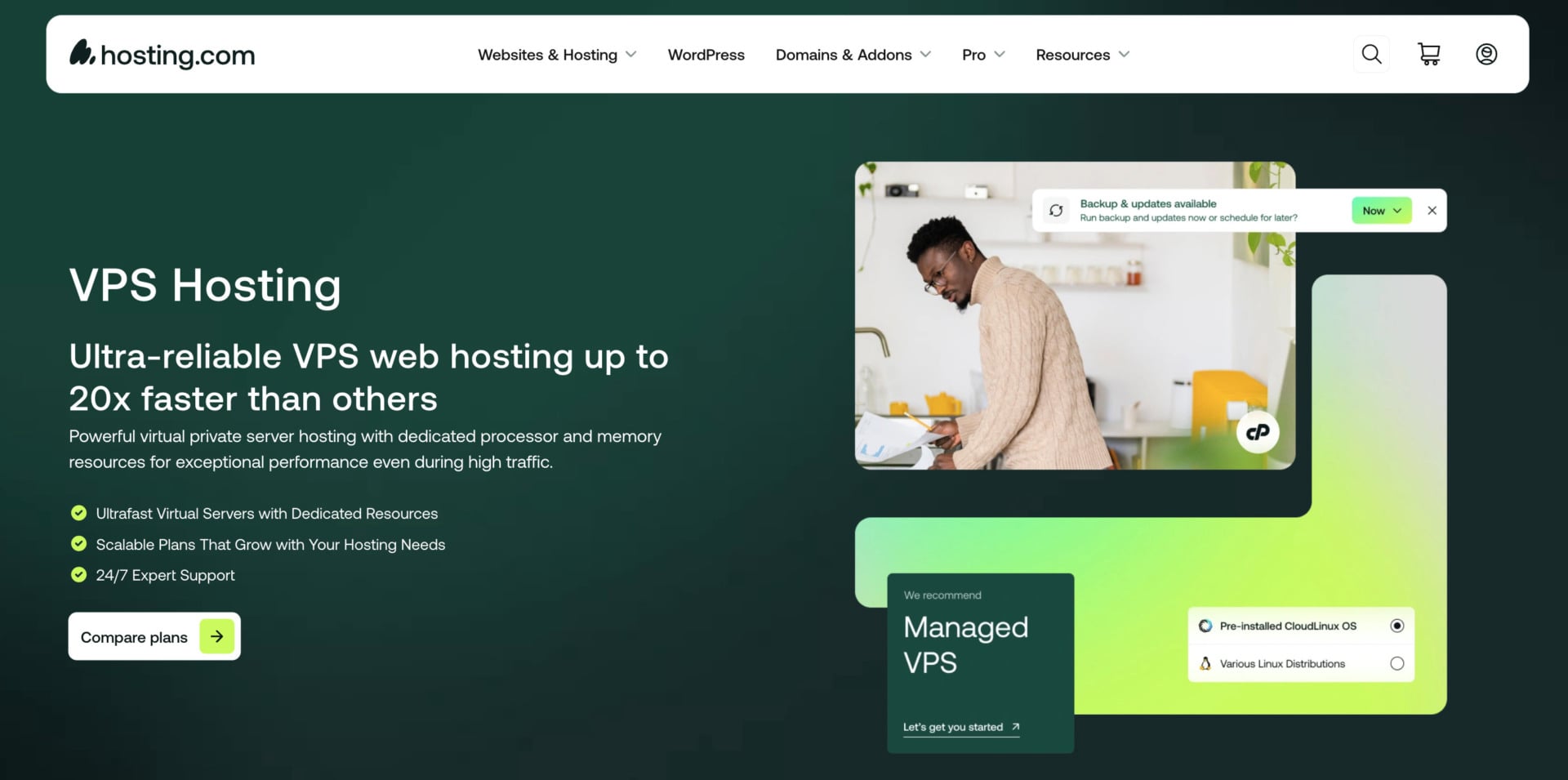
Hosting.com, the company that used to be A2 Hosting, doesn’t market an n8n plan, but its unmanaged VPS gives you a clean server to install n8n on. You choose the Linux distribution, manage the security and backups yourself and decide on updates, which suits people who like to control every layer.
Plans and Pricing
The unmanaged plans below are priced on a three-year term, and cPanel is optional.
| Plan | CPU cores | RAM | NVMe storage | Price per month (3 years) | Renews at |
|---|---|---|---|---|---|
| Self Managed Linux 4GB | 2 | 4 GB | 80 GB | $6.49 | $19/mo |
| Self Managed Linux 8GB | 4 | 8 GB | 160 GB | $9.99 | $29/mo |
| Self Managed Linux 16GB | 8 | 16 GB | 320 GB | $17.99 | $49/mo |
| Self Managed Linux 32GB | 16 | 32 GB | 640 GB | $36.99 | $99/mo |
The 8 GB plan costs $9.99 a month and has four CPU cores and 160 GB of NVMe storage, which is enough for n8n with room to grow. The renewal price of $29 a month is nearly three times higher, though, so the low price only lasts for the first term. Hosting.com also sells managed plans with cPanel Solo, a dedicated IP and SSL included, from $23.20 a month for 4 GB of RAM, and they renew at $58.
You install Docker and n8n yourself on the unmanaged plans, so they suit people who are comfortable on a Linux server. If you want n8n ready to go, Hostinger or DreamHost is the easier start. Hosting.com also suits anyone who wants a cheap 4 GB or 8 GB server for other projects alongside n8n, since the plans give you a blank Linux machine.
Which n8n Host Fits You?
For a first n8n server, Hostinger and DreamHost are the easiest starts, because both remove the installation work. Hostinger gives you templates for a standard install, queue mode or a set of prebuilt workflows, and DreamHost gives you n8n with PostgreSQL and SSL already set up.
If you like to control the stack yourself, Bluehost’s n8n VPS plans and Hosting.com’s unmanaged plans hand you a clean server with root access. Bluehost is the pricier of the two at renewal on its larger plans, while Hosting.com needs a three-year term for its best rates.
If you would rather have help with the first setup, InMotion’s Launch Assist is the closest thing to a guided install. For AI-heavy automations that call large models or process a lot of data, look at plans with 16 GB of RAM, such as Hostinger’s KVM 4, DreamHost’s Stack 16 or Bluehost’s NVMe 16.
How to Self-Host n8n With Docker
Self-hosting n8n with Docker follows the same steps on any host, and some hosts do the first two for you.
- Choose a VPS with at least 2 GB of RAM, and preferably 4 GB, and make sure it gives you root access.
- Install Docker on the server, or choose a host such as Hostinger that offers a template with Docker and n8n already set up.
- Start the n8n container with a persistent volume, so workflows and credentials survive restarts and updates.
- Point a domain at the server and put n8n behind a reverse proxy with an SSL certificate.
- Back up the n8n volume regularly and update the container when new versions come out.
How to Choose the Best Hosting for n8n
Choosing a host comes down to a few points, and RAM and renewal cost matter most.
Setup is the first one. If you are new to servers, pick a host with a template or a preinstalled n8n, such as Hostinger or DreamHost, because it removes the Docker and database setup. If you are comfortable on a Linux server, Bluehost and Hosting.com give you a clean machine with root access.
Resources come next. Look at the RAM, the CPU and the storage each plan offers for the price, and pick a plan slightly above what your workflows need. You can never have too much, and n8n grows with every workflow you add.
Scalability matters because your automations tend to grow. Hostinger, Bluehost and DreamHost all have plans from 4 GB up to 16 GB or 32 GB of RAM, so you can move up without changing hosts. Check the support hours as well, and prefer 24/7 help so a stuck deployment doesn’t cost you a weekend.
Speed and location also count. Workflows that call APIs run faster from a data center close to those services, so check where each host’s servers are and prefer NVMe storage and modern CPUs. Hostinger lists data centers on four continents, InMotion uses the US and Europe, and Bluehost doesn’t name its locations on the plan page.
Value for money includes renewal prices. Hostinger, DreamHost and Bluehost’s smaller plans renew with a modest increase, while Hosting.com’s unmanaged plans nearly triple. If you want a head-to-head, our Bluehost vs Hostinger comparison and Hostinger vs DreamHost comparison go into more detail.
The Bottom Line
n8n lets you build custom automations without code, and self-hosting it on a VPS removes the execution limits of the cloud plans. For most people, Hostinger is the best n8n hosting option in 2026, because its templates start n8n in Docker and code GIZMODO takes another 10% off.
Bluehost is the better fit if you want root access and Docker on your own terms, and DreamHost is the easiest alternative, with n8n preinstalled on every Stack plan. InMotion Hosting adds hands-on setup help, and Hosting.com suits people who prefer to build the server themselves.
Most of these hosts offer a money-back window, so check the terms for the plan and term you choose and use that time to test your workflows.
Frequently Asked Questions
Can n8n Run on Shared Hosting?
Rarely. n8n needs steady CPU and RAM, and shared hosting doesn’t give you either, so a VPS is the better choice. Some people use cloud server hosting, which also works well for n8n.
Is Docker Required for n8n?
No, because you can install n8n with Node.js. Docker makes upgrades and management simpler, though, and several hosts on this list either preinstall it or let you add it with root access.
How Much Does n8n Cost?
The Community Edition is free to self-host, so your only cost is the server. n8n’s own cloud plans start at $20 a month billed annually for 2,500 executions and $50 for 10,000, and a starter VPS costs roughly $5 to $10 a month.
How Much RAM Does n8n Need?
n8n runs on 1 vCPU and 2 GB of RAM at a minimum. Most users are comfortable with 2 vCPUs and 4 GB, and heavier workflows or many webhooks benefit from 4 to 8 GB.
What Is n8n Queue Mode?
Queue mode splits the work between a main instance and separate workers, which helps when you run many executions at once. Hostinger offers a template that sets it up for you.
Which VPS Plan Is Best for n8n?
A plan with 2 vCPUs and 4 to 8 GB of RAM suits most n8n users. Hostinger’s KVM 2, DreamHost’s Stack 8 and Bluehost’s NVMe 4 or NVMe 8 all fall in that range.