Bluehost vs Hostinger is one of the most common hosting comparisons, and the right answer depends on what you need. Hostinger is cheaper and faster in our tests, while Bluehost has been a WordPress.org-recommended host since 2005 and adds phone support, nine VPS data centers and a few original AI products. In short, Hostinger vs Bluehost comes down to budget and the kind of help you want.
Both hosts are popular for low prices, and both offer one-click WordPress installs, free SSL and a 30-day money-back guarantee. We compared them on plans, pricing, WordPress, e-commerce, VPS, AI tools, speed, security, ease of use, support, scalability and migration. We tested shared hosting at both hosts in our reviews, and for VPS, WooCommerce and AI products our comparison rests on the plan specs, the prices and the terms that each host publishes.
Bluehost vs Hostinger at a Glance
The table below shows our pick in each category, and the sections that follow explain every choice. Hostinger wins five categories, Bluehost wins two and five end in a tie.
| Category | Bluehost | Hostinger | Our pick |
|---|---|---|---|
| Plans and pricing | WordPress plans from $3.99/mo | Premium from $2.99/mo | Hostinger |
| WordPress | Recommended since 2005, staging on every plan | LiteSpeed servers, staging from Unlimited | Bluehost |
| E-commerce | WooCommerce hosting from $14.99/mo with 16 plugins | WooCommerce on shared plans, Ecommerce plan from $5.99/mo | Tie |
| VPS | NVMe 4 at $9.49/mo with 4 GB of RAM | KVM 2 at $8.99/mo with 8 GB of RAM | Hostinger |
| AI tools | AI Agent Hosting and the AI All-Access Pack | AI Builder and an AI agents plan | Tie |
| Speed | TTFB of 463 to 550 ms on shared hosting | TTFB of 291 ms after optimization | Hostinger |
| Features | Staging, WP-CLI, SSH and Git, AI Builder, free CDN | LiteSpeed Cache, one-click installers, AI Builder, free email for the first year | Tie |
| Security | Daily malware scans, backup terms vary | Firewall, malware scanner, clear backup tiers | Hostinger |
| Ease of use | Own dashboard plus cPanel | hPanel | Hostinger |
| Support | Chat and phone 24/7 | Chat 24/7, no phone | Bluehost |
| Scalability | Cloud and VPS | Cloud and VPS | Tie |
| Migration | Free migration | Free migration | Tie |
Which Hosting Provider Has More Plans: Bluehost or Hostinger?
Scalability starts with the number of hosting types a provider sells. As your site grows and attracts more traffic, you want a host that offers the next step without forcing you to migrate to another company.
Bluehost
Bluehost sells more product types today than it did a year ago. Its range covers managed WordPress hosting, WooCommerce hosting, Bluehost Cloud, self-managed and managed VPS, AI Agent Hosting and the AI All-Access Pack. WooCommerce has three levels, with eCommerce Essentials, eCommerce Premium and Custom Commerce, and Cloud has Cloud 10, Cloud 25, Cloud 50 and a custom plan.
The VPS line has four self-managed plans, NVMe 2, 4, 8 and 16, and three managed plans. The highest Cloud plan supports 50 websites, so very large agencies need the custom option. Our Bluehost review covers each product in detail.
See Bluehost’s WordPress Plans
Hostinger
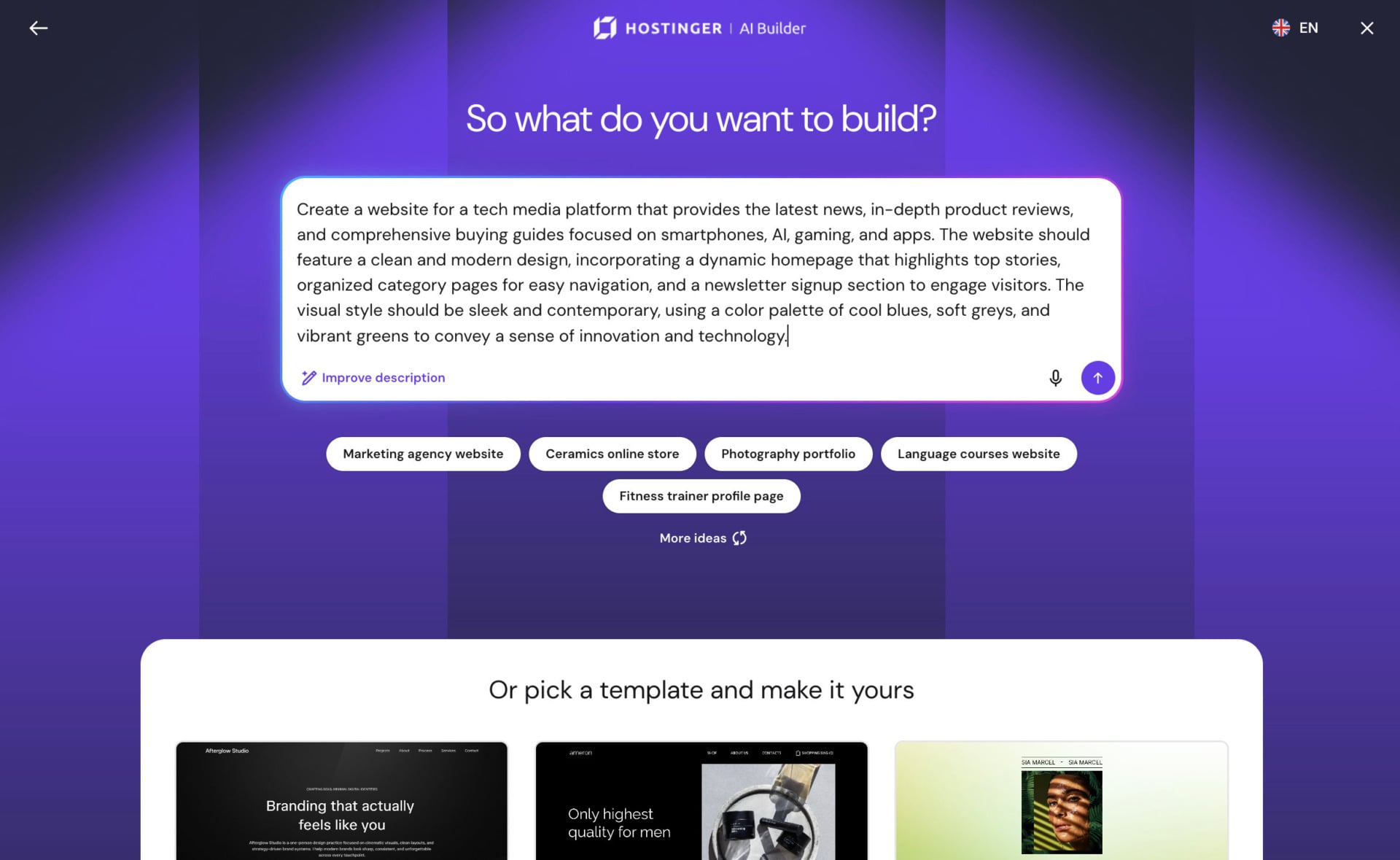
Hostinger has the broader range: It sells shared and WordPress hosting in three plans, VPS plans from KVM 1 to KVM 8, an Agency plan with white-label options, Game Panel plans for Minecraft servers and other games, and GPU hosting for AI workloads. It also sells the AI Builder, an AI agents and automation plan, email plans and its own Ecommerce store builder.
Hostinger does not sell dedicated servers, which is a gap for very large projects. For almost everyone else, the range covers every step from a first blog to a busy VPS, and each hosting type has several plans.
Winner: Hostinger, for the broader range, although Bluehost has closed much of the gap.
Bluehost vs Hostinger: Pricing and Affordability
Pricing matters most when you choose a host: Compare the total cost of ownership, the renewal price and any extras, since the cheapest launch price is not always the cheapest bill over three years.
Hostinger is generally the cheapest web host in this comparison: Its Premium plan costs $2.99/mo on a 48-month term billed upfront, and code GIZMODO takes another 10% off. Bluehost’s managed WordPress plans start at $3.99/mo, and its WooCommerce plans cost more.
| Plan | Launch price | Renews at | Main resources |
|---|---|---|---|
| Hostinger Premium | $2.99/mo on 48 months | $10.99/mo | 3 websites, 20 GB SSD, weekly backups |
| Hostinger Unlimited | $3.99/mo on 48 months | $16.99/mo | Unlimited websites, 50 GB NVMe, daily backups, CDN |
| Hostinger Cloud Startup | $7.99/mo on 48 months | $25.99/mo | 100 websites, 100 GB NVMe, dedicated IP |
| Bluehost Managed WordPress | From $3.99/mo | Varies by plan | Free domain, SSL, staging, Yoast SEO |
| Bluehost eCommerce Essentials | $14.99/mo on 36 months | $21.99/mo | WooCommerce and 16 premium plugins |
| Bluehost eCommerce Premium | $21.99/mo on 36 months | $30.99/mo | Adds gift cards, bookings and rewards |
Hostinger gives you more resources for less money at the entry level. Premium includes a free domain for the first year on terms of 12 months or longer, free SSL, free migration and weekly backups. Unlimited adds the CDN, staging and daily backups, and code GIZMODO brings the three plans to $2.69, $3.59 and $7.19 per month.
Bluehost’s entry price is higher but its plans include a free domain for the first year, free SSL, automatic WordPress updates, a one-click staging tool and Yoast SEO. Both hosts have steep renewals, with Hostinger Premium rising 3.7 times and Bluehost eCommerce Essentials rising 47%, so check the renewal figure before you pick a term.
Get Hostinger With Code GIZMODO
Winner: Hostinger, for the lowest entry price and more resources per dollar.
WordPress Hosting: Bluehost vs Hostinger
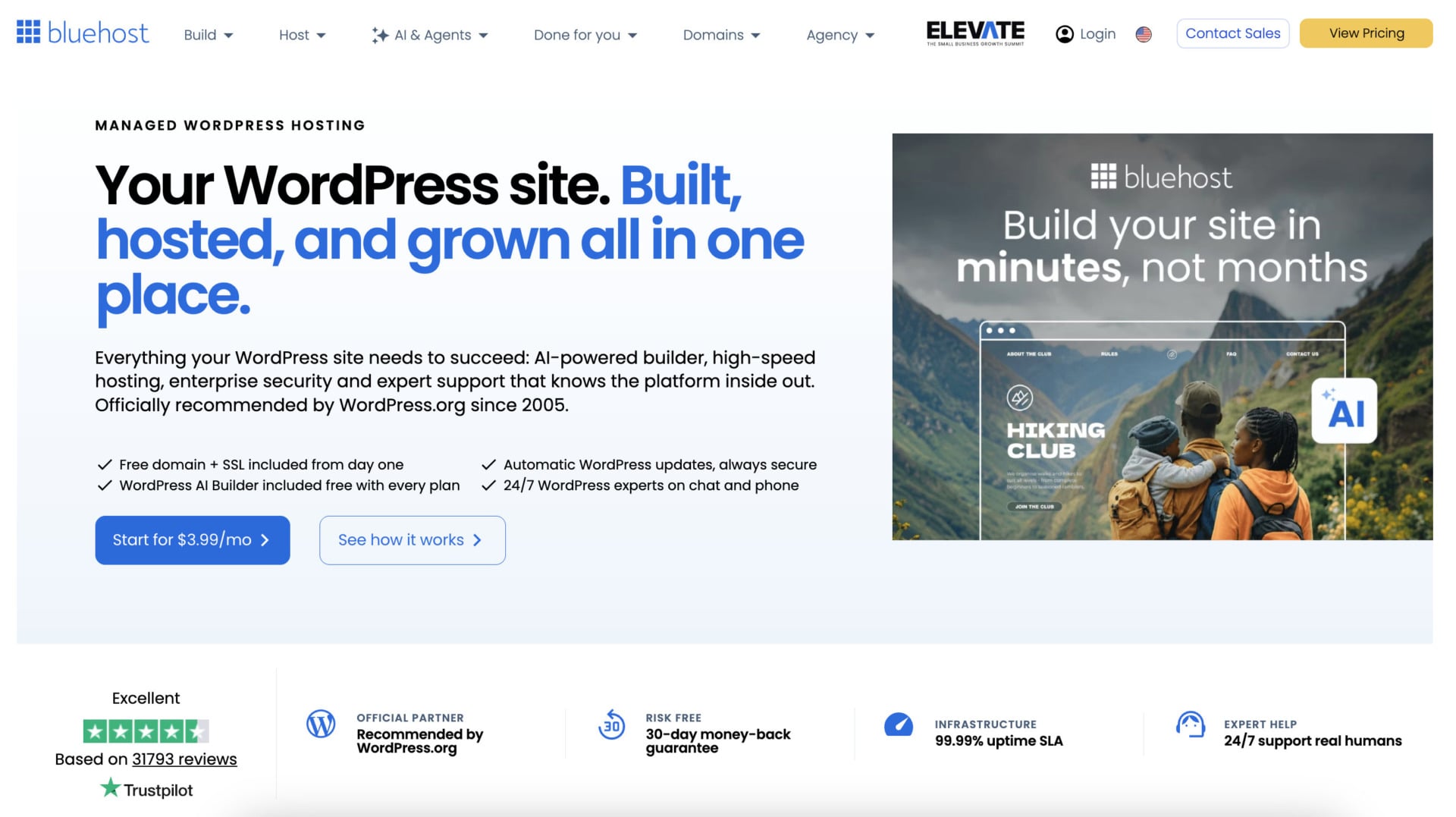
Both hosts are recommended by WordPress.org, and both install WordPress in one click. Bluehost has held that recommendation since 2005, and Hostinger is a popular choice for WordPress sites too. Bluehost builds its platform around WordPress: Every plan has a one-click staging tool, automatic updates, Yoast SEO, WP-CLI, SSH, Git integration and PHP version control. Its WordPress AI Builder asks for a title, a category and a short description, then offers three site previews that you refine in a drag-and-drop builder.
Hostinger puts speed first, with LiteSpeed servers and the LiteSpeed Cache plugin on its WordPress plans, plus automatic updates, a vulnerability scanner and a staging tool on Unlimited and above. Premium has no staging tool, which is a limit for people who want to test changes safely.
For a beginner who wants a guided WordPress setup, Bluehost has the edge, because every plan has staging and WordPress-trained support. Hostinger is better when speed and price matter more. Our guide to WordPress hosting compares more options.
Winner: Bluehost, for guidance and developer tools on every plan.
E-Commerce: Bluehost vs Hostinger
Bluehost for E-Commerce
Bluehost sells a dedicated WooCommerce hosting product, and 16 premium WooCommerce plugins come pre-installed. Essentials covers subscriptions, memberships, paid courses, digital downloads, email marketing and an affiliate program, while Premium adds gift cards, bookings, product add-ons, points and rewards, wishlists and advanced reviews. It also has an AI store builder and 24/7 support from agents trained on WooCommerce.
The cost is higher: eCommerce Essentials costs $14.99/mo on a 36-month term, and eCommerce Premium costs $21.99/mo, which makes sense for a store that needs those plugins.
Hostinger for E-Commerce
Hostinger lets you install WooCommerce in one click on its WordPress plans, so you can start a store at the shared hosting price. It also sells its own Ecommerce store builder from $5.99/mo on a 12-month term, with 0% transaction fees and the ability to sell without a website through checkout links.
Hostinger is the budget choice, and its servers load stores quickly, but you add plugins yourself. Our WooCommerce hosting guide compares more hosts.
Winner: Tie. Hostinger costs less, and Bluehost saves setup time with its pre-installed plugins.
Explore Bluehost’s WooCommerce Plans
VPS Hosting: Bluehost vs Hostinger
VPS hosting gives you dedicated resources and root access, and it suits developers, agencies and people who run apps such as n8n. The table compares the closest self-managed plans by RAM, with prices on 24-month terms.
| RAM | Hostinger | Bluehost |
|---|---|---|
| 4 GB | KVM 1: 1 vCPU, 50 GB NVMe, $6.49/mo, renews at $11.99 | NVMe 4: 2 vCPUs, 100 GB NVMe, $9.49/mo, renews at $11.99 |
| 8 GB | KVM 2: 2 vCPUs, 100 GB NVMe, $8.99/mo, renews at $14.99 | NVMe 8: 4 vCPUs, 200 GB NVMe, $12.99/mo, renews at $28.99 |
| 16 GB | KVM 4: 4 vCPUs, 200 GB NVMe, $12.99/mo, renews at $27.99 | NVMe 16: 8 vCPUs, 450 GB NVMe, $25.99/mo, renews at $49.99 |
Hostinger is cheaper at every size, and its renewals are lower, although Bluehost gives you more vCPUs and storage at each level. The difference matters most at 8 GB, where KVM 2 costs $8.99/mo and NVMe 8 renews at $28.99, roughly twice Hostinger’s renewal price. Hostinger caps bandwidth at 4 TB on KVM 1 and 8 TB on KVM 2, while Bluehost advertises unmetered bandwidth.
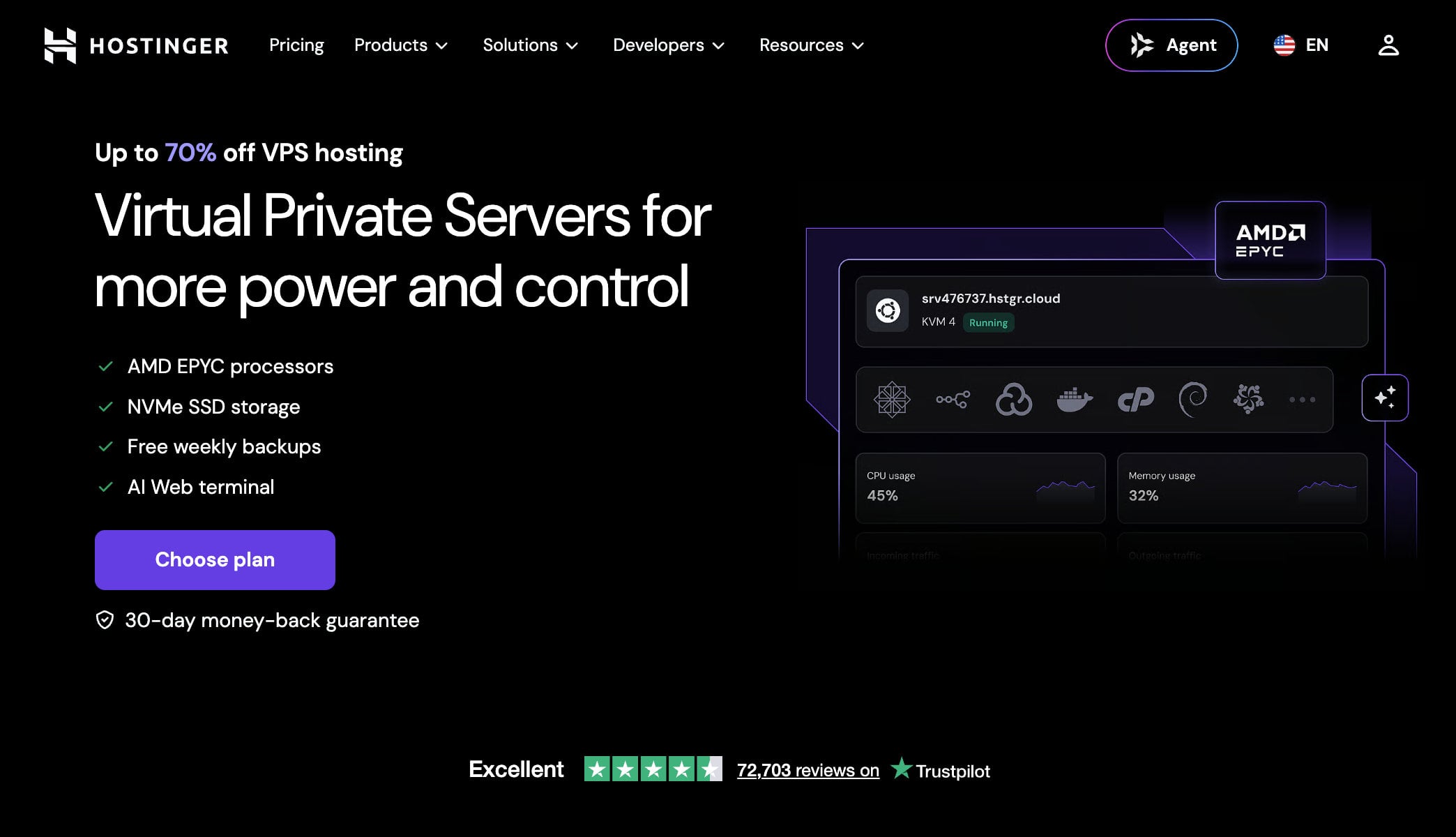
Bluehost’s advantages are location and extras. You can choose among nine data centers, from Virginia and Arizona to Mumbai, Singapore and Sydney, and Claude Code comes pre-installed on every self-managed plan. Hostinger has data centers on four continents and an AI web terminal in hPanel.
Bluehost also sells a managed VPS with cPanel, starting at $49.99/mo on a 36-month term. It costs about five times as much as the self-managed NVMe 4, so we recommend it only if you want cPanel and a team to run the server. Self-managed Bluehost plans do not include 24/7 priority support, so factor that in.
If you plan to run an AI agent or n8n, 4 GB is the practical starting point, which means KVM 1 or NVMe 4. Choose 8 GB when you add browser tools or several containers, since memory is the first limit you hit. Our VPS hosting guide compares more providers.
Winner: Hostinger, for more RAM per dollar and lower renewals, with Bluehost ahead on data center choice.
AI Tools: Bluehost vs Hostinger
Both hosts now sell AI products, and they take different approaches:
Hostinger’s AI Builder merged the classic Website Builder and Horizons in August 2026. It generates a site or app from a text, image or voice prompt, with plans from $6.99/mo and a free trial that needs no credit card. Agent Hostinger handles guided tasks from hPanel, and an AI agents and automation plan at $5.99/mo on 24 months lets you switch between OpenClaw, n8n and other agent apps.
Bluehost’s WordPress AI Builder comes free with every WordPress plan and ends in a normal WordPress site. AI Agent Hosting sells a self-managed VPS at $9.49/mo with Claude Code, n8n or OpenClaw pre-installed, plus a one-click library with Hermes Agent, Open WebUI, Dify, Langflow and more. The AI All-Access Pack gives you ChatGPT, Gemini, Claude and Grok for $20/mo, and few hosts sell anything like it.
Hostinger has the better builder and the cheaper agent plans, and Bluehost has the more original products. Our guides to AI website builders and n8n hosting cover both sides in more detail. If you want the cheapest way to run an agent, pick Hostinger. If you want a bigger one-click library, nine locations or a bundle of AI chat models for a team, pick Bluehost.
Winner: Tie.
Speed and Performance: Hostinger vs Bluehost
Speed shapes both user experience and search rankings, so we compared our test results. The two tests used different setups, so read the numbers as a guide, not as an exact race.
| Metric | Bluehost shared hosting | Hostinger Unlimited |
|---|---|---|
| Time to first byte | 463 ms (Vancouver), 550 ms (London) | 576 ms default, 291 ms after optimization |
| Fully loaded time | 2.3 s (Vancouver), 2.5 s (London) | 1.4 s default, 733 ms after optimization |
| Other results | FCP 1.1 s, LCP 1.2 to 1.4 s, CLS 0.03 | GTmetrix A with 100%, PageSpeed 99 |
| Uptime test | 99.9% over three months, one 10 to 12 minute outage | Stayed online throughout the review period |
On Hostinger, we turned on LiteSpeed Cache and the CDN to reach the optimized result, and the CDN comes with Unlimited and above. On Bluehost we measured the shared plan with its defaults. Even so, Hostinger’s best result is clearly faster, and its default fully loaded time is faster too, although its default time to first byte was slower than Bluehost’s.
Bluehost publishes a different picture. It cites a WPShout test from November 2025 in which its WordPress hosting loaded in 0.35 seconds in the US, ahead of SiteGround at 1.17 seconds and Hostinger at 1.92 seconds. That is a result Bluehost presents and we have not repeated it, so we rely on our own tests. If most of your visitors are in the US, Bluehost’s US data centers can help.
Winner: Hostinger, on our test results.
Try Hostinger’s 30-Day Guarantee
Hostinger vs Bluehost: Features Compared
The features of a host can make or break a site, and the right mix of speed, security and tools matters more than any single item. Both hosts include more than most budget providers, so the choice comes down to which extras you will use.
Hostinger’s plans include a one-click installer for WordPress, WooCommerce, Joomla and other popular applications, a free domain for the first year on terms of 12 months or longer, and free SSL. WordPress sites get LiteSpeed servers with the LiteSpeed Cache plugin, automatic updates and multisite support. Each site comes with two free mailboxes for the first year, and the hPanel dashboard puts these tools in one place. Developers also get Git and SSH access, several PHP versions, cron jobs and DNS management.
Bluehost’s WordPress plans include a free domain for the first year, free SSL, automatic WordPress updates, a free CDN, object caching and Yoast SEO. You also get one-click staging, WP-CLI, SSH, Git integration and PHP version control, plus a WordPress AI Builder with three site previews. Support covers more than 1,000 WordPress guides, and the free migration tool saves time when you switch.
Hostinger has the wider set of installers and the faster server stack, and Bluehost has better developer tools on its entry plans. Neither host locks the basics behind its higher tiers, although staging on Hostinger starts at Unlimited and daily backups start there too. For most people, either host has everything needed to launch a site.
Winner: Tie.
Best for Security: Hostinger vs Bluehost
Both hosts include free SSL certificates and basic protection, and the difference lies in clarity. Hostinger includes a web application firewall, a malware scanner for WordPress, DDoS protection and free SSL on its plans. Backups run weekly on Premium and daily from Unlimited, and you can restore files from hPanel with one click.
Bluehost lists free SSL, daily malware scanning, DDoS protection and a web application firewall on its WordPress plans, and its Cloud plans add two-factor authentication and protection above 2 Tbps. Its pages disagree on backups, with one saying weekly and another daily, and some security extras can cost more depending on the plan. That lack of clarity is the main reason Hostinger edges ahead.
Winner: Hostinger, for clearer backup tiers and protection included in the plan.
User Experience and Ease of Use: Bluehost vs Hostinger
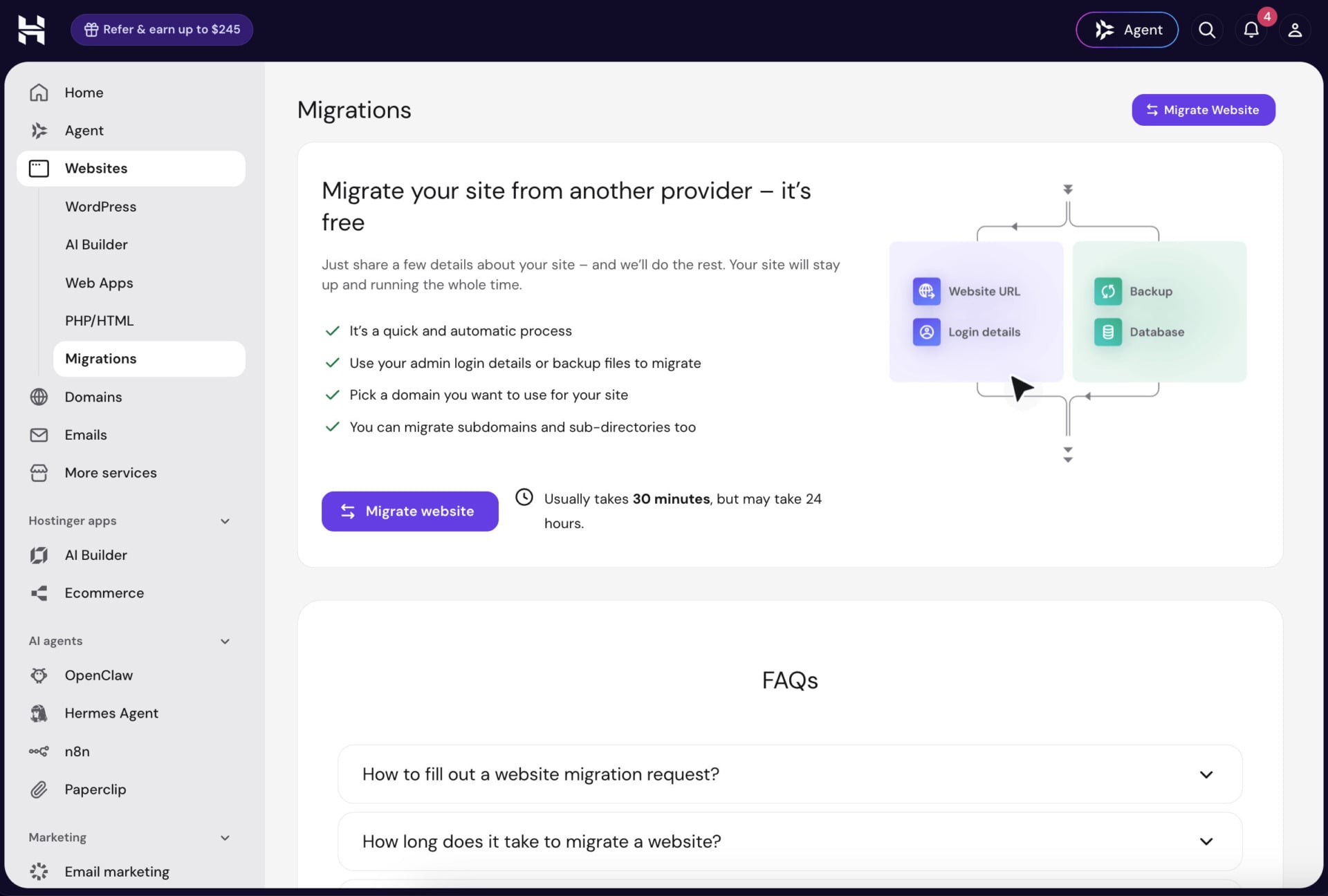
Most users who give up on a host do so because the control panel confuses them. Ease of use decides how quickly you launch and how often you need support. As noted in our review of Hostinger, the company uses its own control panel, hPanel, with clear navigation icons and a simple layout. Beginners find the tools they need without feeling overwhelmed, and a short onboarding flow helps you set up a site quickly.
Bluehost uses its own dashboard with a menu on the left, where you add sites, manage domains and open cPanel from the My Sites section. The dashboard is beginner-friendly, and cPanel is familiar to many users, although it can look busier than hPanel for people who have never used it.
Winner: Hostinger.
Bluehost or Hostinger: Customer Support
Bluehost’s Customer Support
Bluehost offers 24/7 support by live chat and phone, plus a ticket system for non-urgent questions. In our experience, a chat agent picked up within seconds, and Bluehost advertises response times under 30 seconds on some pages and under 2 minutes on others. A knowledge base with more than 1,000 WordPress guides helps you solve problems yourself, and the customer service team won three Silver Stevie Awards in 2026.
Bluehost has a 4.5 out of 5 rating on Trustpilot from more than 31,000 reviews. Self-managed VPS plans do not include 24/7 priority support, and premium support goes through sales.
Hostinger’s Customer Support
Hostinger offers live chat 24/7, where Agent Hostinger answers first and a human agent can take over. It has no phone line. A large knowledge base and step-by-step tutorials cover hPanel, the website builder, domains, DNS and email, and Hostinger has a 4.7 out of 5 rating on Trustpilot from more than 72,000 reviews.
Agent Hostinger, which combined Kodee and the AI agents in August 2026, handles guided tasks such as blog drafts and SEO audits. The AI helps with common questions and shortens the wait for simple problems, but people who want to talk to a person will miss the phone.
Winner: Bluehost, for phone support and strong chat, with Hostinger’s higher Trustpilot rating as a counterpoint.
Scalability: Hostinger vs Bluehost
Hostinger lets you upgrade from hPanel in a few minutes, from Premium to Unlimited or Cloud Startup, and then to a VPS from KVM 1 to KVM 8. The process keeps your data and avoids a separate migration. Hostinger has no dedicated servers, so the largest sites stop at the biggest VPS.
Bluehost gives WordPress sites a longer ladder, from shared WordPress plans to Bluehost Cloud, with up to 50 sites and managed scaling, and to self-managed or managed VPS plans. VPS resources scale with a few clicks and no rebuild, according to Bluehost, and cloud plans pool PHP workers so busy sites can borrow capacity.
Winner: Tie. Hostinger’s upgrades are simpler, and Bluehost’s WordPress ladder is longer.
Hostinger vs Bluehost: Website Migration
Hostinger offers free migration from any host, including WordPress sites and other platforms, and it handles the move in about a day through a request in hPanel. Bluehost also offers free migration for WordPress sites, and it uses a free migration tool based on InstaWP, which it says keeps your layout and content intact. Bluehost recommends that you confirm the scope and timeline with support before you sign up, particularly for stores.
Winner: Tie.
Conclusion: Which Host Is Better, Hostinger or Bluehost?
Hostinger is the better choice for most people, especially those who want value, speed and flexibility. Its Premium plan starts at $2.99/mo, and it wins on pricing, VPS value, speed, security clarity and ease of use. Code GIZMODO takes another 10% off, and the 30-day money-back guarantee lets you test the service.
Bluehost is the better choice for WordPress beginners who want a guided setup, staging on every plan, phone support and an official WordPress.org recommendation. It also suits store owners who want WooCommerce tools pre-installed, and developers who want nine VPS data centers and Claude Code ready on a self-managed server.
Bluehost’s weak points are renewal prices, WordPress data centers that sit in the US and unclear backup terms. Hostinger’s weak points are the lack of phone support and dedicated servers. If you are still unsure, our guide to the best web hosting services compares more providers, and our cheap web hosting guide covers low-cost plans.
Which Host for Which Need?
The table below sums up our picks by use case, so you can find your situation quickly.
| Your situation | Better pick | Why |
|---|---|---|
| Lowest price for a first site | Hostinger | Premium starts at $2.99/mo and includes a free domain for the first year |
| WordPress beginner who wants phone support | Bluehost | Chat and phone 24/7, staging on every plan and a WordPress.org recommendation |
| WooCommerce store with plugins ready | Bluehost | 16 premium plugins come pre-installed |
| Fast site on a budget | Hostinger | LiteSpeed servers gave the faster results in our tests |
| VPS with the most RAM per dollar | Hostinger | KVM 2 has 8 GB of RAM for $8.99/mo |
| VPS in a specific region | Bluehost | Nine data centers to choose from at checkout |
| AI agents on a small budget | Hostinger | The AI agents plan starts at $5.99/mo |
FAQs
If you still have questions after reading this Hostinger vs Bluehost comparison, these answers cover the most common ones.
Which Is Better: Bluehost or Hostinger?
Hostinger is better for most people because it costs less, loads faster in our tests and is simpler to use. Bluehost is better for WordPress beginners who want phone support and a guided setup, and for store owners who want WooCommerce tools pre-installed.
Do Both Hostinger and Bluehost Offer a Free Domain?
Yes. Both hosts give you a free domain for the first year with their hosting plans, and our guide to free domains explains the conditions. At Hostinger, the offer applies on terms of 12 months or longer.
Which Host Has Better Customer Support?
Bluehost has the better channels, with live chat and phone support 24/7. Hostinger has live chat 24/7 with an AI assistant and a human agent, and no phone line, but it has a higher Trustpilot rating.
Which Host Is Better for VPS?
Hostinger gives you more RAM per dollar, for example 8 GB for $8.99/mo with KVM 2 against 8 GB for $12.99/mo with Bluehost’s NVMe 8, and its renewals are lower. Bluehost offers nine data center locations and unmetered bandwidth, and it pre-installs Claude Code on self-managed plans.
Can I Choose a Data Center Location?
Yes, on VPS at both hosts. Bluehost offers nine locations at checkout, and Hostinger has data centers in North America, South America, Europe and Asia. Bluehost’s WordPress hosting runs on US data centers.
Do Hostinger and Bluehost Have a Money-Back Guarantee?
Yes, both have a 30-day money-back guarantee. At Bluehost it does not cover monthly terms, domain fees or setup fees, and it applies only to credit card payments. At Hostinger, the AI Builder refund applies while you have used fewer than 30 AI credits.